I Let Claude Code Control My Logged-In Chrome (Setup Guide)
A beginner's guide to letting your AI agent work in your own logged-in Chrome with free Chrome Use: four setup steps, all 8 prompts, and the honest account risks.
A beginner's guide to letting your AI agent work in your own logged-in Chrome with free Chrome Use: four setup steps, all 8 prompts, and the honest account risks.

A 30-minute video is too long for one conversation. This guide walks the 8-step Skill that locks the narration and one look, then gives each 3-minute segment to a fresh sub-agent, five at a time, and polishes the cut in an empty-context session.
The folder structure behind my AI agent team, the Herdr setup where Grok Build, Claude Code and Kimi Code work side by side, and the two live tasks from the video: an article published by voice and a three-model front-end test.
Several options side by side, and which one to pick


The evaluation outlasts the project more often than a wrong pick sinks it — three weeks comparing, nothing built. Skip the spec sheets and match the tool to who you are in under ten minutes: five profiles, three deep reviews, six dimensions that matter when picking AI for business tools.

The gap between an AI agent and a chatbot is not intelligence. It is whether anything reads your rules before the work starts. Here is how to test it.
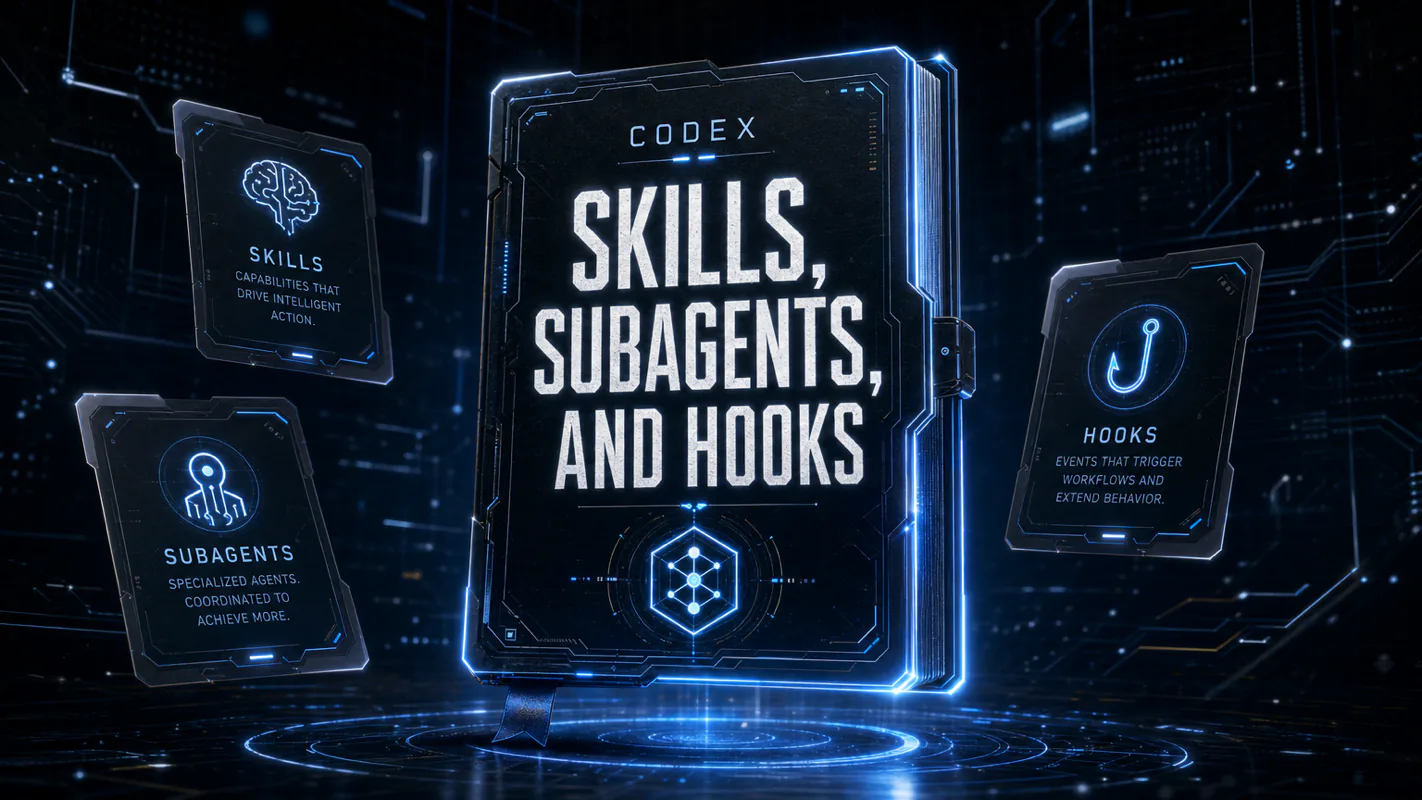
Skills, Subagents, and Hooks answer three different questions and get confused for one another constantly. Reusable procedure, parallel execution, or an enforced check? Three questions asked in order route any task correctly, with beginner pitfalls named.
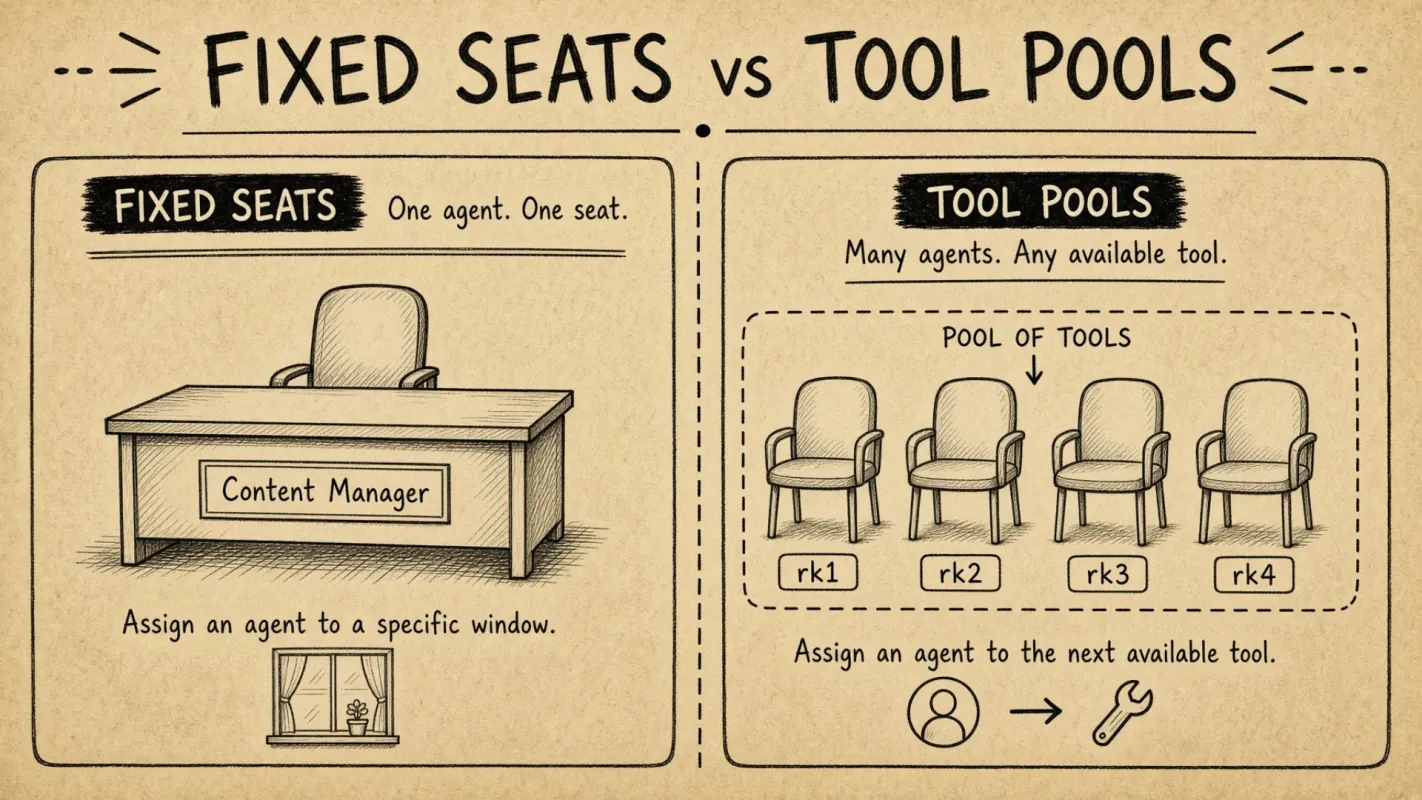
Every list of no-code AI platforms stops at the moment your agent works. Nobody tells you which agents should have a name and which should stay anonymous. Getting that split wrong cost me a week and produced a bug that never threw an error.
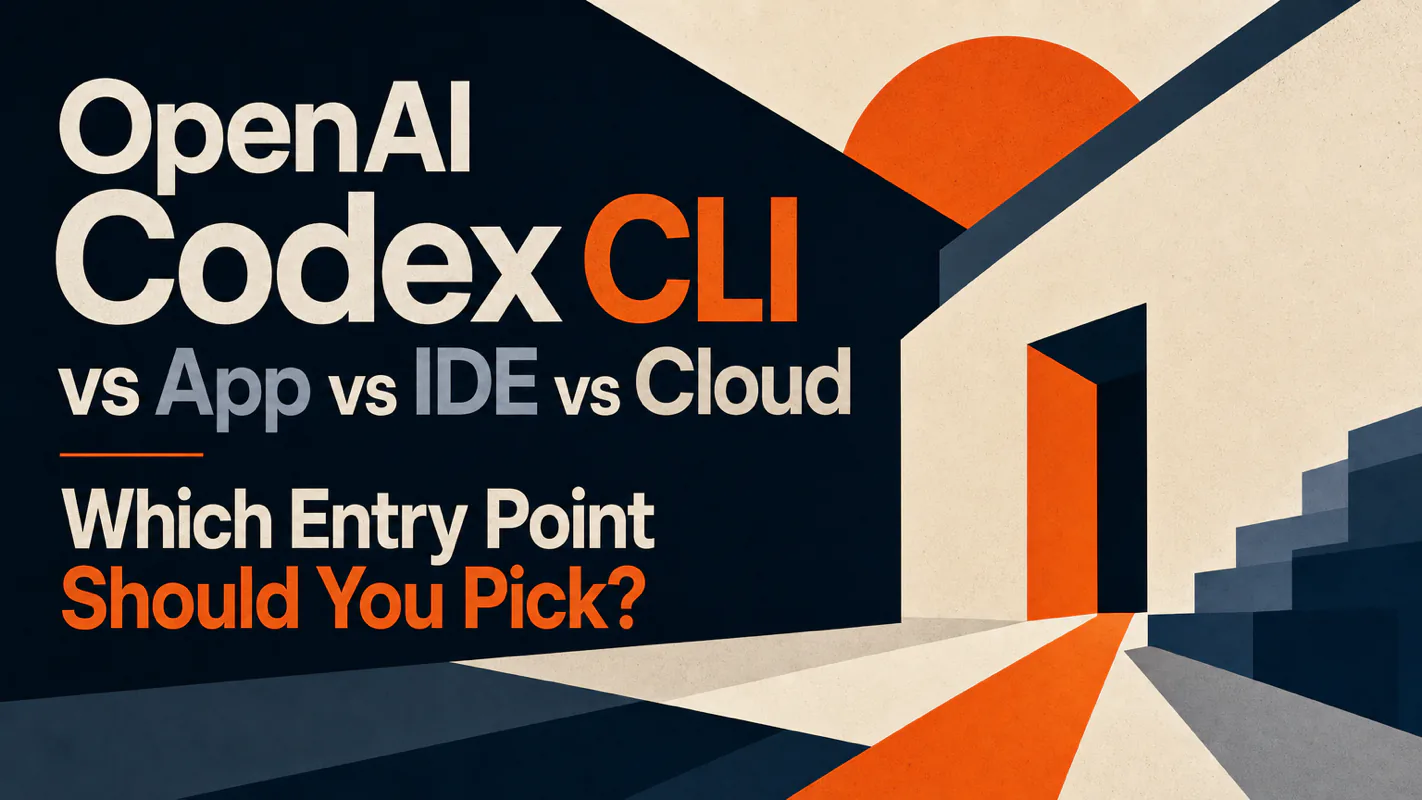
Unused seats are rarely a product failure. They are an interface mismatch nobody checked before buying. Four Codex doors run one engine, and fitting ai automation tools to how a person already works beats fitting them to a feature list.
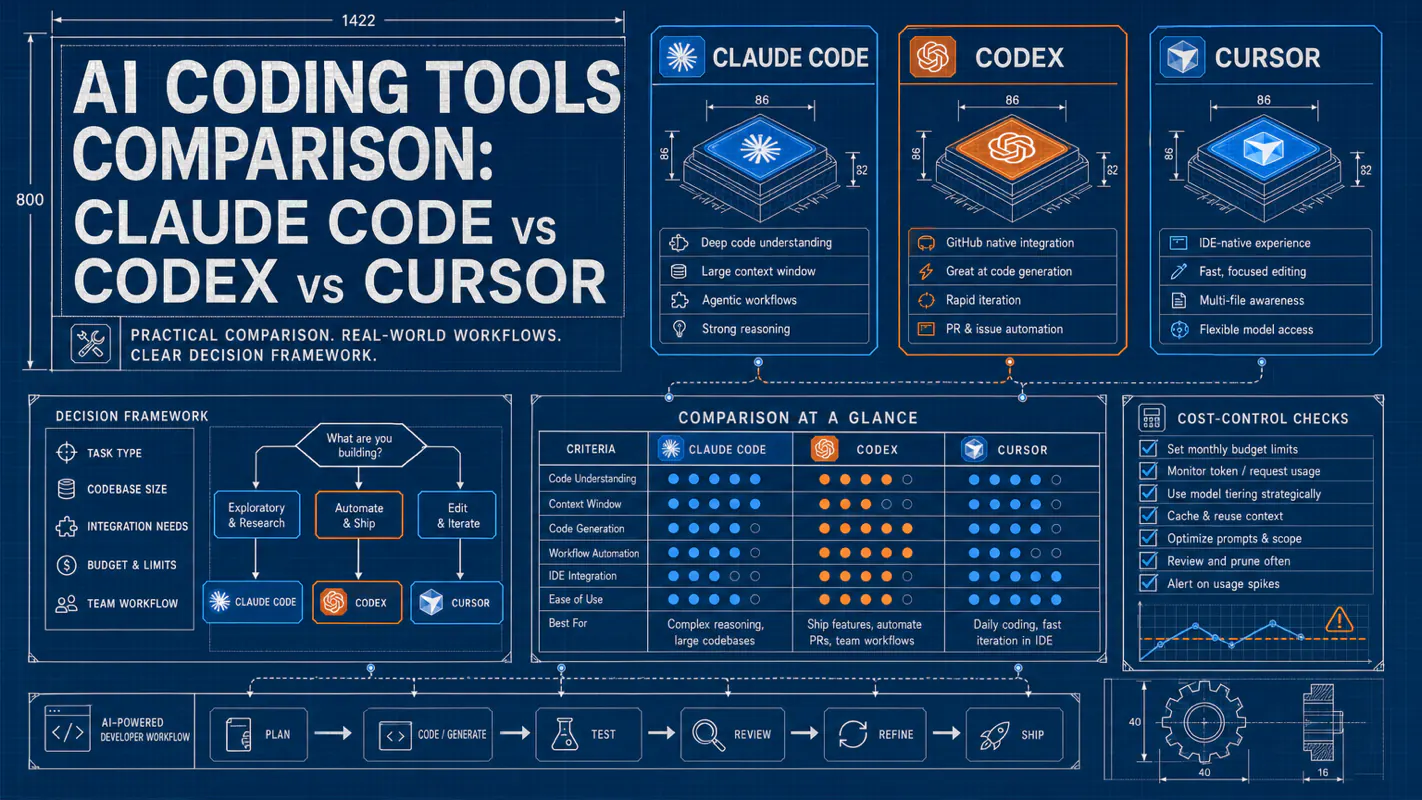
A practical comparison of major AI coding tools, based on daily production use of Claude Code, Codex, and Cursor. The reusable part of any ai automation tools decision is the framework, not the price table: cost drivers, a nine-dimension scorecard, and source links for current vendor docs.
Nine free AI tools that read the files on your own computer, not a chat window. Which one to install first, what to type when it opens, and how to let the easy one install the powerful one for you.
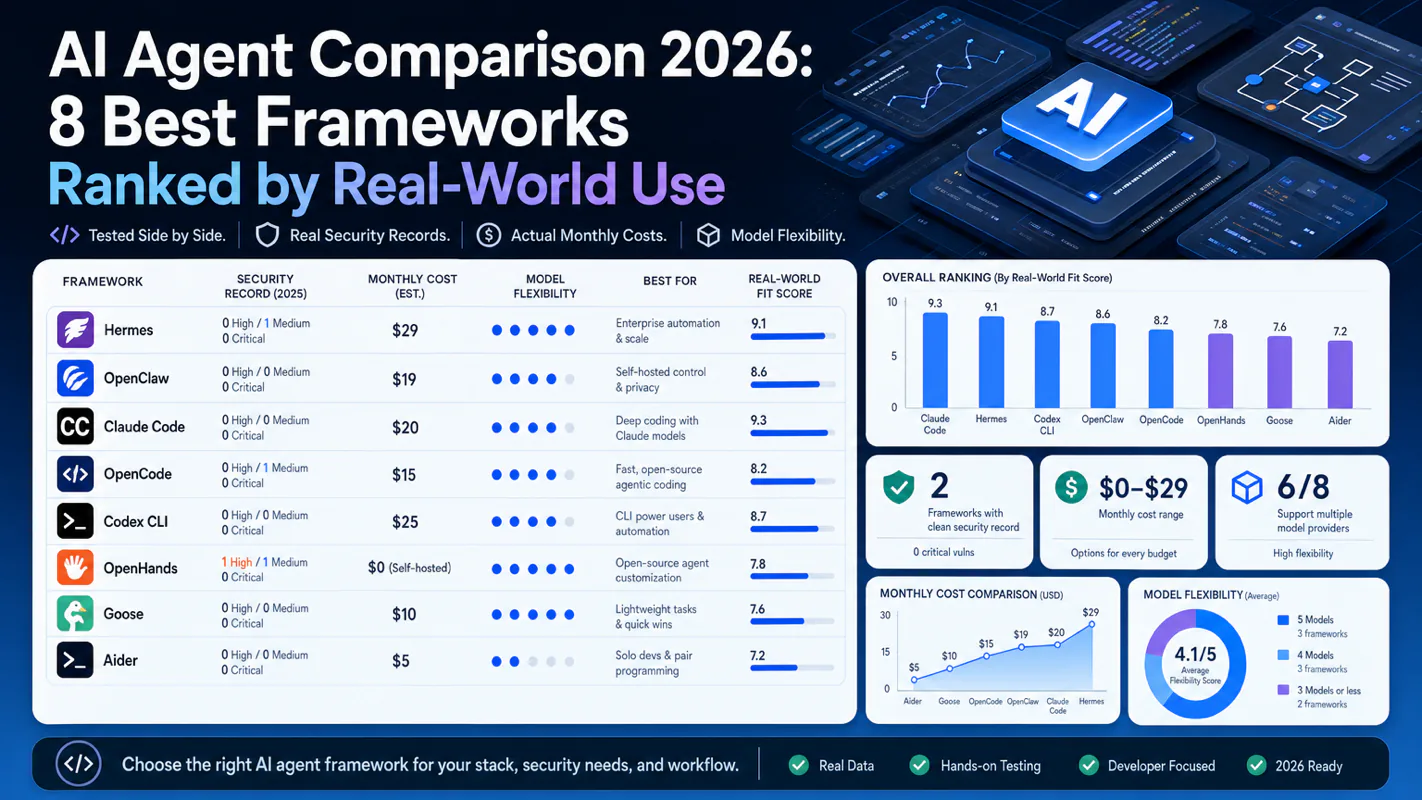
Eight AI agent frameworks tested side by side: Hermes, OpenClaw, Claude Code, OpenCode, Codex CLI, OpenHands, Goose, and Aider. Concrete numbers on security records, monthly costs and model flexibility, plus why the people running ai automation tools well rarely settle on one.

Seasonal demand makes owned hardware the expensive option and the slow one at the same time. Seventeen ComfyUI platforms across four tiers, where choosing among ai automation tools comes down to billing shape rather than the spec sheet.
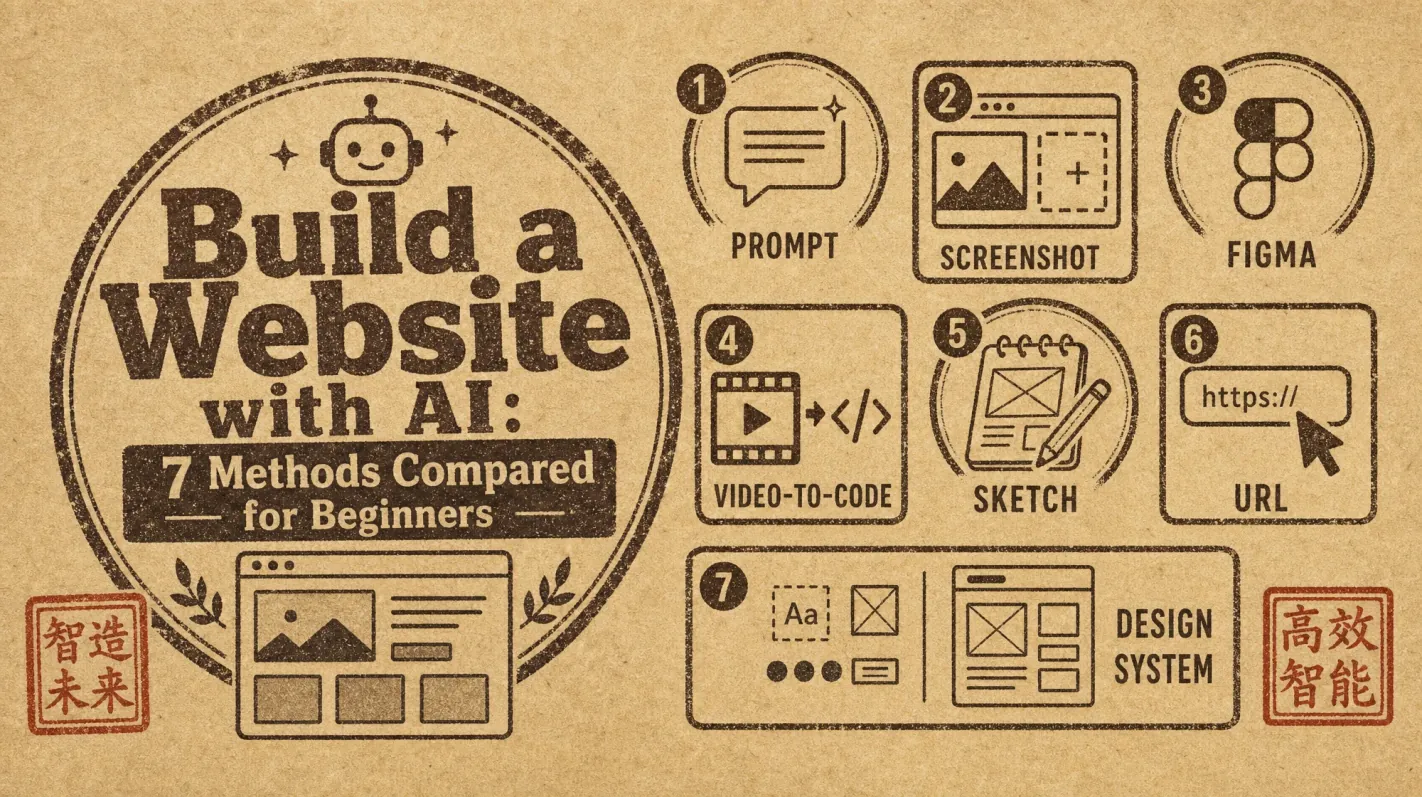
Building a website with AI is no longer about picking a tool, it is about picking an input method. Seven ways in, compared on cost, output quality, and where each one breaks: prompt, screenshot, Figma, video, sketch, URL, and design system.
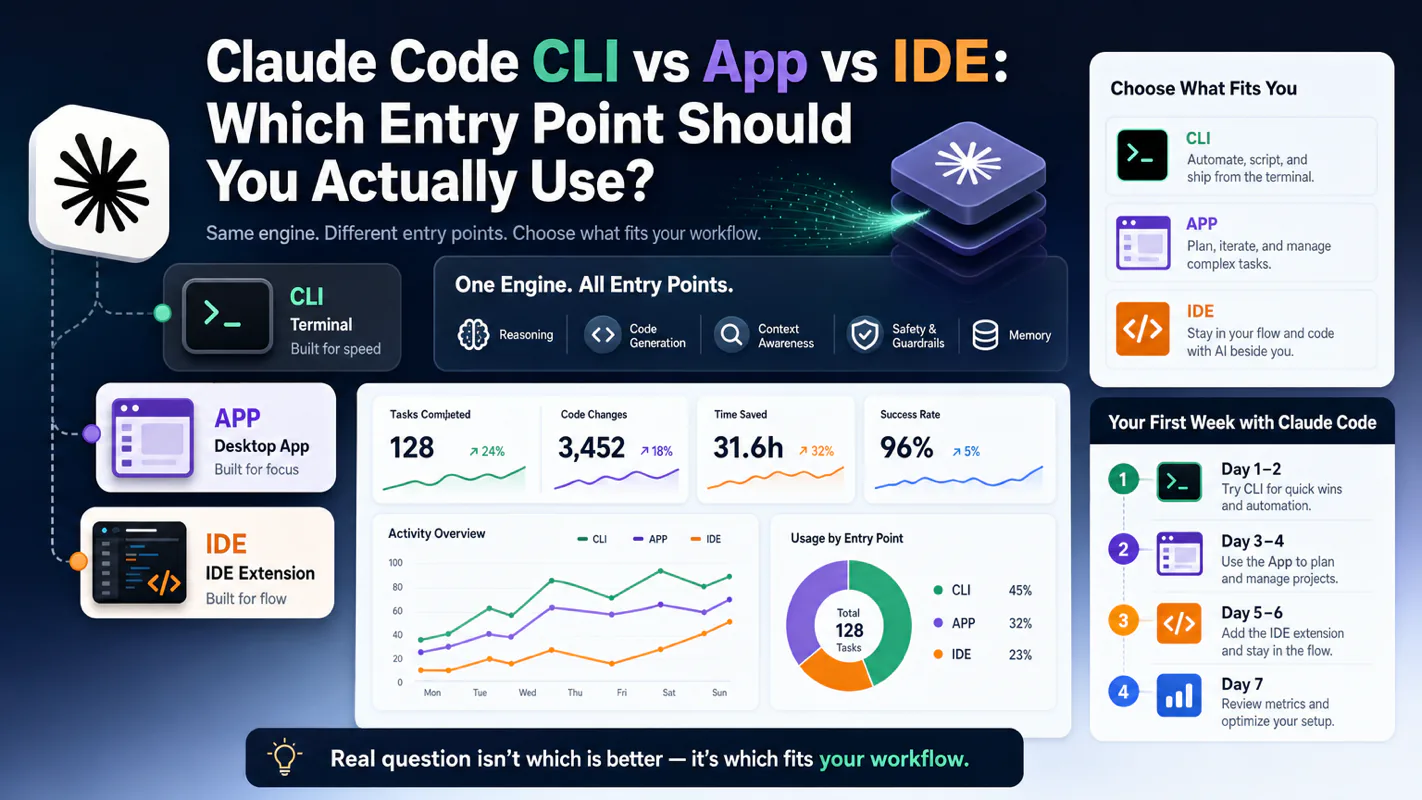
Three ways in, one engine behind them - instruction files, settings, skills and connections carry across all three. Never touched a terminal: Desktop App. Live in the shell: CLI. Live in your editor: extension. Why choosing an AI assistant for business makes this fork look bigger.

Picking wrong here is not a technical mistake, it is a switching cost you pay for months. Three axes turned out to matter, and only one of the six held up on all three.
When I figure out how to get something real done with AI, you get the write-up — every step, including the parts that didn't work.