A 30-minute video is too long for one conversation. This guide walks the 8-step Skill that locks the narration and one look, then gives each 3-minute segment to a fresh sub-agent, five at a time, and polishes the cut in an empty-context session.
The folder structure behind my AI agent team, the Herdr setup where Grok Build, Claude Code and Kimi Code work side by side, and the two live tasks from the video: an article published by voice and a three-model front-end test.
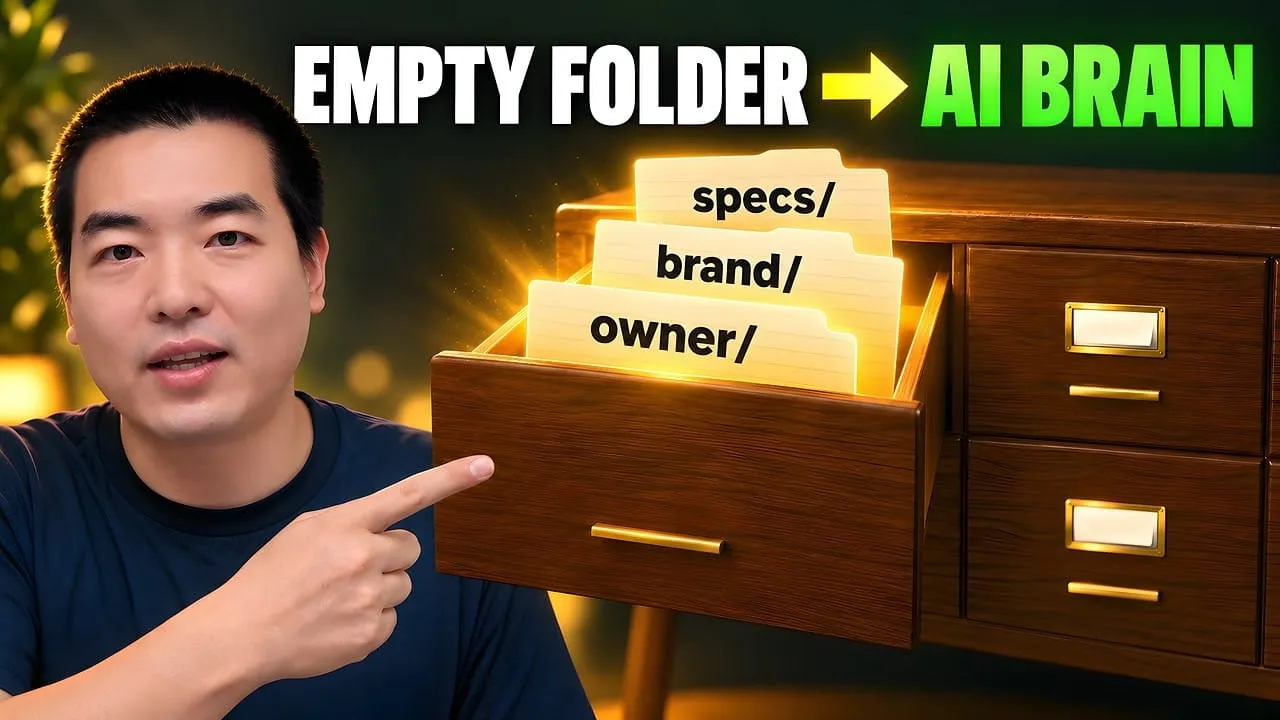
Eight folders of plain Markdown, a CLAUDE.md index in each, and seven prompts that make your agent interview you. Every prompt, template and command from the video, in order.
Best RSS Feed Sources: 21 Platforms for Discovery, OPML & Generation
Monitoring a competitor who publishes no feed is the case every RSS guide skips. Twenty-one platforms sorted by which of three jobs they do, and the finished setup is business process automation you own outright, with no seat licence to renew.
You opened Feedly, stared at an empty subscription list, and realized the real problem: you have no idea where to actually find feeds worth subscribing to.
Most "best RSS feeds" articles hand you a list of 200 individual feed URLs. That helps about as much as handing someone a phone book when they need a restaurant recommendation. What you need is not more feed URLs. You need the platforms, tools, and collections that help you discover, import, and generate feeds systematically.
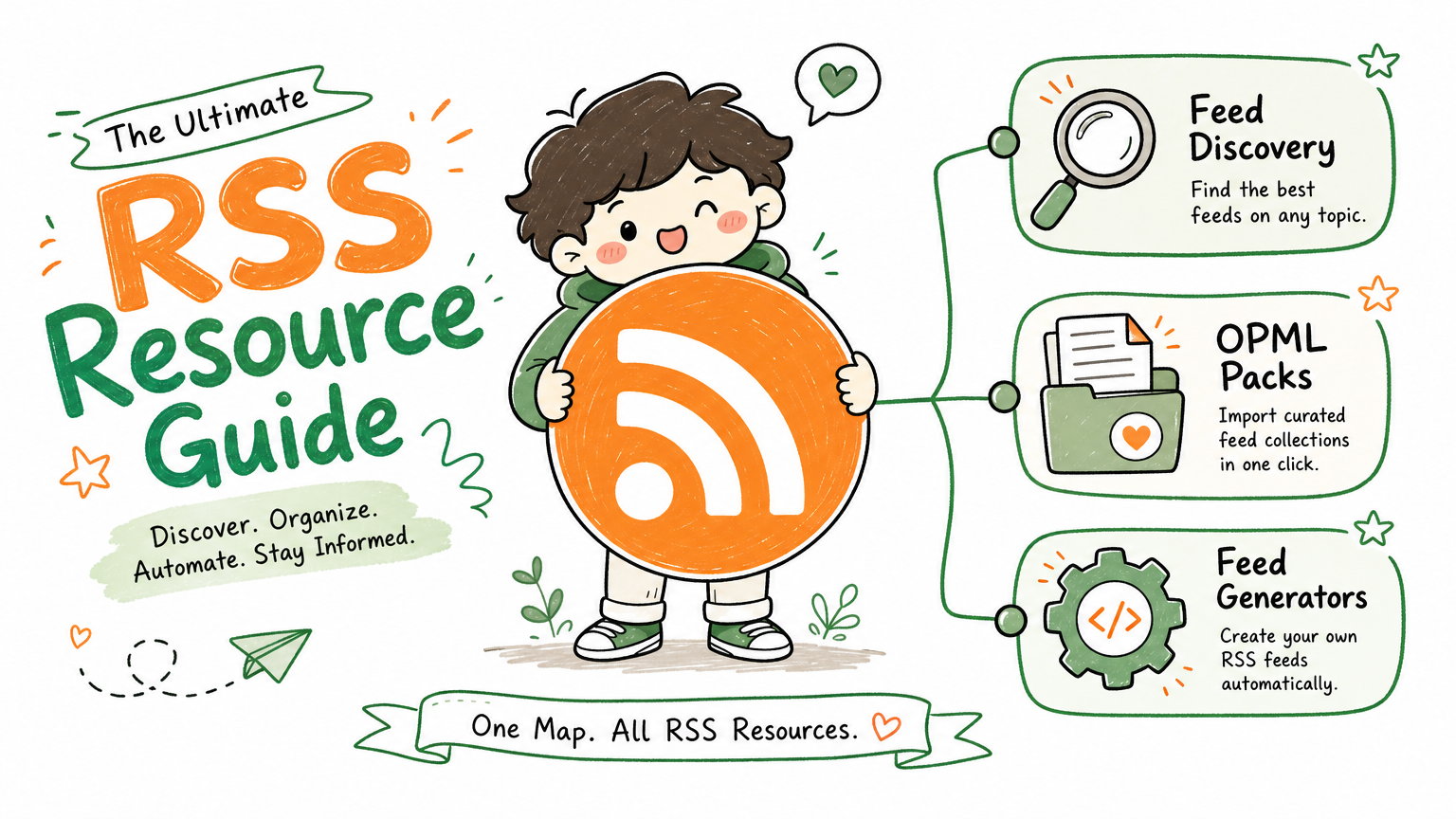
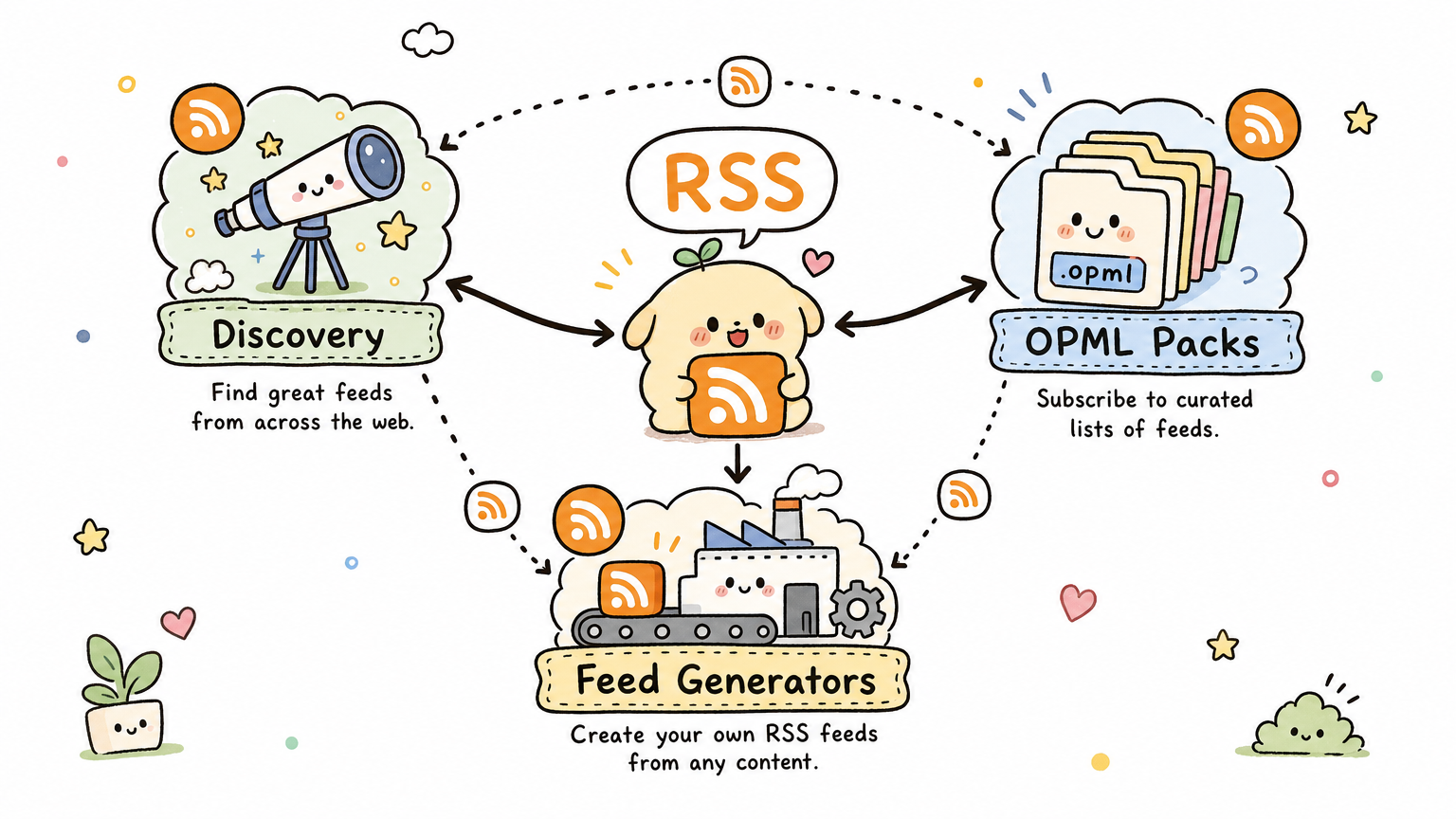
I tested 21 platforms across the entire RSS feed discovery ecosystem and organized them into three categories that match three distinct needs: finding curated feeds, batch-importing starter collections, and generating feeds for sites that lack them. Every recommendation prioritizes open-source and free tools. Paid options appear only when no adequate free alternative exists.
TL;DR
21 platforms organized in three categories: discovery sites (8), OPML starter packs (6), and feed generators (7)
The three-step setup that gets your reader running in 30 minutes: pick a curation site for browsing, import one OPML pack for instant bulk feeds, install RSSHub Radar for discovering feeds on any website
Seven essential open-source picks: ALL about RSS, awesome-tech-rss, plenaryapp/awesome-rss-feeds, You Need Feeds, RSSHub, RSS-Bridge, and Feedsearch.dev
RSS in 2026 is experiencing a counter-trend resurgence as AI-generated content degrades social media signal-to-noise ratios
The three produce suppliers a restaurant group most needs to watch do not publish an RSS feed. Neither does the county health portal, or the distributor page where allocation notices appear first. That is the real blocker in most monitoring setups: not finding a reader, but the sources you care about having no machine-readable output at all. This guide covers the category that solves it — seven feed generators that manufacture a feed from a page that never offered one — alongside eight discovery sites and six OPML starter packs. Monitoring built this way is the cheapest business process automation available: no vendor, no per-seat fee.
Why Does RSS Feed Discovery Matter More in 2026?
RSS never died. It just stopped being trendy. Now the pendulum swings back, and the reason is straightforward: AI-generated content flooding every social media platform has made algorithmic feeds unreliable. Your timeline fills with posts that look polished but contain nothing useful, and the recommendation engines cannot distinguish between original insight and mass-produced filler.
RSS sidesteps this problem entirely. You subscribe to sources you trust. You read them on your own schedule. No algorithm decides what to surface or suppress. No engagement-bait pollutes your reading list.
Pain Point
Algorithmic Feed Problem
RSS Solution
Filter bubbles
Algorithm shows only what you already like
You choose your own sources
Attention hijacking
Designed to keep you scrolling
Shows content only, no distractions
Information overload
Push notifications everywhere
You decide when to read
Platform lock-in
Platform changes rules, you lose sources
RSS is cross-platform and portable
AI content noise
AI-generated filler everywhere
You subscribe only to vetted sources
I used to rely entirely on X and Reddit for industry news. After two years of that approach, I realized I was spending more time scrolling and less time actually learning. Switching to an RSS-first workflow tripled the amount of useful information I absorbed in the same 30-minute daily window. The difference was immediate and measurable.
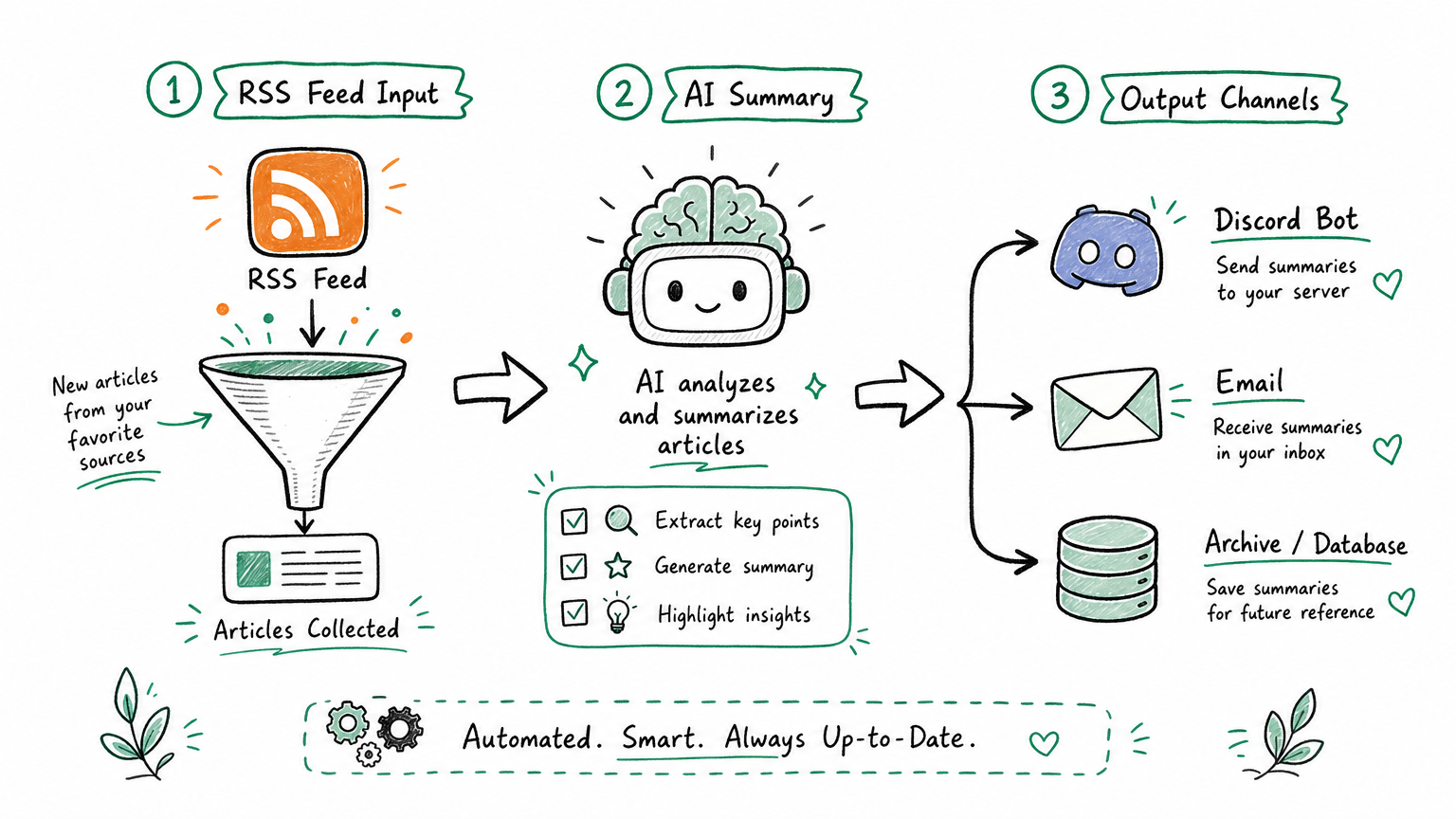
Feedly, Inoreader, and Readwise Reader now integrate AI-powered summaries, smart filtering, and newsletter ingestion. Self-hosted options like FreshRSS and Miniflux expose APIs that feed directly into automation tools like n8n and Make. RSS is no longer just a passive content protocol. It has become a structured data layer for AI-powered workflows.
How Should You Navigate This Guide?
Before dumping 21 links on you, here is the mental model. Each category solves a different problem at a different stage:
Category
What It Solves
Best For
Discovery & Curation Sites
"I don't know what feeds exist"
Browsing, exploring, finding starting points
OPML Starter Packs
"I want 30+ feeds loaded in one click"
Bootstrapping a collection instantly
Feed Generators
"This website doesn't offer RSS"
Creating feeds where none exist
Your setup path in three steps:
Browse a curation site to understand what sources exist in your domain
Download one OPML pack matching your field and import it into your reader
Install RSSHub Radar (browser extension) to detect RSS feeds on every website you visit
That sequence gets a functional RSS workflow running in about 30 minutes. Monthly maintenance takes 15 minutes: drop feeds you never open, add new ones you discover.
Quick Reference: All 21 Platforms
#
Platform
Category
Open Source
Best For
1
ALL about RSS
Discovery
Yes
Understanding the full RSS ecosystem
2
Feedspot Directory
Discovery
No
Browsing feeds by category
3
Feedly Explore
Discovery
No
In-reader feed search
4
Inoreader Discover
Discovery
No
Keyword and topic feed search
5
FeedWind Directory
Discovery
No
Vertical English feed lists
6
Kindle4RSS
Discovery
No
Curated lists + Kindle delivery
7
Feedsearch.dev
Discovery
Yes
Auto-detecting feed URLs
8
RSS Gizmos
Discovery
No
OPML building and feed tools
9
awesome-tech-rss
OPML
Yes
Startup, engineering, ML feeds
10
awesome-rss-feeds
OPML
Yes
Country-categorized news feeds
11
You Need Feeds
OPML
No
Topic-based starter packs
12
awesome-rss
OPML
Yes
RSS tools and protocol index
13
allainews_sources
OPML
Yes
AI/ML research feeds (archived)
14
package-managers-opml
OPML
Yes
Developer tooling releases
15
RSSHub
Generator
Yes
Universal feed factory (1000+ routes)
16
RSS-Bridge
Generator
Yes
Open-source PHP alternative
17
RSS.app
Generator
No
Commercial SaaS + integrations
18
PolitePol
Generator
No
Visual XPath feed builder
19
FetchRSS
Generator
No
Click-to-generate feeds
20
Open RSS
Generator
No
Non-profit feed pool (defunct 2026)
21
Feed43
Generator
No
Rule-based generator (defunct 2026)
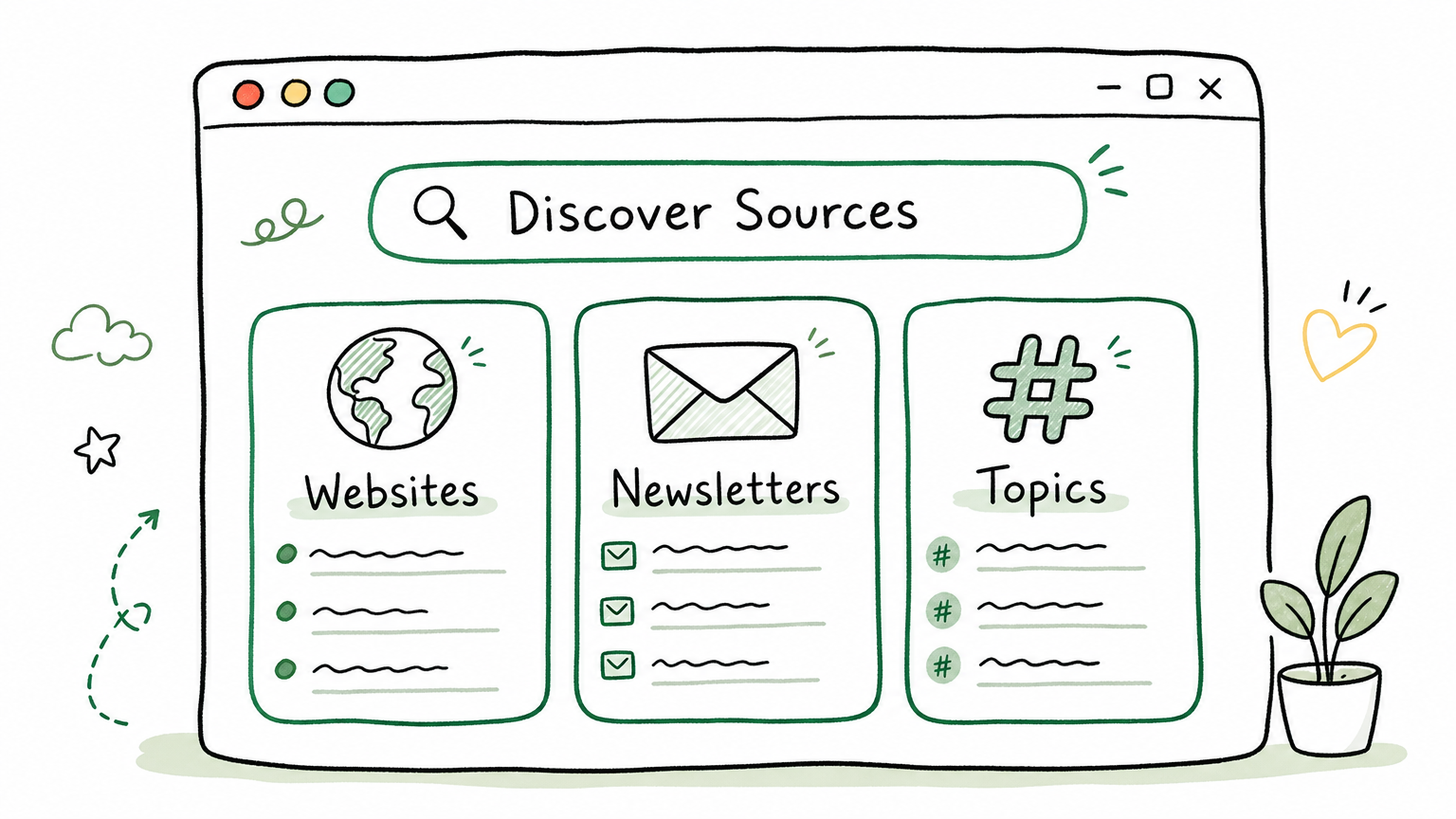
Where Can You Find Curated RSS Feed Collections?
Curation sites maintain organized directories, rankings, and search tools for RSS feeds. They save you the effort of hunting for feeds one by one. Start here if you have no idea what to subscribe to.
This is the encyclopedia of the RSS world. It does not just list feeds. It catalogs readers, services, generators, validators, OPML tools, browser extensions, and community resources. The project draws from the Telegram channel @AboutRSS and receives regular community contributions.
I revisit this repo every few months to check for new tools. It saved me hours of searching when I needed a feed validator for a broken XML issue, and again when I wanted to compare self-hosted reader options before settling on Miniflux.
Feedspot maintains one of the largest categorized RSS feed directories on the web. Feeds are organized by topic (AI, business, tech, design, marketing, and dozens more), with subscriber counts and quality metrics. The directory is commercially maintained, which means it stays current.
Good entry point if you prefer browsing categories over searching GitHub repos. The subscriber count data helps you identify feeds with established audiences.
If you already use Feedly as your reader, the built-in Explore feature functions as a feed search engine. Type a keyword, website name, or topic, and it returns matching feeds you can subscribe to with one click. The integration eliminates the copy-paste-import friction that slows down every other discovery method.
Inoreader's Discover mode indexes RSS feeds, newsletters, and podcasts in a single searchable interface. Filter by topic, language, region, and popularity. The multi-format support makes it uniquely useful if your information diet spans blogs, email newsletters, and audio content.
The free tier covers all discovery features. You only hit paywalls on advanced filtering rules and automation triggers.
FeedWind curates 70+ high-quality English RSS feeds across 12 categories including AI (OpenAI Blog, Anthropic, DeepMind), business (HBR, Stratechery, TechCrunch), and design. Each entry includes a brief description and direct feed URL.
Particularly strong for English-language vertical domains. If you need feeds covering AI research labs or business strategy publications, this directory surfaces the authoritative sources quickly.
The core service pushes RSS content to your Kindle email address on a daily schedule, turning your e-reader into a personal newspaper. But beyond delivery, the curated feed lists on the site are genuinely valuable on their own. The English and multilingual feed collections are well-organized, and you can copy the feed URLs into any reader even if you never use the Kindle push feature.
A lightweight tool that detects RSS and Atom feed URLs for any website. Paste a URL, and it crawls the page looking for feed links in the HTML head, common paths (/feed, /rss, /atom.xml), and sitemap references. Open source and fast.
I keep this bookmarked for the situations where a website clearly publishes content but the RSS feed link is buried or not displayed. Feedsearch finds it in seconds.
A collection of small, purpose-built RSS tools: OPML file builder, OPML-to-CSV exporter, keyword extractor, Bing News RSS generator, and WordPress feed previewer. Not a discovery site in the traditional sense, but essential utility for managing and building feed collections.
What Are OPML Starter Packs and Which Ones Are Worth Importing?
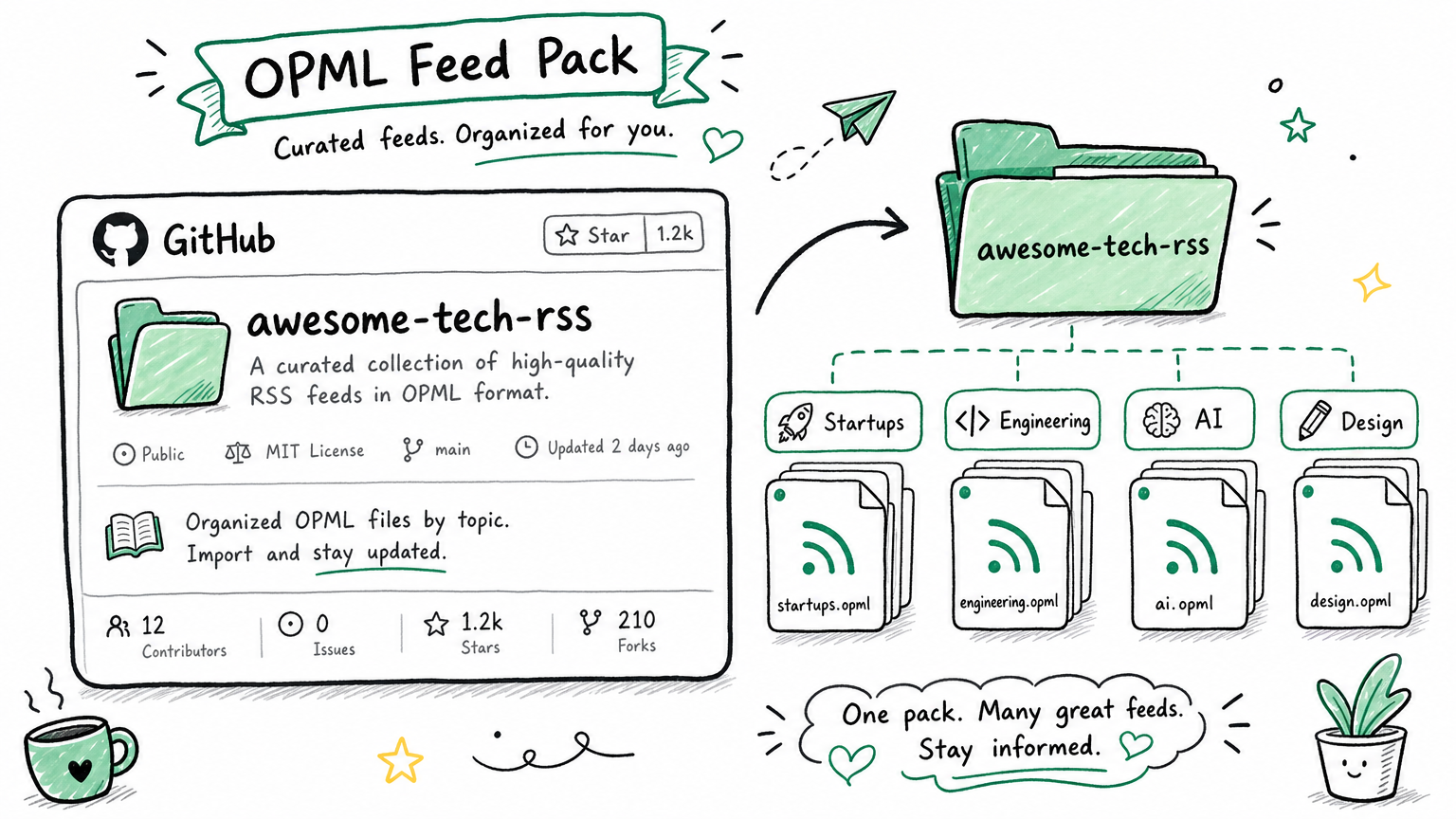
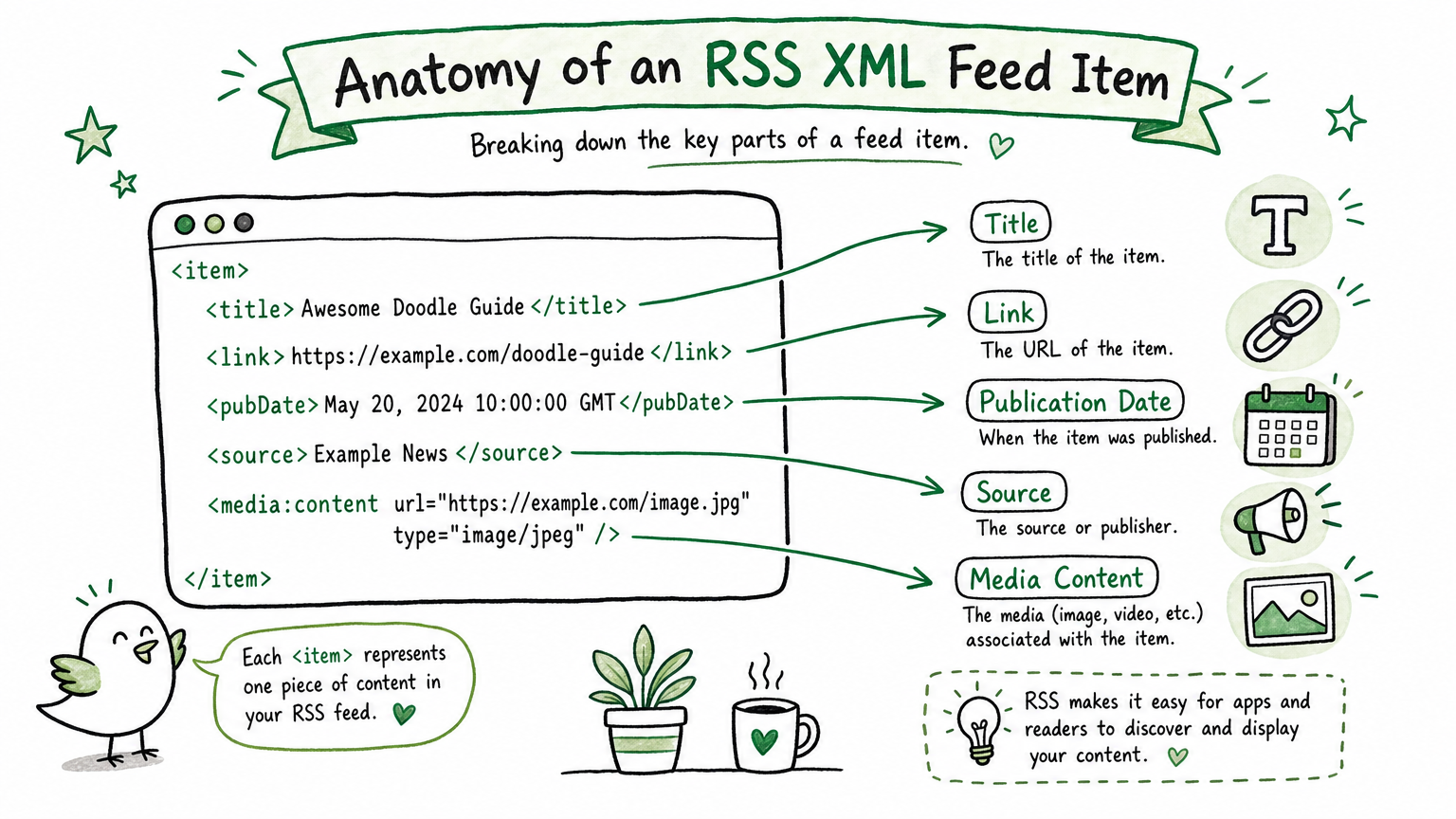
OPML (Outline Processor Markup Language) is the universal import format for RSS readers. One OPML file can contain dozens or hundreds of organized feed URLs. Download it, import it into Feedly, Inoreader, FreshRSS, or any major reader, and every feed loads in seconds.
I used to think building an RSS collection meant manually hunting for feeds one website at a time. I was wrong. OPML starter packs changed my entire approach. Five minutes of importing replaced what would have taken two hours of searching.
A single feeds.opml file covering startup, engineering, machine learning, UX, and marketing voices. Includes Y Combinator, Stratechery, High Scalability, Martin Fowler, Julia Evans, and other foundational sources in the English tech ecosystem.
If you work in tech and want one OPML file that gives you a solid starting collection, this is the one I recommend first. Import it, read for a week, then prune what does not match your interests.
OPML files organized by country and content category. India, UK, US, Canada, Australia, and more, each with local news, tech, and business feeds. The dual-axis organization (geography + topic) makes it especially useful if you need to monitor specific regional markets.
Topic-based OPML bundles: tech, movies & TV, science, politics, gaming, and more. Each pack contains 20-50 curated feeds. Download the pack matching your interest, import it, and your reader fills up instantly.
The most beginner-friendly option on this list. No GitHub account needed, no technical knowledge required. Click, download, import, read.
Not a feed list but an index of RSS tools, protocol specifications, and ecosystem resources. Covers RSS/Atom specs, feed parsers, validators, self-hosted readers, and RSS-as-a-service platforms. Think of it as ALL about RSS but lighter and more developer-focused.
13. foorilla/allainews_sources (Archived)
This GitHub repository previously offered the most focused AI/ML/Data Science OPML pack available, covering feeds from OpenAI, Anthropic, DeepMind, Hugging Face, Andrej Karpathy, Lilian Weng, and major AI media outlets. The repository has been deleted and the companion site allainews.com stopped serving in 2026. If you previously downloaded the OPML file, the feeds inside remain valid.
Tracks release feeds for package manager clients, registries, and infrastructure across programming languages. Useful for developers who want to stay current on tooling updates without manually checking each project.
How Do You Generate RSS Feeds for Sites That Don't Offer Them?
Many websites do not provide RSS feeds. That remains the biggest friction point in the RSS ecosystem. Feed generators bridge this gap by converting web pages into RSS-compatible formats. The trade-off is between open-source flexibility (self-host, full control) and commercial convenience (no setup, pay for integrations).
RSSHub is the most widely used open-source feed generator, supporting over 1,000 pre-built routes for websites that do not offer native RSS. YouTube channels, Reddit subreddits, GitHub trending, Twitter/X users, and hundreds more.
Three deployment options:
Method
Setup Time
Best For
Public instance (rsshub.app)
0 minutes
Quick testing
Docker self-hosted
10 minutes
Reliability, no rate limits
Vercel deployment
5 minutes
Free hosting, minimal maintenance
I run a self-hosted RSSHub instance on a $5/month VPS. The public instance gets rate-limited during peak hours, and a private instance eliminates that problem completely. Docker deployment took about 10 minutes the first time, and I have not touched the configuration since.
An open-source PHP feed generator with 200+ community-maintained bridges. Each bridge handles a specific website: YouTube, Reddit, Bandcamp, Bluesky, Mastodon, Telegram channels, and news aggregators.
RSS-Bridge and RSSHub complement each other rather than compete. Some websites have RSSHub routes but no RSS-Bridge bridges, and vice versa. Running both maximizes coverage. The PHP stack requires no database, and deployment on any LAMP-compatible host takes minutes.
The most polished commercial RSS generator. Paste any URL and get an RSS feed. Built-in integrations push feed updates directly to Discord, Slack, Telegram, email, and webhooks.
Pricing: Free tier (1 feed, daily updates) covers casual use. Paid plans start at $9.99/month for multiple feeds with real-time updates.
Choose RSS.app when you need feed-to-platform integrations without running your own infrastructure. If self-hosting does not appeal to you and you need Discord or Telegram delivery, this is the fastest path.
A visual feed generator combining point-and-click selection with XPath editing. Select the page elements you want to track, and PolitePol generates an RSS feed from them. Free tier allows 5 feeds.
PolitePol fills a specific gap: websites too niche for anyone to build an RSSHub route or RSS-Bridge bridge. You create a custom feed for that one small blog or government page that publishes important content but offers no syndication.
The simplest feed generator. No XPath, no rules, no code. Point at a page, click the elements you want tracked, and FetchRSS creates a feed. Free tier allows 2 feeds.
Limited in expressiveness compared to PolitePol or RSSHub, but the barrier to entry is as low as it gets.
20. Open RSS (Defunct as of 2026)
Open RSS was a non-profit project maintaining 286,000+ human-curated RSS feeds with full-text output, zero tracking, and zero advertising. The service stopped operating in early 2026 (DNS failure confirmed May 2026). If you relied on Open RSS feeds, export your OPML and migrate to RSSHub or RSS-Bridge self-hosted instances.
21. Feed43 (Defunct as of 2026)
Feed43 operated for over a decade as a rule-based HTML-to-RSS converter. The service stopped responding in early 2026. For similar rule-based feed generation, write custom RSSHub routes or RSS-Bridge bridges instead.
How Do You Evaluate Whether an RSS Feed Is Worth Keeping?
Knowing where to find feeds is half the problem. Knowing which ones to keep is the other half. An unmanaged subscription list grows until the volume of unread items makes the entire system feel like a chore instead of a tool.
I evaluate every feed on four dimensions:
Dimension
Standard
When to Unsubscribe
Update frequency
At least once per week
No posts for 30+ days
Content quality
Titles make you want to read
10 consecutive titles you skip
Full-text support
RSS delivers complete articles
Excerpt-only feeds that force click-through
Signal-to-noise
Useful content exceeds 30% of posts
Most posts are filler or off-topic
Monthly maintenance takes 15 minutes. Open your reader's statistics, check the read rate for each feed over the past 30 days, and unsubscribe from anything you consistently ignore. This habit separates a productive RSS workflow from a hoarded list of feeds that creates anxiety instead of insight.
Which Setup Works Best for Your Specific Workflow?
You Are
Your Scenario
Recommended Stack
Complete beginner
Never subscribed to RSS before
Feedly Explore to browse + You Need Feeds OPML import + free Feedly reader
Developer
Want tech, engineering, and startup feeds
awesome-tech-rss OPML import + Inoreader or Miniflux
AI/ML professional
Track research labs and AI publications
FeedWind AI category + RSSHub for arXiv and GitHub repos
Self-hoster
Want full control, no rate limits
RSSHub + RSS-Bridge on Docker + FreshRSS or Miniflux
Automation builder
RSS as data source for AI workflows
Miniflux API + n8n or Make + RSSHub for custom feeds
If none of those match, start with the beginner stack. Feedly's free tier, one OPML pack from You Need Feeds, and 30 minutes of setup will show you whether RSS fits your information workflow before you invest in anything more complex.
What RSS Readers Pair Best With These Discovery Tools?
Feeds need a reader. Here are the options I have tested alongside the discovery platforms above:
Reader
Platform
Type
Standout Feature
Price
Feedly
Cross-platform
Cloud service
AI summaries, clean UI
Free / $8/mo
Inoreader
Cross-platform
Cloud service
Rules engine, multi-format
Free / $9.99/mo
NetNewsWire
macOS / iOS
Native app
Open-source, fast, free
Free
Miniflux
Self-hosted
Lightweight service
Complete API, minimal design
Free (open source)
FreshRSS
Self-hosted
Full-featured service
Active community, extensions
Free (open source)
Readwise Reader
Cross-platform
Reading manager
RSS + read-later + notes in one app
$8/mo
My setup: Inoreader handles daily browsing and rule-based filtering. Miniflux runs on my server as a backup and API data source. Several automation workflows pull from the Miniflux API for AI-powered summarization and topic extraction.
For pure reading without infrastructure ambitions, Feedly or Inoreader free tiers cover everything a casual reader needs. If you build AI workflows that consume RSS data, self-hosted Miniflux or FreshRSS provides the API access you need. Both deploy in under 10 minutes with Docker.
How Can You Combine RSS With AI for Automated Workflows?
RSS feeds are not just for reading. They function as structured data inputs for automation pipelines. Here are four workflows I run:
Workflow
Pipeline
AI news digest
RSS new items -> AI summary -> daily push to Slack
Competitor monitoring
Competitor blog RSS -> AI analysis -> flag pricing or product changes
Content ideation
Industry RSS -> AI topic extraction -> idea backlog
Translation pipeline
English source RSS -> AI translation -> localized summary delivery
The competitor monitoring workflow alone saves roughly two hours per month of manual checking. I subscribe to five competitor blogs via RSS, and an n8n automation detects new posts, extracts full text, runs AI analysis to identify product updates or pricing changes, and pushes a summary to a Slack channel. The total setup took an afternoon. It has been running for months without intervention.
If you are building AI-powered tool stacks, RSS feeds are one of the most reliable structured data sources available. Unlike web scraping, feeds provide clean, timestamped, machine-readable content with explicit permission for consumption.
Ready-to-Use Prompt: Build Your RSS Source Layer With the Three-Category Discovery System
What this does: Builds your feed sources from the three-category ecosystem (discovery sites, OPML starter packs, feed generators), evaluates each feed's worth, pairs it with the right reader, and pipes it into AI automation — so you discover feeds systematically instead of pasting random URLs. Based on: Best RSS Feed Sources: 21 Platforms for Discovery, OPML & Generation — https://aiworkflowpro.com/rss-resource-guide/ Time to run: ~5 minutes
Copy this prompt into Claude Code, ChatGPT, or any AI assistant:
ROLE: You are an RSS feed discovery advisor. Your job: build a reader's feed sources using the three-category ecosystem — discovery sites, OPML starter packs, and feed generators — evaluate each feed's worth, and pair it with a reader + AI automation — so they systematically find feeds instead of pasting random URLs.

CONTEXT — 3-CATEGORY RSS DISCOVERY SYSTEM:
The real RSS problem is not needing more feed URLs — that is like handing someone a phone book when they need a restaurant recommendation. What you need is the platforms and tools to discover, import, and generate feeds systematically. Twenty-one platforms sort into three categories matching three needs: discovery sites (curated collections to find feeds), OPML starter packs (batch-import starter collections), and feed generators (create feeds for sites that do not offer them). Open-source and free tools come first; paid only when no adequate free alternative exists. Each candidate feed is evaluated before keeping, and the reader can be paired with AI for automated workflows.

INPUTS (fill in before running):
- TOPIC: YOUR_FOCUS_HERE (what you want feeds about)
- CURRENT_READER: YOUR_SETUP_HERE (which RSS reader you use — or "none yet")
- SITES_WITHOUT_FEEDS: YOUR_ANSWER_HERE (are there sites you want that lack RSS? yes/no)
- AUTOMATION_INTEREST: YOUR_ANSWER_HERE (do you want to combine RSS with AI? yes/no)

METHOD — 6 STEPS:

Step 1 — Use discovery sites for the topic
From the discovery-sites category, find curated feeds matching TOPIC. This is for breadth — finding feeds you did not know existed. Prefer open-source/free discovery tools; paid only when no adequate free option.

Step 2 — Import an OPML starter pack
From the OPML starter-pack category, import a batch collection for TOPIC to seed the reader fast (not one feed at a time). OPML packs jump-start a whole subscription list in one import.

Step 3 — Generate feeds for sites that lack them
If SITES_WITHOUT_FEEDS = yes, use a feed generator (the third category) to create RSS for sites that do not publish one — turning any regularly-updated site into a feed.

Step 4 — Evaluate each feed before keeping
Run the worth-keeping test on every candidate: does it publish relevant items at a useful cadence (not too sparse, not noise-flooded)? Drop feeds that fail — a feed list bloats fast and noise kills the reader's value.

Step 5 — Pair with the right reader
Match CURRENT_READER (or pick one) to the workflow: local-first/open-source for control, cloud for sync across devices. The reader is the consumption layer; the three categories are the source layer.

Step 6 — Combine with AI (if AUTOMATION_INTEREST)
If AUTOMATION_INTEREST = yes, pipe the reader's output into an AI workflow (dedupe, rank by TOPIC relevance, summarize) — turning a raw feed river into a curated briefing. Validate the source layer feeds the automation cleanly.

RULES:
- Use the three categories (discovery / OPML / generator) — do not paste random feed URLs; that is the phone-book trap.
- Open-source and free first; paid only when no adequate free alternative exists.
- Evaluate every feed before keeping — a bloated, noisy feed list destroys the reader's value.
- The reader is consumption; the three categories are source — fix source breadth before optimizing consumption.

OUTPUT FORMAT:
Output six sections:
1. **Discovery sites** — markdown table with columns: Source | What it finds | Open-source/free? (Y/N).
2. **OPML starter pack** — the pack for TOPIC + how to import.
3. **Feed generator** — the generator for SITES_WITHOUT_FEEDS (or "n/a").
4. **Worth-keeping evaluation** — markdown table with columns: Candidate feed | Relevant + good cadence? (Y/N) | Keep? (Y/N).
5. **Reader pairing** — the reader matched to the workflow + why.
6. **AI automation** — the dedupe/rank/summarize pipeline (if AUTOMATION_INTEREST) or "n/a" + a source-layer validation.
Save as @templates/rss-resource-guide.md and run when you set up your RSS sources, then re-run when you change topic, reader, or want to prune/grow the feed list.
Frequently Asked Questions
Is RSS still relevant in 2026?
RSS is more relevant in 2026 than at any point in the past decade. The explosion of AI-generated content has degraded the signal-to-noise ratio on social media platforms, making algorithmic feeds unreliable for quality information. RSS gives you direct, unfiltered access to sources you trust. You control what appears in your feed, when you read it, and no algorithm decides what to hide. For the same 30 minutes of reading, an RSS reader delivers roughly three to five times the useful information compared to scrolling a social media timeline.
What is OPML and how do I import RSS feeds with it?
OPML (Outline Processor Markup Language) is the universal import/export format for RSS subscriptions. A single OPML file can contain dozens or hundreds of RSS feed URLs organized by category. To use one, download the .opml file from a collection like awesome-tech-rss or You Need Feeds, open your RSS reader (Feedly, Inoreader, FreshRSS, or any major reader), find the Import option in settings, select the file, and confirm. Every feed in the file loads into your reader in seconds. OPML starter packs are the fastest way to go from an empty subscription list to a fully populated information feed.
How do I create an RSS feed for a website that doesn't have one?
Use an RSS feed generator. RSSHub is the most popular open-source option, supporting over 1,000 websites including YouTube, Reddit, GitHub, and Twitter/X through pre-built routes. For sites RSSHub does not cover, RSS-Bridge offers 200+ community-maintained bridges. Both tools run as public instances you can use immediately or self-host on your own server with Docker. For a no-code approach, PolitePol lets you visually select page elements to create custom feeds, and RSS.app offers commercial one-click URL-to-RSS conversion with Discord and Telegram integrations.
Eight folders of plain Markdown, a CLAUDE.md index in each, and seven prompts that make your agent interview you. Every prompt, template and command from the video, in order.
Stop briefing your AI from scratch. One free folder holds your background, your rules and your voice. Eight prompts build it, no code, and any AI can read it.
Blaming the content is the reflex when a post underperforms, and it is usually the wrong diagnosis. A second reader decides distribution before any human sees the post, and most of what it checks is mechanical enough to automate business processes around, on five platforms at once.
Nothing about month four is harder than month three. It is simply the month an unpaid channel starts to feel like proof of failure. Surviving it takes a cadence you can hold while earning nothing, which is a better reason to automate business processes than speed ever was.