A 30-minute video is too long for one conversation. This guide walks the 8-step Skill that locks the narration and one look, then gives each 3-minute segment to a fresh sub-agent, five at a time, and polishes the cut in an empty-context session.
The folder structure behind my AI agent team, the Herdr setup where Grok Build, Claude Code and Kimi Code work side by side, and the two live tasks from the video: an article published by voice and a three-model front-end test.
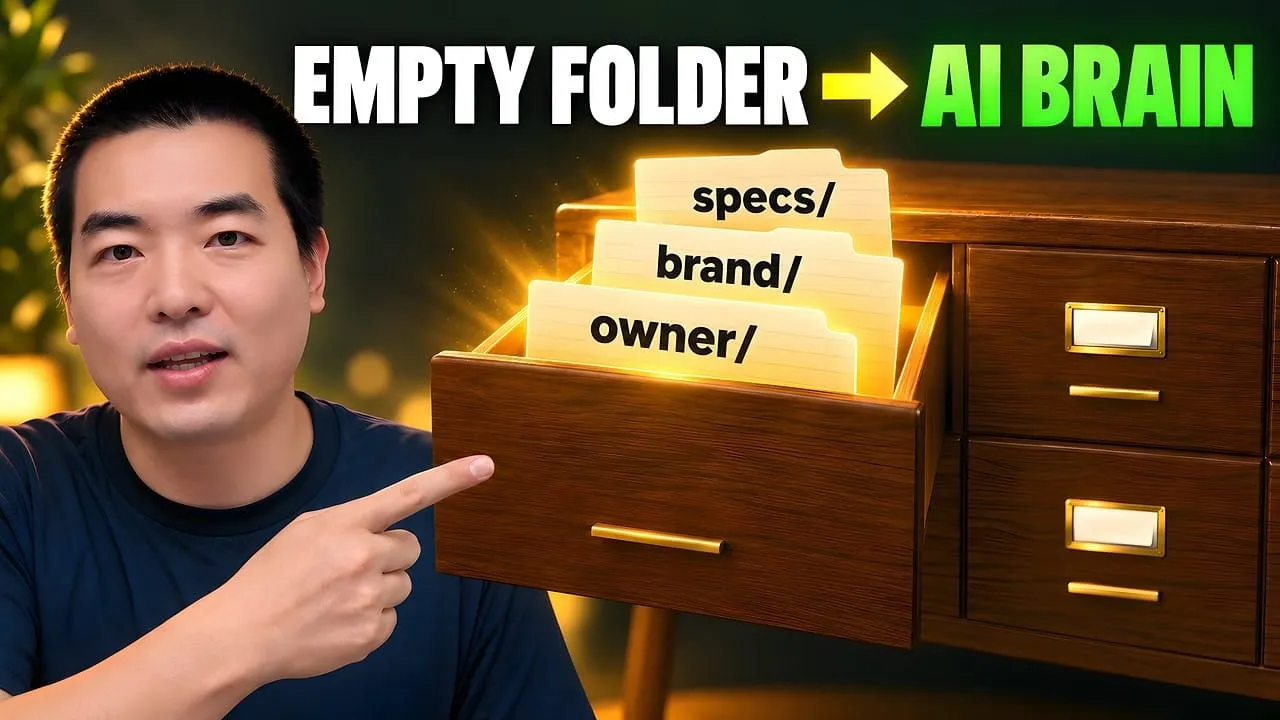
Eight folders of plain Markdown, a CLAUDE.md index in each, and seven prompts that make your agent interview you. Every prompt, template and command from the video, in order.
Stop briefing your AI from scratch. One free folder holds your background, your rules and your voice. Eight prompts build it, no code, and any AI can read it.
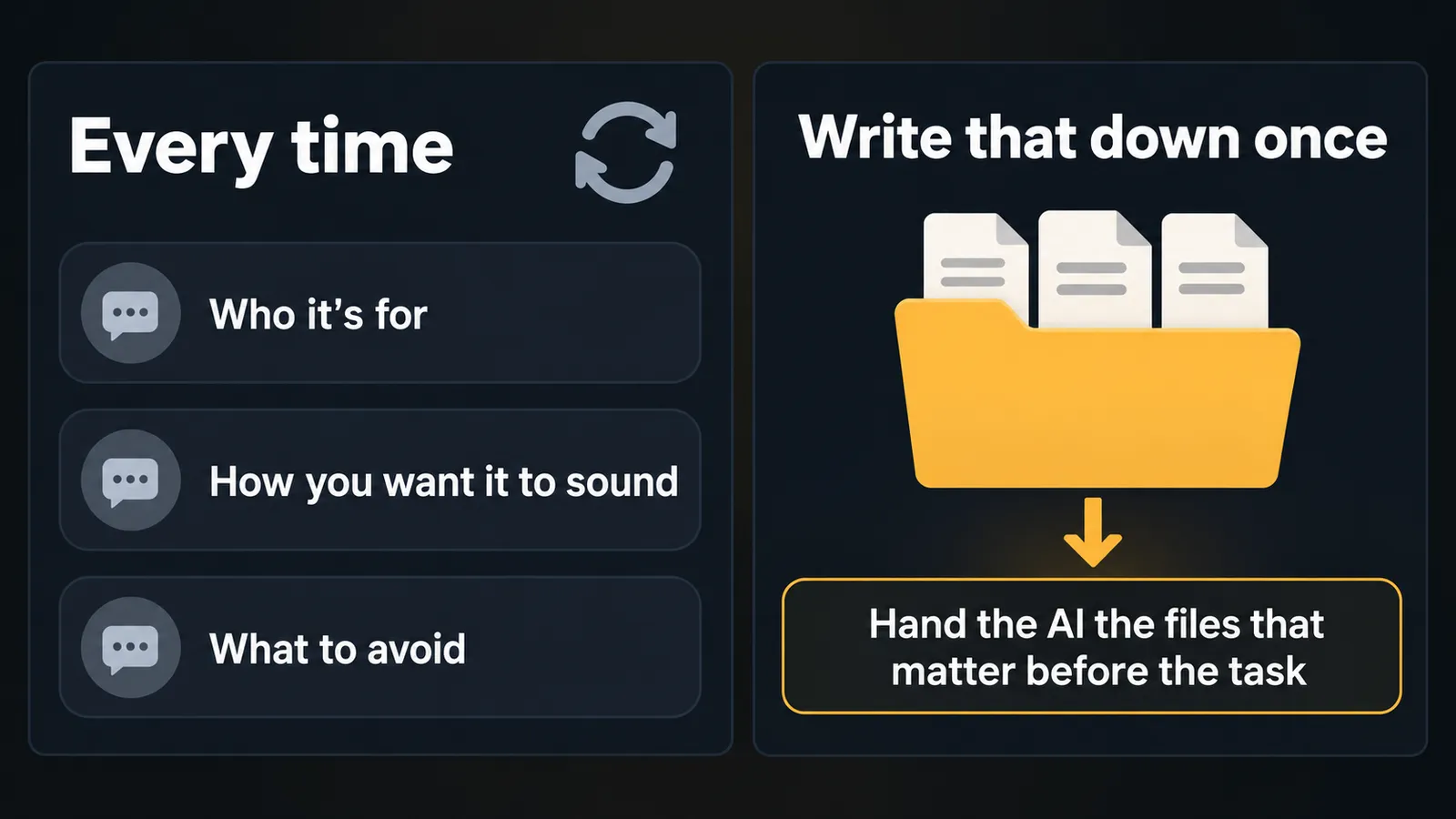
Every time you ask an AI for something real, you explain who it's for, how you want it to sound and what to avoid. Write that down once, in a folder of plain-text files, and hand the AI the files that matter before the task. The folder is yours, so it comes with you to whatever AI you use next.
Clone the free starter repo and paste the first prompt into your AI.
The AI asks about you and your work. You answer in plain words, it writes the files, you check them. Eight prompts, no code.
Every time you solve a problem, save the useful part: a better instruction, a rule, a process that worked.
Next task, bring those files back in. Today's work becomes tomorrow's context.
You still check the answer. You just stop rebuilding the brief.
What you need
An AI that can read and write files on your computer: Claude Code, Codex, Cursor, Gemini CLI or similar. The build prompts clone a repo and write files, which a plain chat window can't do. Once the folder exists, any chat AI can use it.
Git, for the clone.
The folder where you keep your projects. The repo lands inside it.
Short answers about yourself: what you do, what you want the AI to handle first, and what it should never touch.
Step by step
Step 1: Clone the starter repo and paste the first prompt
Start your AI in the folder where you keep your projects and paste this. It's the Quick Start prompt from the repo's README:
Working directory: the folder where you keep your projects — the clone lands inside it.

Clone https://github.com/aiworkflowpro/awp-playbook-knowledgebase-skeleton and cd into it.
Run pwd and confirm it ends with awp-playbook-knowledgebase-skeleton.
Read AGENTS.md, then follow steps/00-setup/prompt.md.
Tell me when it is done, and do not start step 1 until I paste it.
Or do it by hand, then start your AI inside the repo:
git clone https://github.com/aiworkflowpro/awp-playbook-knowledgebase-skeleton
cd awp-playbook-knowledgebase-skeleton
ls steps
What you get:
steps/: the eight prompts. Read-only.
reference/: the standard the prompts point to. Read-only.
solutions/: a sample answer for each step, plus a finished knowledge base. Read-only.
workspace/: your knowledge base. It starts empty, and git ignores what you put in it, so nothing personal gets committed back.
Step 2: Run the eight prompts and check every file
Open each steps/NN-.../prompt.md, copy everything below the line, and paste it into your AI. Do them in order.
Prompt
What the AI builds
0 · Setup
The working folder and an empty workspace/
1 · The Skeleton
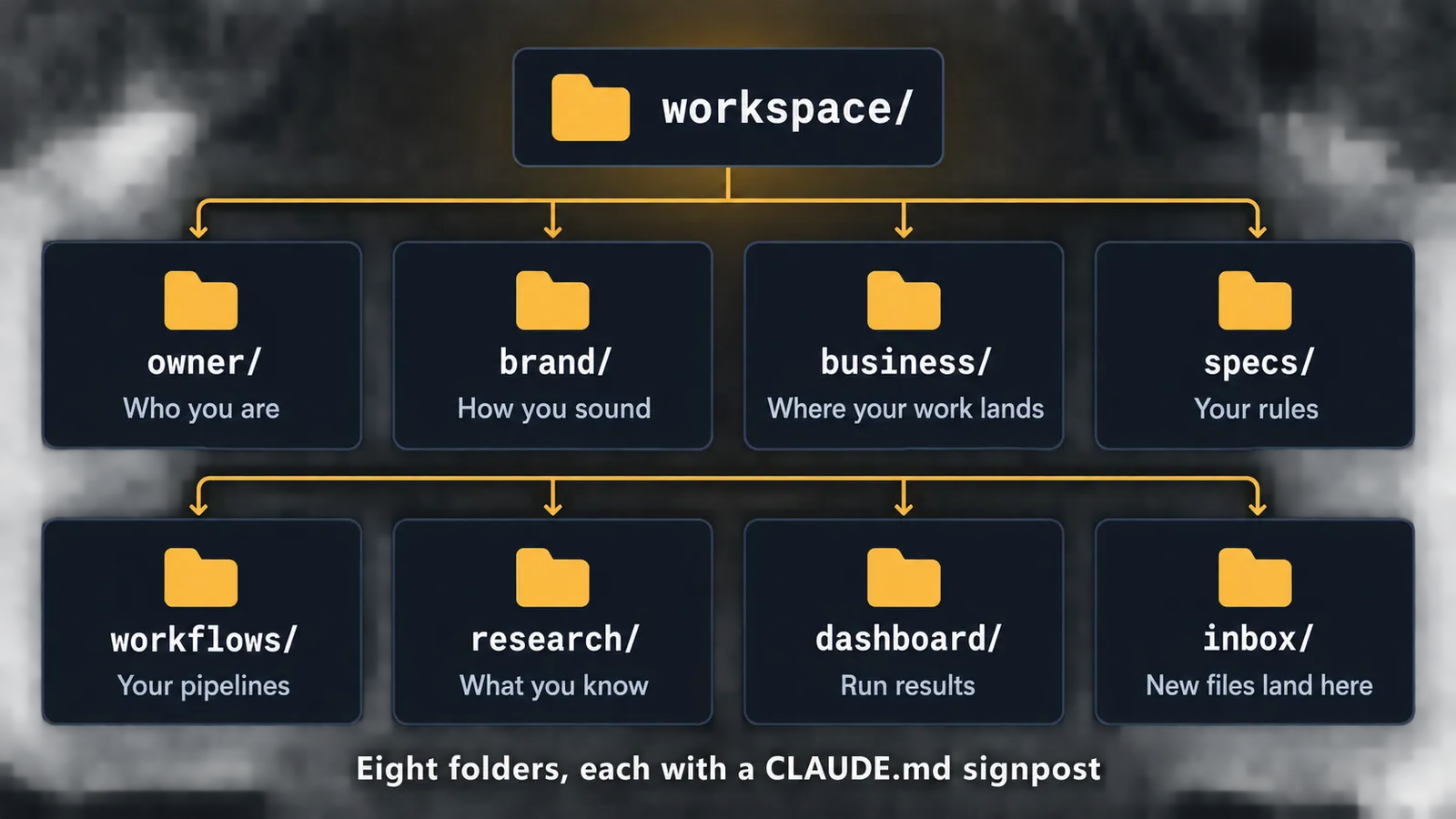
Eight folders, each with a CLAUDE.md signpost
2 · The Person
Who you are and how you sound
3 · The Business
Where your work lands: platforms and products
4 · The Rules
Your first rules: naming and quality
5 · The Workflows
Your first pipeline, run once for real
6 · The Knowledge
Research topics, organized so they can be found again
7 · The Engine
Dashboard, inbox, four imported sample files, and the standard copied into your folder
Each prompt works the same way. The AI asks one question at a time, you answer in your own words, it writes the files, then prints the folder tree and waits. Read what it wrote before you paste the next prompt. That pause is where you catch the wrong guess.
Step 1 starts with three questions:
What is your name, and what do you do?
What do you want the agent to handle first?
Is there anything the agent should never touch?
Each step can run in a fresh session. The AI doesn't need to remember the last one, because the first thing it reads is workspace/CLAUDE.md, the index of everything already built.
After step 7, compare your top two folder levels with solutions/07-engine/tree.txt, then run the naming check from the repo root. No output means every file follows the rule:
Who you are: background, skills, decisions, how you communicate
brand/
How you sound: identity, positioning, expression
business/
Where your work lands: products, services, operations data
specs/
Your rules: naming, writing conventions
workflows/
Your pipelines: creation, publishing, research
research/
What you know: topics, references, analysis
dashboard/
Run results: task output and status snapshots, by month
inbox/
New files land here, then get sorted into the right folder
Six areas are shared by everyone: your background, your decisions, your voice, your rules, and what flows in and out. The rest take shape around your work. A lawyer's fill up with case files. An accountant's fill up with client records. I make content, so mine holds channels and posts.
Your folder won't look like solutions/final, and it shouldn't. Every file comes from your answers. Compare the structure, not the words.
Step 4: Save the useful part every time you solve a problem
The eight prompts are only the start. Mine began as eight empty folders. Then real work pushed on it: my file names became a mess, so I wrote a naming rule. A workflow failed, so I rewrote it and kept the better version. Those fixes grew into 32 standards and 96 workflows, and the folder now holds about 800,000 files. None of that was designed on day one. You don't need anything close to it. You need enough context for the next job.
When something works, save it in the shape the repo already uses. A rule goes in specs/:
# [Title]

## Scope
What this rule applies to.

## Rule
The constraint, in one clear sentence.

## Good example
One file name or snippet that follows the rule.

## Bad example
The same thing done wrong.

## Check
How the agent verifies it: what to look for, or what command to run.
A process that worked goes in workflows/:
# [Workflow Name]

## Trigger
When it runs: a schedule, a command, or an event.

## Steps
Numbered actions the agent can execute, in order.

## Check
How to tell the output is good. Point to a rule in specs/ if one applies.

## Lands in
Which folder the finished output goes to.
Then add a row for the new file to that folder's CLAUDE.md. A file that isn't indexed is one the next session will never find.
Step 5: Bring the files into the next task, in any AI
Take a video script, the example from the video. Normally you'd explain who it's for, how you want to sound, and what to avoid. With the folder, that's already written down. Give the AI the relevant files, then the new task.
In an AI that can read files, start it in the repo and point it at the index:
Read workspace/CLAUDE.md, then the files it lists for writing a video script:
who I am, how I sound, who I'm writing for, and my script rules.
Task: write a script for next week's video about <topic>.
In a chat app, attach the same files yourself. In the sample knowledge base those are owner/profile.md, brand/identity.md, brand/audience.md and specs/youtube-script-standard.md. Yours will have different names.
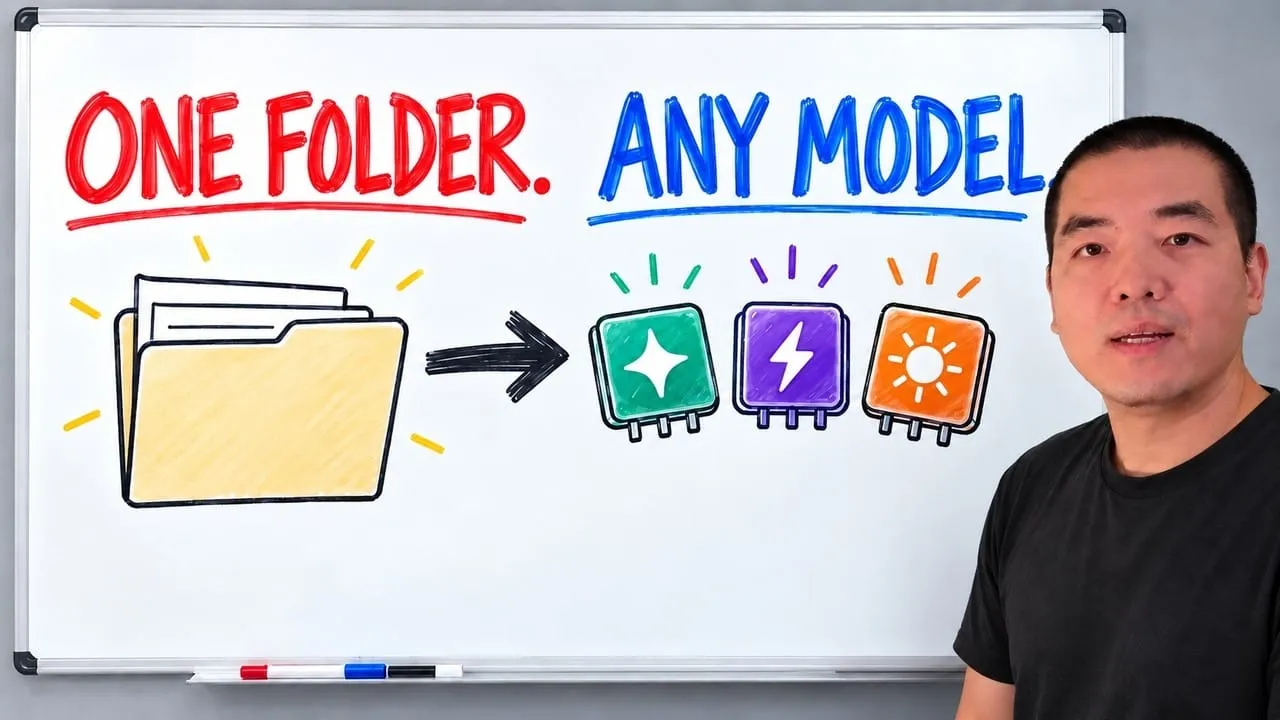
Switch AI tools and the same files come with you. They're plain text: you can read them, change them and back them up. The model is rented. The tools are rented. The folder is yours.
What broke
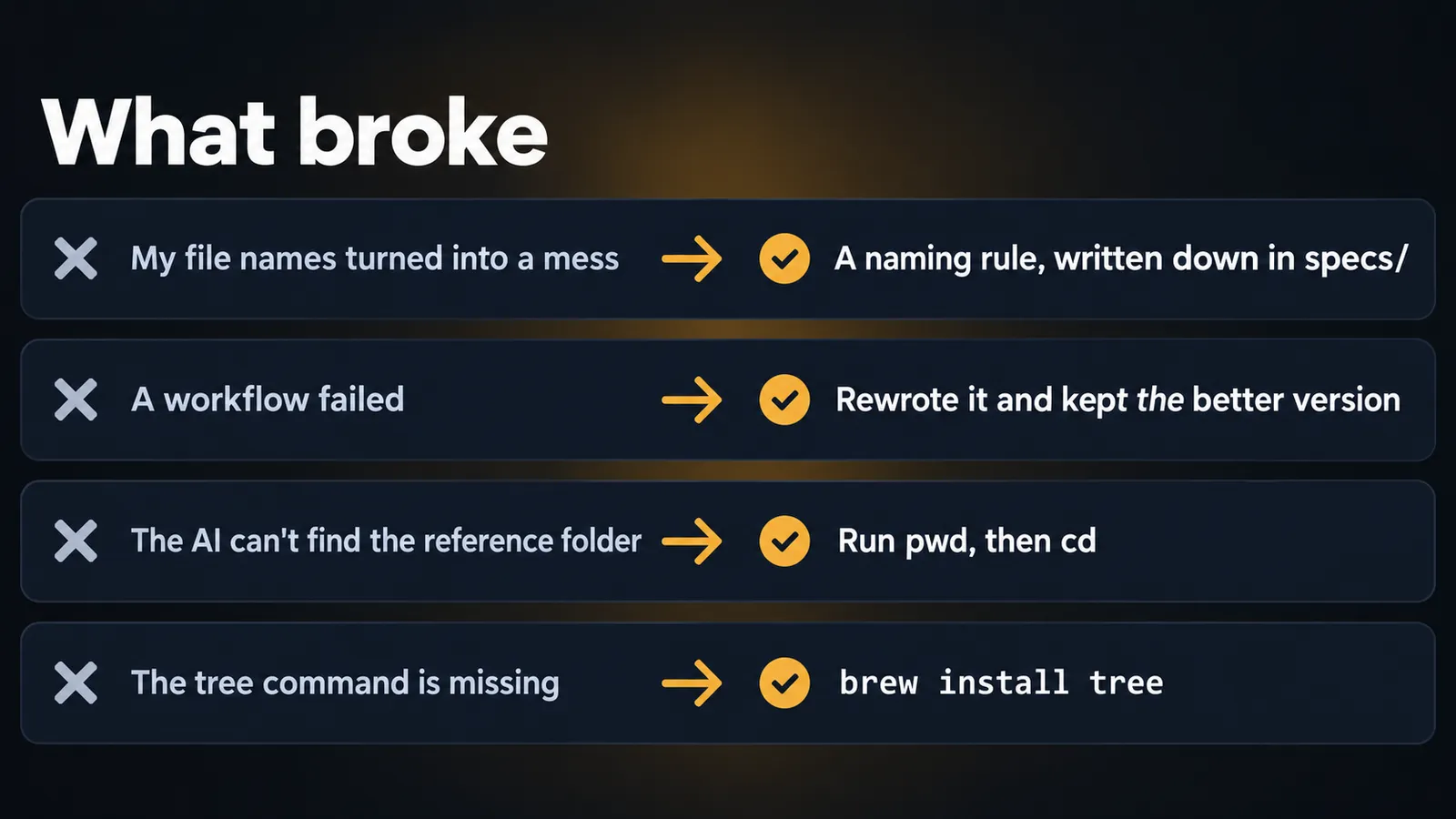
My file names turned into a mess. Fix: a naming rule, written down in specs/. Step 4 has you write one early, and the repo's naming convention is the reference.
A workflow failed. Fix: I rewrote it and kept the better version in workflows/, so the next run starts from what worked.
The AI can't find the reference folder. It's running in the wrong folder. Have it run pwd, then cd into awp-playbook-knowledgebase-skeleton. Every path in the prompts is relative to that folder.
The tree command is missing. You'll see tree: command not found. Install it (brew install tree on macOS, apt install tree on Debian or Ubuntu), or ask the AI to list the folder with find workspace -maxdepth 2.
The full walkthrough shows old folder names. The repo was reorganized after recording: course/ and knowledge-base/ are now steps/ and workspace/, and the prompts in the repo already use the new paths.
FAQ
Does this work with ChatGPT, Claude or Gemini?
Using the folder, yes. The files are plain text, so you can attach the ones a task needs to any of them. Building it with the eight prompts is different: the prompts clone a repo and write files, so they need an AI that can read and write files on your computer, such as Claude Code, Codex, Cursor or Gemini CLI.
Do I need to know how to code?
No. You paste a prompt, answer questions in plain words, and the AI writes the files. Your job is to read what it wrote and fix anything that is wrong.
How big does the folder need to be?
Much smaller than you think. Mine holds about 800,000 files today, but it started as eight empty folders. You need enough context for the next job, nothing more.
How is this different from ChatGPT's built-in memory?
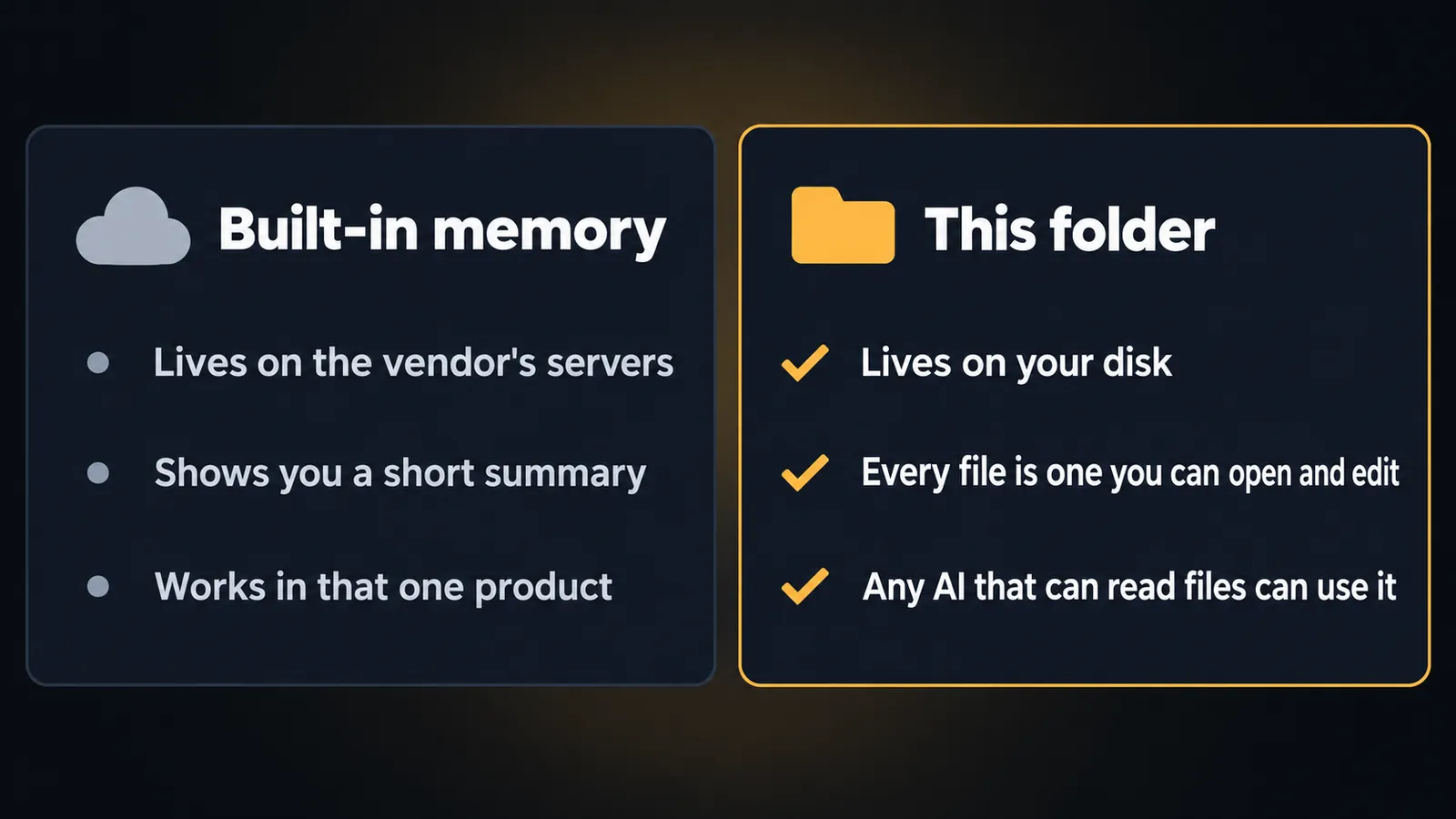
Built-in memory lives on the vendor's servers, shows you a short summary, and works in that one product. This folder lives on your disk, every file is one you can open and edit, and any AI that can read files can use it.
What should I save after a task?
The useful part: a better instruction, a rule, or a process that worked. Rules go in specs/, processes go in workflows/, and each new file gets a row in its folder's CLAUDE.md so the next session can find it.
Is it really free?
The skeleton, the prompts and the standards are free on GitHub. The prose is licensed CC BY 4.0, and the prompts, AGENTS.md, templates and workflow files are MIT. Whatever AI tool you run them in has its own pricing.
A 30-minute video is too long for one conversation. This guide walks the 8-step Skill that locks the narration and one look, then gives each 3-minute segment to a fresh sub-agent, five at a time, and polishes the cut in an empty-context session.
The folder structure behind my AI agent team, the Herdr setup where Grok Build, Claude Code and Kimi Code work side by side, and the two live tasks from the video: an article published by voice and a three-model front-end test.
Eight folders of plain Markdown, a CLAUDE.md index in each, and seven prompts that make your agent interview you. Every prompt, template and command from the video, in order.
The same request gives a different answer every run because the agent fills every gap with the average of its training data. Three Markdown standards fix that: a meta standard, an eight-part prompt standard and a Skill standard. Free repo, one-prompt install.