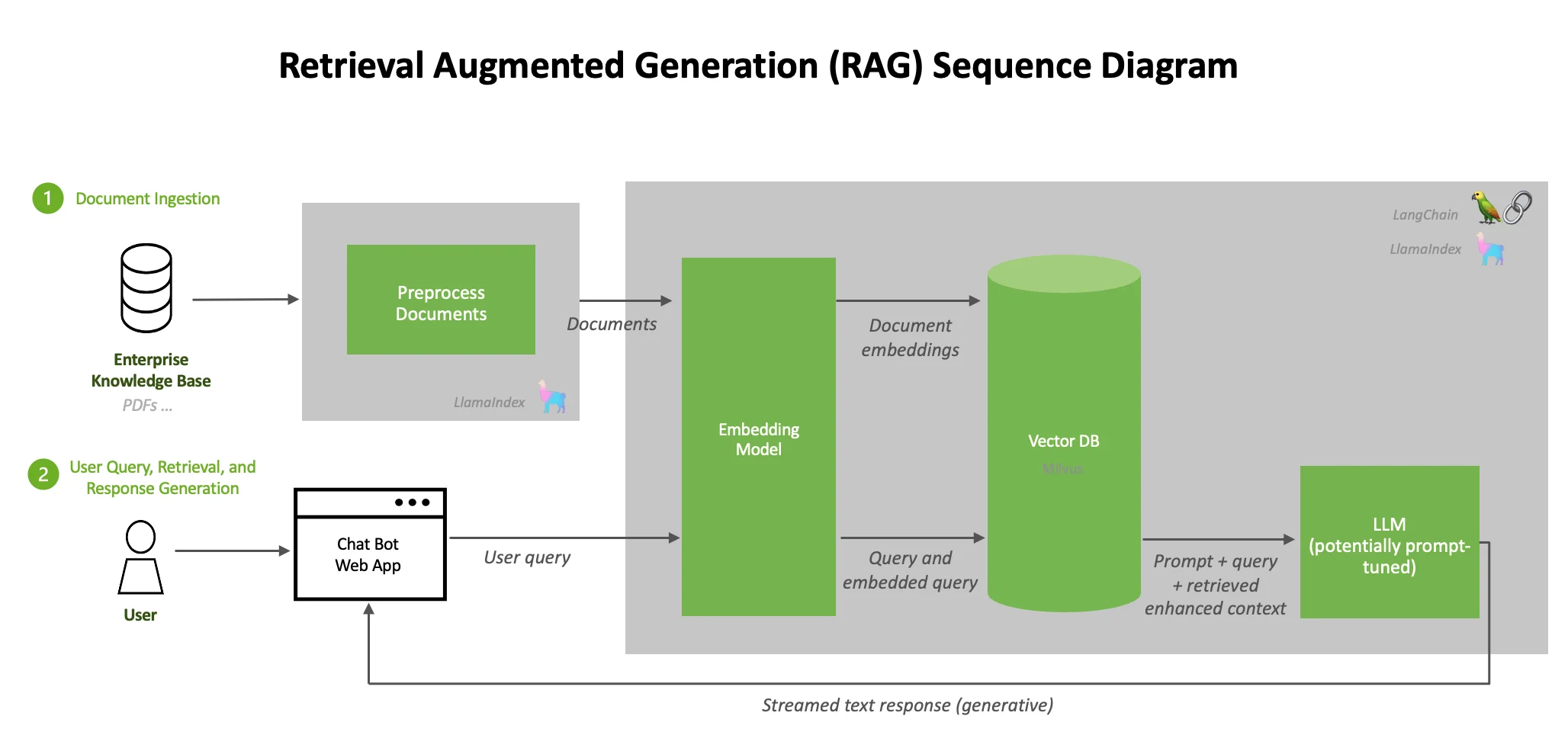
A 30-minute video is too long for one conversation. This guide walks the 8-step Skill that locks the narration and one look, then gives each 3-minute segment to a fresh sub-agent, five at a time, and polishes the cut in an empty-context session.
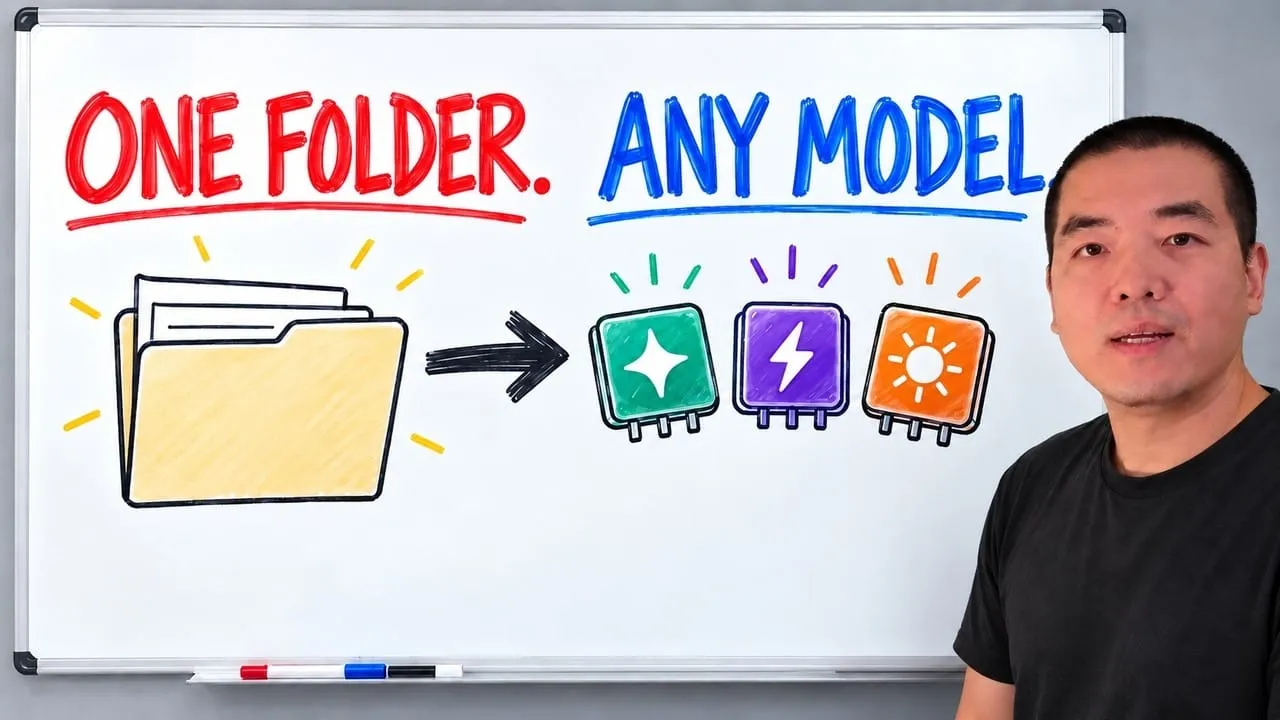
The folder structure behind my AI agent team, the Herdr setup where Grok Build, Claude Code and Kimi Code work side by side, and the two live tasks from the video: an article published by voice and a three-model front-end test.
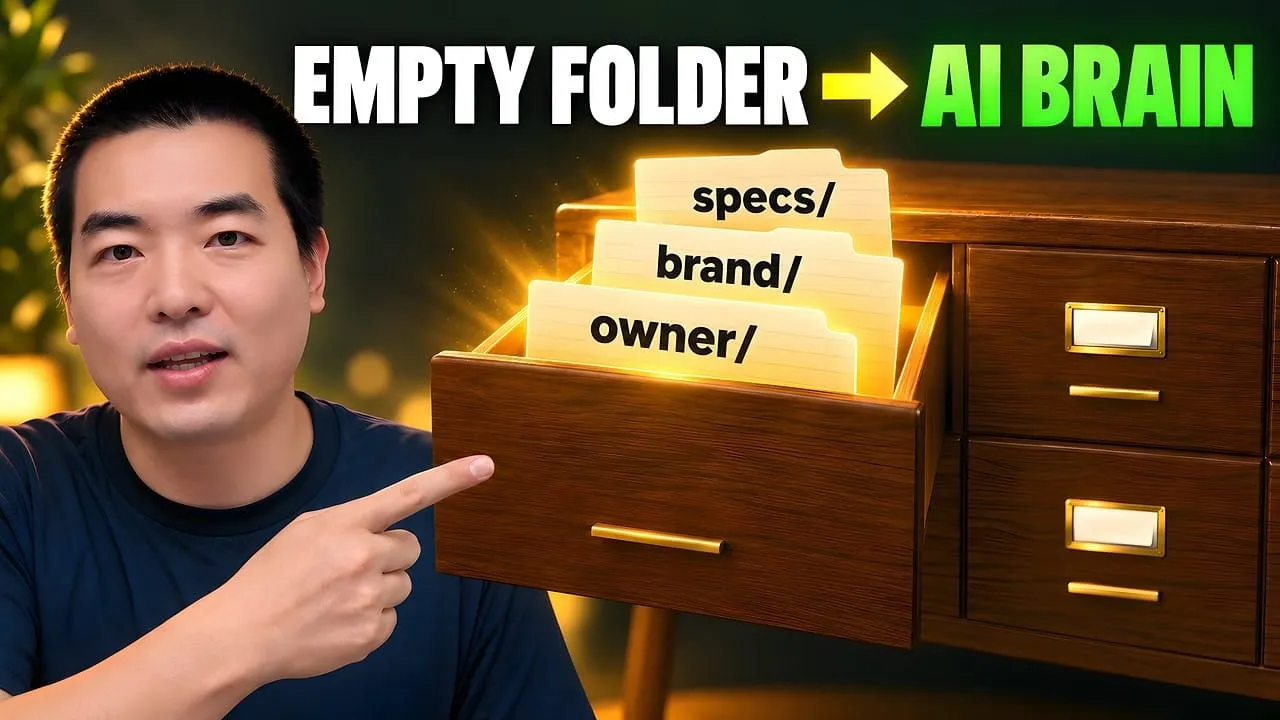
Eight folders of plain Markdown, a CLAUDE.md index in each, and seven prompts that make your agent interview you. Every prompt, template and command from the video, in order.
How to Build an AI-Powered Daily Briefing with RSS + Claude Code
RSS hands over titles, timestamps and full text in a standard format - no scraping, no API keys, nothing to maintain. The operator's manual: five copy-paste prompts, a four-tier build map, and the workflow automation software that turns 150 sources into a five-minute read.
At a mid-size marketing agency, three account leads each open roughly the same thirty tabs before nine: competitor blogs, two trade publications, a pricing page somebody checks on Mondays. Nobody assigned that job to anyone; it simply grew. Nobody can hand it off either, because it lives in three sets of bookmarks and one person's memory. This article rebuilds that morning reading round as a feed list plus a briefing that workflow automation software can generate on a schedule. The interesting part is not the summarising. It is that a shared list turns three private habits into one asset anybody can inherit.
This article is a hands-on tutorial for building AI-powered briefings using RSS feeds and Claude Code. For the complete feed collection (8,936+ feeds, 21 categories) and how it was built, see The RSS Feeds List Guide. For RSS discovery tools and platforms, see Best RSS Feed Sources.
RSS is having a quiet second life, and the reason is not nostalgia. It is that a feed outputs clean, structured data — titles, timestamps, permalinks, full text — in a standard format that an AI coding tool can read without any scraping or glue code. That makes RSS the shortest path from "150 blogs I care about" to "a 500-word briefing that reads itself every morning."
This guide is the operator's manual for that briefing. You bring a curated feed list and Claude Code (or Codex); by the end you will have five copy-paste prompts, a workflow I actually run daily, and a four-tier map so you know exactly how far to build before you stop. No API keys, no accounts, no scraping.
If you want the feed collection itself — what is in it, how it stays alive, how to import it into a reader — that lives in the RSS Feeds List Guide. This article assumes you have the list and picks up at "now what do I do with it."
Why RSS Is the Cleanest Data Source for an AI
Most "give AI your reading list" attempts start with web scraping, and web scraping is a tar pit: pages change layout, block bots, hide content behind JavaScript, and rate-limit you. RSS sidesteps all of it. A feed is a contract — the site promises a machine-readable file at a stable URL, updated on publish, with the fields already parsed out for you.
That structure is why RSS is a first-class data source for AI processing rather than an afterthought:
Claude Code can parse a feed, read 150 articles, and produce a themed briefing in five minutes — no scraping layer required.
Codex can write a self-contained monitoring script that checks competitor blogs daily and flags pricing or launch news.
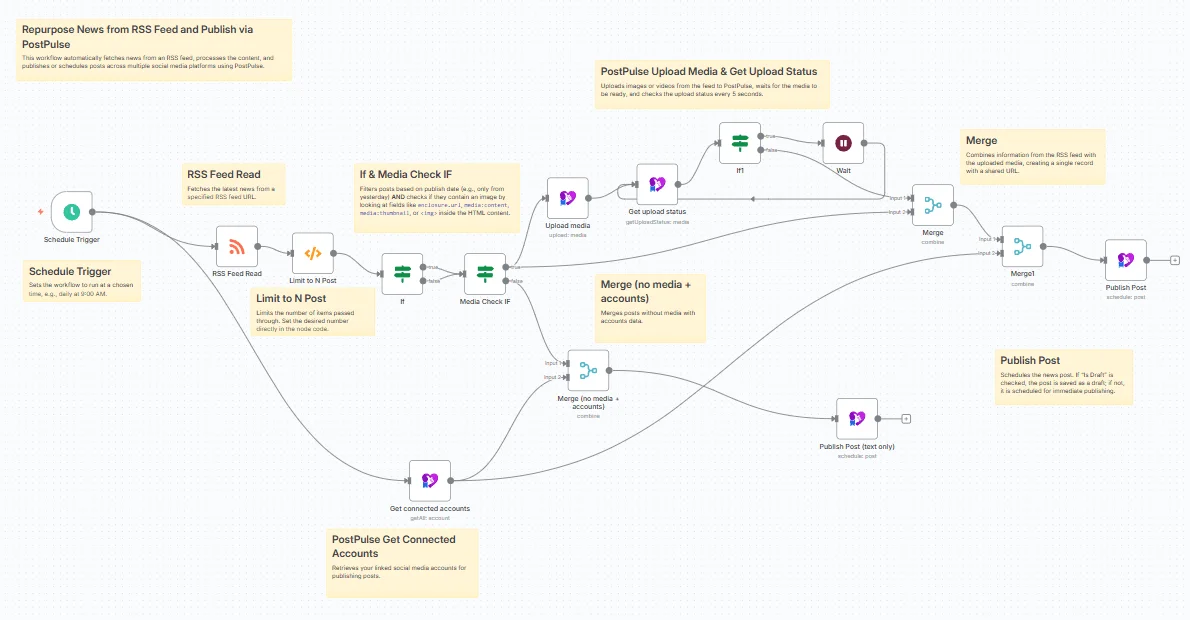
n8n or GitHub Actions can schedule the whole RSS-to-AI pipeline so a briefing lands in Slack or a repo without you touching it.
Here is the part I got wrong when I started. I assumed the hard problem was the AI summarization. It was not — the models are already good at that. The hard problem was assembling a feed list worth summarizing. Feed a great model a mediocre source list and you get a polished summary of noise.
That is exactly why this workflow rides on a maintained, HTTP-validated collection instead of feeds you hunt down by hand. The collection — what it covers and how it is kept alive — is the subject of the RSS Feeds List Guide; the two-sentence version is below.
The Feed List, in Brief
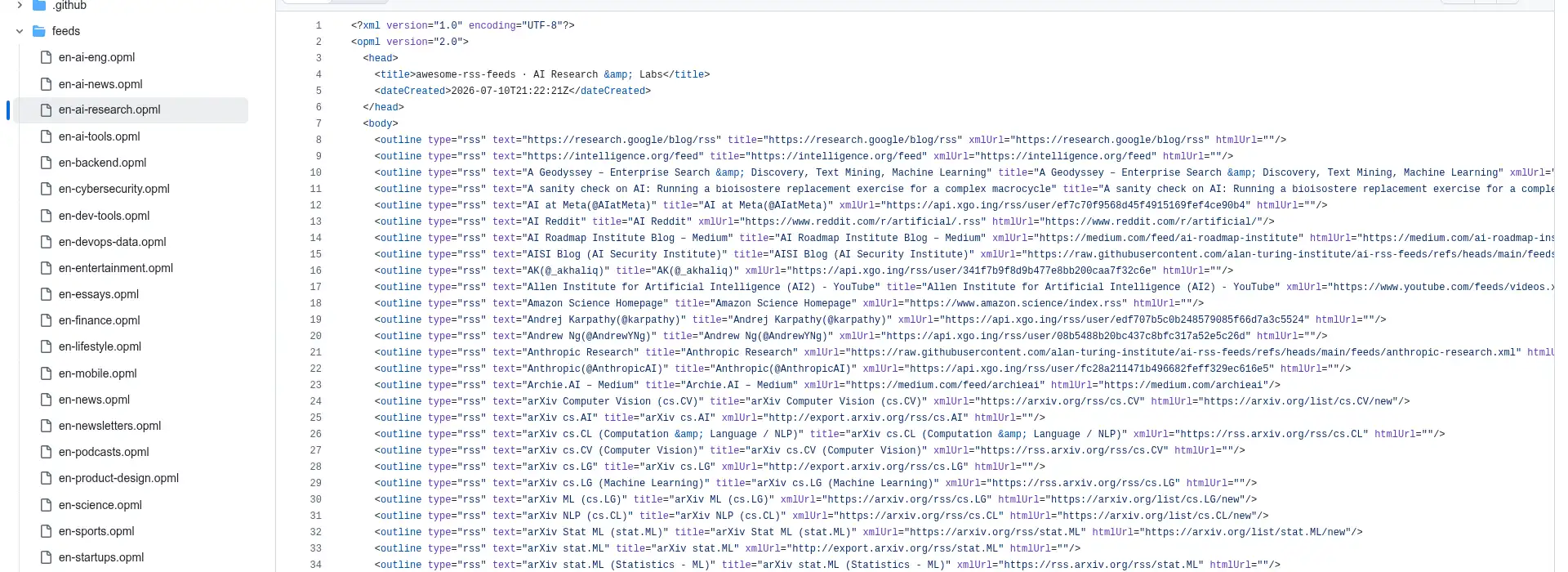
Everything in this tutorial points Claude Code at awesome-rss-feeds-list: 8,936+ live, HTTP-validated English feeds across 21 categories, each category shipped as a standalone OPML file. It is organized by what you are trying to read today — en-ai-research, en-web-frontend, en-startups, en-finance, and so on — so you point the AI at one category file and get a focused briefing for that domain.
You do not need the full category breakdown to follow along; you only need to know that each category is one importable, raw-on-GitHub OPML URL. For the complete 21-category table, the CC0 license, and the validation pipeline that keeps the links from rotting, read the RSS Feeds List Guide. From here on, en-ai-research is just the example — swap in whichever category matches your work.
Real Workflow: This Week's AI News in 5 Minutes
Here is what the RSS + Claude Code pipeline looks like in practice. I ran this exact workflow last week.
The architecture is simple: the RSS collection is the data, Claude Code is the brain.
Between them sits a small CLI that fetches feeds, groups articles by topic, and packages them as a prompt. The CLI does not call any external AI model and needs no API keys — Claude Code (or Codex) is the model.
Step 1: I asked Claude Code to fetch the en-ai-research category for the past 7 days. The tool pulled 121 feeds concurrently: 121/121 responded, 152 new articles indexed, done in 6 minutes.
Step 2: I asked Claude Code to run a "topic analysis" pass. The tool packaged 120 of the 152 articles into a structured prompt and piped it to stdout. Claude Code read the full batch, analyzed patterns, and returned a briefing.
Five minutes later, I had this:
1. Harness engineering is the real story behind Claude Code's success. Multiple outlets reported that Claude Code's advantage is not the model itself but the "constraint engineering" built around it — config files, permission controls, tool chains, error feedback loops. AI coding shifted from "prompt tricks" to "engineering discipline."
2. Codex upgraded to a full-desktop agent. OpenAI's Codex moved from "editor plugin" to an OS-level AI assistant that can take over your Mac.
3. Karpathy on vibe coding vs. agentic engineering. Vibe coding is the starting point; the real challenge is building reliable, safe, maintainable agent systems.
4. DeepSeek V4 dropped with 1M context and 83% cost reduction. A direct challenge to frontier labs on both capability and pricing.
5. Agent self-improvement frameworks from Fudan and Tsinghua. Constrained self-evolution beat Codex in 10 rounds; AutoSOTA produced 105 SOTA results in one week.
6. Agent security became a commercial necessity. Claude accidentally deleted a user's database, tool injection vulnerabilities surfaced, and ByteDance published an agent security audit framework.
The entire reading session — AI reads 152 articles, I read the briefing — took 10 minutes over morning coffee. Swap the category (frontend, startups, design) and you get a completely different domain briefing from the same pipeline.
Five Ways to Use RSS Feeds with AI Coding Tools
A daily briefing is the simplest use case. Here are five workflows I actually run — each maps to one of the copy-paste prompts later in this guide.
1. Daily AI Briefing
Point Claude Code at en-ai-research and ask for a 500-word summary grouped by topic. Swap the category for your domain: en-web-frontend for frontend engineers, en-startups for founders, en-finance for analysts. Each category maps to one OPML file, one briefing.
2. Competitor and Industry Monitoring
Who uses this: Product managers, founders, indie developers The problem: Manually checking 5 competitor blogs every week is tedious and easy to forget The solution: Ask Codex to write a Python script that fetches specific feeds daily at 8 AM, filters for keywords like "product launch," "pricing change," "funding," or "acquisition," and appends matches to a local log file
I used to open five competitor blogs one by one every week. It took 30+ minutes and I still missed things. Here is what I learned: Codex handles scheduled standalone scripts better than Claude Code. Claude Code excels at cross-tool orchestration; Codex excels at writing a single self-contained script that runs on its own. Use both.
3. Writing Topic Discovery
Content creators always need topics. I ask Claude Code to scan en-ai-research for the past week, extract recurring themes, rank them by mention frequency, and output a topic list with article counts, representative headlines, and first-seen dates.
I open that list every Monday morning. No more staring at a blank page wondering what to write about — topics are pre-ranked by real-world discussion volume.
4. English-to-Local-Language Digest
English feeds produce the highest volume of quality content, but reading every article in depth is slow. I have Claude Code fetch en-ai-research plus en-dev-tools, translate the summaries, preserve technical terms in English (in parentheses), and compile a weekly digest.
Pro tip: AI translations are significantly better than traditional machine translation because models understand context and preserve tone. But always keep technical terms in English to avoid ambiguity — "Retrieval-Augmented Generation" should stay as-is, not get translated into something a reader cannot search for.
5. Private RAG Knowledge Base
This is the most advanced workflow. RAG (Retrieval-Augmented Generation) lets an AI search your private data before answering a question.
Feed the collection's articles continuously into a local vector database (ChromaDB or pgvector), build an embedding index, and query it with natural language. Ask "what are the latest developments in RAG?" and the AI retrieves answers from your curated 8,936+ sources — not from the open web where half the results are SEO spam. For the broader design principles behind this, see AI Knowledge Base Best Practices.
The precision advantage is real: your knowledge base only contains sources you vetted. Public search returns whatever ranks highest; a private index returns what you chose.
Four Tiers of Complexity: Pick Your Level
Not everyone needs a RAG pipeline on day one. Match your setup to your actual needs:
Tier
Stack
Who It Is For
Green — Starter
Claude Code or Codex + one OPML file from the collection
Most people — zero deployment, zero setup
Yellow — Automated
Add a scheduled task (launchd on Mac / cron on Linux / n8n for visual)
Anyone who wants briefings to arrive automatically
Orange — Self-Hosted
Add a self-hosted reader (Miniflux or FreshRSS in Docker)
Multi-device sync + read/unread state management
Red — Professional
Add a local vector database (ChromaDB / pgvector)
Private knowledge base + AI question answering
Start at green. The vast majority of developers never need to go past yellow. I have seen people stack RSS reader servers, containerized crawlers, and self-hosted knowledge bases only to spend all their time maintaining infrastructure instead of reading content.
Tools are a means, not an end. If you catch yourself debugging your RSS pipeline more than reading the output, you have gone one tier too far.
30-Minute Setup: From Zero to AI Briefing
If you have never wired feeds into an AI before, here is a path that actually works in 30 minutes:
Step
Action
Time
1
Grab the OPML file matching your role from the awesome-rss-feeds-list repo (AI dev → en-ai-research, frontend → en-web-frontend)
2 min
2
Optional: import that OPML into a free reader (Inoreader or Feedly) so you can skim the raw feed too
5 min
3
Install Claude Code or Codex if you have not already
3 min
4
Run Prompt 1 below — point it at the raw OPML URL and ask for a briefing
5 min
5
Read the briefing, tune the prompt (word count, topic groups, tone), and save it as your daily default
15 min
Quality beats quantity. If you also subscribe in a reader, resist the urge to keep everything. I started with 100+ subscriptions and drowned in unread items. Cutting to under 50 feeds and 30-50 daily items made it sustainable — and it makes the AI's job easier too, because a tighter source set produces a sharper briefing.
New to readers, OPML, and one-click import? The step-by-step reader walkthrough lives in the RSS Feeds List Guide; this tutorial stays focused on the AI half.
Five Ready-to-Use Prompts
Copy any of these into Claude Code or Codex and they work immediately — no API keys, no code changes, no accounts. The OPML files are public GitHub URLs. Replace en-ai-research with any of the 21 categories.
Prompt 1 — Daily Briefing
Download the OPML file from https://raw.githubusercontent.com/aiworkflowpro/awesome-rss-feeds-list/main/feeds/en-ai-research.opml, parse all feeds using Python's feedparser library, fetch articles from the past 24 hours, and write a 500-word summary grouped by topic (research / tools / industry / news). Save to a local file.
Prompt 2 — Competitor Monitoring Script
Write a Python script that fetches all feeds from the awesome-rss-feeds-list en-startups OPML file, stores article IDs for deduplication, and on subsequent runs identifies new articles matching keywords "product launch", "pricing change", "funding", or "acquisition". Output matching summaries with source links. Register the script as a daily scheduled task at 8 AM.
Prompt 3 — Topic Discovery for Content Creators
From the awesome-rss-feeds-list en-ai-research OPML, fetch articles from the past 7 days. Extract recurring topics using AI analysis, rank by mention frequency, and output a topic list. Each topic should include: article count, 3 representative headlines, first-seen date. Sort by frequency descending.
Prompt 4 — English-to-Summary Weekly Digest
Fetch this week's articles from the awesome-rss-feeds-list en-ai-research and en-dev-tools OPML files. Summarize each article in 2-3 sentences, keeping technical terms in their original English form in parentheses. Compile into a weekly digest report and save locally.
Prompt 5 — Private RAG Knowledge Base
Continuously fetch full-text articles from the awesome-rss-feeds-list en-ai-research OPML file. Store in a local ChromaDB vector database with embedding indexes. When I ask a question like "what are the latest developments in RAG?", search the vector database and answer using the retrieved context.
From Prompts to Production Pipelines
The five prompts are starting points you run by hand. When a workflow proves its worth, you graduate it to something unattended:
n8n or Make for visual workflow orchestration — trigger on schedule, fetch feeds, pipe to an AI model, post to Slack.
GitHub Actions for zero-server automation — a YAML workflow that runs daily, fetches feeds, calls an AI API, and commits the briefing to a repo. (This is the one tier where you do introduce an API key, because there is no interactive agent in the loop.)
Miniflux + custom scripts for the self-hosted path — Claude Code can write the integration layer between Miniflux's API and your preferred AI model.
The key insight from running these pipelines daily for months: each component should do exactly one thing well. The feed tool fetches data. The AI model thinks. The human decides. When you blur those boundaries — like having the AI fetch its own data or the human doing the summarization — the system gets fragile.
Download an OPML file from the awesome-rss-feeds collection. Ask Claude Code to parse the feeds with Python's feedparser, filter by date, and generate a summary. No external API keys are needed — Claude Code itself is the language model. Five ready-to-use prompts are included above.
How do I automate RSS feed reading with AI?
Start simple: give Claude Code a feed URL and ask for a summary. For daily automation, ask Codex to write a Python script with a scheduled task (launchd on macOS, cron on Linux) that fetches feeds and pipes output to an AI model. No external API keys are required for the interactive version. For fully unattended workflows, n8n connects RSS triggers to AI processing nodes in a drag-and-drop interface.
Do I need an API key to build an AI briefing with Claude Code?
No — not for the interactive workflow. When Claude Code or Codex is the model, the coding agent reads the feeds and writes the summary directly; the only input you provide is the public OPML URL. API keys only enter the picture at the "production pipeline" tier, when a scheduled job (GitHub Actions, n8n) needs to call a model with no human in the loop.
Should I use Claude Code or Codex for RSS automation?
Use both, for different jobs. Claude Code is stronger at interactive, cross-tool orchestration — fetch, analyze, cross-reference, and produce a briefing in one session. Codex is stronger at writing a single self-contained script that runs on a schedule, like a daily competitor monitor. Rule of thumb: Claude Code for the reading workflow, Codex for the standalone cron job.
How long does it take to set up an RSS AI briefing?
About 30 minutes for the starter tier: grab one OPML file, install Claude Code or Codex, and run the first prompt. Adding a scheduled daily briefing takes a few more minutes. A private RAG knowledge base is the advanced tier and takes longer — but most people never need to go past the automated tier.
A 30-minute video is too long for one conversation. This guide walks the 8-step Skill that locks the narration and one look, then gives each 3-minute segment to a fresh sub-agent, five at a time, and polishes the cut in an empty-context session.
The folder structure behind my AI agent team, the Herdr setup where Grok Build, Claude Code and Kimi Code work side by side, and the two live tasks from the video: an article published by voice and a three-model front-end test.
Eight folders of plain Markdown, a CLAUDE.md index in each, and seven prompts that make your agent interview you. Every prompt, template and command from the video, in order.
The same request gives a different answer every run because the agent fills every gap with the average of its training data. Three Markdown standards fix that: a meta standard, an eight-part prompt standard and a Skill standard. Free repo, one-prompt install.