A 30-minute video is too long for one conversation. This guide walks the 8-step Skill that locks the narration and one look, then gives each 3-minute segment to a fresh sub-agent, five at a time, and polishes the cut in an empty-context session.
The folder structure behind my AI agent team, the Herdr setup where Grok Build, Claude Code and Kimi Code work side by side, and the two live tasks from the video: an article published by voice and a three-model front-end test.
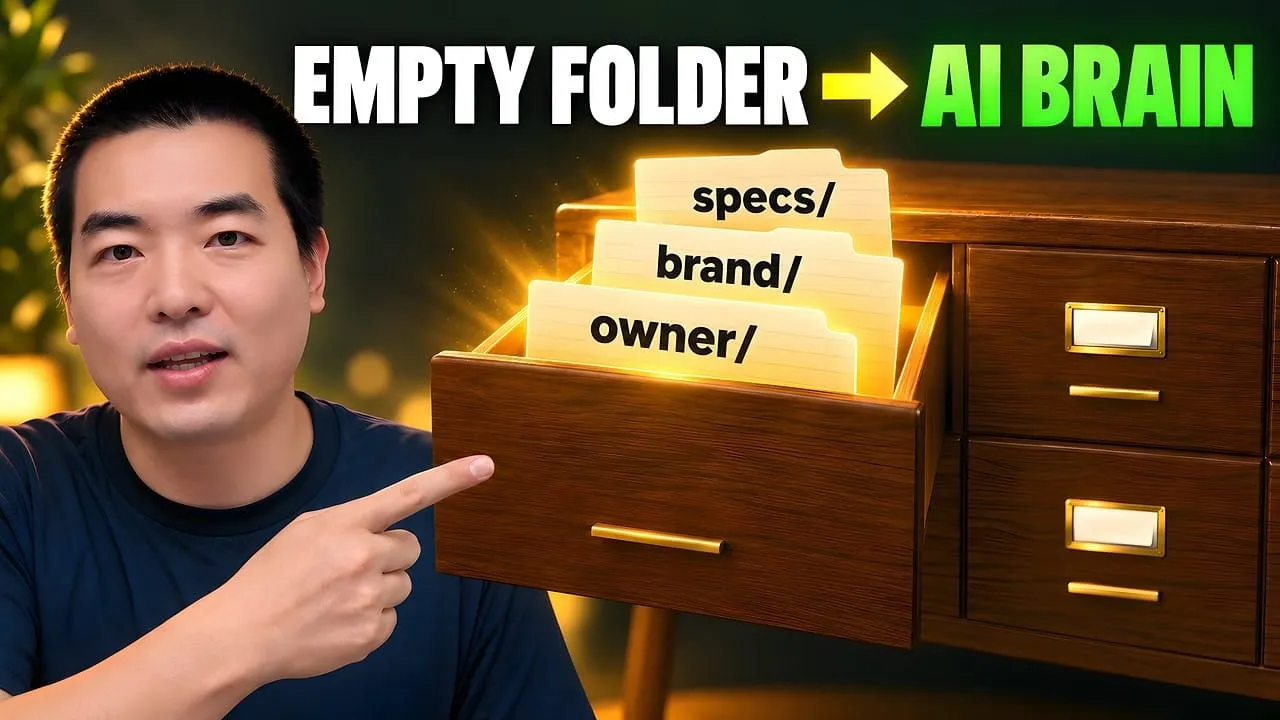
Eight folders of plain Markdown, a CLAUDE.md index in each, and seven prompts that make your agent interview you. Every prompt, template and command from the video, in order.
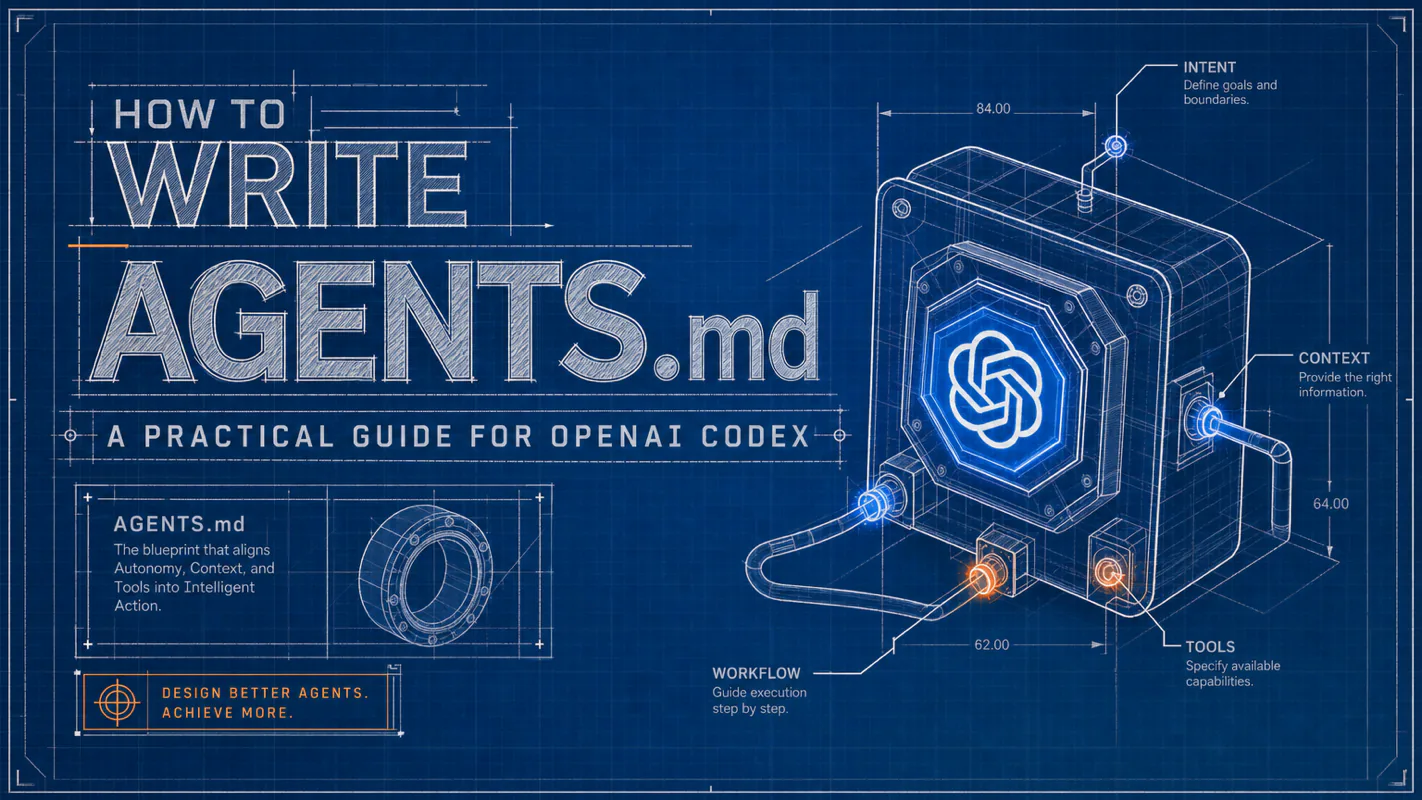
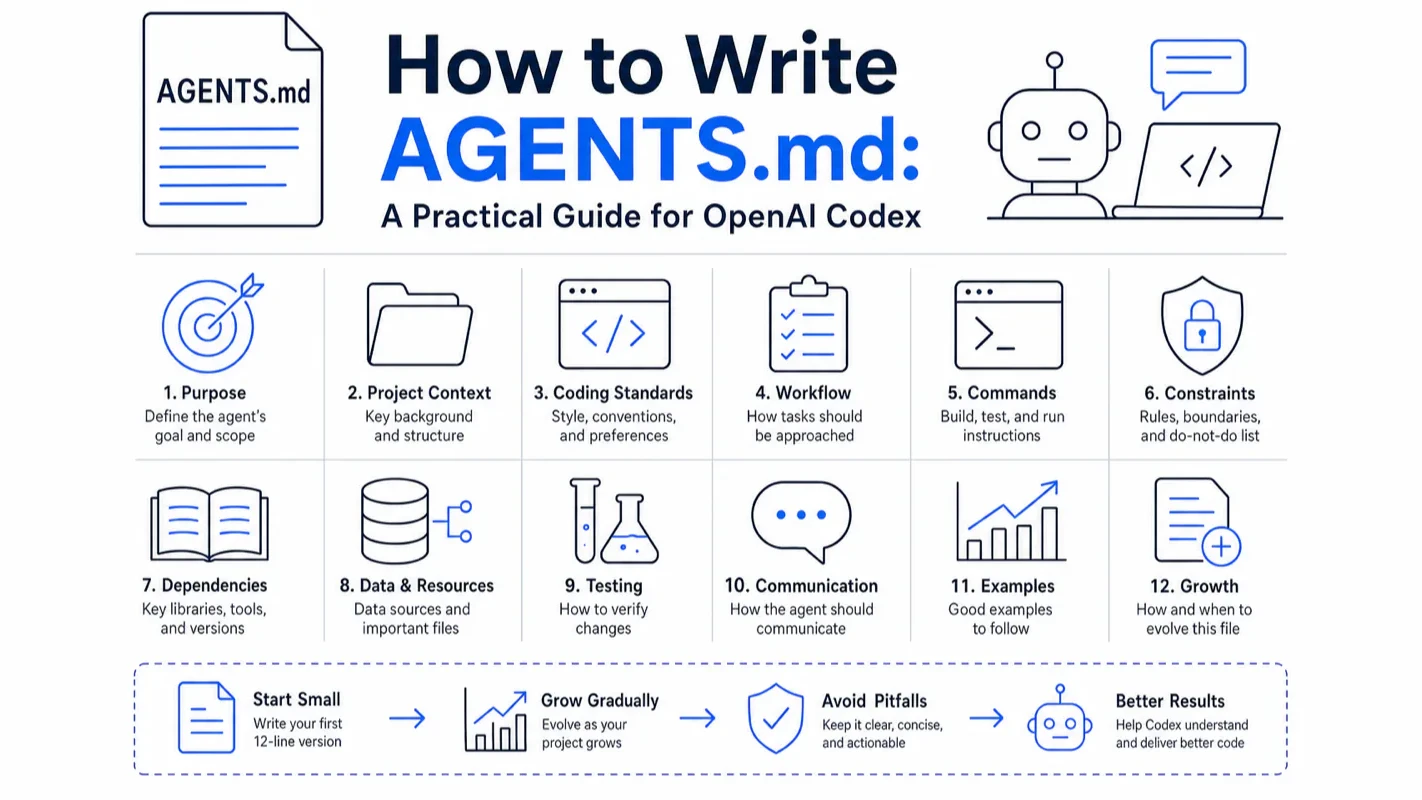
How to Write AGENTS.md: A Practical Guide for OpenAI Codex
An unwritten rule costs you one mistake per new person. Coding agents shorten that to one per session, since each starts blank. Twelve lines of business process automation in a file the agent reads before touching anything, grown only when something breaks.
Every cleaning company runs on a standard living entirely in one supervisor head: which surfaces get the neutral product, which client wants shoes off at the door, which building locks the freight elevator at six. New hires learn it by getting it wrong. Writing it down is unglamorous, permanently postponed, and the highest-return hour anyone in that business will spend. Coding agents make the cost immediate rather than eventual, because every session starts blank, so an unwritten rule is a rule broken today. AGENTS.md is where the rules live. This is business process automation at its least glamorous and most durable.
Every new session with OpenAI Codex starts from zero. The agent remembers nothing from yesterday — not which test command to run, not which directories are off-limits, not your commit message format. AGENTS.md is the fix: a Markdown file that Codex loads automatically at session start, giving it the project rules it needs without you repeating yourself.
This guide shows you how to write one. You start with 12 lines, then grow the file as your project grows — adding structure, boundaries, style rules, and multi-directory layering only when you actually need them.
What Problem Does AGENTS.md Solve?
AI coding agents have no persistent memory across sessions. Each conversation gets a fresh context window with zero knowledge of your project conventions.
That design is intentional — it prevents stale rules from contaminating new work. But it means you need a single file where every session-relevant rule lives. AGENTS.md is that file.
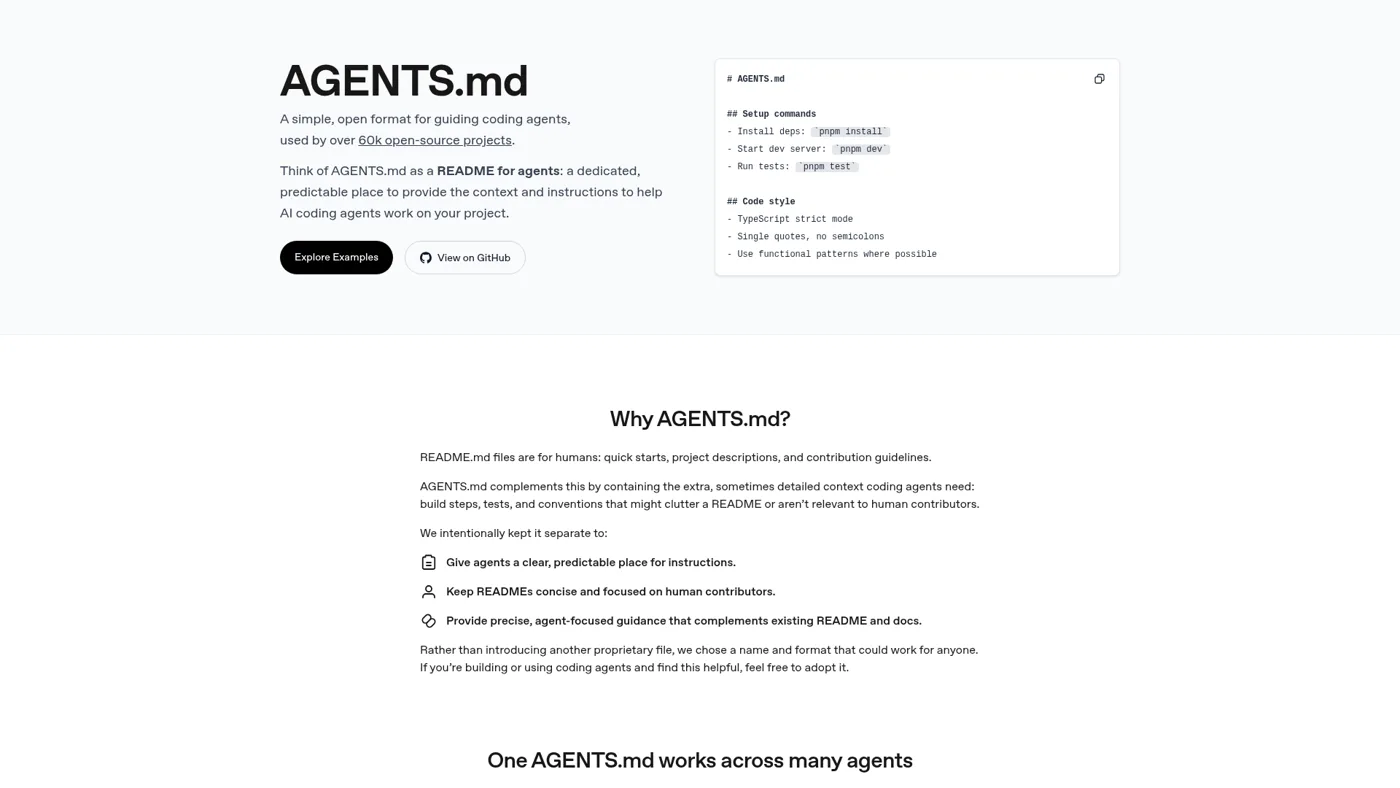
The official AGENTS.md site defines it plainly: "A simple, open format for guiding coding agents." Three words matter here: simple (it's just Markdown), open (supported by Codex, Cursor, Gemini CLI, GitHub Copilot, and others), and guiding (it provides context, not code).
The only test for whether a rule belongs in AGENTS.md: does the agent need to know this at the start of every session? Yes — write it in. No — say it in the conversation and move on.
How Do You Write a 12-Line Starter?
Don't overthink the first version. Create a file called AGENTS.md in your project root and fill it with three sections:
Dev commands — install, test, lint (your real commands, not generic placeholders)
Project structure — source directory, test directory, any auto-generated directories marked "never edit manually"
Hard boundaries — never push to main, never commit secrets
That's it. Twelve lines. Codex reads this file at session start, and the three most common agent mistakes — running the wrong command, editing generated files, pushing directly to main — stop happening.
GitHub engineer Matt Nigh analyzed over 2,500 agent instruction files and found a pattern: "The best agent files grow through iteration, not upfront planning" (source). Start small. Add sections only when you see the agent make a mistake you want to prevent.
What Should the Project Structure Section Cover?
After a few days with the 12-line version, you'll notice the agent still edits directories it shouldn't — auto-generated folders, UI component libraries pulled from upstream, database migration files.
Expand the structure section. The goal isn't listing every folder — it's marking the landmines:
## Project Structure
- `src/` — application source (entry: `src/index.ts`)
- `src/generated/` — auto-generated Prisma client. NEVER edit manually.
- `src/components/ui/` — shadcn components. Do not modify directly.
- `tests/` — Vitest unit tests
- `migrations/` — database migrations. Ask before creating new ones.
The directories that matter most are the ones the agent can't infer from code alone. src/generated/ looks like editable source code unless you explicitly say otherwise.
How Do You Write Boundaries That Actually Work?
Vague warnings like "be careful with the database" give the agent nothing actionable. The boundaries section needs three tiers with verifiable rules:
Must-do — actions required on every task:
- Run `npm test` before every commit. All tests must pass.
- Commit messages follow Conventional Commits: `type(scope): description`
Ask-first — actions that need human approval:
- Adding a new dependency: ask before installing.
- Modifying database models, CI config, or build config: ask first.
Never-do — hard stops with no exceptions:
- Never push directly to the main branch.
- Never commit files containing API keys, tokens, or secrets.
- Never delete or skip failing tests to make the suite pass.
I run a multi-machine Codex setup across four Macs, and the single rule that prevented the most damage was the simplest one: "Never commit secrets." That same rule showed up as the most common constraint in GitHub's analysis of 2,500+ repositories. Imperative language ("never," "always," "must") outperforms conditional phrasing ("try to," "preferably") by a wide margin.
How Should You Handle Code Style Rules?
This section is where most AGENTS.md files go wrong. The instinct is to list every formatting preference — indentation, quote style, semicolons, import order. Don't.
The HumanLayer team put it bluntly: "Never send an LLM to do a linter's job" (source). Every rule that ESLint, Prettier, or Ruff can enforce automatically should live in your linter config, not in AGENTS.md. An LLM enforcing formatting rules is slower, more expensive, and less reliable than a linter doing the same job.
What belongs in AGENTS.md is judgment that requires project context:
## Code Style
- State management uses zustand exclusively. Do not introduce Redux.
- All database operations go through `src/lib/db.ts` singleton. Never instantiate PrismaClient directly.
- Business errors use the custom `ApiError` class. Reserve `throw` for system-level exceptions.
These three rules can't be caught by any linter — they require understanding the project's architecture decisions. That's exactly what AGENTS.md is for.
I went through this cleanup myself: I moved 23 formatting rules out of my root AGENTS.md and into .eslintrc. The file shrank by half. Codex compliance with the remaining rules went up noticeably — fewer rules meant each one got more attention from the model.
What Testing Rules Prevent Silent Breakage?
AI agents have a specific failure mode with tests: when a test fails and the fix isn't obvious, the agent deletes the test or marks it as skipped. This is "destructive laziness" — it makes the suite green while hiding real bugs.
Add a testing section with one non-negotiable rule:
## Testing
- Test files: `tests/{module}.test.ts`
- After modifying any source file, run related tests. All must pass before marking done.
- E2E tests use Playwright. Config: `playwright.config.ts`
- NEVER delete or skip a failing test without asking first.
That last line is the most important. GitHub's research flagged this pattern explicitly — test agents can write tests, but they must never erase a failing test because the fix is hard. Catching this after the fact is difficult because the test suite still shows green.
How Does Codex Merge Multiple AGENTS.md Files?
When your project grows into a monorepo with separate frontend and backend directories, a single root AGENTS.md creates conflicts — React conventions in the same file as Postgres conventions.
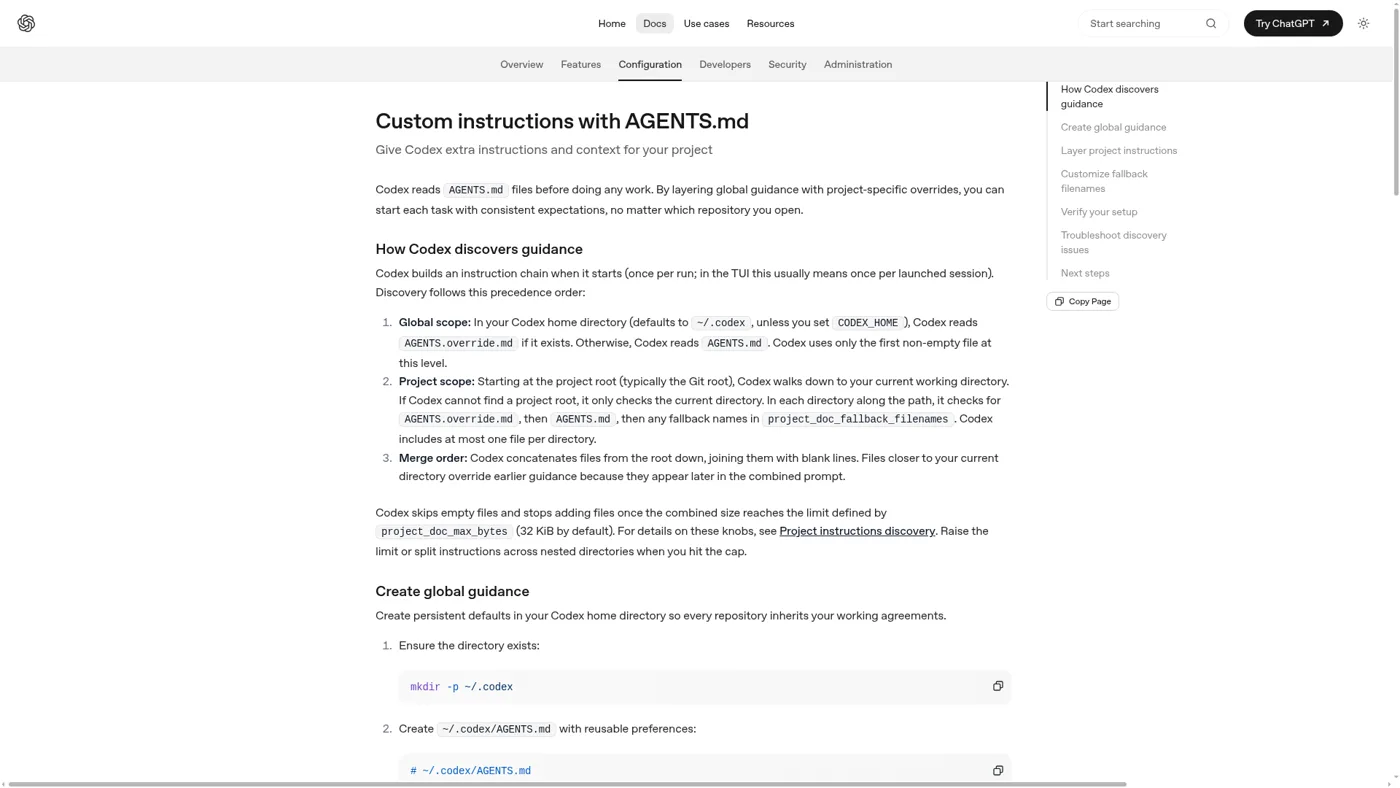
The solution is multiple AGENTS.md files at different directory levels. Codex merges them automatically using a documented algorithm:
Global level: reads ~/.codex/AGENTS.md (or CODEX_HOME)
Project level: walks from the Git root down to your current working directory, picking up one file per level
Merge order: root content first, current directory content last — later content overrides earlier content when they conflict
Starting Codex from backend/ loads all three files. The backend rules rank highest because they appear last in the merge chain. But shared rules from the root still apply — the merge is additive, not replacement.
Override files and fallback names
AGENTS.override.md in a directory replaces the AGENTS.md at that level only. Parent files stay in the chain. This is useful when a subdirectory needs completely different tooling (Terraform instead of TypeScript) without losing shared project rules.
Convention: commit AGENTS.md to git (team-shared rules), keep AGENTS.override.md in .gitignore (personal tweaks).
For projects already using a different filename like TEAM_GUIDE.md, configure a fallback in ~/.codex/config.toml:
Codex then searches each directory for: AGENTS.override.md > AGENTS.md > TEAM_GUIDE.md. No renaming needed.
The 32 KiB size limit
The merged content is capped at project_doc_max_bytes (default: 32,768 bytes). Overflow is silently dropped. You can raise it in config, but that's treating the symptom — the real fix is trimming and splitting into subdirectory files.
How Does AGENTS.md Work with CLAUDE.md and README?
If you use both Codex and Claude Code, the file naming creates confusion. Here's the clean split:
Same as AGENTS.md, but Claude Code reads this filename
Anthropic
The critical fact most tutorials get wrong: Claude Code does not read AGENTS.md. Anthropic's documentation states: "Claude Code reads CLAUDE.md, not AGENTS.md." The agents.md support list includes Codex, Cursor, Gemini CLI, Copilot, Jules, and Amp — but not Claude Code.
Two ways to share rules between both tools:
Option 1 (recommended): Create a CLAUDE.md that imports AGENTS.md:
@AGENTS.md

## Claude Code Specific
- Enter plan mode before editing `src/billing/`.
Option 2: Symlink CLAUDE.md to AGENTS.md:
ln -s AGENTS.md CLAUDE.md
One source of truth, both tools reading their own filename. If you're starting fresh, create AGENTS.md first (it has broader tool support), then symlink or import for Claude Code.
Note: Windows symlinks require admin privileges or Developer Mode. Microsoft recommends using the @AGENTS.md import approach instead.
What Does a Complete AGENTS.md Look Like?
After growing through the stages above, a mature single-repo AGENTS.md has roughly seven sections:
Project overview — one sentence on what the project does
Dev commands — install, test, lint, build
Project structure — key directories with landmine markers
Tech stack — frameworks with major version numbers (not just "React" — "React 18 + TypeScript + Vite")
Add a final References section pointing to detailed architecture docs and API specs. Keep AGENTS.md short; let it reference detailed documents that the agent loads on demand.
The whole file is roughly 50 lines. It's not what you write on day one — it's what you have after two weeks of iteration.
How Do You Maintain AGENTS.md Over Time?
An instruction file that's never updated becomes actively harmful. Rules that described your project three months ago now describe a project that no longer exists, and the agent follows the stale version.
Two signals drive maintenance:
Signal
Action
Agent makes the same mistake twice
Add a rule to prevent it
A rule no longer matches the project
Delete it immediately
Agent ignores an existing rule
Move it to the "never-do" section or split it into shorter sentences
Both numbers point the same direction: shorter is always better. The core maintenance action is deletion, not addition. For every line you consider adding, ask: "Does the agent need this at the start of every session?" If the answer is "sometimes," leave it out.
In my own setup, I enforce a hard cap of 200 lines on the global ~/.codex/AGENTS.md. Anything beyond that gets pushed down to project-specific files. The counterintuitive result: the more aggressively I trim, the more accurately Codex follows instructions — because every remaining rule is genuinely relevant to the current context.
What Are the Most Common Mistakes?
Here's every trap covered in this guide, collected in one place:
Mistake
What goes wrong
Fix
Trying to write a "complete" version on day one
You never ship it
Start with 12 lines, add sections when mistakes happen
Vague boundaries ("be careful")
Agent can't verify compliance
Every rule must be testable: run a command, check a file, ask the human
Dumping linter rules into code style
File bloat, agent ignores real rules
Move formatting to ESLint/Prettier config, keep only judgment calls
Bumping project_doc_max_bytes when hitting the limit
Treats the symptom, accuracy drops
Trim first, split into subdirectory files second
Assuming Claude Code reads AGENTS.md
Rules never take effect
Use @AGENTS.md import or symlink in CLAUDE.md
Symlink in the wrong direction (or on Windows)
Content doesn't connect
Create AGENTS.md first, then symlink; Windows users should use @ import
Treating AGENTS.override.md as full-chain override
Accidentally lose parent rules
Override only replaces the file at its own directory level
Committing AI-generated AGENTS.md without review
Commands don't match, filler text everywhere
Use AI drafts as skeletons, verify every command, cut the filler
Writing once and never updating
Stale rules cause wrong behavior
Treat it as a living document — add when mistakes repeat, delete when rules expire
Copying AGENTS.md from untrusted repos
Invisible Unicode injection risk
Review content and scan for hidden characters; treat changes as code and run them through PR review
The last point deserves emphasis. Security firm Pillar Security disclosed a "Rules File Backdoor" attack (report) where attackers inject invisible Unicode characters into instruction files. Since AGENTS.md content enters the AI's instruction context, copying from untrusted sources without inspection is a genuine security risk.
Quick Self-Check Before You Ship
Run through this list before committing your AGENTS.md:
[ ] Dev commands are listed (install, test, build) and they actually work when you run them?
Ready-to-Use Prompt: Write a Start-Small-Grow-Late AGENTS.md for OpenAI Codex
What this does: Produces a 12-line AGENTS.md starter for your project, then conditionally grows only the sections it actually needs — boundaries, project structure, code style, testing — and layers it correctly across directories using Codex's merge logic, with clean separation from CLAUDE.md and README. Based on: How to Write AGENTS.md: A Practical Guide for OpenAI Codex — https://aiworkflowpro.com/codex-agents-md-guide/ Time to run: ~4 minutes
Copy this prompt into Claude Code, ChatGPT, or any AI assistant:
ROLE: You are an AGENTS.md architect for OpenAI Codex. Your job: produce a minimal 12-line AGENTS.md, then grow only the sections the project actually needs — boundaries, structure, style, testing — and layer it correctly across directories using Codex's merge logic.

CONTEXT — AGENTS.md START-AND-GROW:
Every Codex session starts from zero — no memory of test commands, off-limits directories, or commit format. AGENTS.md is the Markdown file Codex auto-loads at session start to fix that. The method is start-small-grow-late: ship a 12-line starter (purpose, build/test/run commands, off-limits paths, commit format), then add heavier sections — project structure, boundaries, code style, testing — only when the project actually needs them. Codex merges every AGENTS.md in the directory tree (root plus subdirectories), so shared rules live at root and subdirectory-specific rules live nested; AGENTS.md covers the agent, CLAUDE.md covers Claude-Code specifics, README covers humans.

INPUTS (fill in before running):
- PROJECT: YOUR_PROJECT_HERE (what it is — language, stack, one-line purpose)
- HAS_TESTS: YOUR_ANSWER_HERE (does it have a test suite? yes/no)
- OFF_LIMITS: YOUR_PATHS_HERE (dirs/actions that must never be touched — or "none")
- MULTI_AREA: YOUR_ANSWER_HERE (is it a multi-directory project needing nested rules? yes/no)

METHOD — 6 STEPS:

Step 1 — Write the 12-line starter
Produce the minimal AGENTS.md: project purpose (1 line), build command, test command, run command, off-limits paths, commit-message format. No prose, no preamble — 12 lines max. This alone beats 90% of projects; ship it before growing.

Step 2 — Grow: boundaries (only if OFF_LIMITS is real)
If OFF_LIMITS names real paths/actions, add a Boundaries section as hard rules ("never edit X", "never force-push"). Boundaries work only when phrased as imperatives the agent can check, not vague guidance.

Step 3 — Grow: project structure (only if non-obvious)
Add a Project Structure section only if the layout is non-obvious to a fresh agent (mono-repo, unusual conventions). If a stranger could guess the layout from folder names, skip it — do not document the obvious.

Step 4 — Grow: code style + testing (conditional)
Add Code Style only if there are conventions worth enforcing (lint config, naming). Add Testing only if HAS_TESTS = yes — and the rule must prevent silent breakage: "run the suite before calling work done; a failing test means the task is not complete."

Step 5 — Layer across directories (only if MULTI_AREA)
For multi-directory projects, place shared rules in the root AGENTS.md and subdirectory-specific rules in nested AGENTS.md files — Codex merges them. Never duplicate a rule across levels; if it is true everywhere it lives at root.

Step 6 — Distinguish from CLAUDE.md and README
Confirm role separation: AGENTS.md = agent instructions any agent can read; CLAUDE.md = Claude-Code-specific extras; README = human onboarding. Agent-only content stays out of README; human-only content stays out of AGENTS.md.

RULES:
- Ship the 12-line starter before adding any heavier section — start small, grow late.
- Add a section only when the project actually needs it; never document the obvious.
- Boundaries are hard imperatives the agent can check ("never edit X"), not vague advice.
- The testing rule must run the suite before "done" — silent breakage is the default you are preventing.
- Never duplicate rules across directory levels; shared rules live at root.

OUTPUT FORMAT:
Output six sections:
1. **12-line starter** — the minimal AGENTS.md in a ```markdown block.
2. **Boundaries** — the hard-rule imperatives (or "none needed").
3. **Project structure** — the non-obvious layout (or "skip — layout is obvious").
4. **Style + testing** — style rules (if any) + the run-before-done testing rule (if HAS_TESTS).
5. **Directory layering** — root vs nested AGENTS.md placement (or "single file" if MULTI_AREA = no).
6. **Role separation** — what is AGENTS.md vs CLAUDE.md vs README for this project.
Save as @templates/codex-agents-md-guide.md and run when you start a Codex project, then re-run to add a section only when the project actually outgrows the 12-line starter.
Eight folders of plain Markdown, a CLAUDE.md index in each, and seven prompts that make your agent interview you. Every prompt, template and command from the video, in order.
Stop briefing your AI from scratch. One free folder holds your background, your rules and your voice. Eight prompts build it, no code, and any AI can read it.
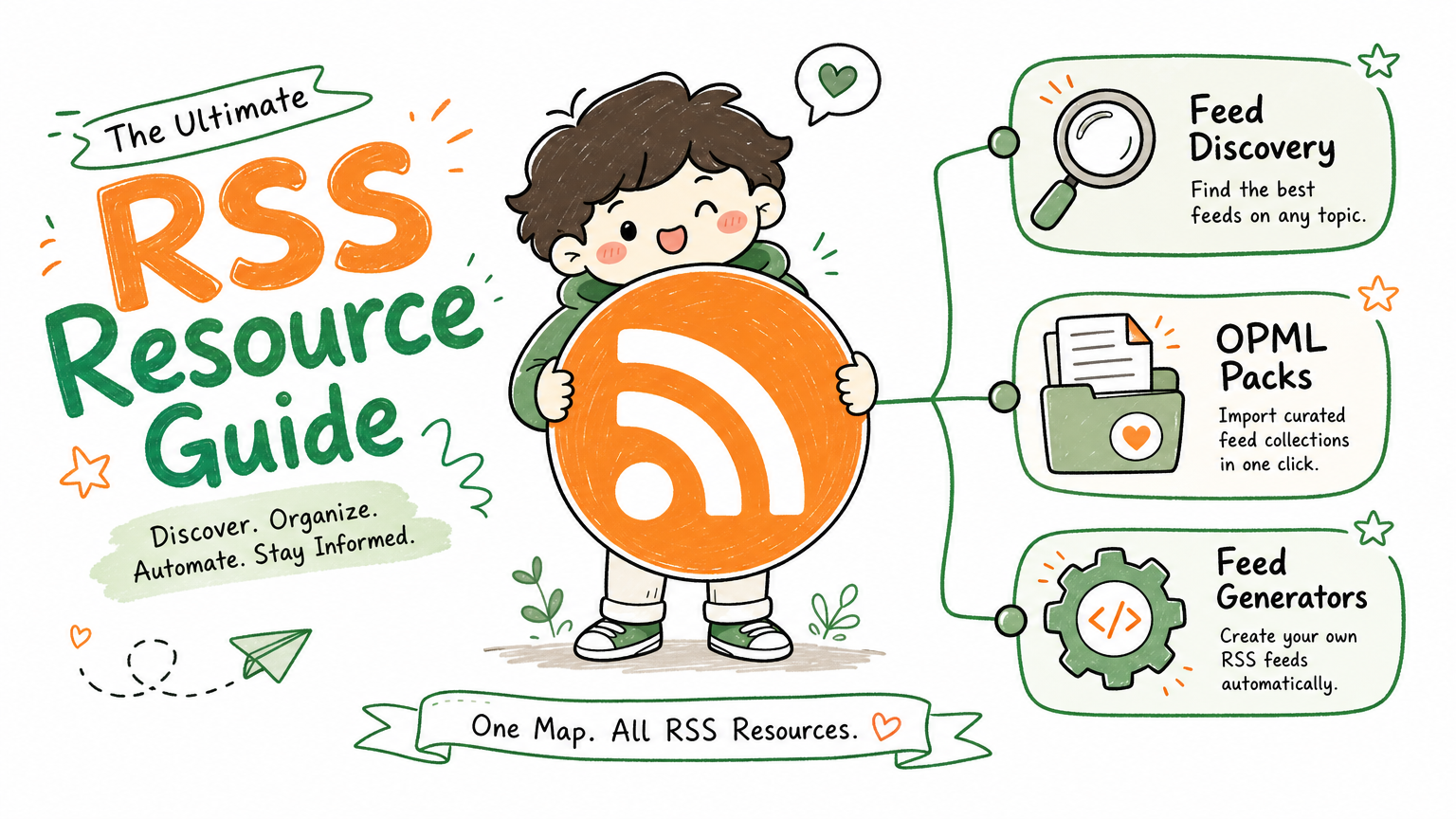
Monitoring a competitor who publishes no feed is the case every RSS guide skips. Twenty-one platforms sorted by which of three jobs they do, and the finished setup is business process automation you own outright, with no seat licence to renew.
Blaming the content is the reflex when a post underperforms, and it is usually the wrong diagnosis. A second reader decides distribution before any human sees the post, and most of what it checks is mechanical enough to automate business processes around, on five platforms at once.