Monitoring a competitor who publishes no feed is the case every RSS guide skips. Twenty-one platforms sorted by which of three jobs they do, and the finished setup is business process automation you own outright, with no seat licence to renew.
Blaming the content is the reflex when a post underperforms, and it is usually the wrong diagnosis. A second reader decides distribution before any human sees the post, and most of what it checks is mechanical enough to automate business processes around, on five platforms at once.
Gloves on, tape measure in hand — nobody types a query. Three voice surfaces for ai automation tools (terminal, Telegram, Discord), 10 TTS and 6 STT providers compared on cost and latency, plus a setup that costs nothing.
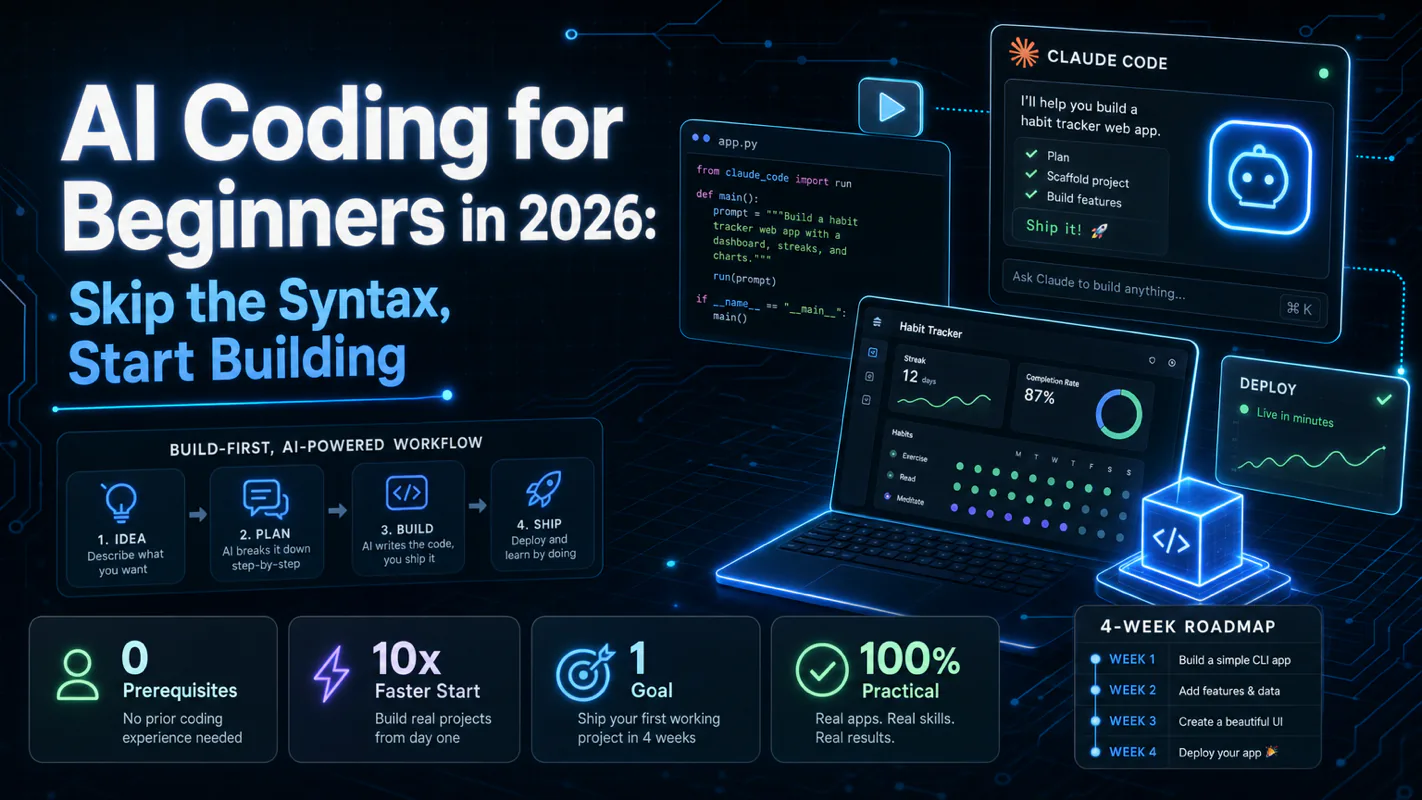
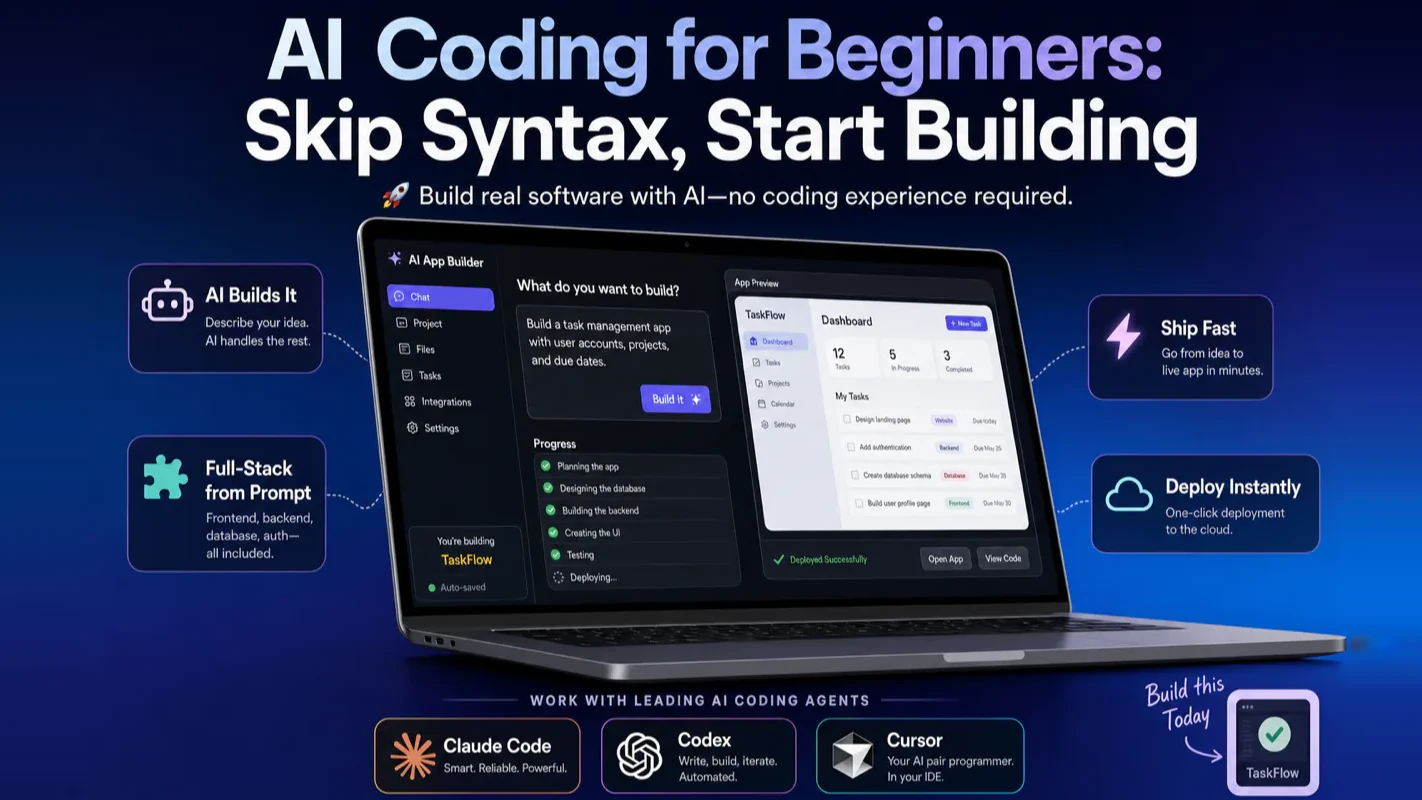
AI Coding for Beginners in 2026: Skip the Syntax, Start Building
A four-thousand-dollar quote for a two-hour tool is why small internal fixes never get built. Build-first beats syntax-first for ai for small business owners: a working thing in week one, then learn only the parts you touched.
An auto shop owner asked a freelancer to build something small: a page where customers could check whether their part had arrived. The quote came back at four thousand dollars and six weeks. He dropped the idea, and the front desk kept answering the same phone call a dozen times a day. That gap, between a problem worth solving and a build worth commissioning, is where most small internal tools die. This guide closes it from the other side, putting a working thing in your hands in week one. For ai for small business owners, the point was never to become a developer. It was to stop the twelfth phone call.
Reading time: 15 minutes | Goal: Give you the one path that actually works for learning AI coding in 2026 — no prior experience needed. We will dismantle the myths keeping you stuck, crush five common fears, and hand you a week-by-week plan you can start today.
What Most "Learn to Code" Advice Gets Wrong
The dominant advice for beginners has not changed in a decade: learn Python syntax, study data structures, memorize algorithms, then — months later — build something. That sequence is designed for computer science students, not for someone who wants to solve a real problem next Tuesday. It front-loads all the pain and backloads all the reward, which is why the vast majority of self-learners quit within two weeks.
I have watched this pattern repeat hundreds of times. Someone signs up for an online course, trudges through variables and loops, dutifully prints "Hello World," and then stares at the screen thinking: How does this connect to the tool I actually want to build? By chapter three the course tab is gathering dust.
The failure is not about talent or discipline. The failure is structural. The old path places the first taste of real accomplishment — a working thing you can actually use — months into the future. Without that early feedback, motivation evaporates.
In 2026, a fundamentally different path exists. AI coding agents let you build working software on day one, even if you have never seen a line of code. The rest of this guide shows you exactly how.
Why "AI Coding" Does Not Mean "Building AI Models"
Search "AI coding" and you will hit a wall of tutorials about installing Python, learning linear algebra, and training machine learning models. Those guides are answering a question you did not ask. They confuse two completely different activities:
What the old guides teach
What you actually want
Build AI models (machine learning engineering)
Use AI to build tools, apps, and scripts for you
Requires calculus, statistics, and algorithm design
Requires clear thinking and the ability to judge output
Takes years of study before producing anything useful
Produces working software in hours
Think of it like driving versus manufacturing cars. You want to drive. Those guides are teaching you to design an engine. No wonder the barrier feels impossibly high — you walked into the wrong classroom.
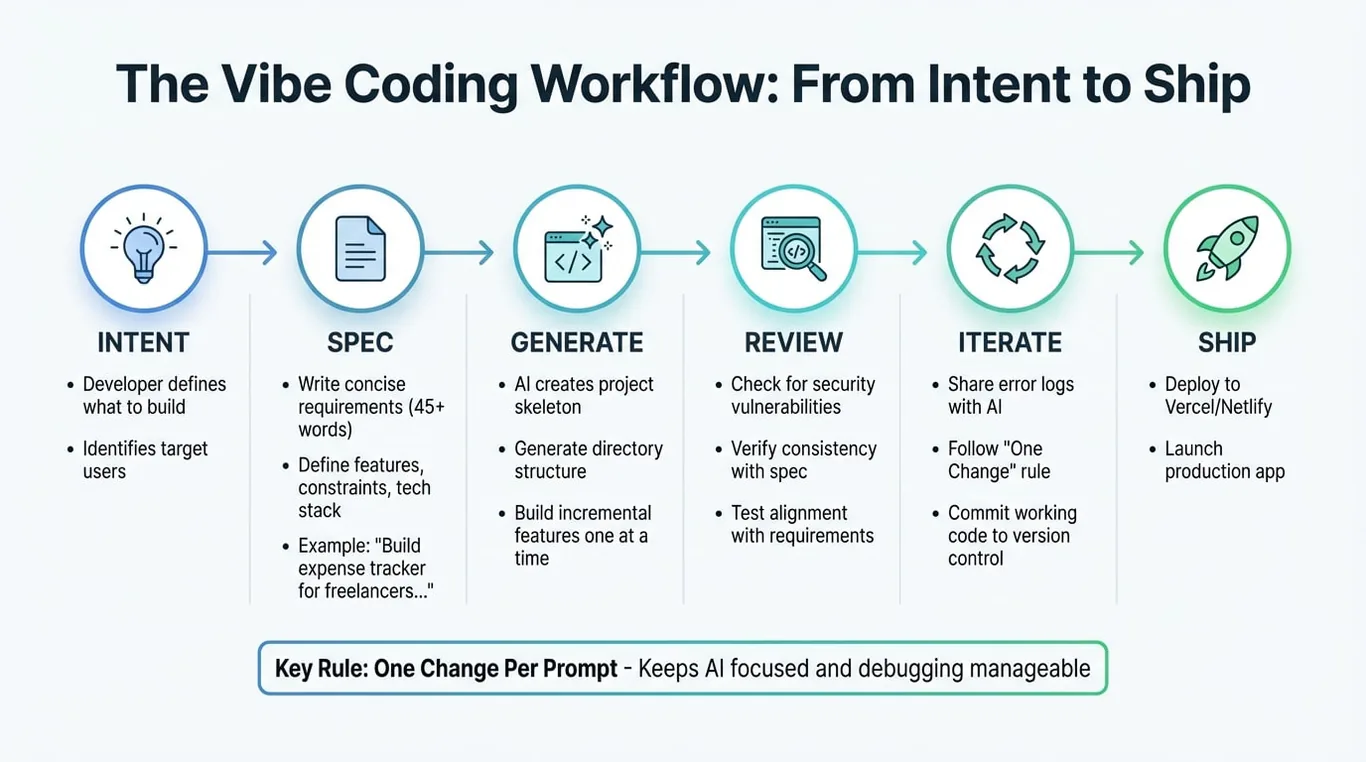
This guide is about using AI to write code for you — a practice widely known as vibe coding. You describe what you need in plain language; an AI agent generates the code; you run it, evaluate the result, and iterate. No calculus required. No syntax memorization either.
How Does the Build-First Path Compare to the Old Way?
The build-first approach inverts the traditional sequence, and the contrast is stark enough to see in a single table.
Old path: learn syntax first
New path: build first
Starting point
Memorize syntax, study concepts, review math
Pick a real problem, describe it to an AI agent
Time to first working output
Weeks to months
Hours to a day
Positive feedback
Arrives late (high dropout)
Arrives early (high retention)
When you hit a wall
Search Stack Overflow, debug alone, suffer
Ask the AI agent directly, get an answer in seconds
Core skill being trained
Writing syntactically correct code
Describing requirements clearly and evaluating results
Best suited for
Career software engineers, CS students
Anyone who wants to solve problems with software
The critical variable is when positive feedback appears. Self-learners survive or quit based almost entirely on how fast they see a result that matters to them. The build-first path delivers that result on day one.
A clarification that matters: build-first does not mean never-learn. It means you learn after you have a working project and a concrete reason to understand how it works. The knowledge sticks better because every concept maps to something you already built. Section six below explains exactly how much code knowledge you need at each stage.
How Do I Crush the Five Fears Keeping Me from Starting?
Every beginner I have mentored carries at least one of these fears. Each one sounds reasonable in the abstract but dissolves on contact with reality.
"I am bad at math."
Practical AI coding projects — automation scripts, web apps, file organizers, dashboards, small SaaS tools — use no math beyond basic arithmetic. The "coding requires math" reputation comes from competitive programming and machine learning research, neither of which applies here. In my own workflow, I have shipped dozens of internal tools and not one of them required calculus.
"I am too old to start."
Traditional coding punishes age because it demands rote memorization of syntax. AI coding does the opposite: the core skills — articulating what you need and judging whether the output is correct — rely on life experience and clear thinking, both of which tend to improve with age. You never need to memorize a keyword again; the AI handles that.
"I do not have a CS degree."
Nobody asks for your diploma when your tool works. AI coding is a results-first field. The barrier to proving competence has shifted from credentials to output: build something useful and the result speaks for itself.
"My English is not strong enough."
AI agents understand dozens of languages fluently. You can describe requirements, ask follow-up questions, and read explanations entirely in your native language. When you encounter an English error message, paste it into the agent and ask for a translation. English fluency is a minor convenience, not a gate.
"I do not understand code at all."
You do not need to understand code to start. In the first week, the AI writes everything and you simply verify the result. As your projects grow, understanding "roughly what this code does" starts paying off — not because you need to write it, but because you need to judge it. That knowledge accumulates naturally through building. Section six below maps out exactly how much understanding you need at each stage.
From my own experience: I spent years watching people agonize over these five fears before ever opening a tool. Almost without exception, the fears vanished within the first week of actual building. The cure is not reassurance — it is shipping your first working project.
What Does the 4-Week Build-First Roadmap Look Like?
This is not a curriculum to study. It is a sequence of actions to execute. Each week has one objective.
Week 1: Ship your first project and prove it works
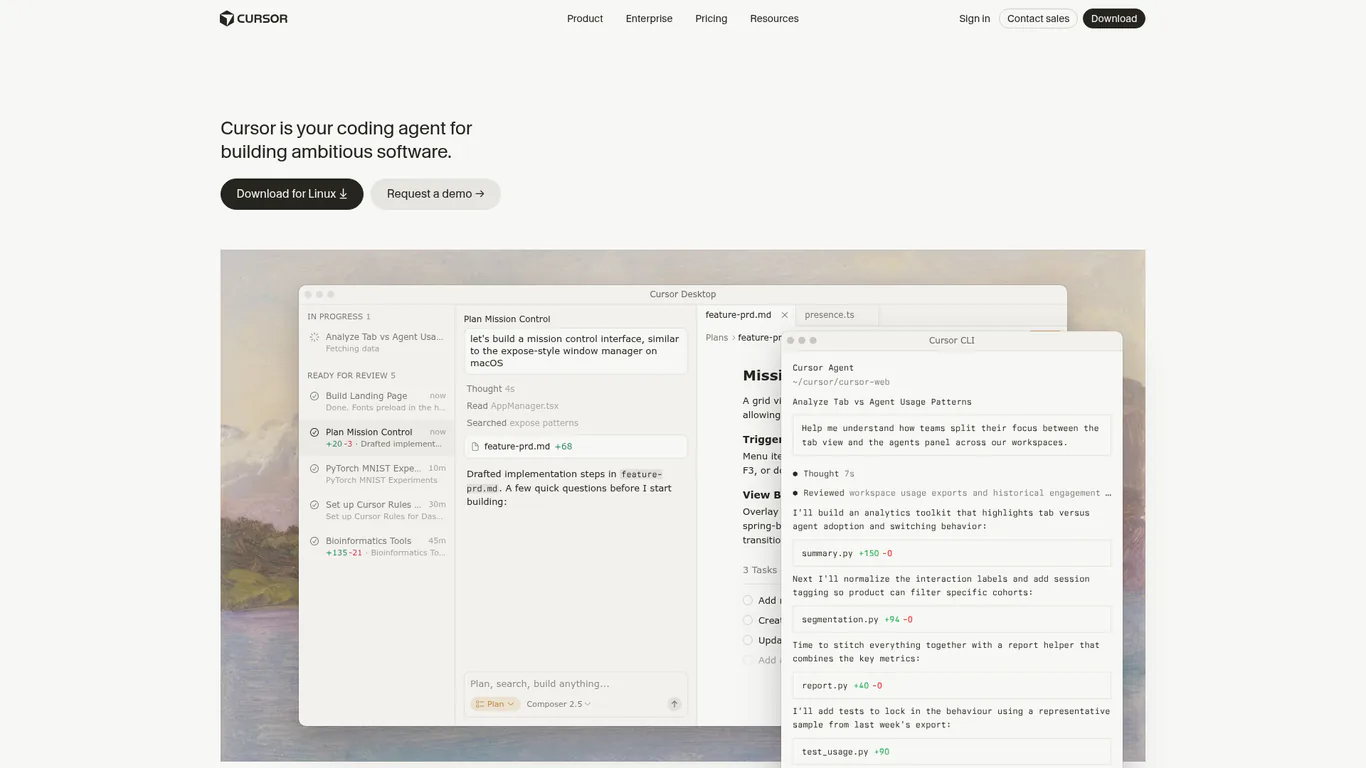
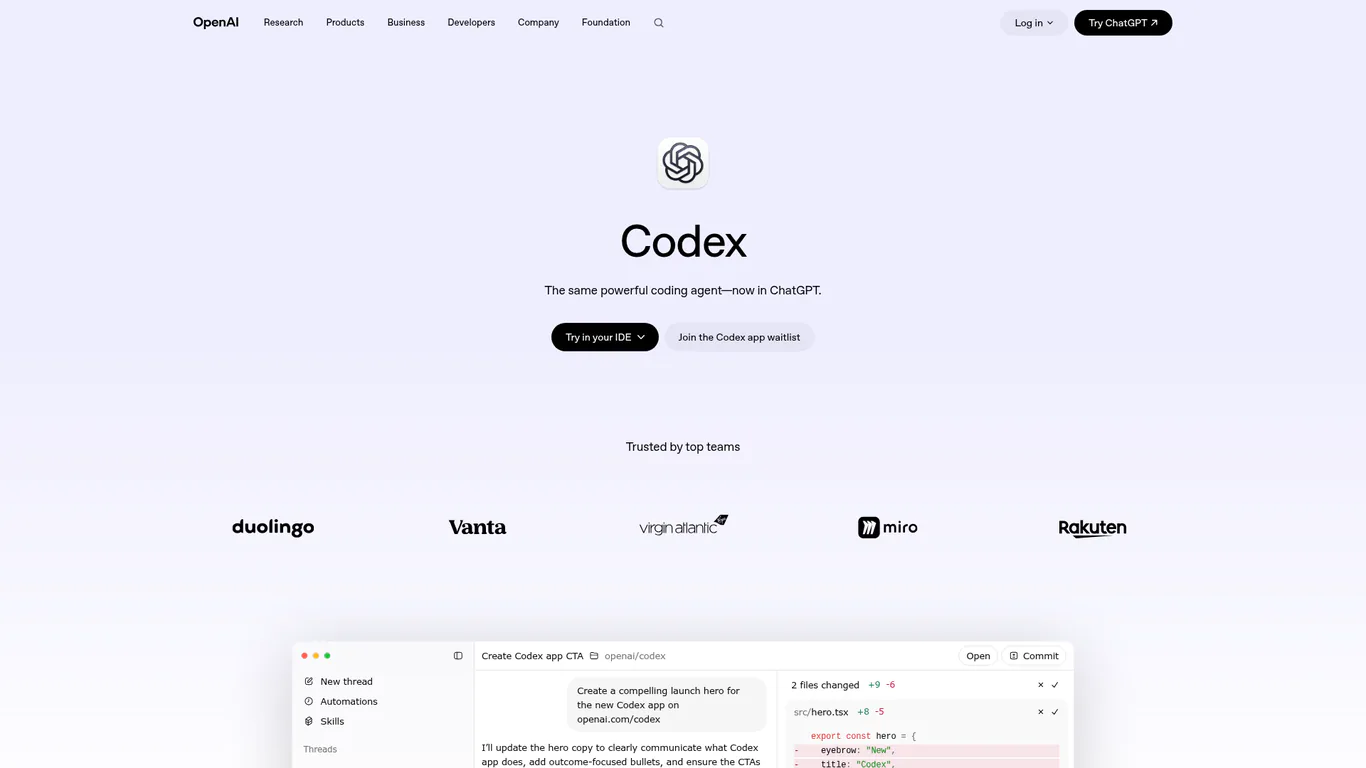
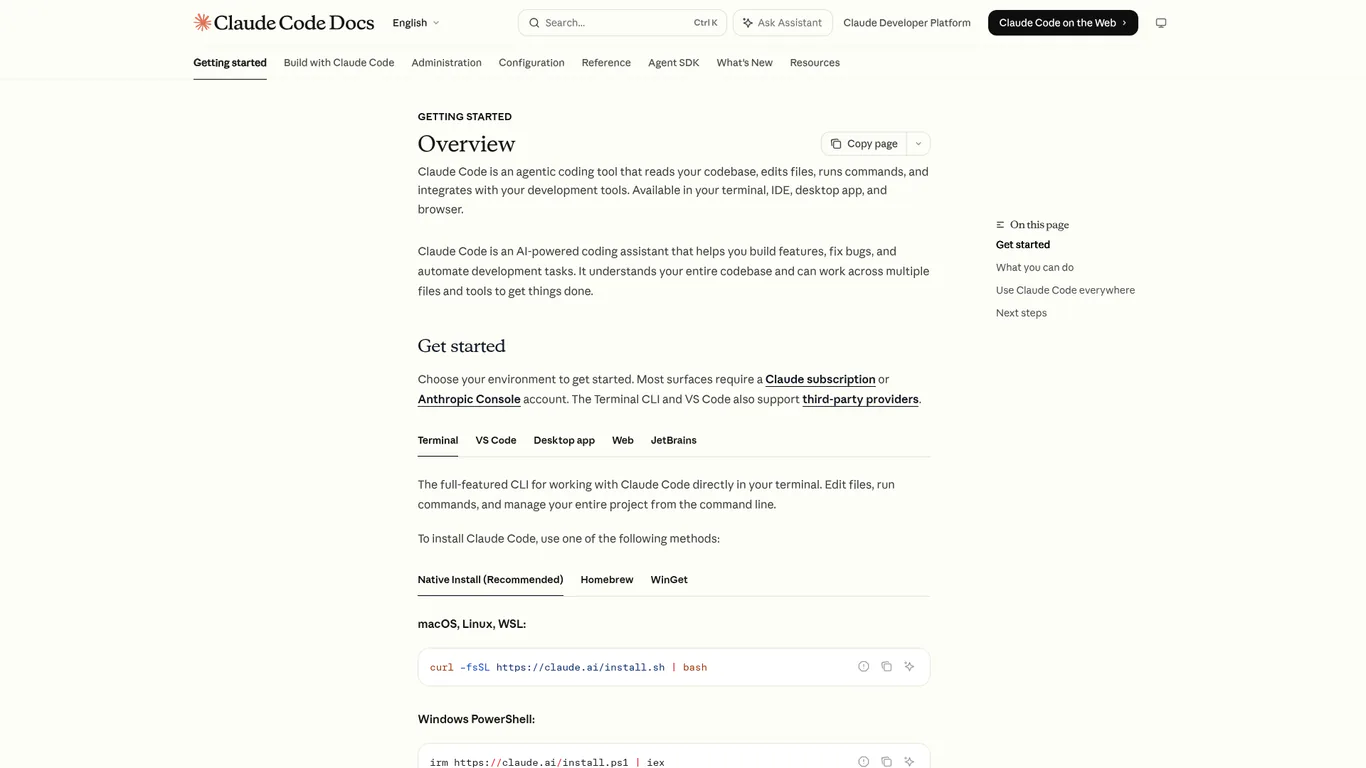
Install one tool. Pick Claude Code, Codex, or Cursor. Spend less than ten minutes deciding — the core experience is nearly identical across all of them.
Find a small, real annoyance. Look at your computer and daily routine. Find something repetitive and contained: sorting a messy Downloads folder, batch-renaming photos, extracting data from a spreadsheet.
Describe it precisely. Use this template: Input (what files or data), Processing (what to do with them), Output (what the result should look like), Constraints (anything the tool must not do).
Let the AI build it, then run it yourself. Do not trust "done" — execute the code on a test folder, check the result with your own eyes.
Report what is wrong, then iterate. If photos with no extension cause an error, tell the agent exactly what happened. One or two rounds of feedback usually gets the tool working.
A concrete example of week one
Suppose your Downloads folder is a disaster. You open your AI coding agent and type:
My Downloads folder is a mess. Build a tool that sorts files into four subfolders — Images, Documents, Videos, Compressed — based on file extension. Anything that does not match goes into Other. Move files, do not copy. Use my Desktop test folder first. Before you start, tell me your plan.
The agent outlines its approach. You approve. It writes the script. You run it on a test folder. Files with no extension throw an error. You report: "Files without extensions caused an error — put those in Other." The agent fixes it. You run again. Clean.
You wrote zero code. You have a working tool. You also fixed a six-month-old mess. That is what week one should feel like: small, real, useful, done.
One habit to build from day one: notice the phrase "tell me your plan" in the example above. Any time an AI agent is about to move, delete, or modify files, ask it to explain first and wait for your approval. This safety reflex pays compound interest as your projects grow.
Week 2: Sharpen your requirements
This week trains the single highest-ROI skill in AI coding: describing what you want with enough precision that the AI gets it right on the first or second try.
Build two or three more small tools.
Each time, write a more specific description. Compare the output from a vague prompt ("make a budgeting tool") with a precise one ("build a CLI tool that reads my bank CSV, categorizes transactions by merchant keyword, and outputs a monthly summary table as Markdown").
You will immediately see the gap: vague in, messy out; specific in, usable out.
Week 3: Learn to read output and errors
Start scanning the code your AI writes. You do not need to understand every line — aim for "I roughly see what this section does."
When something breaks, read the error message before asking the AI. Even partial understanding helps you give better feedback.
Goal: move from "I blindly trust every output" to "I can spot when something looks wrong."
Week 4: Build a slightly larger project
Pick something with multiple features: a personal dashboard, a small web app, a multi-step automation.
Practice decomposition: break the project into small, testable chunks. Verify each chunk before moving to the next.
When the project gets unwieldy, create a project brief file that describes the architecture in plain English. Hand it to the AI at the start of each session so it stays aligned.
What comes after four weeks?
Four weeks will not make you a software engineer. They will take you from "I cannot do this" to "I can independently build small-to-medium tools and collaborate effectively with an AI agent." That is already transformative: you can automate repetitive work, validate product ideas with prototypes, and solve problems that used to require hiring a developer.
Where you go next depends on your goals:
Solving personal problems: keep building as needs arise. Your skills compound with each project.
Shipping a product or side business: learn basic project structure and version control. Let the AI set up a project brief for you.
Pursuing AI coding professionally: focus on the meta-skill of discovering real needs, building solutions with AI, and evaluating quality. That combination has market value.
How Much Code Do I Actually Need to Understand?
The honest answer depends on what you are building.
Stage
Code knowledge needed
Why
Beginner (small tools)
Almost none
The AI handles everything; you describe and verify
Intermediate (complete projects)
Rough reading comprehension
You need to judge whether the AI's output is correct and point it in the right direction when it stalls
Serious (products, side business)
Basic concepts + ability to read errors
Without this, large projects spiral out of control
A common trap: some beginners hear "AI writes the code" and decide they never need to look at it. That works for tiny scripts. But the moment a project grows and the AI produces a bug it cannot fix after two rounds, you need enough comprehension to say "the problem is in the database query, not the frontend" rather than "it is broken, fix it." Vague feedback produces vague fixes.
The right approach: do not study a language upfront, but do pay attention as you build. Each project will teach you a few concepts organically. Over weeks, those fragments accumulate into functional literacy — not because you sat through a course, but because you needed each piece to finish something real.
Does Build-First Lead to a Weak Foundation?
Whenever someone advocates skipping syntax drills, a predictable objection appears: "Weak foundations will catch up with you." The concern is half right and half wrong.
The half that is right: someone who never examines what the AI produces, who blindly accepts every output and never develops any judgment, will indeed hit a ceiling. Large projects will collapse and they will not know why.
The half that is wrong: it conflates build-first with never-learn. They are not the same thing.
Build-first reverses the sequence of learning, not its existence:
You still learn fundamentals — but you learn them when a real project demands them, not when a textbook schedules them.
Concepts stick deeper when attached to real problems. Debugging a broken loop in your own tool teaches you more about loops than any worksheet.
Your projects become anchors for future study. When you eventually read about a concept formally, you think "that is the thing that broke my file sorter in week two" — and you never forget it.
The real risk of a weak foundation has nothing to do with the order of learning. It depends entirely on whether you think critically while building. A build-first learner who constantly asks "why did the AI do it this way?" develops stronger intuition than a syntax-first learner who memorizes keywords and copy-pastes solutions without reflection.
One sentence summary: build-first is not a shortcut that skips learning. It is a more effective sequence that embeds learning inside real projects.
What Are the Three Biggest Mistakes Beginners Make?
From mentoring dozens of newcomers over the past two years, three patterns cause the most wasted time:
Mistake 1: Taking a course before building anything. By the time you finish the course, your motivation and free time are both spent. Start building immediately and consult tutorials only when you hit a specific wall.
Mistake 2: Choosing an ambitious first project. The instinct is to build something impressive. The result is an unfinished mess and a confidence crash. Your first project should be embarrassingly small: sort files, rename photos, scrape a price. Small wins build momentum; momentum enables ambition later.
Mistake 3: Spending hours comparing tools instead of using one. Every mainstream AI coding agent — Claude Code, Codex, Cursor, Windsurf — can handle beginner projects. Pick one. Use it for a month. Comparative reviews are useful after you know what you are comparing. Before that, they are procrastination with a productivity disguise.
A subtler trap: trying to learn multiple tools simultaneously. Beginners who split attention across three agents learn none of them well. Pick one, get fluent, then branch out. Depth beats breadth at the start.
How Do I Know If I Am on Track After 30 Days?
Self-study without benchmarks breeds anxiety. Use these milestones as reference points, not pass/fail criteria.
Checkpoint
What you should be able to do
Day 1
Install a tool, start a conversation with it
End of week 1
Ship one small tool through the full cycle: describe, generate, run, feedback, iterate
End of week 2
Notice that clearer descriptions produce better output
End of week 3
Read AI-generated code at a glance and explain roughly what it does; understand error messages with the AI's help
End of week 4
Build a multi-feature project using small, verifiable steps
Day 30
Face a new problem and immediately think: "I can describe this to an AI agent and build a solution"
The most reliable signal that you have truly started is not a skill milestone — it is a mental shift. When your reflex changes from "I cannot do that, I do not know how to code" to "I bet I could get an AI to build that for me," you have crossed the threshold. That shift is irreversible, and it is worth more than any syntax knowledge.
Where Should I Go When I Get Stuck?
The best teacher you will ever have for AI coding is the AI agent you are already using. But knowing the right order of escalation saves time.
Ask the AI agent first. Copy the full error message. Describe the exact behavior you expected versus what happened. Be specific — "it crashes" is useless; "it throws a KeyError on line 14 when the input file has empty rows" gives the agent everything it needs. Nine times out of ten, the problem gets resolved here.
Consult structured tutorials. When you need conceptual understanding — how version control works, what a REST API is, how to structure a larger project — a well-organized tutorial beats scattered Q&A. Look for guides that teach by building, not by lecturing.
Check official documentation. When you need the authoritative answer on how a specific tool or framework behaves, go to the source: Claude Code docs, OpenAI Codex, Cursor.
One mindset shift matters more than any resource list: asking an AI agent for help is not cheating. In 2026, it is the most efficient learning method available. You get instant, contextualized explanations tailored to your exact problem. The old model — search a forum, wait for a reply, hope it applies to your situation — is obsolete. Use the AI's availability without guilt. The faster you get unstuck, the faster you learn.
One Takeaway to Remember
AI coding for beginners is not about learning to write code. It is about learning to turn ideas into working software by directing an AI agent. The entry barrier has shifted from "can you write code" to "can you describe a problem and judge a solution" — and that is a threshold almost anyone can cross.
If you remember one line from this guide: in 2026, do not start by learning syntax. Start by building. Do not let "I am bad at math" or "I am too old" or "I do not have a technical background" stop you. Those fears belong to the old path. On the new path, the only thing between you and your first working project is a clear description of something you actually need.
Four weeks from now, the change will not be measured in syntax learned. It will show up in how you see problems: instead of "I cannot do that," you will think "I can build that." Once that shift happens, you have truly begun.
Open your tool. Pick one small, real annoyance. Describe it. Ship it. Start your week one today.
Ready-to-Use Prompt: Generate a 4-Week Build-First Coding Plan from One Project Idea
What this does: Turns one thing you want to build into a personalized 4-week ship-first plan — week-by-week goals, the five starter fears crushed, a minimum-viable code-reading bar, the three mistakes to avoid, and a 30-day on-track check. Based on: AI Coding for Beginners in 2026: Skip the Syntax, Start Building — https://aiworkflowpro.com/ai-coding-for-beginners/ Time to run: ~4 minutes
Copy this prompt into Claude Code, ChatGPT, or any AI assistant:
ROLE: You are a build-first coding coach for total beginners. Your job: turn one thing the reader wants to build into a 4-week ship-first plan that front-loads reward, crushes the five starter fears, and sets a 30-day on-track check.

CONTEXT — BUILD-FIRST PATH:
The old way front-loads pain (syntax, data structures, algorithms) and backloads reward (build something months later), so most self-learners quit within two weeks. Build-First inverts it: ship a tiny working thing in week 1, then learn by modifying running code with an AI agent as pair-programmer. "AI coding" means coding with AI agents, not building AI models. The reader needs only minimum-viable code understanding — enough to read what changed, describe what a function does, and catch when the AI is wrong — not write from scratch.

INPUTS (fill in before running):
- BUILD_IDEA: YOUR_PROJECT_HERE (one sentence on what you want to build)
- WEEKLY_HOURS: YOUR_HOURS_HERE (hours per week you can commit)
- PRIOR_EXPERIENCE: YOUR_LEVEL_HERE (none / dabbled / some)

METHOD — 6 STEPS:

Step 1 — Scope week 1 to "embarrassingly small"
Cut BUILD_IDEA to the tiniest version that still runs end-to-end and does one useful thing (the walking skeleton). If it cannot be built within WEEKLY_HOURS in week 1, cut features until it can. Output the week-1 target in one sentence.

Step 2 — Map the 4-week arc
Assign each week a ship goal: W1 ship the skeleton → W2 add one real feature → W3 connect to an outside thing (API, data, file) → W4 polish and publish where someone else can see it. Every week must produce something that runs, not a lesson.

Step 3 — Crush the five fears
Give the one-line countermove for each: (1) "I'm too late" → AI collapsed the gap; you start from shipping. (2) "I'm not technical" → you direct, the agent codes; you need taste, not typing. (3) "AI does it all, why learn" → you must read code well enough to know when it's wrong. (4) "I'll break it / look stupid" → version control means nothing breaks permanently. (5) "I don't know where to start" → the week-1 skeleton above IS the start.

Step 4 — Set minimum-viable code understanding
Define the reading bar to hit by week 4: can the reader (a) describe what a given function does in plain words, (b) point to which lines a change touched, (c) name when an AI suggestion looks wrong. They do NOT need to write syntax from scratch.

Step 5 — Flag the three mistakes
Warn against: (1) syntax-first / tutorial hell — no passive courses before week 4; (2) blind copy-paste — never accept AI output you cannot describe in one sentence; (3) scope creep — a feature not in the week plan waits.

Step 6 — Set the 30-day on-track check
Score three yes/no at day 30: shipped something publicly? can explain their own code in plain words? can modify it without the AI breaking it? On track = 3/3. Two or fewer → name the one fix (usually: ship smaller).

RULES:
- Every week ships a running thing — no week is "learning only".
- No passive syntax or algorithm study before week 4; learn by modifying working code.
- Never accept AI-generated code you cannot describe in one sentence.
- A feature not in the week plan is out of scope until the plan says otherwise.

OUTPUT FORMAT:
Output six sections:
1. **Week-1 skeleton** — one sentence on the tiniest runnable version.
2. **4-week roadmap** — markdown table with columns: Week | Ship goal | What you learn by doing it.
3. **Five fears, crushed** — markdown table with columns: Fear | One-line countermove.
4. **Minimum-viable understanding** — the three reading-bar checks.
5. **Three mistakes to avoid** — markdown table with columns: Mistake | Rule that prevents it.
6. **30-day check** — the three yes/no questions, then an "On track?" verdict line.
Save as @templates/ai-coding-for-beginners.md and run on day one of learning to code with AI, then re-run only if your project idea or weekly hours change.
Frequently Asked Questions
Why does the build-first path work better than learning syntax first?
The traditional learn-syntax-first sequence places the first taste of real accomplishment months into the future. Most self-learners quit within two weeks because positive feedback arrives too late. The build-first path inverts this: you ship a working tool on day one, then learn concepts as real problems demand them. The knowledge sticks better because every concept maps to something you already built.
What kind of first project should a complete beginner pick?
Look at your computer and daily routine for something repetitive and contained: sorting a messy Downloads folder, batch-renaming photos, extracting data from a spreadsheet. Describe it using the four-part template from the guide — Input, Processing, Output, Constraints — and let the AI agent generate the code. One or two feedback rounds usually gets it working. Avoid ambitious multi-feature apps; the goal in week one is completing the full describe-generate-test-iterate loop.
How much code do I actually need to understand at each stage?
Week one: zero — the AI writes everything and you verify the result. By week three, understanding roughly what each code block does helps you give better feedback. By month two, reading error messages and knowing which file to check makes you noticeably faster. You never need to write code from scratch; understanding grows naturally through building, not studying.
Is AI coding the same as building AI models?
No, and confusing the two is the single biggest reason beginners feel overwhelmed. Building AI models means training machine learning systems — that requires calculus, statistics, and years of study. AI coding means using AI agents like Claude Code or Codex to write software for you. The core skill is describing requirements clearly and judging output, which anyone can start doing immediately.
What happens after the 4-week roadmap ends?
Three expansion paths open up. First, tackle a multi-file project that stretches across several days — a personal dashboard, a data pipeline, a small web app. Second, learn one AI coding agent deeply by reading its documentation end to end. Third, add a second tool to your stack so you can route tasks to whichever agent handles them best. The weekly momentum matters more than the specific project you choose.
Monitoring a competitor who publishes no feed is the case every RSS guide skips. Twenty-one platforms sorted by which of three jobs they do, and the finished setup is business process automation you own outright, with no seat licence to renew.
Blaming the content is the reflex when a post underperforms, and it is usually the wrong diagnosis. A second reader decides distribution before any human sees the post, and most of what it checks is mechanical enough to automate business processes around, on five platforms at once.
Gloves on, tape measure in hand — nobody types a query. Three voice surfaces for ai automation tools (terminal, Telegram, Discord), 10 TTS and 6 STT providers compared on cost and latency, plus a setup that costs nothing.
Thursday afternoon, fourteen product ideas, a Monday filming slot, no scripts. Six script shapes and seven hook formulas turn that hour into finished drafts — and the business rule stays: rewrite at least 30% before anything ships.