Monitoring a competitor who publishes no feed is the case every RSS guide skips. Twenty-one platforms sorted by which of three jobs they do, and the finished setup is business process automation you own outright, with no seat licence to renew.
Blaming the content is the reflex when a post underperforms, and it is usually the wrong diagnosis. A second reader decides distribution before any human sees the post, and most of what it checks is mechanical enough to automate business processes around, on five platforms at once.
Gloves on, tape measure in hand — nobody types a query. Three voice surfaces for ai automation tools (terminal, Telegram, Discord), 10 TTS and 6 STT providers compared on cost and latency, plus a setup that costs nothing.
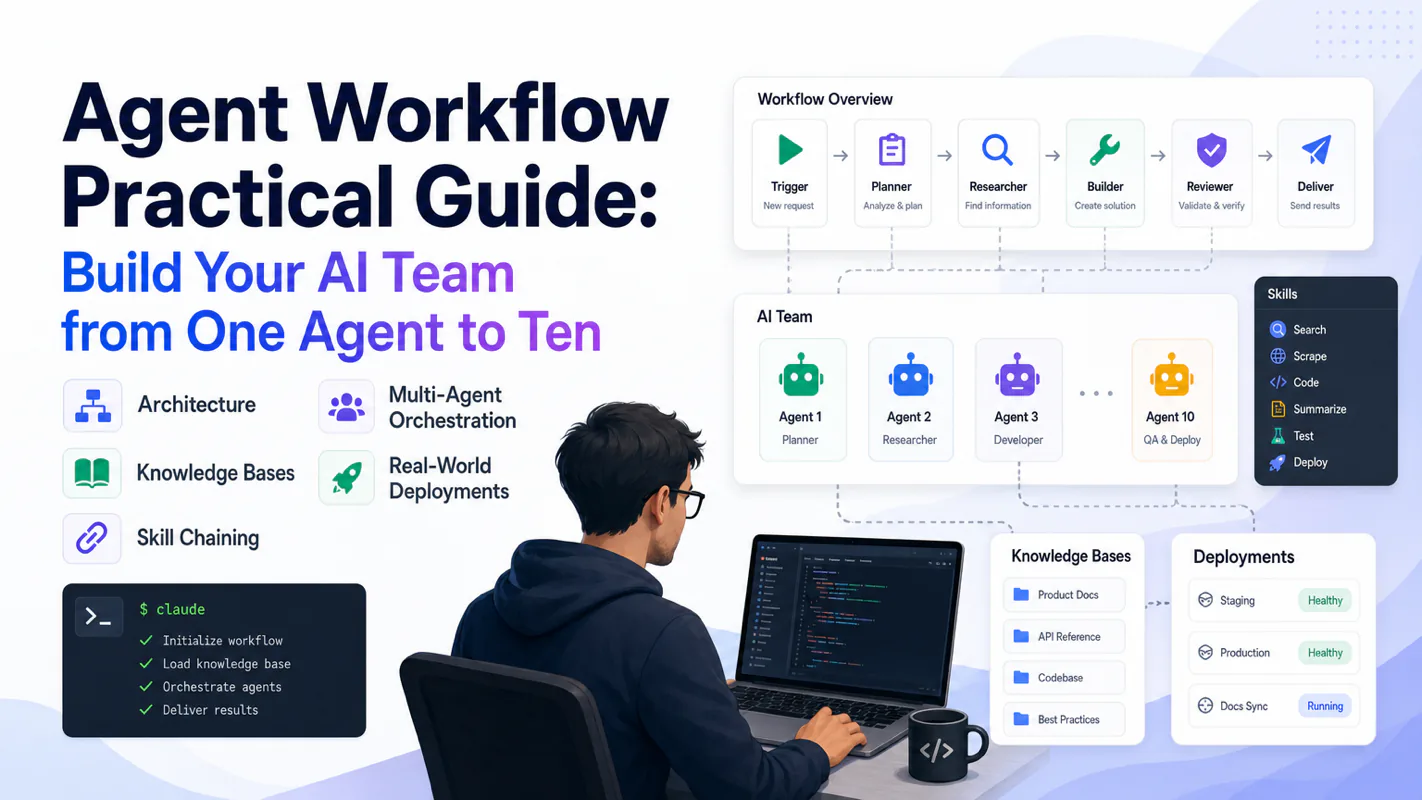
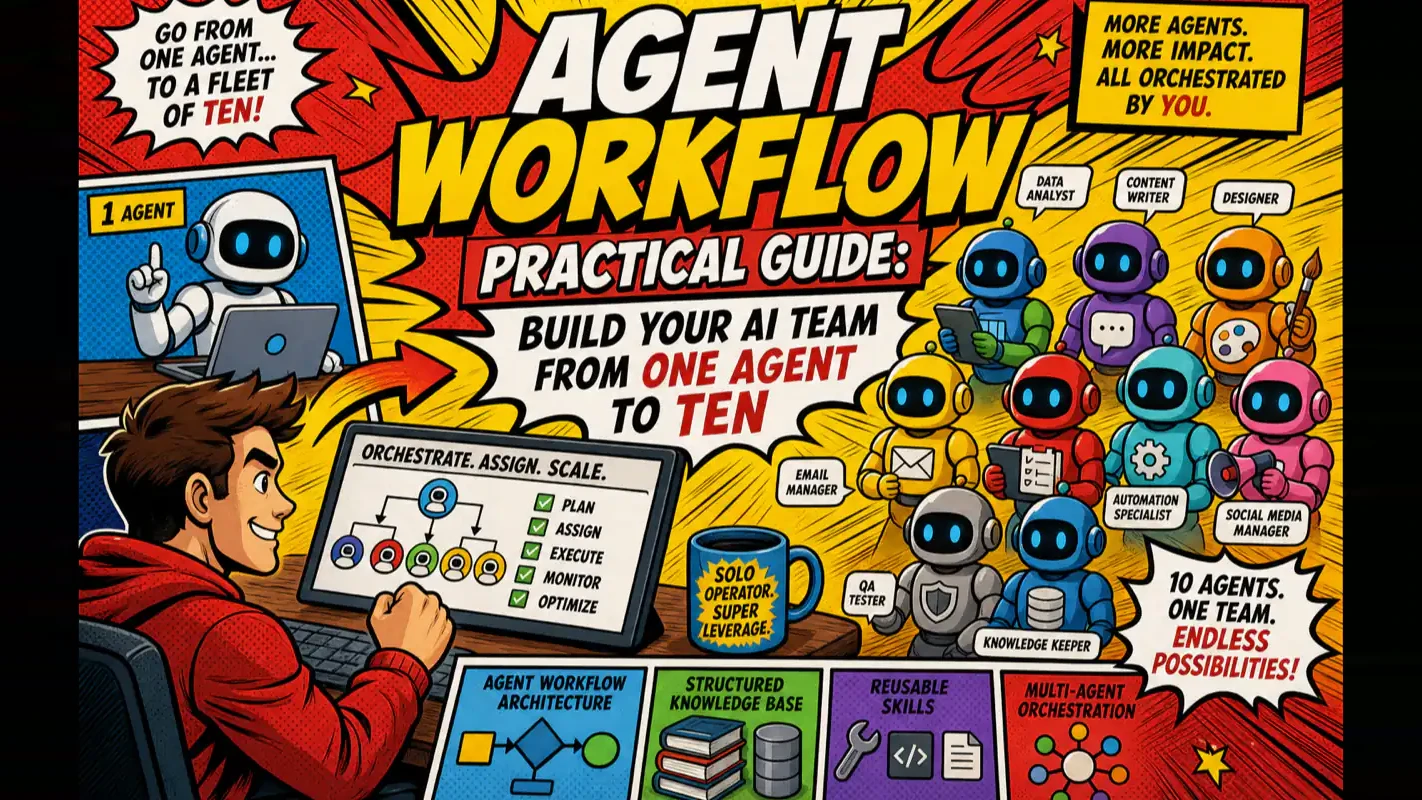
Agent Workflow Practical Guide: Build Your AI Team from One Agent to Ten
From one agent to a ten-agent fleet with zero employees: a four-layer architecture, a knowledge base that ends prompt-stuffing, a Skill system that makes workflow automation reusable, and an orchestration model that scales from one laptop to distributed machines.
When you answer the same question for the third time, it has stopped being a question and become a missing document. Every operation has a few: how a refund gets worded, which numbers belong in the Friday summary, what nobody may promise in writing. They live in one person's head, which is why the first assistant works and the fourth does not — you restate the house rules at the top of every task. Going from one agent to ten is mostly the move from restating to writing it down once and pointing at it. That layer is the part of workflow automation software nobody demos, and it decides whether a fleet scales or just multiplies your supervision.
Agent workflows aren't just longer prompts. They're engineering systems that make AI execute standardized processes with consistent quality — every single time.
Telling an AI to "write me a blog post" is where most people stop. Turning that AI into a system that retrieves domain knowledge, follows brand standards, chains five processing stages, self-checks against a quality rubric, and coordinates with other agents across machines — that's what agent workflows actually deliver.
I started with one agent running one task. Today I operate a fleet of 10 agents that handle content production, SEO operations, data collection, and course publishing — with exactly zero employees. Every lesson from that journey, every pattern that survived production, and every mistake that cost me weeks is distilled in this guide.
Here's what you'll walk away with: a four-layer architecture for agent workflows, a knowledge base structure that eliminates prompt-stuffing, a Skill system that makes workflows reusable, and a multi-agent orchestration model that scales from your laptop to a distributed fleet.
What Are Agent Workflows — and Why Do They Beat Traditional Automation?
Agent workflows place an AI decision-maker at every node in your pipeline. Traditional automation breaks when inputs shift. Agent workflows adapt. Anthropic's agentic patterns guide maps five production-proven workflow architectures that underpin this approach.
A prompt is a one-shot instruction — the AI does something and moves on. An agent workflow is a reusable engineering system: it defines when an agent gets triggered, what knowledge it reads, what steps it executes, how it validates output, and what happens when something fails.
Think of it this way. A prompt is "make me an omelet." An agent workflow is a kitchen operations manual — ingredient specs, heat standards, plating guidelines, quality checks before serving. Any cook following that manual produces the same dish.
Three traits separate agent workflows from prompt-and-pray:
Reusable. The same workflow runs hundreds of times. You feed it different inputs; the output quality stays locked. My content pipeline has processed over 200 articles. Each run takes a different topic; every article meets the same structural and quality bar.
Structured. A workflow isn't a wall of text. It's a layered document system — standard files define quality criteria, Skill files define execution steps, a knowledge base provides context, and checklists catch errors before they ship.
Composable. A single Skill handles a single task. Chain Skills into a pipeline. Run multiple pipelines across multiple agents in parallel. You go from one person managing one agent to one person orchestrating ten — without proportional complexity growth.
The difference from RPA or rule engines: every node in an agent workflow has judgment. It handles ambiguous inputs, infers from context, and makes decisions within constraints. That's the leap from automation to intelligence.
How Does the Four-Layer Architecture Work?
Every mature agent workflow stacks four layers:
Layer
What It Holds
Concrete Example
Knowledge
Brand identity, standards, research data
Structured knowledge base with index files
Capability
One reusable standard operating procedure
A Skill (Markdown doc + execution directory)
Orchestration
Multiple Skills chained with branching and error handling
A workflow pipeline
Collaboration
Multi-agent scheduling, cross-machine distribution
Task dispatcher + subagents
Most builders get stuck at the capability layer — they write prompts but can't turn them into reusable Skills. From hard-won experience: the knowledge layer decides everything. Without it, the other three layers are castles on sand.
How Should You Design the Agent Architecture?
Draw your org chart before you write a single line of code. Assign each agent one business function, not one technical skill.
The first mistake I made was trying to build an "everything agent" — one that could write articles, optimize SEO, process images, and manage deployments. The result: mediocre output across the board. When I split it into specialized agents, output quality jumped immediately.
What Principles Guide Agent Division of Labor?
One agent, one job. An agent that writes articles doesn't also manage keyword research. Specialization enables deep knowledge loading and keeps context windows clean.
Divide by business line, not technology. Don't create a "Python agent" and a "search agent." Create a content production line, an SEO operations line, and a course delivery line. Each line may use search, writing, and publishing — but it owns one end-to-end business outcome.
Search analysis, document modification, data collection
Data Collection
Multi-platform search through structured storage
API calls, data extraction, file management
Course Delivery
Source audit through platform publishing
Code analysis, documentation, platform automation
What Does It Take to Manage Ten Agents?
Managing one agent takes a good prompt. Managing ten takes a system.
The core is surprisingly simple: one dispatch script decides "who does what when," and one status script tracks "where is each task right now." Two scripts solve 90% of multi-agent management. No complex framework required.
The deeper architectural principle: agents aren't peers. They have hierarchy, reporting lines, and permission boundaries — like a company org chart. Get the architecture right, and adding agent number ten feels no harder than adding number two.
What Does the Growth Path Look Like?
Don't architect ten agents on day one. Here's the path that actually works:
Phase 1: One agent, one Skill. Pick your most painful repetitive task. Write a single Skill. Your goal: verify the agent can follow a standard and produce acceptable work.
Phase 2: One agent, multiple Skills. After your first Skill runs reliably, add adjacent tasks — image generation, SEO checks, platform formatting. You'll feel the knowledge base becoming essential here, because the agent needs brand voice, platform rules, and style guides to produce consistent output.
Phase 3: Multiple agents, divided responsibilities. When one agent's Skills get too numerous and its context window gets crowded, split. Create 2-3 specialized agents along business lines. The core challenge shifts to data handoff and conflict prevention between agents.
Phase 4: Cross-machine scheduling, batch operations. When workload exceeds one machine's capacity, distribute agents across servers. This stage demands a task dispatcher, status tracking, and checkpoint recovery.
Each phase is several times more complex — and several times more valuable — than the previous one. Don't skip stages. Get solid footing before stepping up.
How Should You Structure the Knowledge Base?
Your agent's output ceiling isn't set by prompt cleverness — it's set by knowledge base quality. A well-structured knowledge base lets simple prompts produce excellent results. Without one, the fanciest prompt still hallucinates.
What's the Core Architecture?
Six sections cover everything an agent needs:
Section
What It Stores
How the Agent Uses It
Brand
Identity, voice, audience profiles
Loads brand tone when creating content
Workflows
Execution steps and standards per workflow
Loads the right workflow when triggered
Tools
CLI scripts, credentials, best practices
Calls tool chains during execution
Business
Products, operational data, channel assets
References real data and case studies
Research
Books, papers, industry reports
Provides deep reference material
Standards
Writing specs, quality checklists
Self-checks whether output meets the bar
Every directory gets an index file. The agent navigates through index chains to locate any document autonomously. You don't stuff background info into every prompt — the agent retrieves what it needs from the knowledge base on its own. For a step-by-step walkthrough of building this structure, see AI Knowledge Base Building.
Think of the knowledge base as the agent's office bookshelf. Clear sections, complete indexes. When a task arrives, the agent walks to the shelf and pulls the right reference. You're not printing and hand-delivering materials every time.
How Do You Make It Accessible to Remote Agents?
Once the knowledge base is built locally, you need remote agents to access it. File sync tools handle bidirectional synchronization — changes propagate in seconds, so any agent on any machine reads the same knowledge.
In practice, I use a file sync service that pushes updates automatically. When I update a standard on my main machine, agents running on three other servers pick up the change within moments.
What Proves It Actually Works?
The real test: a fully automated content production line. From topic selection to publishing, the agent retrieves brand voice from the knowledge base, searches for research material, generates a draft following writing standards, runs it through three review layers, and publishes — all autonomously.
Human intervention points shrink to two: confirming the topic and approving the final draft. Everything else runs on its own.
What About Vertical Domains?
Agent knowledge bases aren't limited to content creation. I built a legal knowledge Skill that structures 8.5 million characters of legal text — statutes, judicial interpretations, case law — so agents retrieve precise citations and produce legally grounded answers.
The point: the framework is domain-agnostic. Swap the knowledge base, and the same architecture serves a completely different field.
What Maintenance Discipline Keeps It Healthy?
Three rules prevent knowledge base decay:
Capture new lessons the same day. A mistake you encountered today goes into the knowledge base today. Wait until tomorrow and you'll forget — until you make the same mistake again.
Standards first, content follows. Write the standard file before filling in content. If you write content first and retrofit standards later, the two never align.
Audit for redundancy monthly. Knowledge bases accumulate outdated and duplicate documents. Spend one hour per month on structural audit — delete stale files, merge duplicates, update expired references.
The knowledge base is infrastructure. Unmaintained infrastructure collapses — and takes everything above it down.
How Do You Make Workflows Reusable with Skills?
The knowledge base answers "what does the agent know?" Skills answer "how does the agent work?" A Skill is a reusable standard operating procedure — not a prompt, but a complete package with steps, I/O definitions, checklists, and an execution directory.
What Exactly Is a Skill?
If an agent is an employee, a Skill is the SOP manual on their desk. A clear manual means consistent output regardless of which agent runs it. A Skill includes:
A workflow document defining the procedure
Numbered execution steps with clear sequencing
Input/output specifications with format requirements
A quality checklist with quantifiable criteria
An execution directory for run artifacts
The difference from a prompt: a Skill is designed for repeated execution. A vague prompt, you fix manually once and move on. A vague Skill gets amplified across dozens of runs — each small imprecision compounds into large-scale quality drift.
How Do Agents Select the Right Skill Automatically?
After you've written several Skills, the next step is automatic matching. The agent reads the task description, identifies which Skill fits, loads it, executes, and archives the run record — all without you specifying which Skill to use.
This transition — from "human tells agent which Skill" to "agent picks its own Skill" — is the key leap from semi-automated to fully automated workflows.
How Do You Chain Skills into a Pipeline?
Single Skills handle single tasks. Chaining them creates production pipelines:
Stage
Skill
Upstream Input
Downstream Output
Collection
Data gathering Skill
Topic keywords
Structured material package
Processing
Material cleaning Skill
Raw material package
Verified fact list
Generation
Content writing Skill
Fact list + style spec
First draft
Review
Quality check Skill
First draft
Revised draft + review report
Publishing
Platform publishing Skill
Final draft
Publish confirmation + URL
Each Skill's output feeds directly into the next Skill's input. No manual data transfer between stages.
What Makes a Skill Production-Grade?
Three rules from running hundreds of Skill executions:
Define strict input boundaries. Tell the agent exactly what input formats are acceptable and what to reject. Fuzzy input boundaries are the number one cause of Skill failures.
Make checklists quantifiable. "Write high-quality content" isn't a check. "Word count >= 3000, H2 sections >= 8, internal links >= 3" is. Agents don't understand "good." They understand numbers.
Specify failure paths explicitly. Tell the agent what conditions mean "stop and report" rather than "guess and continue." Better to halt three extra times than let errors propagate silently downstream.
How Does Multi-Agent Collaboration Work?
When task complexity exceeds a single agent's capacity, you add agents. Start with subagents for decomposable subtasks, then scale to cross-machine scheduling when compute becomes the bottleneck. For detailed patterns on scaling beyond one agent, see the Multi-Agent Collaboration Guide.
When Should You Deploy Subagents?
Three criteria determine whether a subtask deserves its own agent:
The task is independently completable. It has clear input/output boundaries and doesn't require constant communication with the main agent.
The context is isolatable. The subtask's knowledge scope doesn't overlap significantly with the main task. Separate processing is more efficient.
Failure is tolerable. If the subtask fails, the main task doesn't crash. It can retry or skip.
If a task doesn't meet all three, don't force the split. Artificial decomposition adds coordination cost without proportional benefit.
How Do You Schedule Across Machines?
When your agent count outgrows a single machine, cross-machine scheduling becomes essential. The architecture is straightforward:
One dispatch machine assigns tasks and collects results. Multiple execution machines each run agents that process assigned work. The dispatch machine connects to execution machines via SSH, manages each agent's session through tmux, and aggregates outputs through file synchronization.
From experience: the hard part of multi-agent collaboration isn't technology. SSH, tmux, and file sync handle the mechanics. The real challenge is designing task allocation strategies and output quality standards that hold across a distributed fleet.
How Does Batch Task Dispatch Work?
When task volume hits batch scale — say, optimizing 20 articles for SEO in one run — you need a centralized dispatcher. A well-designed dispatch system:
Assigns batched tasks to agents by priority
Tracks execution status for every individual task
Aggregates output into summary reports
Supports checkpoint recovery for interrupted runs
The design philosophy: dispatch handles assignment and tracking, nothing else. It never interferes with how an agent executes its Skills. Each agent works independently with its own knowledge base, then reports results back to the dispatcher.
What Mental Model Drives Effective Agent Workflows?
Tools and techniques are learnable. The underlying mental model determines how far you go. The shift is from writing code to writing specifications — from being the executor to being the architect and reviewer.
What Is Harness Engineering?
The core thesis: the AI-era engineer is transitioning from "person who writes code" to "person who directs AI." For a deeper exploration of this methodology, see the Harness Engineering Guide.
Dimension
Traditional Engineering
Harness Engineering
Primary output
Code
Specifications + workflows
Executor
Human
Agent
Quality assurance
Test suites
Three-layer review + human gates
Reuse unit
Functions / modules
Skills / workflows
Scaling method
Hire people
Add agents
The analogy: you used to be the chef. Now you're the restaurant owner. You don't cook, but you write recipes, source ingredients, inspect quality, and run the kitchen. Cooking skill is optional. Management ability is mandatory.
How Do You Evaluate Agent Tools?
The market offers an expanding array of agent tools. The evaluation standard isn't "how many features does it have?" — it's "can it integrate into my existing workflow?"
A feature-rich tool that can't connect to your current system loses to a simple tool that plugs in seamlessly. And the ultimate test is practical: can it run in your workflow for three days without breaking? Feature comparison charts matter far less than proof of production stability.
From experience: many impressive-looking tools burn enormous time on "getting them to work" rather than "using them to produce." API rate limits, missing documentation, inactive communities — these real-world frictions don't appear in feature matrices.
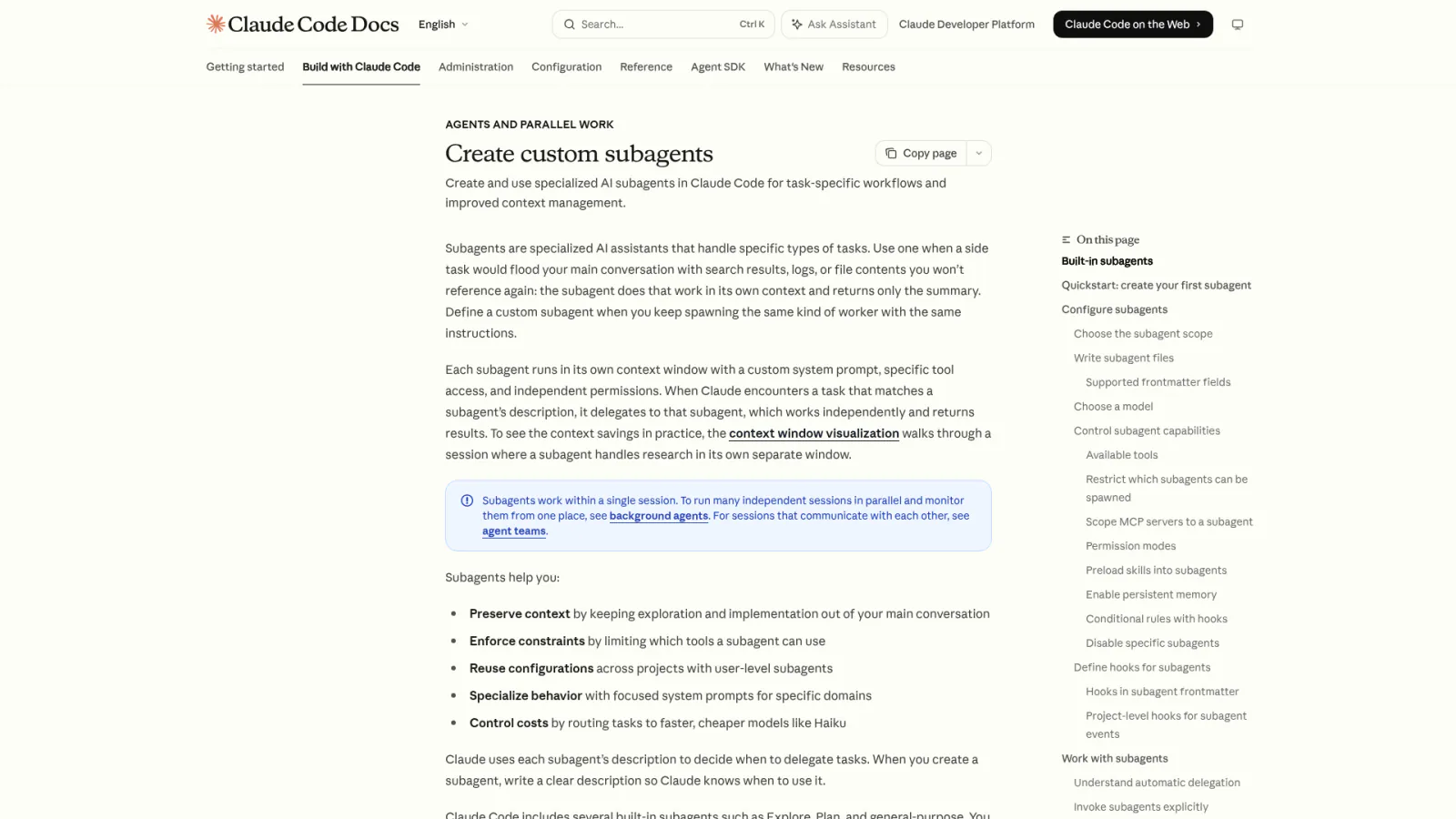
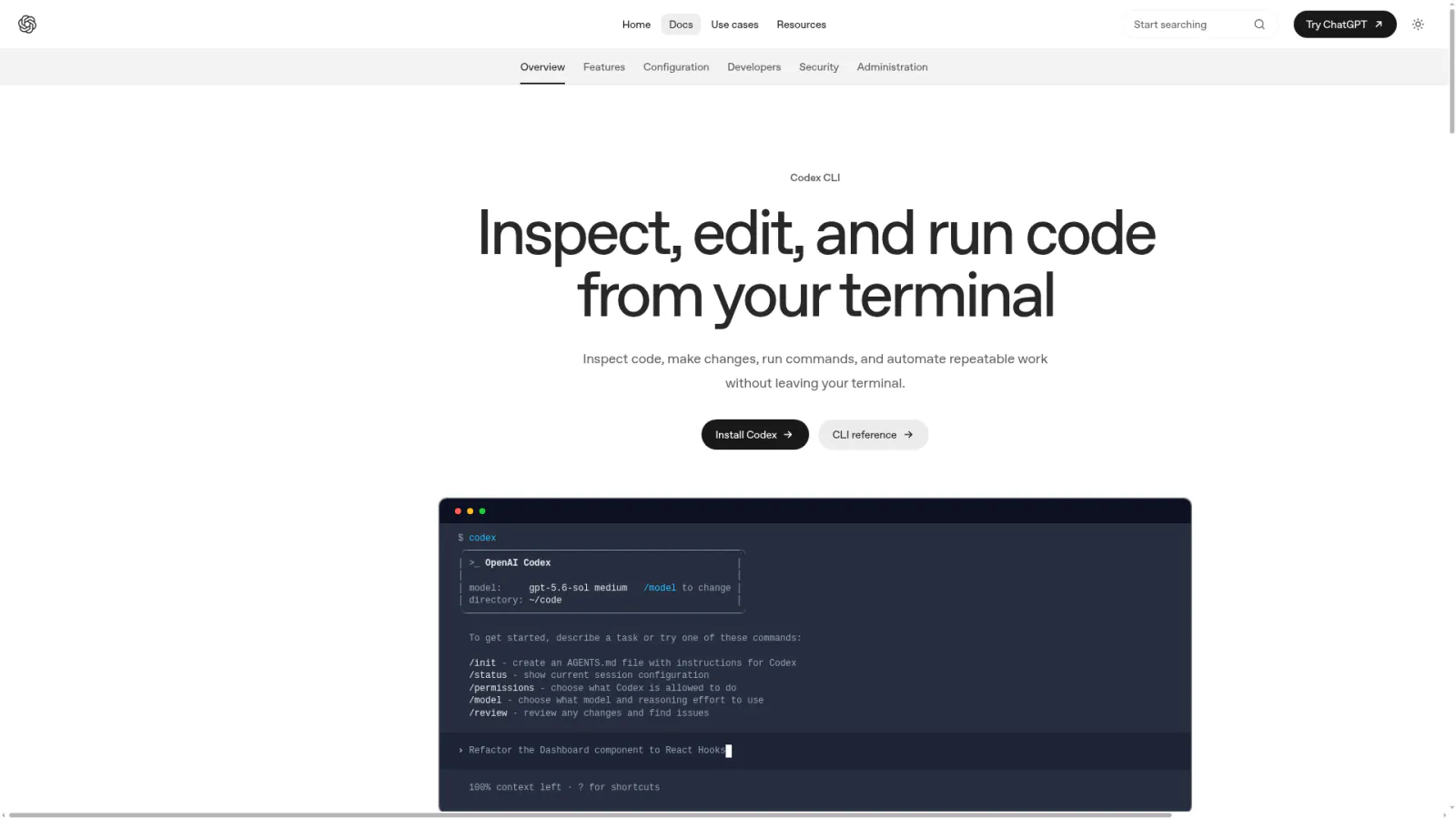
How Do Claude Code and Codex Compare for Agent Workflows?
Both support agent orchestration. Claude Code drives workflows through knowledge base navigation. Codex drives them through behavioral instruction files. Choose based on your use case, not on which sounds more advanced.
What's the Difference in Architecture?
Dimension
Claude Code
Codex
Workflow asset
Skill (Markdown doc + execution directory)
Skills (code modules + natural language descriptions)
Subtask dispatch
Subagents (built-in mechanism)
Subagents (sandbox isolation)
Event hooks
Hooks (bash scripts)
Hooks (event callbacks)
Knowledge navigation
CLAUDE.md multi-level index
AGENTS.md single file
Context management
Knowledge-base-driven (load on demand)
Context engineering (precise control)
Claude Code's knowledge-base-driven approach is more stable for complex, long-running workflows where agents need to pull from deep document hierarchies. Codex's sandbox isolation is stronger for tasks requiring strict security boundaries and reproducible environments.
How Do They Work Together in Practice?
In my production setup, both run side by side. Claude Code handles workflows that need deep knowledge base support — long-form writing, SEO operations, multi-agent management. Codex handles tasks that need strong isolation — code review, security scanning.
Data flows between them through the file system. One agent's output file becomes another agent's input file. No API integration, no version compatibility issues. Files are the most stable communication protocol — no authentication expiry, no rate limits, no protocol negotiation.
The cross-tool design principle: use files for interfaces, not APIs. Agent A writes a JSON file. Agent B reads that JSON file. Done.
What Do Real-World Deployments Look Like?
Content Production Pipeline
My blog content runs through an end-to-end agent pipeline:
Topic confirmation -> SEO keyword research -> Competitor SERP analysis -> Dynamic outline generation
-> Knowledge base retrieval -> First draft -> Static quality check -> Dynamic refinement
-> Human review -> Image generation -> Publishing -> Cache purge -> Reverse internal linking
This pipeline involves 10+ Skills. Human intervention happens at exactly two points: topic confirmation and final review. Every other step executes autonomously.
Multi-Platform Content Distribution
A single article ships to four platforms — website, newsletter, Instagram, and Reddit — each with different format requirements, word limits, and layout standards. The approach: write one long-form source article, then run four platform-specific Skills that handle title reformatting, content trimming, image resizing, and platform-native CTAs.
All four Skills run in parallel. An 8,000-word source article produces four platform-adapted versions in minutes.
Full-Site SEO Operations
SEO isn't a one-time project — it's a continuous operations pipeline. My SEO workflow covers keyword planning, internal link weaving, Schema markup, indexing audits, and traffic analysis across monthly rotations and quarterly deep reviews. The agent executes on schedule; I review quarterly reports and make strategic decisions.
For this article specifically — it links to related tutorials across the site, forming a complete internal link network. The agent automatically retrieves all related slugs and titles from the knowledge base, weaves internal links by topic group, and after publishing, adds reverse internal links from every referenced article back to this page. The entire internal linking process is a workflow step, not a manual chore.
Course Delivery Pipeline
Source code transforms into student-ready tutorials through six stages: security audit, code logic extraction, tutorial writing, format adaptation, platform publishing, and feedback collection. Each stage maps to a Skill. The pipeline enforces a critical safety constraint: the security audit must pass before tutorial writing begins. If the source contains hardcoded secrets or insecure dependencies, that content never reaches students. The pipeline's sequential structure enforces this automatically.
What Mistakes Should You Avoid?
Mistake 1: Building an everything-agent. One agent handling writing, SEO, image processing, and deployment sounds efficient. In practice, it causes context explosion — three competing knowledge domains interfere with each other, and output quality drops across the board. Split by function.
Mistake 2: Skipping the knowledge base. The instinct is to pack all requirements into one massive prompt. This ceiling is low — longer prompts increase the chance of the model ignoring critical instructions, and nothing is reusable. A structured knowledge base that agents retrieve from on demand is the scalable approach.
Mistake 3: Ignoring human gates. Agent workflows aren't fully autonomous black boxes. Before any irreversible action — publishing, payment, deletion — insert a human approval checkpoint. Agents handle 95% of the work. The remaining 5% decision authority stays with a human as a quality and risk floor.
Mistake 4: Over-engineering prematurely. Not every scenario needs multi-agent cross-machine orchestration. If one agent handles your workload, don't force a distributed architecture. Simple solutions are always more stable than complex ones.
Mistake 5: Skipping version control. Skills, standards, and knowledge base documents evolve continuously. Without version tracking, a Skill change that breaks a downstream pipeline becomes a nightmare to debug. Log every Skill change, communicate between Skills through stable I/O interfaces, and iterate internal implementations freely.
Your Agent Workflow Readiness Checklist
Foundation Layer
[ ] Agent scope defined — what it handles, what it doesn't
[ ] Structured knowledge base built — at minimum: brand, workflows, standards
[ ] Index navigation in place — every directory has a navigation file agents can follow
[ ] First reusable Skill written — with defined inputs, outputs, and quality checklist
Workflow Layer
[ ] Repetitive tasks decomposed into a Skill pipeline
[ ] Data handoff between Skills standardized — upstream output format matches downstream input format
[ ] Error handling configured — pipelines skip or retry on Skill failure
[ ] Execution logs captured — inputs, outputs, duration, and errors recorded per run
Quality Layer
[ ] Automated quality checks active — at least one layer covering format, factual accuracy, compliance
[ ] Human review gate at critical outputs — publishing, payments, deletions require human approval
[ ] Feedback loop established — production issues feed back into knowledge base and Skill iteration
Collaboration Layer
[ ] Multiple agents divided by business line — no single everything-agent
[ ] File access isolation between agents — no accidental overwrites
[ ] Task scheduling mechanism in place — assignment, status tracking, checkpoint recovery
[ ] API quota management centralized — prevents one agent from consuming shared resources
Continuous Operations Layer
[ ] Knowledge base actively maintained — new lessons captured the same day
[ ] Skills actively iterated — refined based on production run feedback
[ ] Periodic workflow audits — identifying further automation opportunities
Ready-to-Use Prompt: Design and Scale a Four-Layer Agent Workflow from One Task
What this does: Turns one manual recurring task into a four-layer agent workflow — Knowledge, Skills, Agents, Orchestration — and scales it from a single agent toward a coordinated fleet, with a readiness gate that stops you scaling before the foundations are solid. Based on: Agent Workflow Practical Guide: Build Your AI Team from One Agent to Ten — https://aiworkflowpro.com/agent-workflow-practical-guide/ Time to run: ~5 minutes
Copy this prompt into Claude Code, ChatGPT, or any AI assistant:
ROLE: You are an agent-workflow architect for solo operators. Your job: turn one manual recurring task into a four-layer agent workflow and scale it from a single agent toward a coordinated ten-agent fleet — with zero employees.

CONTEXT — FOUR-LAYER AGENT WORKFLOW:
Agent workflows are not longer prompts; they are engineering systems that make AI run standardized processes with consistent quality every time. The proven stack is four layers, built bottom-up: Knowledge (a structured KB that replaces prompt-stuffing) → Skills (reusable, chainable workflow units) → Agents (single workers, then multi-agent collaboration) → Orchestration (how agents chain, run across machines, and stay reliable). You scale from one agent to ten only after each lower layer is solid.

INPUTS (fill in before running):
- TASK: YOUR_RECURRING_TASK_HERE (something you do repeatedly, e.g., "publish a blog post")
- CURRENT_STATE: YOUR_PROCESS_STEPS_HERE (how you do it by hand today)
- TARGET_SCALE: YOUR_AGENT_COUNT_HERE (1 just-starting / 3 small fleet / 10 full fleet)

METHOD — 6 STEPS:

Step 1 — Decompose into stages
Break CURRENT_STATE into 3-7 discrete processing stages (e.g., research → draft → SEO → image → publish). Each stage must have exactly one clear input and one clear output; merge or split until it does.

Step 2 — Build the Knowledge layer
For each stage, list the context an agent needs (brand voice, domain facts, templates, quality rubric) and move it into a structured KB so it is referenced, never pasted. Elimination test: if you would paste the same text into a prompt twice, it belongs in the KB.

Step 3 — Wrap each stage as a Skill
Turn each stage into a reusable Skill with a fixed interface (inputs → output) and an embedded self-check. A Skill counts as reusable only if it names its inputs explicitly and checks its output against a rubric before returning.

Step 4 — Assign agents
For TARGET_SCALE 1: one agent chains all Skills. For 3: split by stage type (research / production / QA). For 10: specialize per domain (content, SEO, data, ops) with one coordinator. Name each agent's role and the Skills it owns — no Skill owned by two agents.

Step 5 — Orchestrate
Define the chain: trigger → Skill order → handoff format between agents → where memory writes back. Pick the runtime (Claude Code for tool-heavy interactive work, Codex for long autonomous runs) and state why. Every handoff must have a contract listing the fields passed forward.

Step 6 — Readiness and mistakes gate
Score 0-2 on four axes: Knowledge complete (no prompt-stuffing) · Skills reusable (explicit inputs + self-check) · Agents have non-overlapping ownership · Orchestration has handoff contracts. Ship-ready needs 2 on all four. Name the top mistake to avoid (common ones: scaling before the KB is solid, overlapping agent ownership, handoffs with no contract).

RULES:
- Build bottom-up: Knowledge → Skills → Agents → Orchestration; never scale agents before the layer below is solid.
- Context lives in the KB and is referenced, never stuffed into prompts.
- Each Skill has exactly one owner agent; overlap causes drift.
- Every agent handoff has a written contract of fields passed forward.

OUTPUT FORMAT:
Output six sections:
1. **Stage decomposition** — markdown table with columns: Stage | Input | Output.
2. **Knowledge layer** — markdown table with columns: Stage | Context needed | KB location.
3. **Skill layer** — markdown table with columns: Stage | Skill inputs | Self-check rubric.
4. **Agent assignment** — markdown table with columns: Agent role | Skills owned | Runtime (Claude Code / Codex).
5. **Orchestration** — the chain as a numbered list, each step naming trigger → Skill → handoff contract → memory write-back.
6. **Readiness score** — markdown table with columns: Axis | Score (0-2) | Gap, followed by a "Top mistake to avoid:" line.
Save as @templates/agent-workflow-practical-guide.md and run when you first automate a recurring task, then re-run every time you add an agent, a Skill, or a new stage to the pipeline.
Frequently Asked Questions
What makes agent workflows different from traditional automation?
Traditional automation runs on rigid if-then chains that break when input formats change. Agent workflows put an AI at each node that reads context, makes decisions, and self-validates against standards. The difference is judgment at every step.
Do I need programming skills to build agent workflows?
Not to start. Skills are written in Markdown — plain-language step definitions that agents follow. As complexity grows, basic Python or shell scripting opens up automated data handoffs. The entry requirement is documentation skill, not coding skill.
How many agents can one person manage?
I run 10 agents in production simultaneously. The limiting factor isn't quantity — it's standardization. When every agent's knowledge base and workflows are well-documented, managing 10 feels similar to managing one.
What's the first step when starting from scratch?
Write a specification, not code. Pick your most repetitive task, decompose it into steps, document each step's inputs, outputs, and quality checks. That document is your first Skill. Agent capability is capped by spec quality, not prompt sophistication.
Which scenarios benefit most from agent workflows?
Three categories: high-repetition content production, standardizable data processing, and multi-step collaborative tasks. The decision criterion: does this task have a documentable process? If yes, it's a candidate.
How do Claude Code and Codex differ for agent workflows?
Claude Code uses Skills + CLAUDE.md for knowledge-base-driven orchestration. Codex uses AGENTS.md + Skills/Hooks for behavioral orchestration. Claude Code excels at complex, long-running workflows. Codex excels where strict sandbox isolation matters.
How do you prevent conflicts between agents?
Three isolation layers: file-level locks (one writer per file), task-level isolation (separate working directories), and scheduler-level orchestration (priority-based task assignment).
How do you guarantee output quality?
Three review layers: automated static checks (format, facts, compliance), AI-driven dynamic review (multi-role critique), and human review (final judgment at irreversible checkpoints). The combined miss rate is substantially lower than manual review alone.
What are the most common mistakes in building agent workflows?
Three dominate: building an everything-agent instead of specialized ones, skipping the knowledge base and cramming everything into prompts, and omitting human approval gates at critical decision points.
Gloves on, tape measure in hand — nobody types a query. Three voice surfaces for ai automation tools (terminal, Telegram, Discord), 10 TTS and 6 STT providers compared on cost and latency, plus a setup that costs nothing.
Nothing about month four is harder than month three. It is simply the month an unpaid channel starts to feel like proof of failure. Surviving it takes a cadence you can hold while earning nothing, which is a better reason to automate business processes than speed ever was.
One number hides more than it shows. This Claude Code Skill scores US equities across 10 dimensions, from earnings surprise to peer comparison, with confidence scoring and 5 safety valves that flag thin data. A coding tutorial, not financial advice.
Publishing eats your week through research, SEO fields, images, and uploading — not writing. Here is the 10-step workflow automation pipeline that takes a topic to a published draft on one command, and the data contract that lets each step hand off cleanly to the next.