Monitoring a competitor who publishes no feed is the case every RSS guide skips. Twenty-one platforms sorted by which of three jobs they do, and the finished setup is business process automation you own outright, with no seat licence to renew.
Blaming the content is the reflex when a post underperforms, and it is usually the wrong diagnosis. A second reader decides distribution before any human sees the post, and most of what it checks is mechanical enough to automate business processes around, on five platforms at once.
Gloves on, tape measure in hand — nobody types a query. Three voice surfaces for ai automation tools (terminal, Telegram, Discord), 10 TTS and 6 STT providers compared on cost and latency, plus a setup that costs nothing.
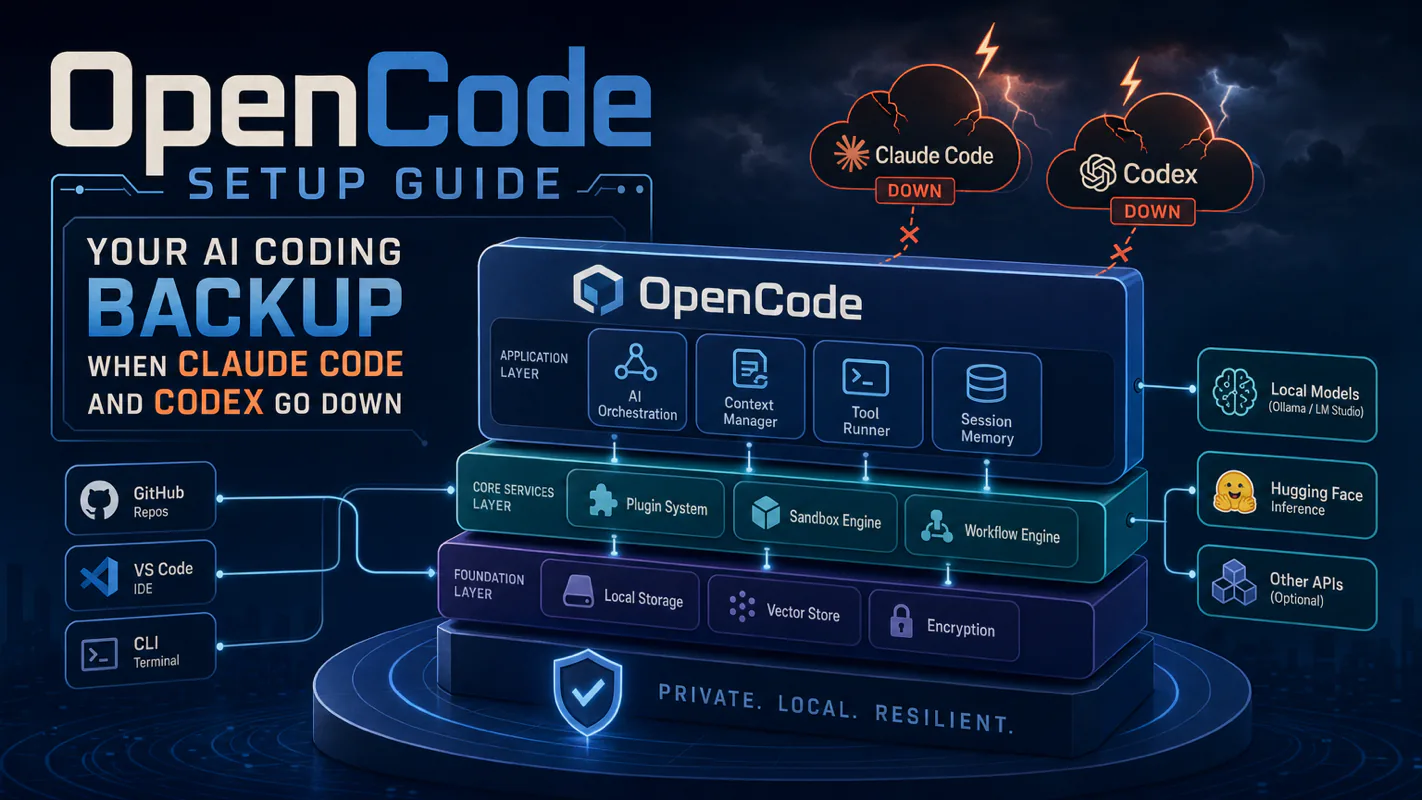
OpenCode Setup Guide: Your AI Coding Backup When Claude Code and Codex Go Down
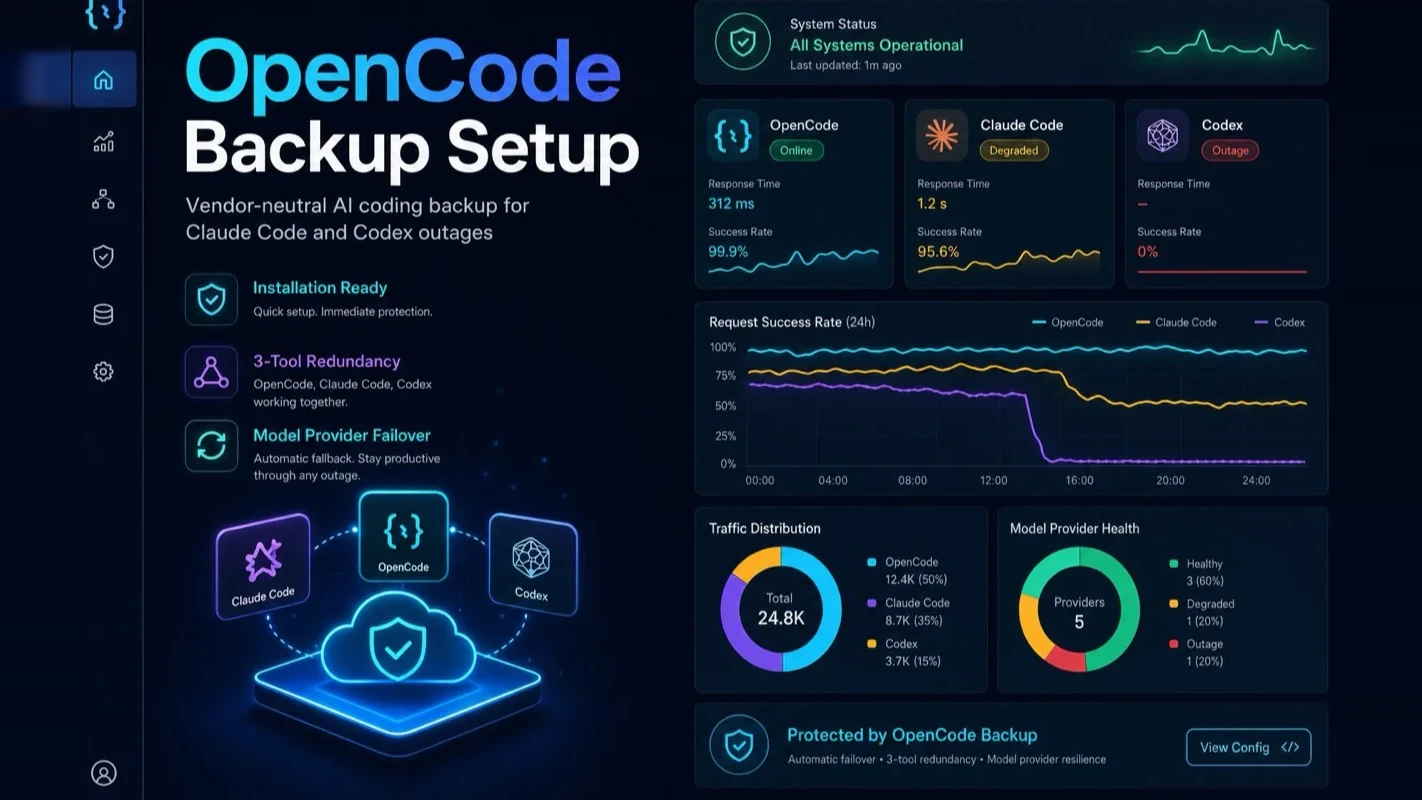
Two vendor-locked tools is not redundancy, it is two eggs in one basket, as a single morning of simultaneous lockouts proved. Install OpenCode as a third path: two install routes, per-task model routing that also cuts cost, five settings to configure first.
The cost of a contingency plan is always paid on a day when nothing is wrong, which is why so few of them exist. A caterer who has never lost a delivery cannot justify a standing arrangement with a second supplier, and the arithmetic reverses once, retrospectively, in the week it matters. Software redundancy gets bought the same way and skipped for the same reason: an afternoon spent setting up a spare feels like an afternoon spent on nothing, right until the morning it is the only reason anything ships. Which makes the honest question about an ai assistant for business not whether it works, but what you do on the day it does not.
Both my AI coding tools went down on the same morning.
Codex threw a security verification wall. While I stared at the frozen screen, Claude Code's account crashed too. Two tools, zero output, dead stop.
That was the morning I realized something obvious: relying on two vendor-locked tools isn't redundancy. It's two eggs in the same basket.
I installed OpenCode that afternoon. Here's exactly how — and why you should do it before your tools go down, not after.
What Actually Happens When Your AI Coding Tools Go Down?
You lose hours, not minutes. There are two failure modes, and they hit differently.
Security verification locks freeze your session mid-task. You can usually recover by closing the conversation and starting fresh. The cost: every piece of context you built up — the codebase map, the half-finished refactor, the chain of decisions — gone. You re-feed everything from scratch.
Account bans are worse. The platform flags your account as anomalous, and you're locked out entirely. No "close and reopen" fix. You create a new account, reconfigure your environment, and lose a full day or more. These bans are getting more frequent across providers, and the timing is never convenient.
Both failures share one root cause: your primary tools run on someone else's infrastructure. The heavier you lean on them, the harder you fall when they break.
I've hit both types multiple times over the past year. Each incident cost real deliverables — not theoretical risk, actual missed deadlines.
Why Two Tools Isn't Enough (And Why OpenCode Fills the Gap)
Claude Code and Codex both depend on vendor accounts. Creating a second account on the same platform doesn't help; when the platform restricts access, your backup goes down with your primary.
OpenCode solves this because it's open-source and model-agnostic. You choose which AI provider powers it. When that provider breaks, you point OpenCode at a different one and keep working. No account migration, no reconfiguration — just swap one API key.
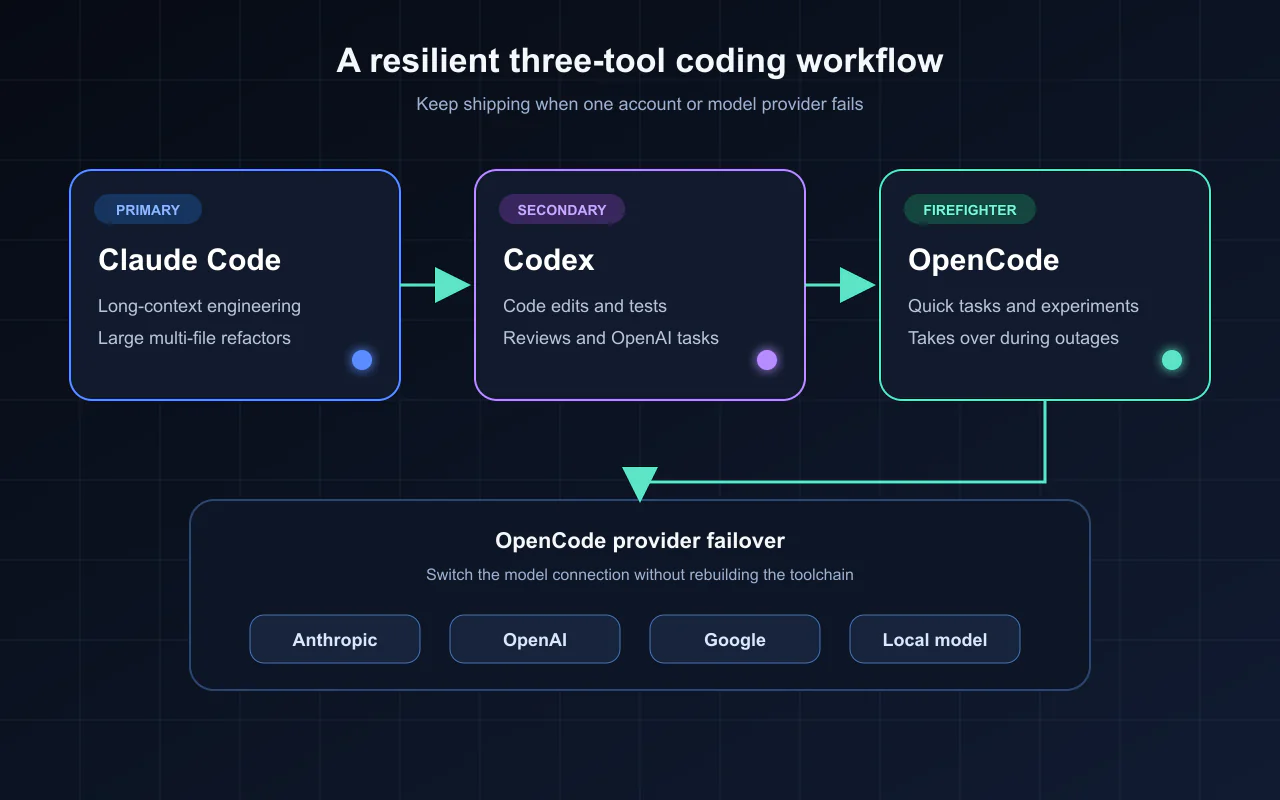
I still run Claude Code as my primary and Codex as my secondary. OpenCode isn't replacing either one. It's my independent third line: different architecture, different vendor dependency, different failure mode. That's what actual redundancy looks like.
How Should You Position OpenCode in Your Workflow?
Here's how I split the work across three tools:
Role
Tool
Handles
Primary engineer
Claude Code
Long-context sessions, large multi-file refactors
Second chair
Codex
Code edits, test runs, reviews, OpenAI-ecosystem tasks
Firefighter
OpenCode
Model experiments, writing cleanup, quick tasks; takes over when primary tools go down
This division is strategic, not capability-based. OpenCode can run the same powerful models Claude Code uses — I've tested it with Sonnet and GPT and the output quality matches. But I keep it in backup mode on purpose so all three tools don't share the same failure surface.
Think of it like staffing: if your entire operation depends on one person, their sick day shuts you down. Three people with separate keys means someone always opens the door.
How Does Per-Task Model Routing Save You Money?
OpenCode earns its keep through cost optimization via model routing. You assign different models to different task types:
Model slot
Best for
What to look for
Writing model
Drafting, editing, content formatting
Strong natural language output, good at long-form
Engineering model
Code review, debugging, complex reasoning
Strong code comprehension, architecture awareness
Small model
Summarizing, titling, classifying
Cheap and fast — that's the small_model config slot
I burned through premium Claude quota on data scraping tasks for months before realizing a $0.50/M-token model handles that work identically. The expensive model only needs to touch tasks that actually require deep reasoning.
The math is straightforward. My heavy engineering tasks still go to top-tier models. But formatting, data collection, table analysis, and web scraping — roughly 40% of my daily AI usage — now run on models that cost a fraction of the price. Same results, smaller bill.
This isn't a backup-only benefit. OpenCode earns its keep every day through model routing alone. The backup capability is a bonus you hope you never need.
How Do You Install OpenCode? (Two Paths, 15 Minutes)
You don't need command-line experience. OpenCode ships both a desktop client and a CLI. Pick the path that matches your comfort level.
Path 1: Desktop Client (Recommended for Beginners)
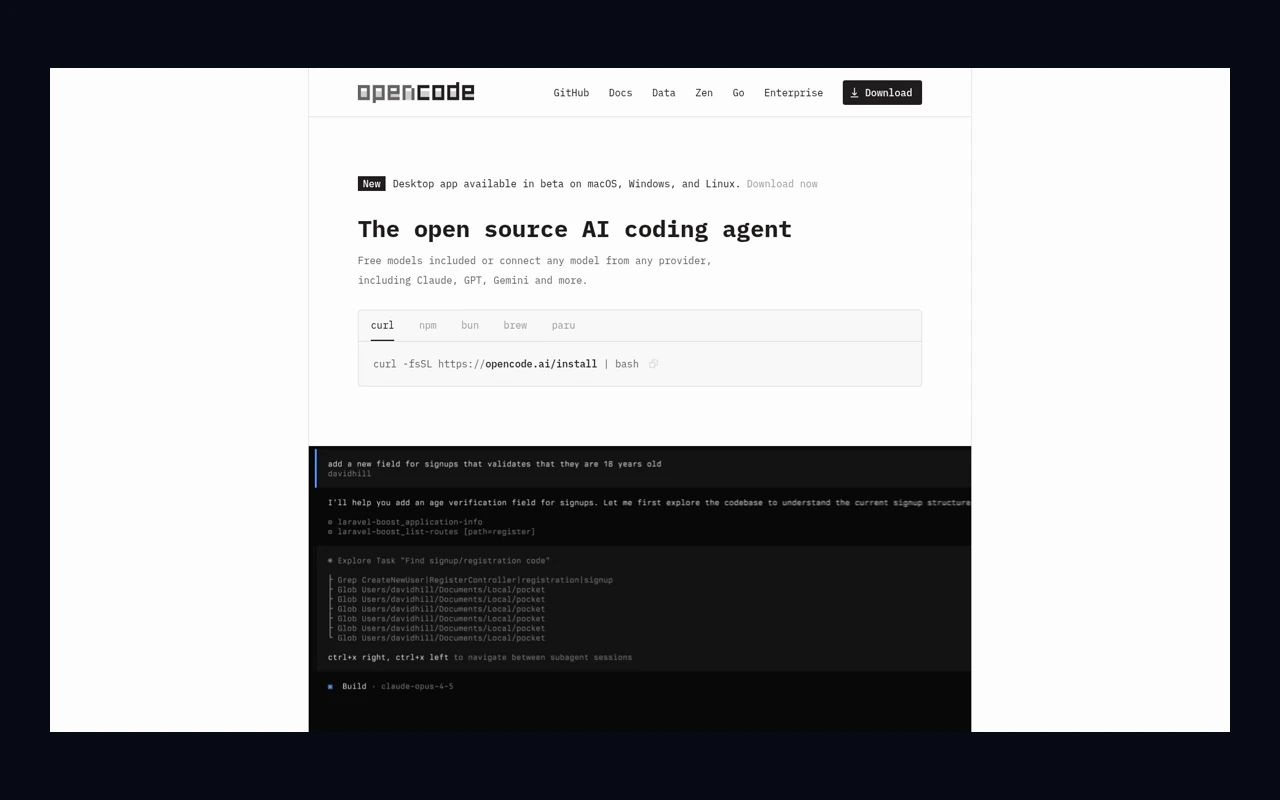
Step 1. Go to opencode.ai and click Download (or visit opencode.ai/download directly).
Step 2. Find OpenCode Desktop (Beta) and pick your platform:
Mac with Apple Silicon (M1/M2/M3/M4): select macOS (Apple Silicon)
Older Intel Mac: select macOS (Intel)
Windows: select Windows (x64)
Linux: grab the .deb or .rpm package
Step 3. Double-click the downloaded file and install it like any other app.
Step 4. On first launch, OpenCode shows you several free trial models (DeepSeek, Nemotron, etc.). Pick any one to start chatting immediately — zero cost, zero config. If you have a ChatGPT Plus or GitHub Copilot subscription, you can log in and use that quota instead.
Path 2: CLI Version (More Flexible, Better for Power Users)
Step 1. Open your terminal. If you don't have a preferred one, grab Ghostty — it's fast and the OpenCode team recommends it.
Step 3. Navigate to your project directory and launch:
cd ~/your-project
opencode
You're in. Talk to it like you'd talk to Claude Code.
My recommendation: start with the desktop client to prove it works, then graduate to CLI when you want per-project model configs and shell integration.
What Are the 5 Things to Configure Before You Start Working?
Don't jump into real work yet. These five settings are lessons I learned the hard way — set them first, save yourself the debugging later.
1. Decide your setup depth. I break it into three tiers:
Minimal: connect one model provider, confirm it responds. Good for a 10-minute validation that OpenCode works on your machine.
Workstation (recommended): set a default working directory, connect 1-3 low-risk MCP integrations, point it at your existing skill files. Covers daily use without opening every permission.
Multi-model: assign different models to writing, engineering, and utility tasks. Best for experienced users who want granular cost control.
2. Pick your model provider. OpenCode supports 70+ providers (Anthropic, OpenAI, Google, local models). Don't lock yourself to one. If you connect a third-party relay, verify it's OpenAI-compatible. Store your API key in a separate file, not in the main config — screenshots, GitHub pushes, and screen shares won't leak it.
3. Keep MCP integrations minimal. MCP tools give your AI extra capabilities (reading docs, connecting to GitHub). Check what your primary tools already have installed and reuse 1-3 low-risk ones. Anything that requires login authorization or has write access to external services — skip it for now. Too many integrations make debugging impossible.
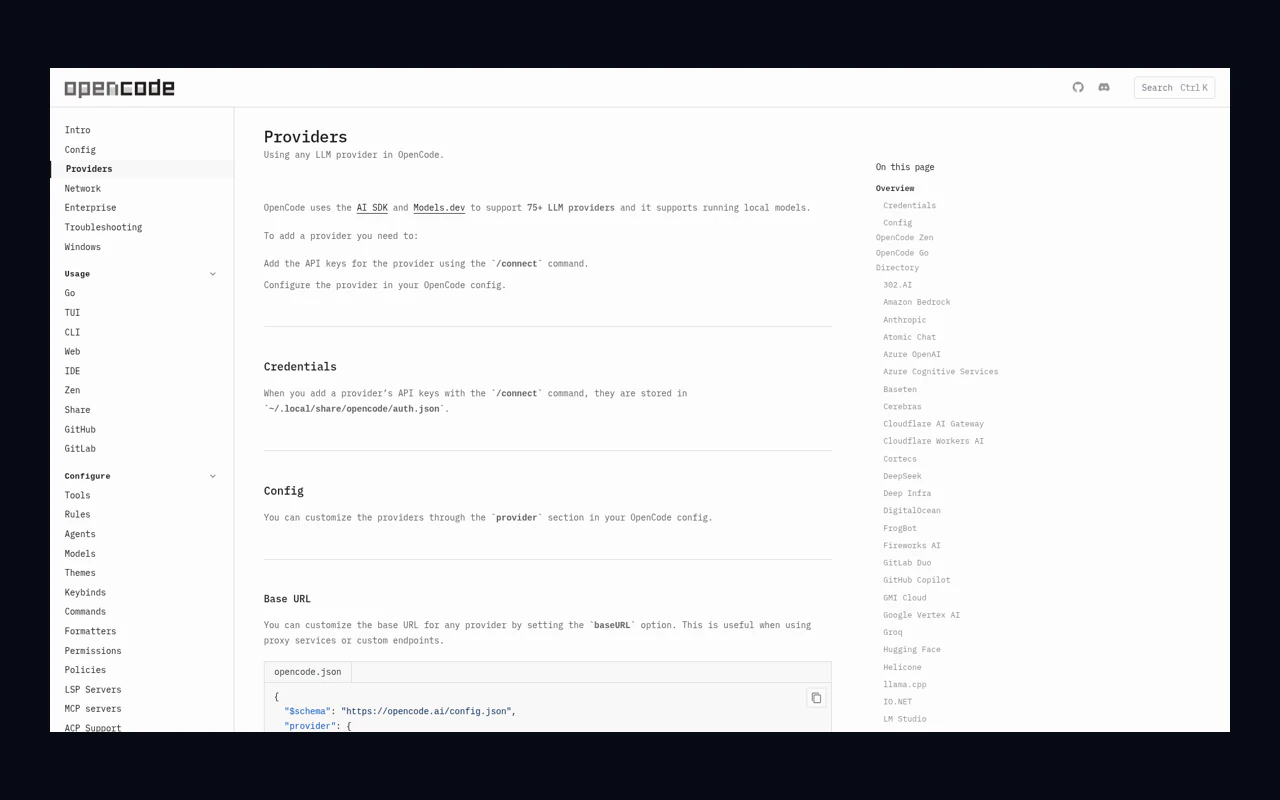
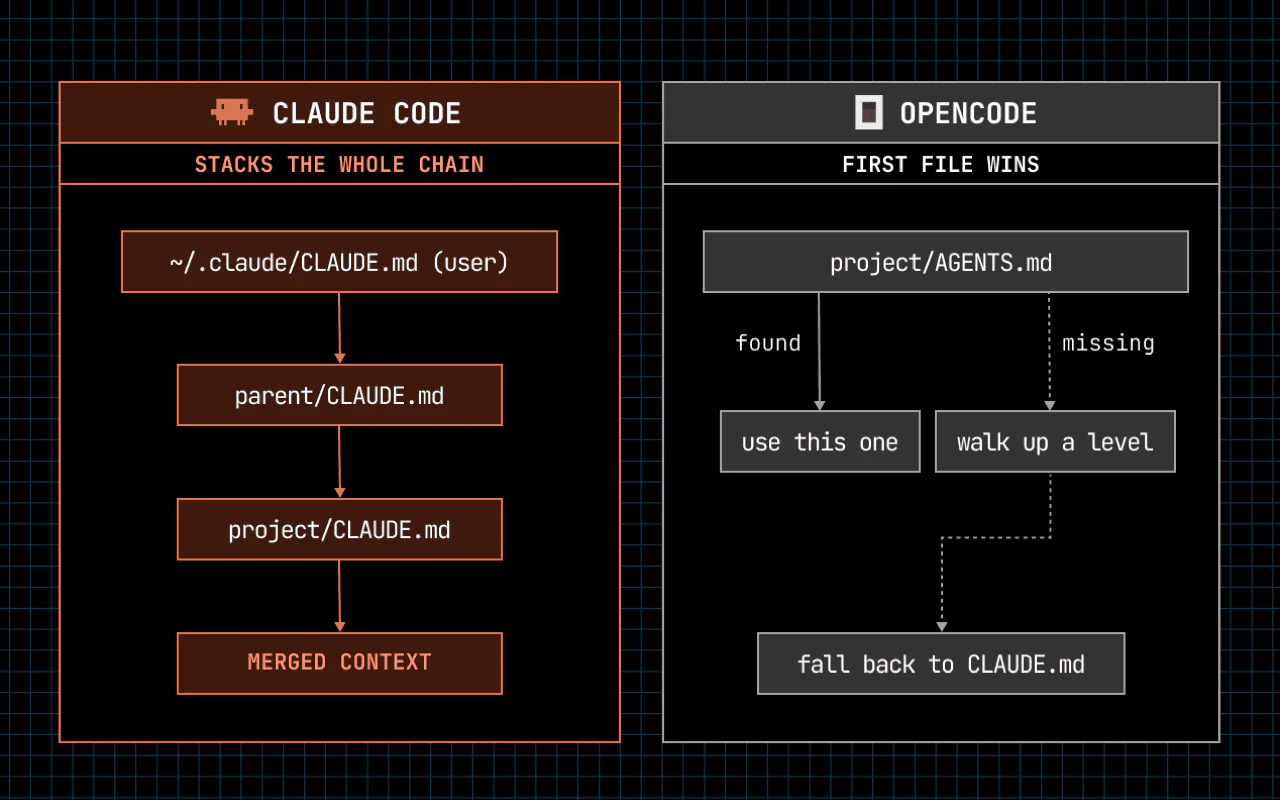
4. Read existing skills, don't duplicate them. OpenCode natively reads Claude Code's skill directory. Point it there and let it share the same files. Don't copy skill files into a second location — duplicate scanning triggers warnings, and deleting the wrong copy breaks your primary setup.
5. Lock down permissions by default. Turn off sharing. Set file modifications, command execution, rm, sudo, and git push to ask-first mode. Practice on a non-critical directory before pointing it at production code.
What Should You Hand OpenCode, and What Should You Keep Away?
Good tasks for OpenCode: writing cleanup (editing headlines, compressing long-form, organizing notes), light engineering (reading configs, explaining error messages, writing small scripts), and read-only analysis when your primary tool is down. The common thread: losing a round costs nothing, winning a round saves real time.
Keep these away from OpenCode: customer data and proprietary code (you don't control where third-party model providers send your inputs, especially free ones), API keys and credentials, dangerous operations (rm, sudo, pushing to production branches), and large multi-file refactors that require long context windows to stay coherent.
Knowing the boundary matters more than knowing the install command. A backup tool that touches the wrong data creates a bigger problem than no backup at all.
OpenAI Codex - OpenAI's official Codex product page
Ready-to-Use Prompt: Plan Redundant AI Coding Backup With OpenCode
What this does: Audits whether your AI coding tools are true redundancy or two eggs in one basket, scores the two failure-mode exposures (security locks / account bans), positions OpenCode as the independent backup, and sets the five pre-work configs plus per-task model routing. Based on: OpenCode Setup Guide: Your AI Coding Backup When Claude Code and Codex Go Down — https://aiworkflowpro.com/opencode-backup-tool/ Time to run: ~5 minutes
Copy this prompt into Claude Code, ChatGPT, or any AI assistant:
ROLE: You are an AI Coding Redundancy Planner. Your job: make sure a single vendor outage cannot stop the work — by testing whether the current tools are true redundancy and standing up an independent OpenCode backup before tools go down.

CONTEXT — REDUNDANT-BACKUP METHOD:
Relying on two vendor-locked AI coding tools isn't redundancy — it's two eggs in the same basket. Two failure modes hit: security verification locks freeze your session mid-task and cost you every piece of built-up context when you restart; account bans lock you out entirely with no quick fix. True redundancy needs an independent path on a different vendor/auth chain — OpenCode (open-source, multi-model) fills that gap. Install it before your tools go down, not after. Position it as the backup, route tasks per-model to save money, and configure the five essentials before the first real job.

INPUTS (fill in before running):
- CURRENT_TOOLS: [Which AI coding tools you rely on — Claude Code, Codex, other]
- VENDOR_DEPENDENCY: [Do they share a vendor or auth chain?]
- DOWNTIME_COST: [Hours lost when tools go down]
- BUDGET: [Cost sensitivity for the backup]

METHOD — 4 STEPS:

Step 1 — Audit Redundancy (Two Eggs in One Basket?)
From CURRENT_TOOLS and VENDOR_DEPENDENCY: if your tools share a vendor or auth chain, they are two eggs in one basket — one outage takes both. A real backup must be on a different chain. State whether you have true redundancy.

Step 2 — Score the 2 Failure-Mode Exposures
Score each: (1) security-verification locks — mid-task freeze that loses context on restart; (2) account bans — full lockout, no quick fix. Weight by DOWNTIME_COST. Flag any you have no answer for.

Step 3 — Position OpenCode + Install (Two Paths)
Position OpenCode as the independent backup (open-source, multi-model, different auth chain) and install it via one of the two 15-minute paths. Confirm it is actually independent of CURRENT_TOOLS — or it is not a backup.

Step 4 — 5 Pre-Work Configs + Model Routing + Hand/Keep-Away
Configure the five essentials before the first real job; set per-task model routing from BUDGET (cheapest model per task); and decide what to hand OpenCode (task, repo) vs keep away (secrets, prod access it doesn't need).

RULES:
- Never count two same-vendor or same-auth tools as redundancy — one outage takes both; the backup must be independent.
- Never wait until tools go down to install the backup — install before, so the backup is tested.
- Never route every task to the premium model — per-task routing to the cheapest capable model is where the savings live.

OUTPUT FORMAT:
Output a markdown report with:
1. Redundancy Audit — true redundancy or two-eggs-one-basket + why
2. Failure-Mode Exposure — markdown table, columns: Mode | Score (0–2) | Answer?
3. OpenCode Position + Install — the independent-backup role + the install path
4. Configs + Routing + Hand/Keep — the 5 configs + model routing + the hand/keep-away list
Save as @templates/opencode-backup-tool.md and run before your AI coding tools go down — not after.
Frequently Asked Questions
What is OpenCode and how is it different from Claude Code or Codex?
OpenCode is an open-source command-line AI coding tool that reads your project, edits files, and runs commands — just like Claude Code or Codex. The key difference: OpenCode is model-agnostic. You choose which AI provider powers it, so if one provider goes down, you switch to another without rebuilding your setup.
Why do I need a third AI coding tool if I already use Claude Code and Codex?
Both depend on their vendor's accounts and can get hit by the same platform-wide restriction on the same day. OpenCode is open-source and vendor-neutral. When your connected model provider breaks, you swap to another and keep working. A structurally different backup is the only real safety net.
Do I need command-line experience to install OpenCode?
No. OpenCode ships a desktop client (beta). Download it from opencode.ai, double-click to install, pick a free trial model, and start chatting. The CLI version offers more flexibility, but beginners can skip it entirely.
Can OpenCode actually save me money on AI coding?
Yes. Per-task model routing lets you assign expensive reasoning models to complex engineering work and cheap models to data scraping, summarization, and formatting. I cut roughly 40% of my daily AI spend by routing utility tasks to budget models — same output quality, fraction of the cost.
What tasks should I hand to OpenCode and what should I keep on my primary tools?
Hand OpenCode writing cleanup, light engineering (reading configs, explaining errors, small scripts), and read-only analysis during primary tool downtime. Keep sensitive data, credentials, dangerous operations, and large multi-file refactors on your primary tool where the longer context window prevents cascading mistakes.
Bottom Line
AI coding tools iterate fast. Stable today, locked out tomorrow — that's just how it works now. But your deadlines don't pause for platform outages.
The moment Claude Code or Codex hits a security wall or an account ban, the only thing that determines whether you keep shipping is whether you set up a backup line before that moment arrived.
If you depend on Claude Code or Codex for real work — the kind where a lost day actually hurts — install OpenCode now, while everything still works. Fifteen minutes of setup buys you insurance no subscription plan offers.
More tools doesn't mean more chaos. One missing backup is what actually hurts.
Monitoring a competitor who publishes no feed is the case every RSS guide skips. Twenty-one platforms sorted by which of three jobs they do, and the finished setup is business process automation you own outright, with no seat licence to renew.
Blaming the content is the reflex when a post underperforms, and it is usually the wrong diagnosis. A second reader decides distribution before any human sees the post, and most of what it checks is mechanical enough to automate business processes around, on five platforms at once.
Gloves on, tape measure in hand — nobody types a query. Three voice surfaces for ai automation tools (terminal, Telegram, Discord), 10 TTS and 6 STT providers compared on cost and latency, plus a setup that costs nothing.
Thursday afternoon, fourteen product ideas, a Monday filming slot, no scripts. Six script shapes and seven hook formulas turn that hour into finished drafts — and the business rule stays: rewrite at least 30% before anything ships.