Monitoring a competitor who publishes no feed is the case every RSS guide skips. Twenty-one platforms sorted by which of three jobs they do, and the finished setup is business process automation you own outright, with no seat licence to renew.
Blaming the content is the reflex when a post underperforms, and it is usually the wrong diagnosis. A second reader decides distribution before any human sees the post, and most of what it checks is mechanical enough to automate business processes around, on five platforms at once.
Gloves on, tape measure in hand — nobody types a query. Three voice surfaces for ai automation tools (terminal, Telegram, Discord), 10 TTS and 6 STT providers compared on cost and latency, plus a setup that costs nothing.
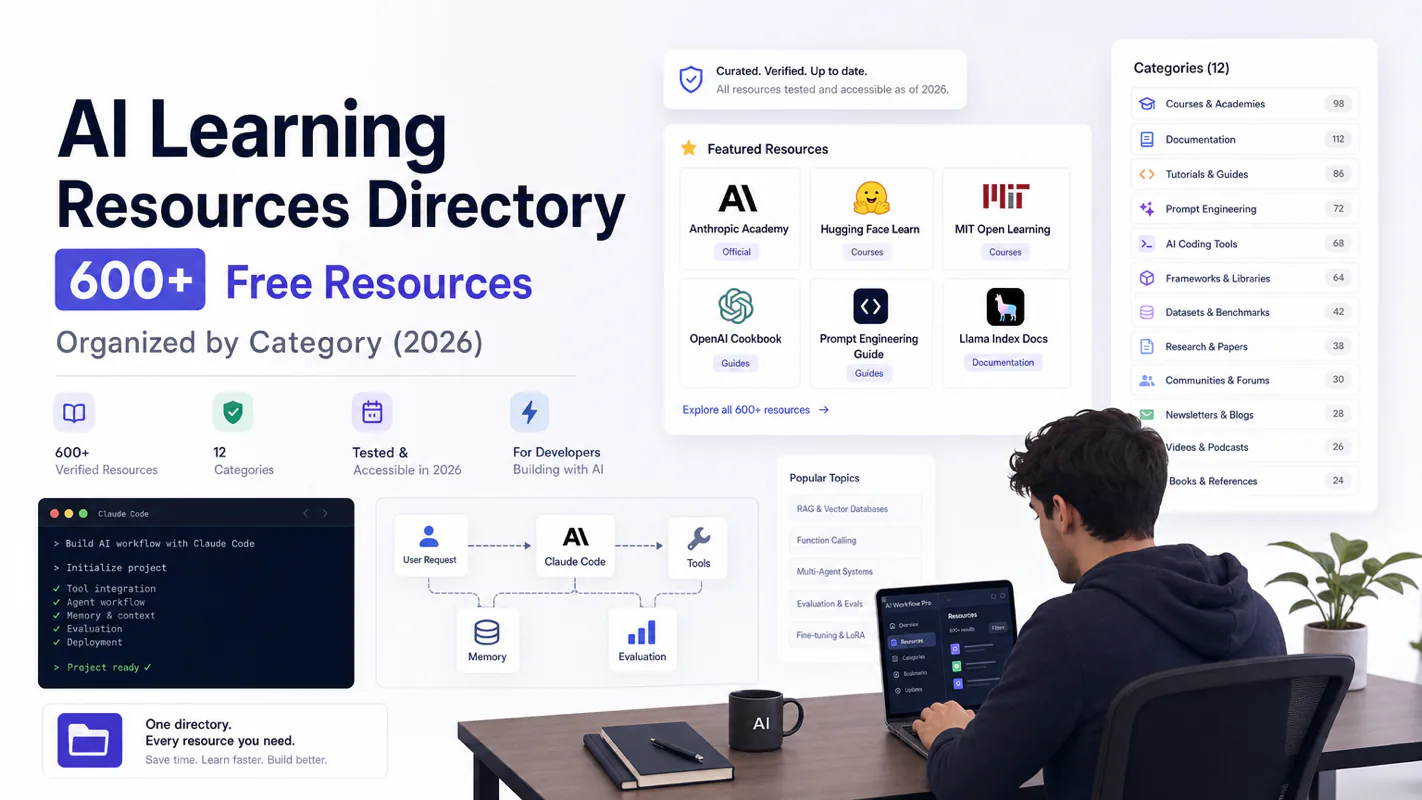
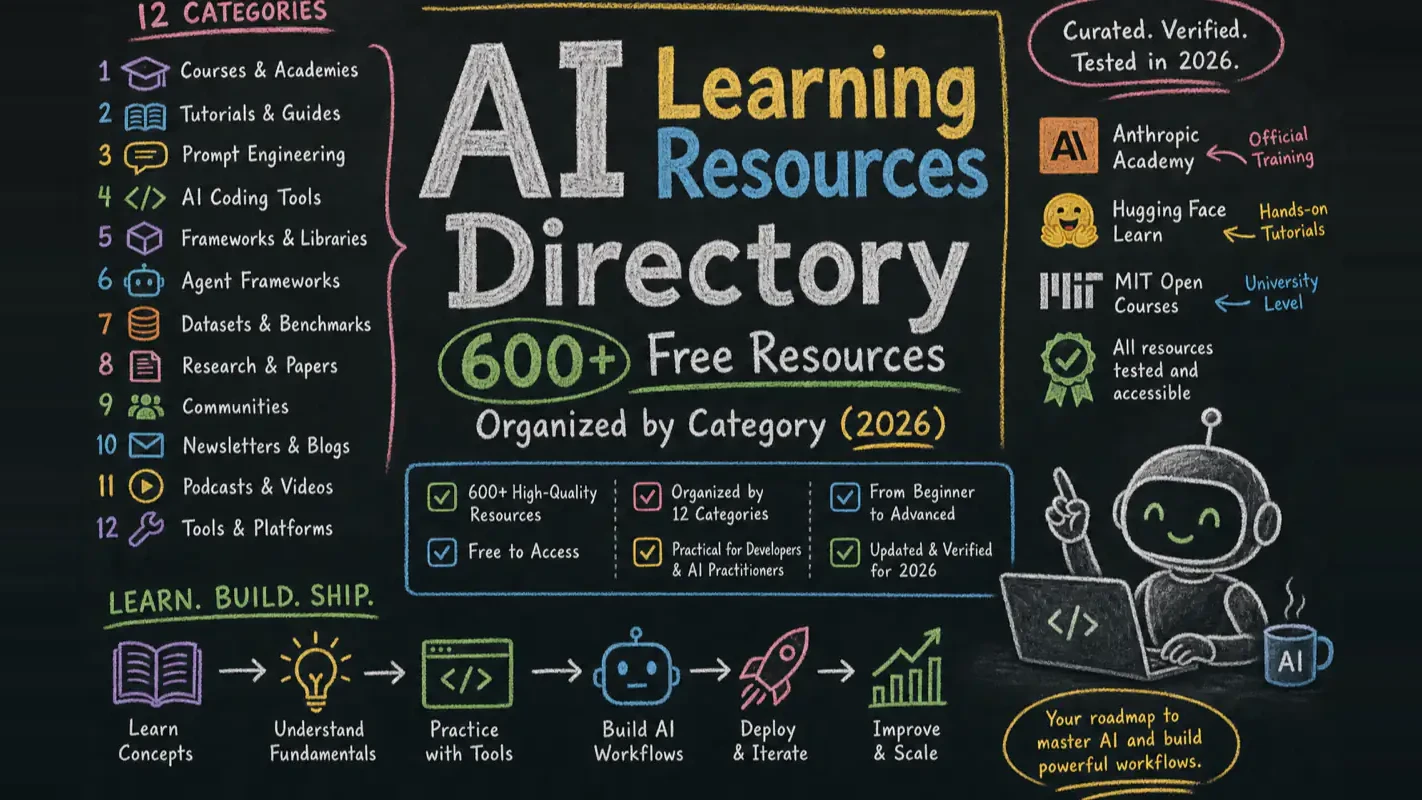
AI Learning Resources Directory: 600+ Free Resources Organized by Category (2026)
Before buying a course, check what the free tier already covers. 600+ verified resources in 12 categories, each with an audience and a time estimate — enough to run ai for small business training on a zero budget.
This directory organizes 600+ verified AI learning resources into 12 categories. Every link was tested for accessibility in 2026. Instead of bookmarking dozens of lists you will never read, pick one category that matches your current goal, spend two weeks going deep, and move to the next.
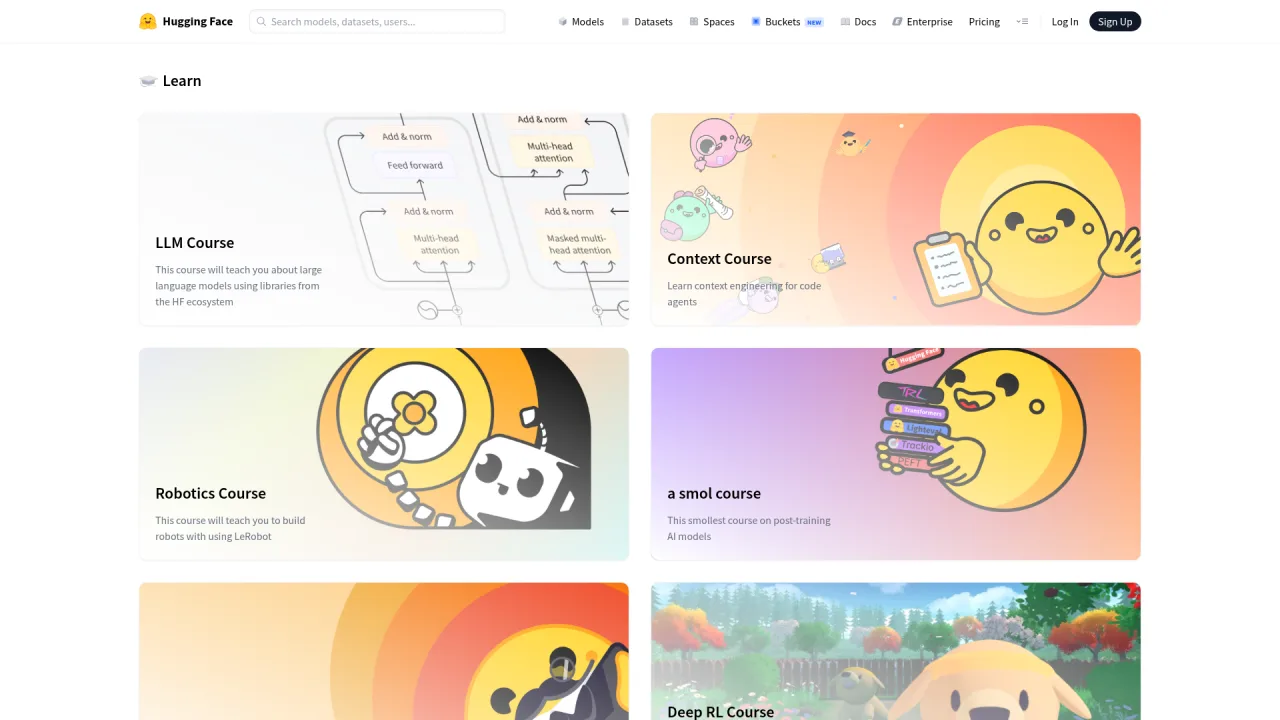
The resources span official learning platforms (Anthropic Academy, Hugging Face Learn, Microsoft), university open courses (MIT, Stanford, Berkeley, Karpathy), prompt engineering, AI coding tools (Claude Code, Cursor, Codex), agent frameworks, RAG pipelines, multimodal generation, and research tracking. Each entry includes who it serves, estimated learning time, and why it matters.
Key takeaways before you scroll:
Official courses from Anthropic, OpenAI, Google, and Microsoft now rival paid bootcamps in quality — start there
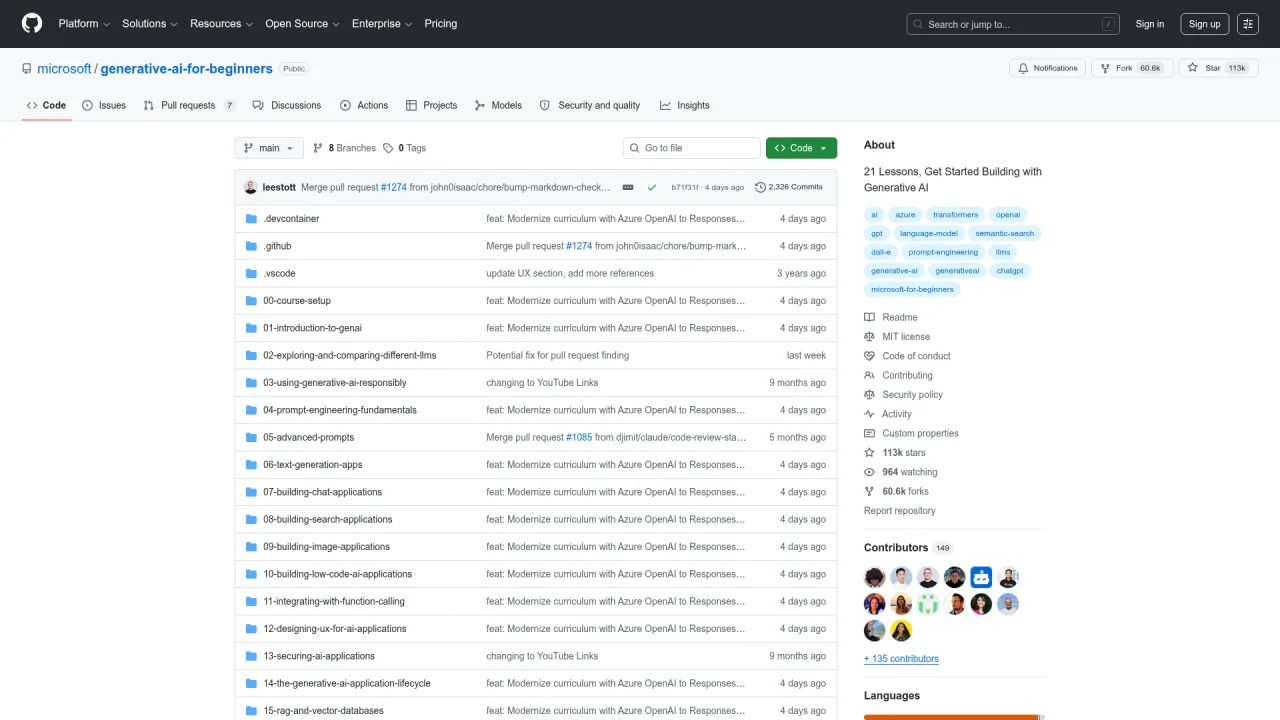
The three highest-impact free resources: Anthropic Academy (Claude mastery), Microsoft Generative AI for Beginners (110k GitHub stars), and Hugging Face Learn (full open-source AI stack)
University standouts: Stanford CS336 (build an LLM from scratch), MIT 6.S191 (deep learning intro updated annually), Karpathy's Neural Networks: Zero to Hero
AI coding tools to learn first: Claude Code, Cursor, and GitHub Copilot official docs
One resource mastered beats a hundred bookmarked
A regional food bank put its entire quarterly training budget into an AI bootcamp for two program staff. Halfway through, one of them noticed the syllabus was tracking a free official course almost section for section. The money bought scheduling and accountability, a real purchase, but nobody checked what the free stack already covered. This directory is that check, done in advance: 600-plus verified free resources across 12 categories, each with who it serves and how long it takes. If you are budgeting training for ai for small business use, read the category matching this quarter goal and buy only what the free stack leaves uncovered.
What Does This AI Learning Resources Directory Cover?
Here is the full scope across 12 categories. Use this table to jump straight to what you need.
Category
Resources
Best For
Value
1. Official Learning Platforms
40+
Anyone wanting authoritative content
Anthropic Academy / OpenAI / Google / Microsoft / Hugging Face Learn
arXiv / Papers with Code / LMSYS Arena / The Batch
11. Industry Reports
10+
Strategists and decision-makers
Stanford AI Index / McKinsey State of AI / a16z
12. Blogs & Video Creators
15+
Deep learners and practitioners
Lilian Weng / Karpathy / Simon Willison / 3Blue1Brown
My recommendation after two years of building AI workflows: If time is scarce, follow this priority — master one official platform first (Anthropic Academy or Hugging Face Learn), then study prompt engineering, then pick a specialization (AI coding, agents, RAG, or multimodal). Learning one tool deeply creates more capability than skimming ten.
Which Official AI Learning Platforms Are Worth Your Time?
2026 marks the year official courses surpassed most paid bootcamps. The people who built the technology now teach it for free. Start here before touching any third-party content.
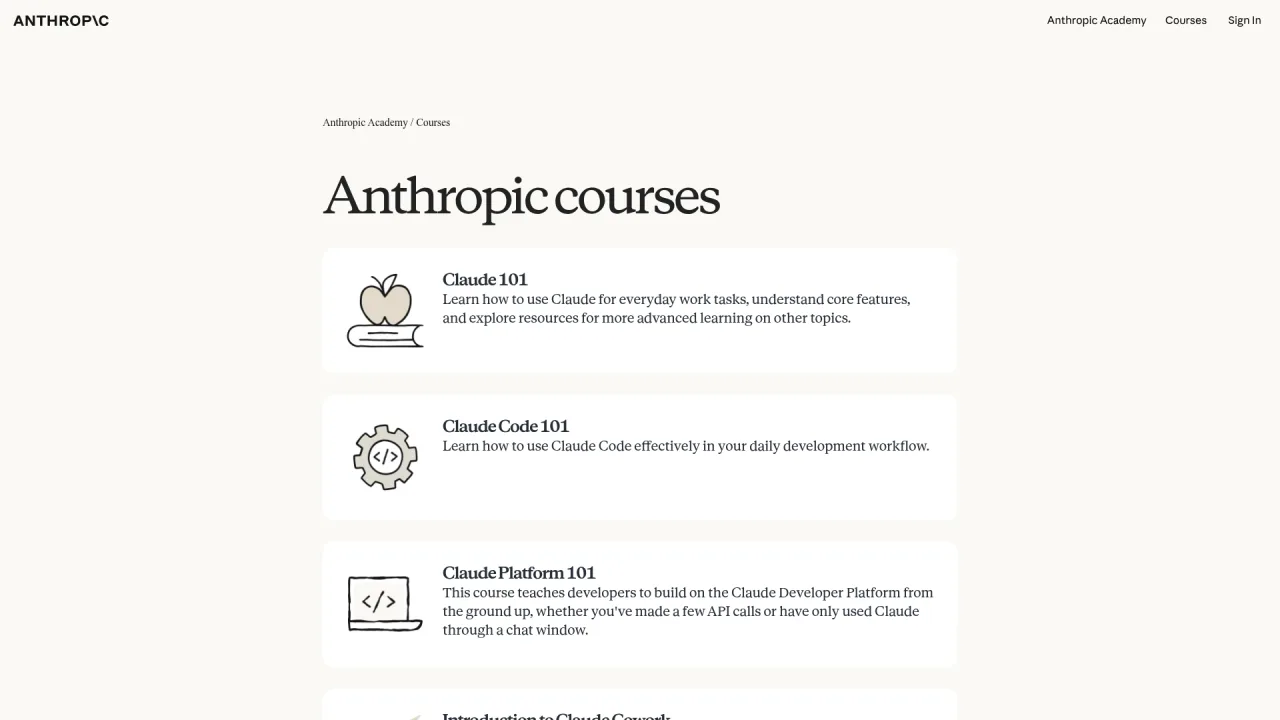
Anthropic Academy — The Best Free AI Course Nobody Talks About
Anthropic Academy launched in early 2026 with 13+ free courses covering Claude fundamentals, prompt engineering, Claude Code, MCP protocol, and agent development. Completion earns certificates. I went through nearly every course and two stood out as genuinely transformative for my daily workflow:
Which University Courses Teach AI Fundamentals Best?
If you want to understand why things work, not just how to use them, university open courses remain unmatched. Every course below is still accessible and many update annually.
MIT
Course
Link
Time
MIT 6.S191 Intro to Deep Learning (updated yearly)
A practical insight from building production AI workflows: The most effective prompt optimization technique is deceptively simple — append "analyze potential issues with this prompt, then provide an improved version" to your prompt. Letting reasoning models like Claude self-audit often outperforms dedicated optimization tools.
What AI Coding Tools Should Developers Learn?
AI-assisted coding exploded in 2024 and became the developer mainstream by 2026. Start with official documentation before touching secondary tutorials — it saves hours of unlearning deprecated patterns.
First-hand experience: When I started using Claude Code daily, I read the official documentation cover to cover before watching a single tutorial video. That investment paid off immediately — I avoided five common configuration mistakes that plagued my colleagues who learned from outdated blog posts. The official docs page on CLAUDE.md project files alone saved me dozens of hours over the following month.
How Do You Build AI Agents in 2026?
Agents — AI systems that autonomously decide, use tools, and execute multi-step tasks — represent the hottest AI paradigm of 2025-2026. These resources cover frameworks (for developers), platforms (for no-code builders), and the MCP protocol ecosystem.
Different starting points require different strategies. Here are three paths based on where you are today.
Path 1: Complete Beginner (Month 1)
Week
Learn
Resource
Goal
Week 1
Core AI concepts
Elements of AI + Google AI Essentials
Understand what AI can do
Week 2
Using LLMs fluently
ChatGPT / Claude / Gemini — pick two
Comfortable AI conversations
Week 3
Prompt fundamentals
Prompting Guide + Anthropic Prompt Library
Write effective prompts
Week 4
Tool discovery
Toolify + Futurepedia
Find 3 tools useful for your work
Path 2: Intermediate Learner (Months 1-3)
Phase
Learn
Resource
Goal
Month 1
Systematic prompt engineering
Learn Prompting + Anthropic Academy tutorials
Master advanced prompt techniques
Month 2
Deep AI tool usage
Claude Code / Cursor official docs + project practice
Build a complete project with AI
Month 3
LLM application development
Hugging Face NLP Course + RAG tutorials
Build your first RAG system
Path 3: Technical Background Switching to AI (Months 1-6)
Phase
Learn
Resource
Goal
Months 1-2
LLM engineering foundations
Karpathy Zero to Hero + Stanford CS336 + DeepLearning.AI short courses
Understand GPT from scratch
Months 3-4
Agent development
HF Agents Course + Anthropic Academy + LangChain docs
Build a working agent
Months 5-6
Production deployment
vLLM + Ollama + Langfuse + open-source project practice
Ship an AI product
What Mistakes Should You Avoid When Learning AI?
After two years of building production AI workflows, here are the patterns that separate effective learners from perpetual beginners:
Do not collect — commit. Bookmarking fifty knowledge bases without finishing one creates an illusion of progress. Real capability comes from choosing one resource, spending two focused weeks with it, and applying what you learn to actual work. One resource mastered delivers more value than a hundred saved for later.
Start with official documentation. In 2026, official courses from Anthropic, Google, Microsoft, and Hugging Face match or exceed most paid alternatives. My rule: for general knowledge (concepts, APIs, tool basics), go official first. For deep, scenario-specific applications, structured paid courses justify their cost through project-based practice.
GitHub projects are the most underrated learning resource. A high-star project's README often explains concepts more clearly than any blog post — it was written by the people who built the thing. Read the README to understand capabilities, then browse Issues and Discussions to see real-world problems. Learning from practitioners beats learning from commentators.
Build a personal knowledge system. Learned concepts evaporate without documentation. Use Notion, Obsidian, or any tool you actually open daily to record each new concept with its definition, use case, and your own interpretation. Two years of this practice created my private AI encyclopedia — hundreds of entries I reference weekly.
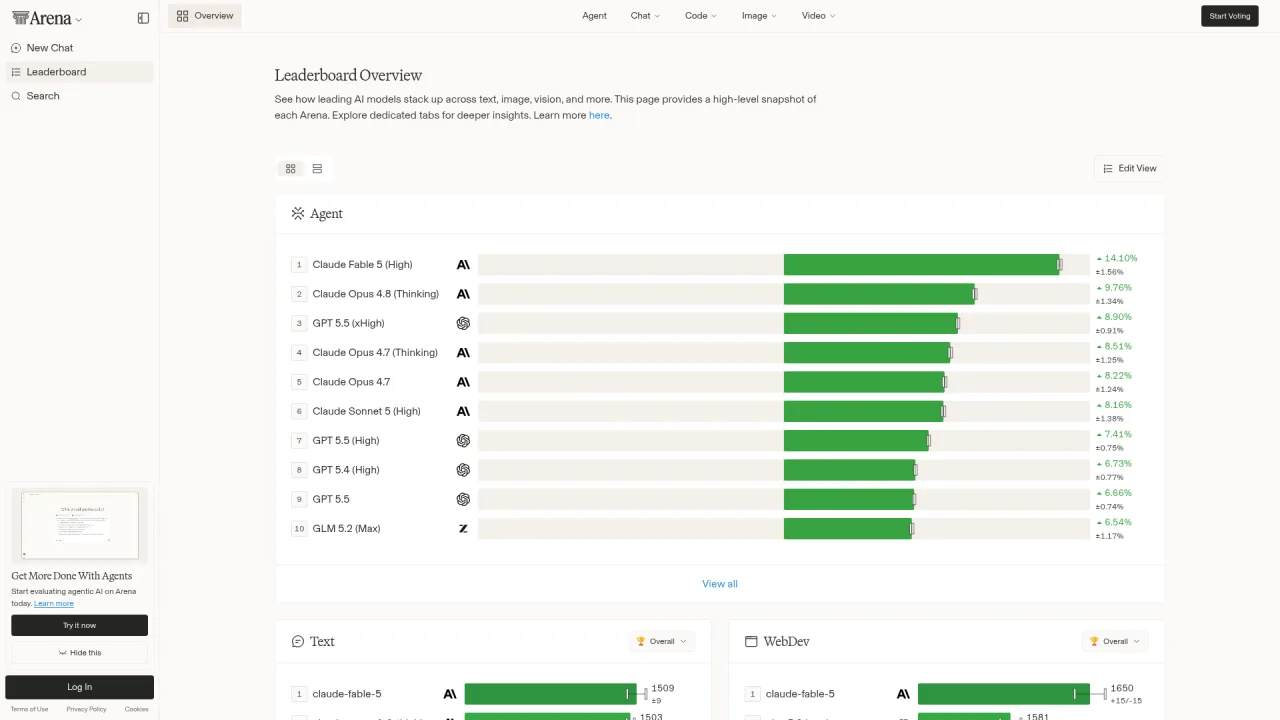
Structure your information intake. Paper layer: 15 minutes daily scanning arXiv cs.CL and Hugging Face Daily Papers. Engineering layer: subscribe to The Batch, TLDR AI, and Latent Space. Benchmark layer: check LMSYS Arena and Open LLM Leaderboard monthly. This rhythm prevents both falling behind and drowning in noise.
Start Here, Go Deep, Then Expand
This directory covers 600+ verified AI learning resources across 12 categories. The hardest part is not finding resources — it is committing to one path and executing.
My suggested sequence:
Pick one official platform and complete it — Anthropic Academy or Hugging Face Learn, depending on whether you work with Claude or open-source models
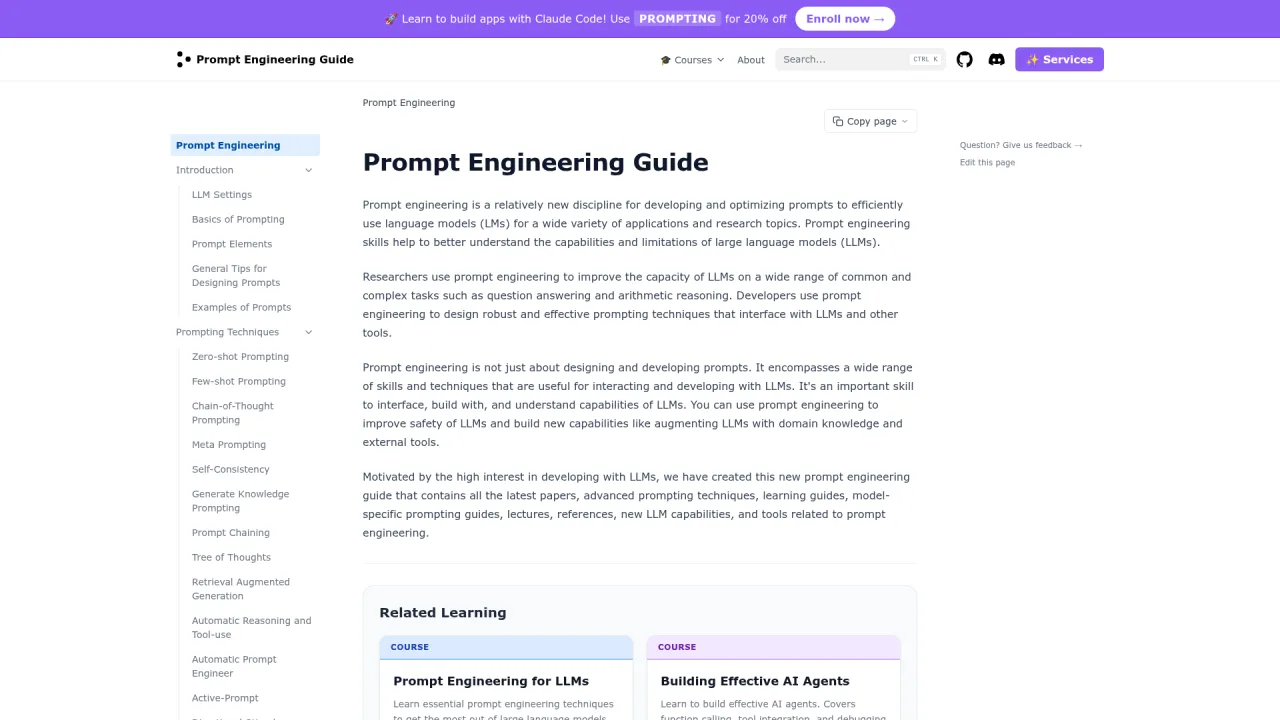
Study prompt engineering systematically — Anthropic's interactive tutorial or the Prompting Guide
Choose one specialization — AI coding, agents, RAG, or multimodal, based on your career direction
Subscribe to one newsletter — The Batch gives the most balanced weekly perspective
Monthly review — Assess what you learned, identify gaps, adjust your next month's focus
AI evolves faster than any individual can track. Accept that reality and optimize for learning velocity over coverage breadth. Pick a direction, master one tool, ship one result, then expand to the next.
Consistency beats intensity. Thirty minutes of focused reading daily compounds into deep ecosystem understanding within three months. This directory is the starting point — the real learning happens every time you open a terminal and build something.
Ready-to-Use Prompt: Build a Two-Week Deep-Dive Learning Sprint From One Goal
What this does: Matches your current AI goal to exactly one of 12 resource categories, picks the highest-impact free resources inside it (official courses first), and builds a day-by-day two-week plan with a move-on gate — so you go deep instead of bookmarking 600 links you never read. Based on: AI Learning Resources Directory: 600+ Free Resources Organized by Category (2026) — https://aiworkflowpro.com/ai-learning-resources-directory/ Time to run: ~4 minutes
Copy this prompt into Claude Code, ChatGPT, or any AI assistant:
ROLE: You are an AI-learning curator who turns one goal into a focused two-week deep-dive. Your job: pick exactly ONE of 12 resource categories that matches the reader's current goal, select the highest-impact free resources inside it, build a day-by-day plan, and set the gate to move on.

CONTEXT — ONE-CATEGORY TWO-WEEK DEEP-DIVE:
The mistake with 600+ resources is bookmarking dozens and reading none. The discipline that works: pick the ONE category that matches your current goal, spend two weeks going deep on its best resources, then move to the next. Official courses from Anthropic, OpenAI, Google, and Microsoft now rival paid bootcamps — always start there before community content. The 12 categories: official platforms · university courses · structured learning paths · prompt engineering · AI coding tools · building agents · RAG/fine-tuning/local inference · multimodal generation · tool directories · research tracking. Each resource is judged on three axes: who it serves, estimated time, why it matters.

INPUTS (fill in before running):
- GOAL: YOUR_CURRENT_GOAL_HERE (one sentence — what you want to do with AI, e.g., "build a coding agent", "write better prompts")
- LEVEL: YOUR_LEVEL_HERE (beginner / intermediate / advanced)
- WEEKLY_HOURS: YOUR_HOURS_HERE (hours per week you can study)

METHOD — 6 STEPS:

Step 1 — Pick ONE category
Match GOAL to exactly one of the 12 categories. Rule: one only — if two seem to fit, pick the one that unblocks the other (e.g., "build a coding agent" → AI coding tools before building agents). State the category and name the rejected alternatives.

Step 2 — Rank resources, official-first
Within the chosen category, list candidate free resources and rank official provider courses (Anthropic Academy, OpenAI, Google, Microsoft, Hugging Face, MIT/Stanford/Karpathy) at the top. Score each 1-5 on fit-to-GOAL and 1-5 on fit-to-LEVEL. Keep the top 2-3 only.

Step 3 — Fit to budget
Assign each kept resource an estimated learning time; total the hours and scale to WEEKLY_HOURS × 2. If total exceeds budget, drop the lowest-scored resource; if under, add depth (exercises, a project), not more resources.

Step 4 — Build the two-week plan
Split the kept resources across 14 days: each day names the resource, the topic, and the one output the reader produces (a note, a prompt, a tiny build). Every day has an output, not just consumption.

Step 5 — Set the move-on gate
Define the day-14 pass test: can the reader (a) explain the category's core skill in plain words, (b) produce one working artifact, (c) name what they still do not know? Pass = move to the next category; fail = extend one week — do not pile on a new category.

Step 6 — Point to the next category
Name the single next category to enter after this one (the one this category most directly unblocks), so the reader leaves with a path, not a list.

RULES:
- One category per two-week sprint — never study two categories at once.
- Official provider courses rank above community content; start there.
- Every study day produces one output; passive watching with no artifact fails the plan.
- Do not move categories until the day-14 gate passes — depth before breadth.

OUTPUT FORMAT:
Output six sections:
1. **Category pick** — the one chosen category + why, with rejected alternatives named.
2. **Resource ranking** — markdown table with columns: Resource | Type (official/community) | Fit-to-GOAL (1-5) | Fit-to-LEVEL (1-5) | Kept? (Y/N).
3. **Budget fit** — total hours vs budget + the adjustment made.
4. **Two-week plan** — markdown table with columns: Day | Resource | Topic | Output artifact.
5. **Move-on gate** — the three pass-test questions + pass/fail rule.
6. **Next category** — the one category to enter next + the link it unblocks.
Save as @templates/ai-learning-resources-directory.md and run at the start of each two-week learning sprint, then re-run with a new GOAL once the move-on gate passes.
Frequently Asked Questions
What is the best free AI course for complete beginners in 2026?
Two standout options: Elements of AI from the University of Helsinki requires zero math or programming background and takes about 6 weeks. Microsoft's Generative AI for Beginners on GitHub (110k+ stars) covers 21 lessons on building generative AI applications. Both are free, regularly updated, and provide structured learning paths. For hands-on coding, Anthropic Academy's AI Fluency: Foundations course is the fastest on-ramp.
How do I keep up with AI developments without burning out?
Build a three-layer information diet: (1) Paper layer — spend 15 minutes daily scanning arxiv.org/list/cs.CL/recent and huggingface.co/papers. (2) Engineering layer — subscribe to 3-5 newsletters like The Batch, TLDR AI, and Latent Space. (3) Benchmark layer — check LMSYS Arena and Open LLM Leaderboard monthly. This cadence keeps you informed without information overload. Consistency over volume: 30 minutes daily beats a 5-hour weekend binge.
Should I learn from official documentation or third-party courses?
Start with official courses. In 2026, Anthropic, OpenAI, Google, Microsoft, Hugging Face, and NVIDIA all offer free learning platforms written by the technology creators. These are more accurate and current than any third-party summary. Use third-party content when you need structured project-based learning or cross-provider topic coverage. From personal experience building AI workflows for two years, official docs saved me from at least a dozen tutorials teaching deprecated APIs.
What AI coding tools should developers learn first?
Focus on three: Claude Code (terminal-based AI coding agent, 121k GitHub stars), Cursor (AI-native IDE with deep codebase understanding), and GitHub Copilot (integrated into VS Code and JetBrains). Start with whichever matches your workflow — terminal users gravitate toward Claude Code, IDE users toward Cursor. Read official documentation first, then take Anthropic Academy's Claude Code in Action course for structured practice.
Are these 600+ resources actually free and accessible?
Every resource was verified for accessibility in 2026. The vast majority are completely free. Some tools (Midjourney, Cursor Pro, GitHub Copilot) have paid tiers, but their documentation and learning resources remain free. University courses are all open-access. A previous version of this guide had 16 dead links within a year — this version prioritizes independent domains and official platforms over third-party wikis that tend to break.
Monitoring a competitor who publishes no feed is the case every RSS guide skips. Twenty-one platforms sorted by which of three jobs they do, and the finished setup is business process automation you own outright, with no seat licence to renew.
Blaming the content is the reflex when a post underperforms, and it is usually the wrong diagnosis. A second reader decides distribution before any human sees the post, and most of what it checks is mechanical enough to automate business processes around, on five platforms at once.
Thursday afternoon, fourteen product ideas, a Monday filming slot, no scripts. Six script shapes and seven hook formulas turn that hour into finished drafts — and the business rule stays: rewrite at least 30% before anything ships.
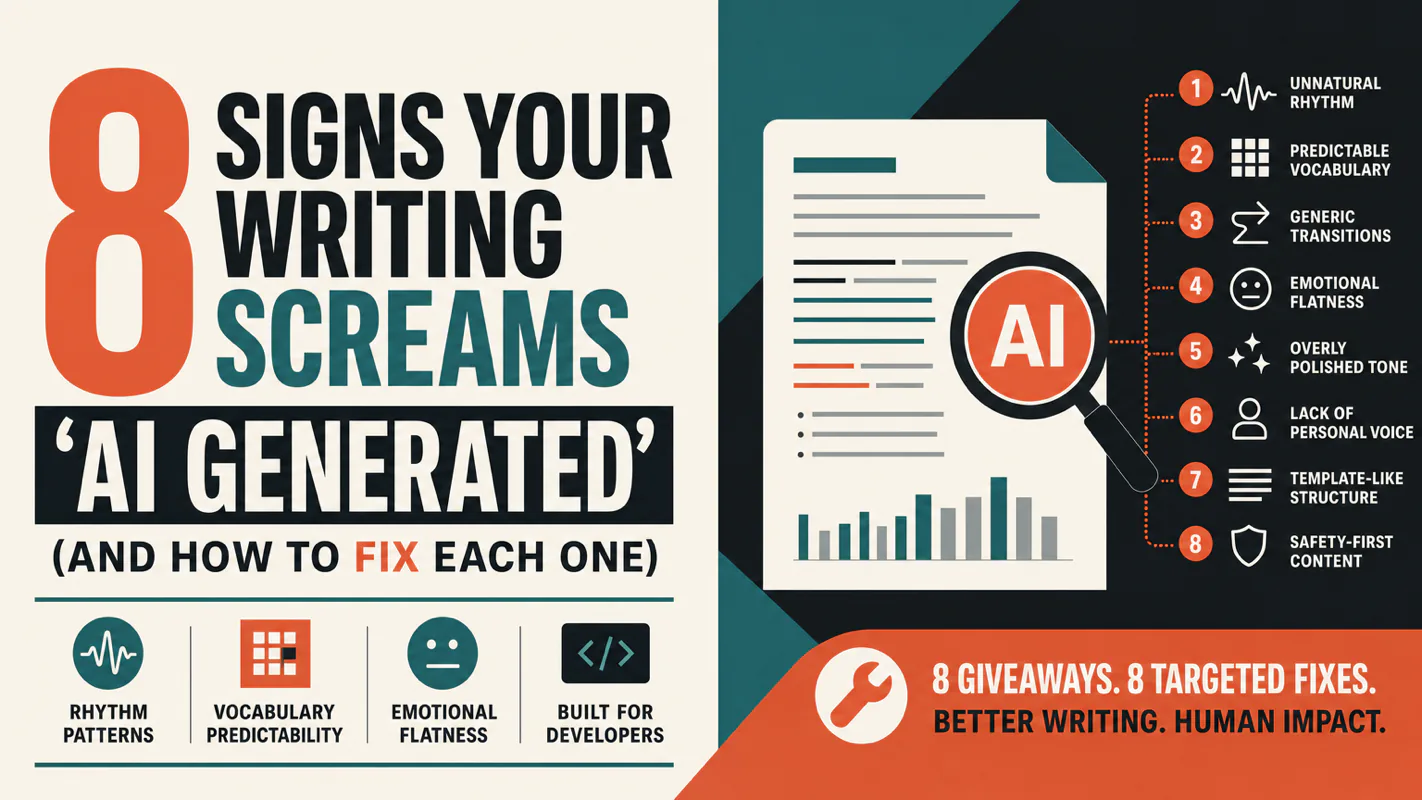
A detector score cannot survive a conversation with the freelancer it just cost three weeks of payment. What holds up is the specific thing on the page: rhythm, vocabulary, missing detail. Eight of them here, and the reason review stays human when you automate business processes.