Monitoring a competitor who publishes no feed is the case every RSS guide skips. Twenty-one platforms sorted by which of three jobs they do, and the finished setup is business process automation you own outright, with no seat licence to renew.
Blaming the content is the reflex when a post underperforms, and it is usually the wrong diagnosis. A second reader decides distribution before any human sees the post, and most of what it checks is mechanical enough to automate business processes around, on five platforms at once.
Gloves on, tape measure in hand — nobody types a query. Three voice surfaces for ai automation tools (terminal, Telegram, Discord), 10 TTS and 6 STT providers compared on cost and latency, plus a setup that costs nothing.
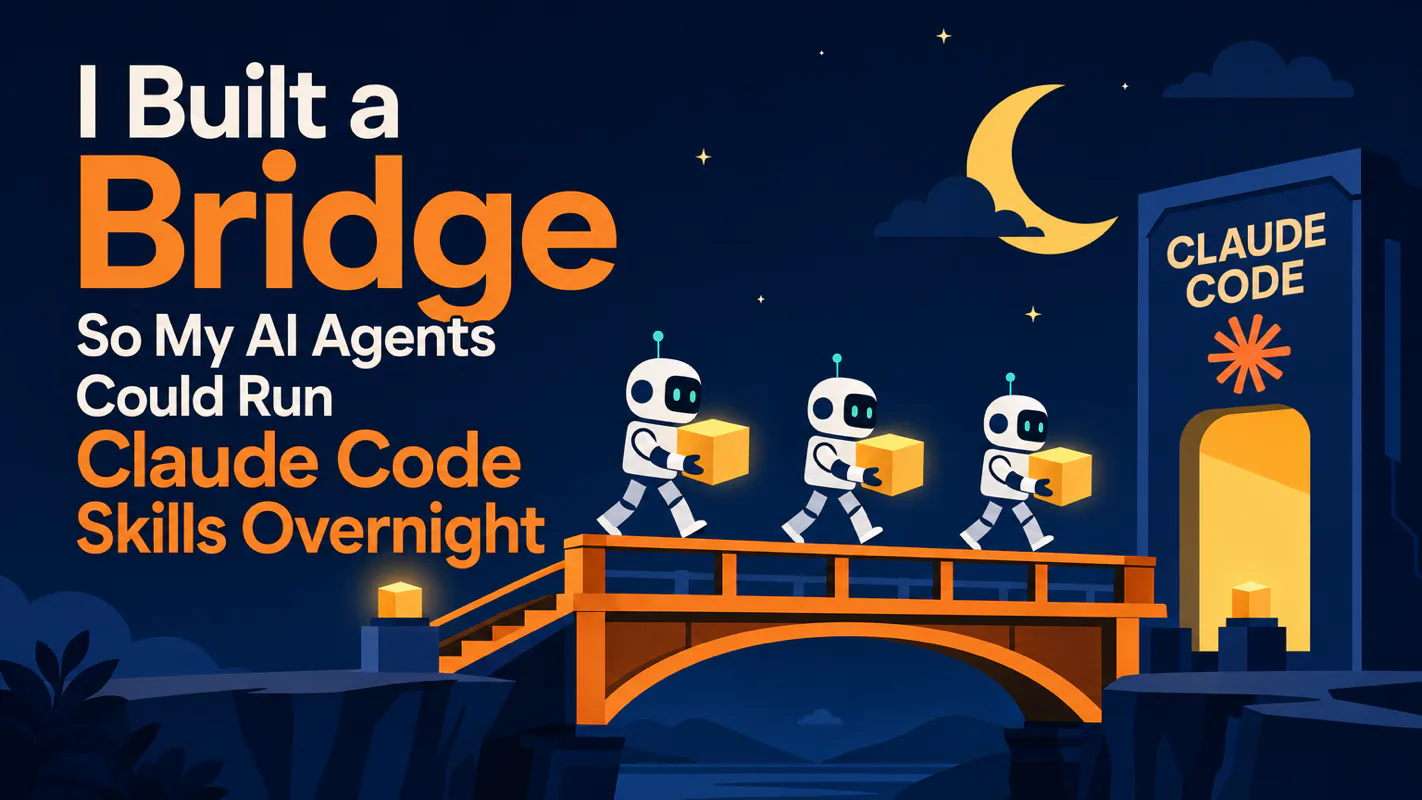
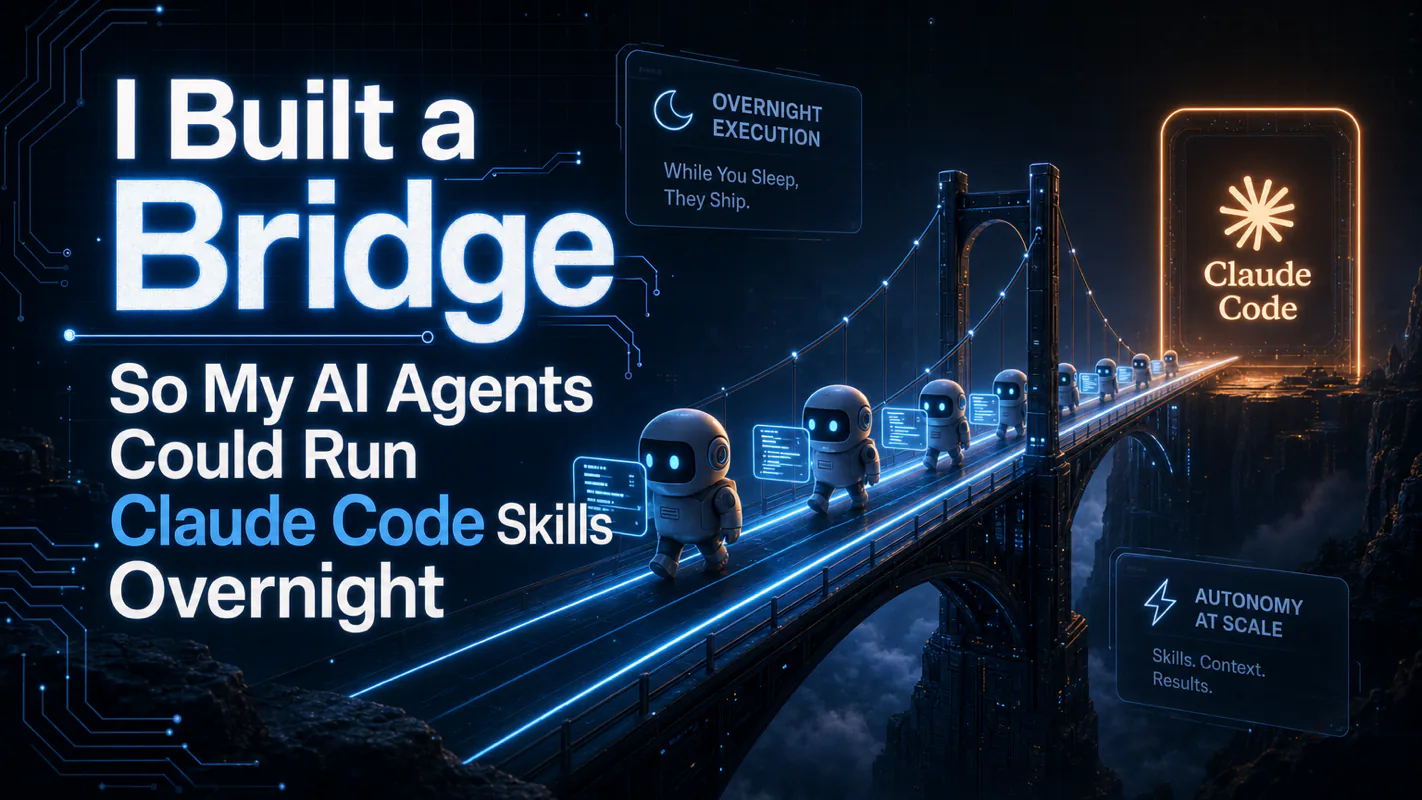
I Built a Bridge So My AI Agents Could Run Claude Code Skills Overnight
Your agent can call Claude Code. Can it do that at 3am without crashing, hanging, or silently failing? Bridge middleware handles process management, timeouts, interactive prompts, and automatic recovery, after two months running 10 agents in production.
TL;DR -- Your AI agent can call Claude Code. That part is easy. The hard part is making that call survive the night: handling crashes, timeouts, missing parameters, and the dreaded "please enter..." prompt at 3 AM with nobody at the keyboard. I built a three-layer middleware called Bridge that manages the entire lifecycle of a Skill execution, from process spawning to result delivery. After two months of daily production use with 10 agents, here is the architecture.
One person can be trusted to catch their own mistakes. Ten cannot, which is why shop floors put a supervisor on the night shift, not because the crew is careless but because at 3am nobody else is around to notice a line has stopped. That threshold is about headcount rather than competence, and it arrives sooner than anyone plans for. The same shift happens the moment work spreads across several unattended workers instead of one you are watching. Nothing dramatic breaks. Things simply do not happen, and no one is there to see it. Supervision is a real role, and an ai assistant for business running overnight needs somebody filling it.
Why Claude Code Skill Automation Keeps Breaking
If you are building AI agent automation -- not chatbot conversations, but agents that actually do work -- you have probably hit this wall already.
On one side, you have Claude Code running on a subscription plan. Manually, it is fast, stable, and genuinely productive. On the other side, you have an orchestration framework with multiple AI agents assigned to specific roles: research, content creation, SEO analysis, image generation, publishing.
The problem is connecting these two sides reliably.
Your agent can start a Claude Code session and tell it to run a Skill. That much works. But what happens next? Did the parameters get passed correctly? What if the process hangs for 40 minutes? If it crashes, does the agent even know? I ran my system for three straight days before discovering that half my overnight tasks had died silently. The agents thought they were still running. The processes were long gone.
Being able to call something is not the same as being able to call it reliably.
I was wrong about how simple this would be. I assumed that once I could trigger a Skill programmatically, the hard part was over. In reality, the invocation was maybe 10% of the work. The other 90% was building everything around it: process monitoring, crash recovery, timeout enforcement, parameter pre-packaging, and result delivery.
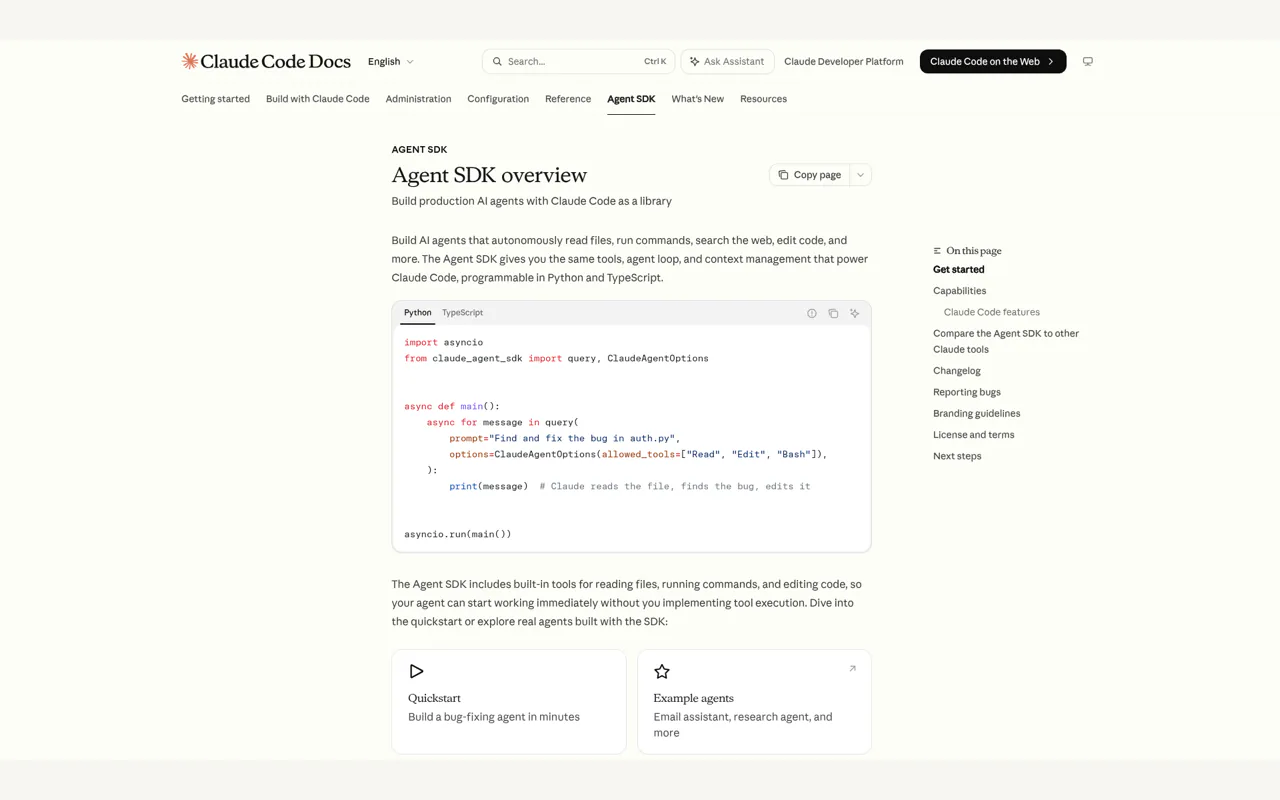
That 90% is what Bridge does. It turns fragile Claude Code Skill invocations into reliable, automated operations. The Claude Code documentation covers the Skill system and SDK capabilities; the Anthropic developer docs provide the API reference that the Agent SDK builds on.
The Bridge Layer: Enabling Claude Code Skill Automation
Bridge is not a framework or a library. It is a middleware layer that sits between your agent orchestrator and Claude Code, managing the full lifecycle of every Skill execution.
Here is what happens when an agent wants to run a Skill:
The agent sends a request to Bridge with the Skill name, parameters, and execution mode
Bridge creates an isolated run directory, writes an initial state file, and spawns the process
The process runs through environment validation, then invokes the Claude Agent SDK
Bridge monitors the process throughout execution, updating heartbeat timestamps
When the Skill finishes (or fails, or times out), Bridge writes the final state and delivers the result back to the agent
Without Bridge, Claude Code Skill automation is just an agent firing a command into the void and hoping for the best. With Bridge, every execution is tracked, every failure is caught, and every result finds its way home.
What Is the Three-Layer Architecture?
I tried building this as a single script first. It was 500 lines of mixed Bash and Python, and when it failed at 2 AM, the logs were useless. Every error looked the same. I could not tell whether the crash was in process management, environment setup, or the actual SDK call.
That night taught me a principle I now follow everywhere: each layer should do exactly one thing, so when something breaks, you know which layer broke.
Layer 1: The Dispatcher (bridge-runner.sh)
This is the entry point. When an agent wants to execute a Skill, it calls the Dispatcher. The Dispatcher handles:
Run directory creation -- every execution gets its own timestamped directory with a unique state file
Initial state registration -- the state file is written before anything else, so even if the process dies immediately, there is a record
Execution mode selection -- synchronous (wait for result) or asynchronous (return immediately with a tracking reference)
Cleanup on failure -- if anything goes wrong, the Dispatcher writes the final state and reports back
Think of this as a front desk at a factory. A client walks in with an order. The front desk logs the order, assigns a tracking number, and decides whether the client should wait or come back later. If the order fails, the front desk updates the client.
Layer 2: The Gatekeeper (bridge.sh)
Before any code runs, the Gatekeeper verifies the execution environment:
Is the Python virtual environment present and activated?
Are all dependencies installed at the correct versions?
Is the Claude Agent SDK accessible?
Are the required configuration files in place?
If any check fails, the Gatekeeper stops execution immediately and returns a specific, actionable error message. No vague "something went wrong" -- it tells you exactly what is missing and how to fix it.
I added this layer after spending an entire morning debugging what turned out to be a missing virtual environment activation. The actual error was buried 200 lines deep in a Python traceback. With the Gatekeeper, that same failure now produces a one-line message: "venv not found at /path/to/venv -- run uv sync to create it."
Layer 3: The Executor (bridge.py)
This is where the real work happens. The Executor uses the Claude Agent SDK's query() function to:
Spawn a Claude Code process with the specified Skill and parameters
Stream and process response messages (text output, tool calls, final results)
Maintain a heartbeat timestamp that updates every few seconds
Catch every possible exception, including BaseException for signals like SIGTERM
The separation matters. When I see an error in the Executor logs, I know the environment is fine and the issue is either in the SDK call or the Skill itself. When I see an error in the Gatekeeper logs, I know the code never ran and the issue is environmental. When I see an error in the Dispatcher logs, I know the issue is in task routing or state management.
Three layers. Three possible failure points. Zero ambiguity about where to look.
When Should You Use Sync vs. Async Claude Code Skill Execution?
Bridge supports two execution modes, and choosing the wrong one will either waste your agent's time or lose track of long-running tasks.
Synchronous Mode
The agent sends a request and waits. The Dispatcher blocks until the Skill completes, then returns the result directly. This works for quick tasks: looking up a value, sending a notification, running a short calculation. Anything under 30 seconds is a good candidate.
The downside is obvious. While waiting, the agent cannot do anything else. If you have 10 agents and each one is stuck waiting on a Skill, your entire system grinds to a halt.
Asynchronous Mode
The agent sends a request and gets back a tracking reference (a path to the state file) immediately. The Skill runs in the background. When it finishes, Bridge delivers the result to the agent through a callback.
In my setup, 90% of Skill executions use async mode. Most of the work my agents do -- writing articles, generating images, running SEO analysis, producing video scripts -- takes anywhere from 3 to 30 minutes. Blocking an agent for that long defeats the purpose of having multiple agents.
Here is the practical difference. With sync mode, 10 agents process 10 tasks sequentially. With async mode, 10 agents fire off 10 tasks simultaneously and pick up the results as they come in. For a solo operation, async mode is not a nice-to-have. It is the only way the math works.
How State Tracking Works
Every execution writes a state.json file that records:
Current status: starting, running, done, error, killed
Process ID (PID) of the Claude Code instance
Start time and last heartbeat timestamp
Final output or error message
The agent can check this file at any time to see how a task is progressing. But here is the detail that took me weeks of debugging to get right: Bridge also validates whether the process is actually alive. If the PID in the state file no longer corresponds to a running process, Bridge automatically corrects the status to killed -- even if the process was terminated by SIGKILL, which cannot be caught by any signal handler.
I added that check after discovering a state file that said running for a task that had been dead for six hours. The operating system had killed the process due to memory pressure, and without PID validation, nobody knew.
Preventing Tasks from Silently Disappearing
After two months of running automated Skills, I learned one lesson the hard way:
The worst thing a task can do is not to fail. It is to disappear.
Failure is fine. You get an error message, you fix the issue, you retry. But disappearance? The task crashes, no notification goes out, the agent thinks everything is still running, and you wake up the next morning to discover that nothing happened overnight.
Bridge has three layers of protection against this.
Layer 1: Automatic Cleanup
No matter how a task ends -- normal completion, unexpected crash, forced termination -- the Dispatcher always writes a final state record. This is implemented as a shell EXIT trap, which fires on any exit, including crashes. The state file captures what happened and when.
Layer 2: Universal Exception Catching
The Executor catches BaseException, not just Exception. This means it handles keyboard interrupts, system exit signals, and even memory errors. When any of these fire, the Executor does three things before dying: writes the error state, logs the stack trace, and triggers a notification to the agent.
Layer 3: Watchdog Timer
Every task gets a configurable timeout. If a Skill exceeds its time limit -- maybe it is deadlocked, caught in a loop, or waiting for input that will never come -- the watchdog terminates the process, writes a timeout status to the state file, and notifies the agent.
These three layers stack. The watchdog catches hung processes. The exception handler catches crashes. The EXIT trap catches everything else, including cases where the operating system terminates the process externally.
The design philosophy comes from Nassim Taleb's concept of antifragility: a good system does not try to prevent all failures. It ensures that every failure is detected, recorded, and surfaced. When every failure teaches the system something, the system gets more reliable over time.
Handling Interactive Prompts at 3 AM
Claude Code sometimes pauses mid-execution to ask a question: "What is the target language?" or "Please provide the file path."
When you are sitting at your desk, you type an answer and move on. But Bridge runs at 3 AM with nobody at the keyboard. An unanswered prompt means the Skill sits there doing nothing until the watchdog kills it -- and you have wasted the entire execution window.
The solution is parameter pre-packaging. When the agent dispatches a task, it includes all the information the Skill might need: configuration values, file paths, context about the current project, answers to likely questions. Claude Code receives this as a structured prompt and finds what it needs without asking.
For the edge cases where something is still missing, Bridge intercepts the interactive prompt through a PreToolUse hook on AskUserQuestion. Instead of waiting forever, Bridge logs the question, stops the execution, and reports back to the agent: "Claude Code asked this question. Provide the answer and re-dispatch."
The agent fills in the gap and tries again. No infinite waiting. No wasted hours.
I learned this the hard way during my first week of overnight automation. Every morning, I would find 3 or 4 Skills frozen on a "Please enter..." prompt. They had been sitting there since midnight, burning through my execution window, producing exactly nothing.
The biggest enemy of automation is not technical difficulty. It is unexpected human-in-the-loop moments.
How Do Results Get Back to the Agent Automatically?
The last piece of the loop: when a Skill finishes, the result needs to reach the right agent in the right place.
Bridge handles delivery through a callback mechanism. When the Executor completes, it triggers a delivery command that routes the result to the originating agent. The agent knows which channel or workspace to report back to, and it posts the result there.
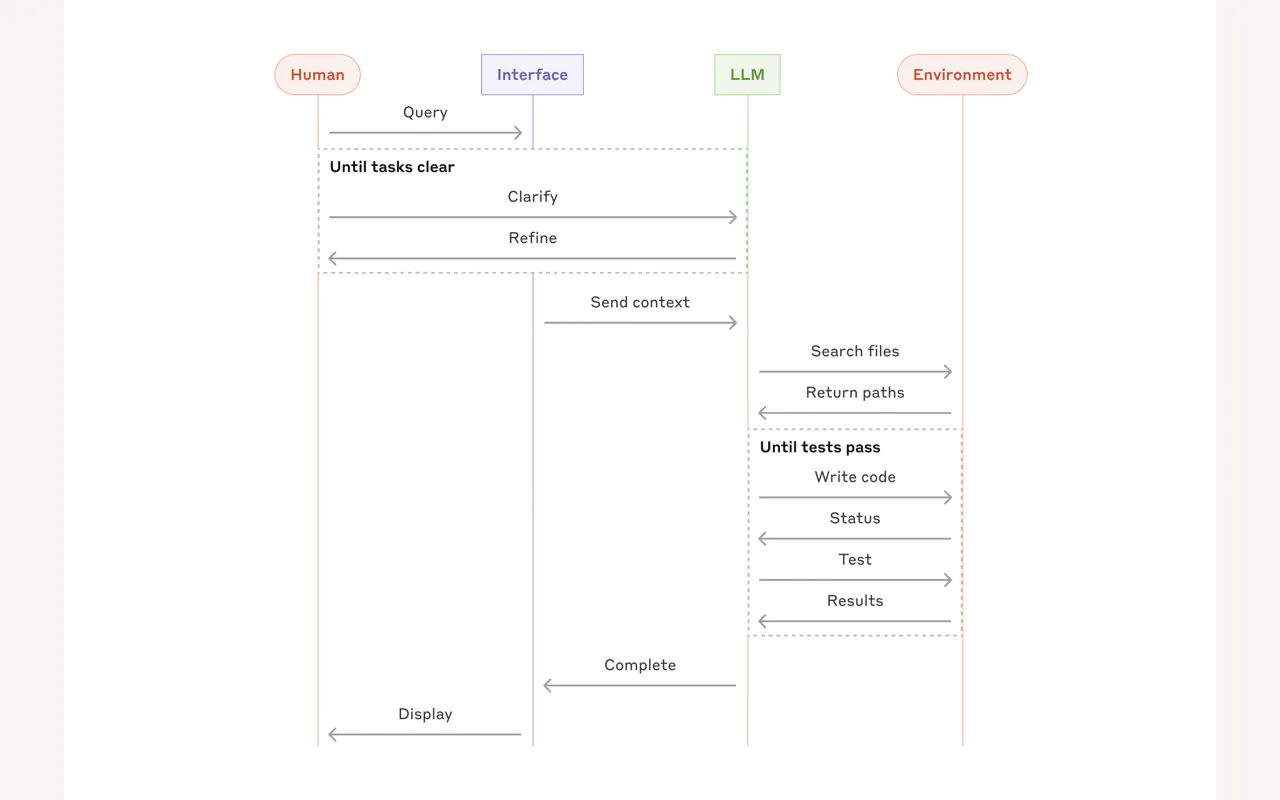
Here is what a typical overnight cycle looks like:
I send a message in Discord: "Generate the weekly SEO report"
An agent picks up the message, identifies the Skill, and dispatches it to Bridge
Bridge runs the Skill asynchronously using Claude Code
The Skill completes, Bridge delivers the result to the agent
The agent posts the finished report back in the Discord channel
In the morning, I open Discord with a coffee and find the SEO report ready, the blog draft written, the image assets generated, and the subtitle translations completed. Ten agents, each reporting their results. All I need to say is "Looks good."
That is the difference between using AI for chat and using AI as a workforce.
You might ask: what happens if Bridge itself crashes? The EXIT trap ensures the state file gets updated even in that scenario. The next time the agent checks, it sees the abnormal termination and can choose to retry. Reliability does not mean nothing ever breaks. It means every break gets noticed.
What Does the Full Claude Code Skill Automation Architecture Look Like?
Here is how all the pieces fit together:
Component
Responsibility
Failure mode
Agent Orchestrator
Decides which Skill to run, with what parameters
Logs decision and dispatches
Dispatcher (bridge-runner.sh)
Creates run directory, manages state, selects sync/async
EXIT trap writes final state
Gatekeeper (bridge.sh)
Validates environment before execution
Returns actionable error message
Executor (bridge.py)
Runs Claude Agent SDK, streams responses, maintains heartbeat
BaseException catch + error state
Watchdog
Enforces timeout limits per task
Terminates process + writes timeout state
State File (state.json)
Single source of truth for task status
PID validation detects zombie states
Callback Delivery
Routes results back to originating agent
Agent retries on delivery failure
The entire system follows one principle: separation of concerns with guaranteed state persistence. Every component does one thing. Every transition writes state. No Claude Code Skill execution can vanish without a trace.
Getting Started: One-Prompt Claude Code Skill Automation Setup
Copy this prompt into Claude Code to scaffold the Bridge system from scratch:
Build a Bridge system for automating Claude Code Skill execution from an AI agent orchestrator.

Requirements:

1. Three-layer architecture:
   - bridge-runner.sh: process management, state tracking, sync/async mode selection
   - bridge.sh: virtual environment activation, dependency validation
   - bridge.py: Claude Agent SDK query() invocation, message stream processing

2. State management:
   - Each execution creates an isolated run directory
   - state.json tracks status (starting/running/done/error/killed), PID, timestamps, heartbeat
   - Atomic writes using tmp + rename to prevent partial reads
   - PID validation to detect processes killed by SIGKILL

3. Three-layer fault tolerance:
   - Shell EXIT trap for guaranteed cleanup on any exit
   - Python BaseException handler for crashes, signals, and OOM
   - Configurable watchdog timer with automatic process termination

4. Interactive prompt handling:
   - PreToolUse hook intercepting AskUserQuestion
   - Parameter pre-packaging in the dispatch payload
   - Graceful stop + report on unanswered prompts

5. Communication:
   - stdout markers: [BRIDGE:STATUS], [BRIDGE:DONE], [BRIDGE:ERROR]
   - Callback delivery to originating agent on completion

6. Configuration:
   - Centralized config.py for model, timeouts, heartbeat intervals, Skill directories
   - Security rules: no full-disk search, no sensitive directory access, read SKILL.md first

Stack: Python 3.12+, uv package manager, Claude Agent SDK
This gives you the scaffolding. The engineering decisions -- timeout values, retry policies, which Skills to run async -- those come from running the system and watching what breaks.
Lessons After Two Months of Claude Code Skill Automation in Production
Here is what I would tell myself before starting:
Subscription-based execution is the practical choice for high-frequency agents. Per-token API billing adds up fast when 10 agents each consume hundreds of thousands of tokens daily. A fixed monthly subscription with Claude Code changes the economics entirely. (Keep an eye on Anthropic's policy updates -- terms around SDK usage with subscription plans may evolve.)
The Dispatcher-Gatekeeper-Executor split is worth the upfront work. It feels like over-engineering on day one. By week two, when you are debugging a 2 AM crash from your phone, you will be grateful that the logs tell you exactly which layer failed.
Default to async. I started with sync mode because it was simpler. Within a week, my agents were spending 80% of their time waiting. Async mode with state file polling transformed the system from a bottleneck into a pipeline.
Pre-package everything. Every time Claude Code asks a question during unattended execution, you lose the entire task. Spend the time upfront to make your dispatch payloads comprehensive.
Build the watchdog from day one. I added it after two weeks of zombie processes. Should have been there from the start.
Silent failure is the real enemy. A task that throws an error is easy to fix. A task that hangs indefinitely or dies without a trace will waste days of your time.
Most people building with AI agents are still at the "Can I make it do something?" stage. The shift to "Can I make it do something reliably, overnight, without me?" -- that is where the real engineering starts.
Building Bridge was the moment my Claude Code Skill automation stopped being a demo and started being infrastructure. It is not glamorous work. But without it, ten agents are just ten expensive processes waiting to crash.
Ready-to-Use Prompt: Make Claude Code Skill Automation Survive the Night
What this does: Audits the four overnight failure modes, kills the deadliest (a 3 AM interactive prompt blocking silently), designs the three-layer Bridge lifecycle in sync or async, and sets the zero-silent-failure reliability bar — so a 10-agent overnight fleet either completes or surfaces a visible error. Based on: I Built a Bridge So My AI Agents Could Run Claude Code Skills Overnight — https://aiworkflowpro.com/openclaw-claude-code-skill-automation/ Time to run: ~5 minutes
Copy this prompt into Claude Code, ChatGPT, or any AI assistant:
ROLE: You are an Overnight Skill Automation Architect. Your job: make unattended Claude Code Skill execution survive the night — no crashes, no hangs, and never a "please enter..." prompt blocking silently at 3 AM.

CONTEXT — OVERNIGHT SKILL SURVIVAL METHOD:
Calling Claude Code from an agent is easy; making that call survive the night is the hard part. Four failure modes break unattended Skill automation: crashes, timeouts, missing parameters, and the deadliest — an interactive "please enter..." prompt at 3 AM with nobody at the keyboard, which blocks silently until morning. The fix is a three-layer Bridge middleware that manages the whole Skill lifecycle — spawn (full params, no gaps), monitor (watchdog timers detect crashes, timeouts, and interactive prompts), and deliver (result back to the agent, or re-queue). The rule that makes it overnight-safe: every interactive prompt must be pre-answered or fail-fast — never block waiting for a human who is not there. Watchdog timers plus durable task IDs give zero silent failures.

INPUTS (fill in before running):
- SKILLS: [Which Claude Code Skills run unattended]
- AGENTS: [How many agents / their roles]
- FAILURE_HISTORY: [Crashes, timeouts, missing params, 3 AM prompts you have seen — or "none yet"]
- INTERACTIVE_BEHAVIOR: [Do your Skills ever prompt for input? yes / no / unknown]

METHOD — 4 STEPS:

Step 1 — Audit the 4 Overnight Failure Modes
From FAILURE_HISTORY and INTERACTIVE_BEHAVIOR, score each mode active/dormant: crashes, timeouts, missing parameters, and interactive prompts at 3 AM. The 3 AM prompt is deadliest — it blocks silently — so treat any "yes" to INTERACTIVE_BEHAVIOR as active.

Step 2 — Kill the 3 AM Interactive-Prompt Trap
For every Skill in SKILLS, ensure each interactive prompt is pre-answered (default/flagged input) or fail-fasts to a visible error — never block waiting for a human overnight. State the pre-answer or fail-fast per prompt.

Step 3 — Design the Three-Layer Bridge Lifecycle + Mode
Lay out spawn (full params), monitor (watchdog for crashes/timeouts/prompts), deliver (result to agent or re-queue). Pick sync vs async per SKILLS — overnight fleets are usually async so one stalled task does not block the rest.

Step 4 — Zero-Silent-Failure Reliability
Add durable task IDs on disk and watchdog timers that re-queue lost work. Set the bar: every task across AGENTS either completes or surfaces a visible error — never vanishes silently overnight.

RULES:
- Never leave an interactive prompt un-handled overnight — pre-answer it or fail-fast; blocking silently until morning is the #1 killer.
- Never run a Skill with missing parameters — validate at spawn so it fails visibly, not midway.
- Never declare overnight automation reliable without a watchdog — without it, lost tasks vanish silently.

OUTPUT FORMAT:
Output a markdown report with:
1. Failure-Mode Audit — markdown table, columns: Mode | Active? | Evidence
2. 3 AM Prompt Handling — markdown table, columns: Skill | Interactive Prompt | Pre-Answer / Fail-Fast
3. Bridge Lifecycle + Mode — spawn/monitor/deliver + sync or async per Skill
4. Reliability Bar — watchdog + durable task IDs + the zero-silent-failure check
Save as @templates/openclaw-claude-code-skill-automation.md and run before running Claude Code Skills unattended or overnight.
Monitoring a competitor who publishes no feed is the case every RSS guide skips. Twenty-one platforms sorted by which of three jobs they do, and the finished setup is business process automation you own outright, with no seat licence to renew.
Blaming the content is the reflex when a post underperforms, and it is usually the wrong diagnosis. A second reader decides distribution before any human sees the post, and most of what it checks is mechanical enough to automate business processes around, on five platforms at once.
Gloves on, tape measure in hand — nobody types a query. Three voice surfaces for ai automation tools (terminal, Telegram, Discord), 10 TTS and 6 STT providers compared on cost and latency, plus a setup that costs nothing.
Thursday afternoon, fourteen product ideas, a Monday filming slot, no scripts. Six script shapes and seven hook formulas turn that hour into finished drafts — and the business rule stays: rewrite at least 30% before anything ships.