I Let Claude Code Control My Logged-In Chrome (Setup Guide)
A beginner's guide to letting your AI agent work in your own logged-in Chrome with free Chrome Use: four setup steps, all 8 prompts, and the honest account risks.
A beginner's guide to letting your AI agent work in your own logged-in Chrome with free Chrome Use: four setup steps, all 8 prompts, and the honest account risks.

A 30-minute video is too long for one conversation. This guide walks the 8-step Skill that locks the narration and one look, then gives each 3-minute segment to a fresh sub-agent, five at a time, and polishes the cut in an empty-context session.
The folder structure behind my AI agent team, the Herdr setup where Grok Build, Claude Code and Kimi Code work side by side, and the two live tasks from the video: an article published by voice and a three-model front-end test.
Open-source agent runtime

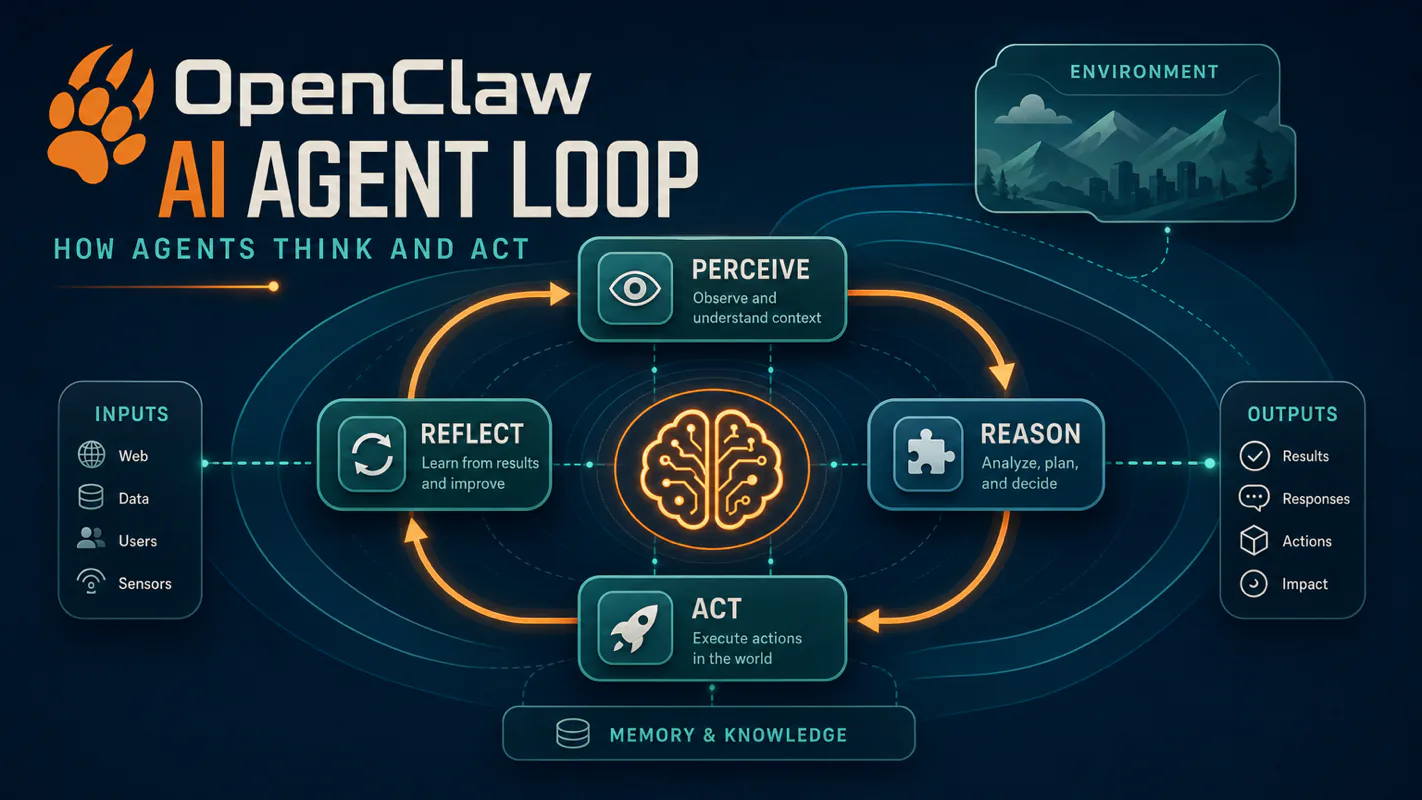
A confident instant answer and a checked one look identical until the number turns out to be wrong. What separates them is a loop with places to fail in it, six of them, each a spot where an ai agent for business quietly returns what it already had instead of going to look.
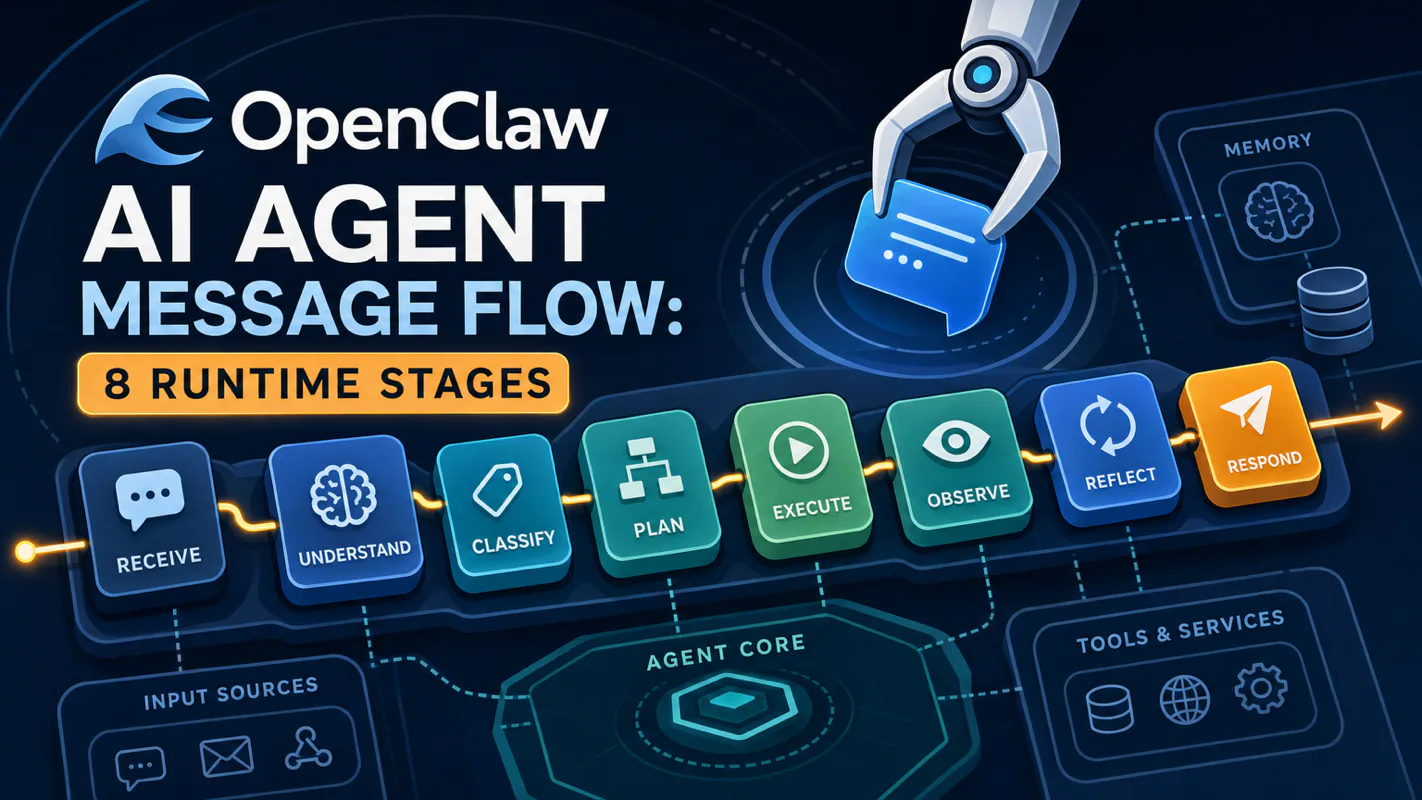
A silent agent produces a support ticket with no failure point in it, and that vagueness is what makes the repair slow. Eight named stages sit between send and reply; naming the broken one is most of the fix for any ai assistant for business.

When someone leaves, only what got written down stays. Same test for an ai agent for business: the model is rented, the folder is owned. Seven Markdown files, and what breaks when the wrong thing goes in the wrong one.
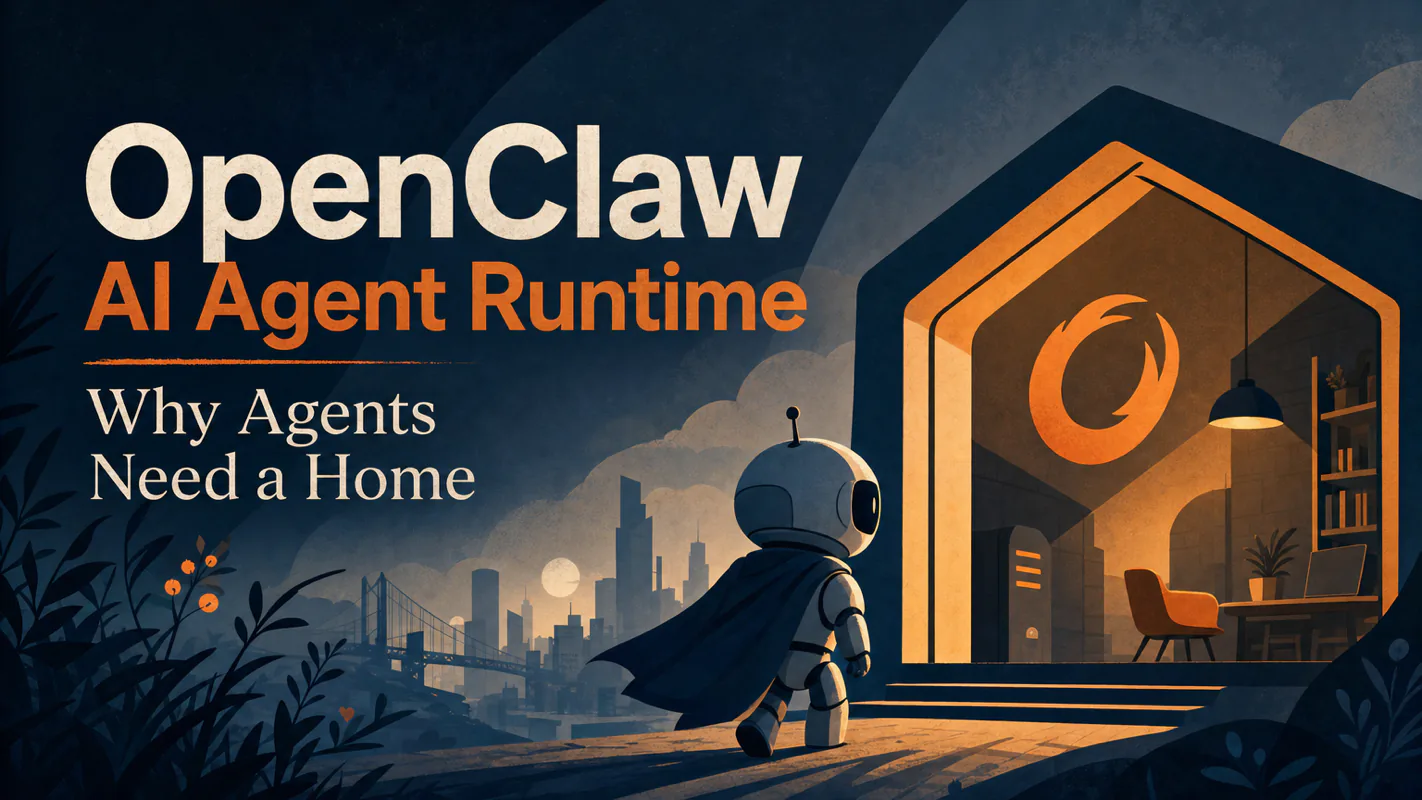
A chat window is a conversation, not a colleague. What separates them is not intelligence — it is three unglamorous requirements that a browser tab structurally cannot meet.
When I figure out how to get something real done with AI, you get the write-up — every step, including the parts that didn't work.