I Let Claude Code Control My Logged-In Chrome (Setup Guide)
A beginner's guide to letting your AI agent work in your own logged-in Chrome with free Chrome Use: four setup steps, all 8 prompts, and the honest account risks.
A beginner's guide to letting your AI agent work in your own logged-in Chrome with free Chrome Use: four setup steps, all 8 prompts, and the honest account risks.

A 30-minute video is too long for one conversation. This guide walks the 8-step Skill that locks the narration and one look, then gives each 3-minute segment to a fresh sub-agent, five at a time, and polishes the cut in an empty-context session.
The folder structure behind my AI agent team, the Herdr setup where Grok Build, Claude Code and Kimi Code work side by side, and the two live tasks from the video: an article published by voice and a three-model front-end test.
Series: building a knowledge base and running an agent fleet

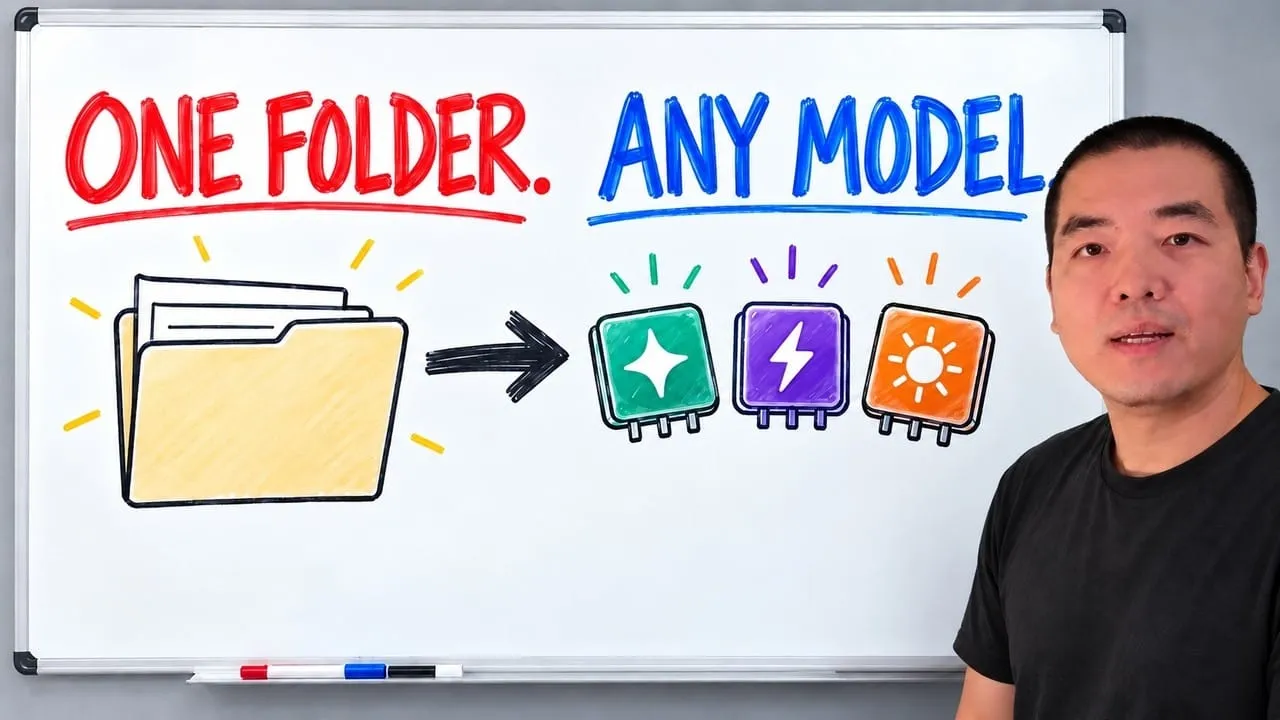
The folder structure behind my AI agent team, the Herdr setup where Grok Build, Claude Code and Kimi Code work side by side, and the two live tasks from the video: an article published by voice and a three-model front-end test.

Eighteen distinct root causes from running generative AI tools in production: every failure, what caused it, and the general rule it produced. None of them were the model's fault. All of them stopped the AI from working.

An AI assistant for business is only as useful as your ability to answer it. Thirty-odd agent windows run on a Mac at home; I'm not at home. The hard part isn't the small screen — it's that two ways of connecting look identical and behave in opposite ways when you exit.
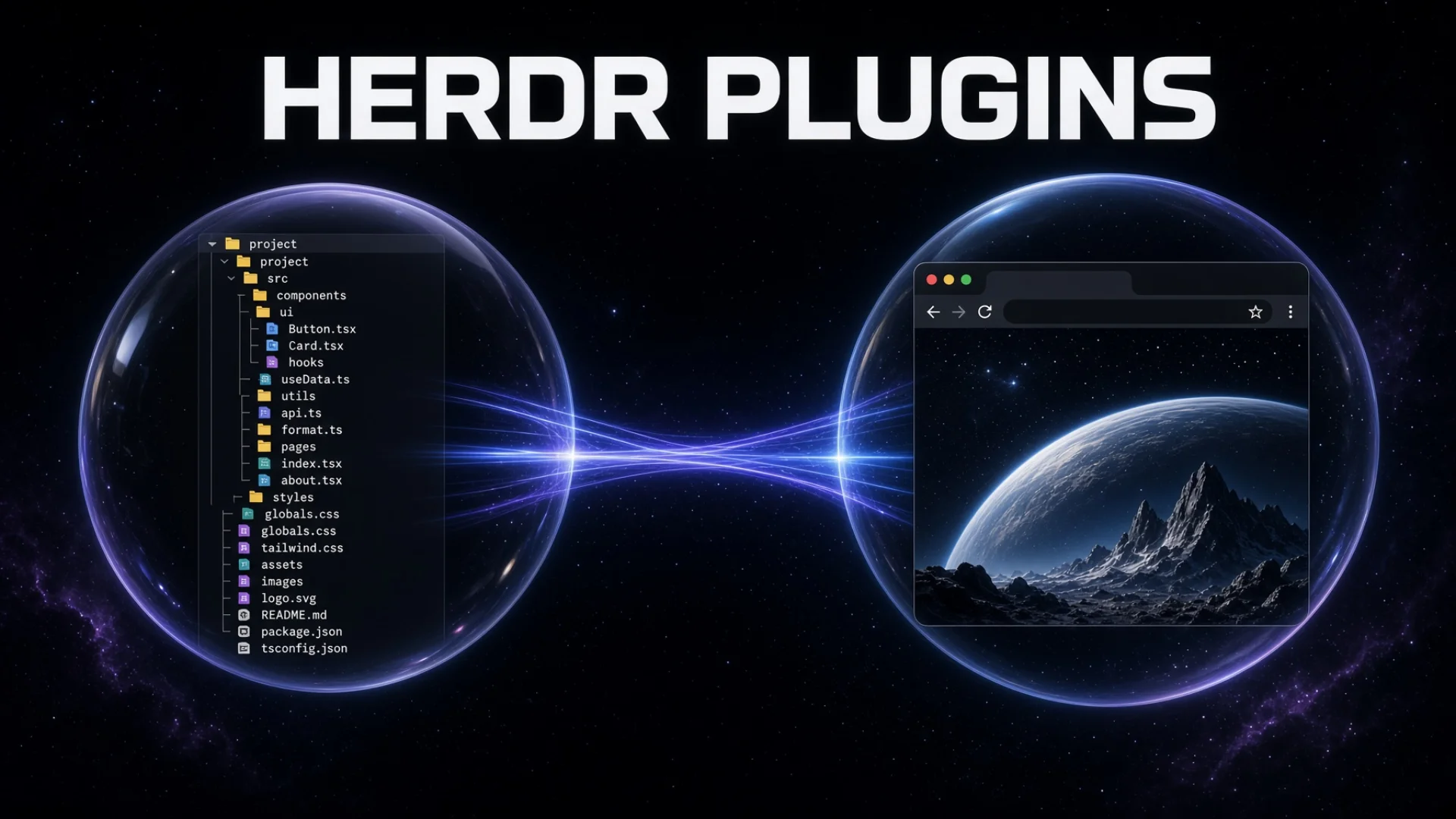
Most AI productivity tools are one more app to alt-tab to. These two are the opposite: a terminal file browser and a real Chrome that live inside the workspace your agents already run in. What broke on three machines, what we pinned, and the half-hour version.
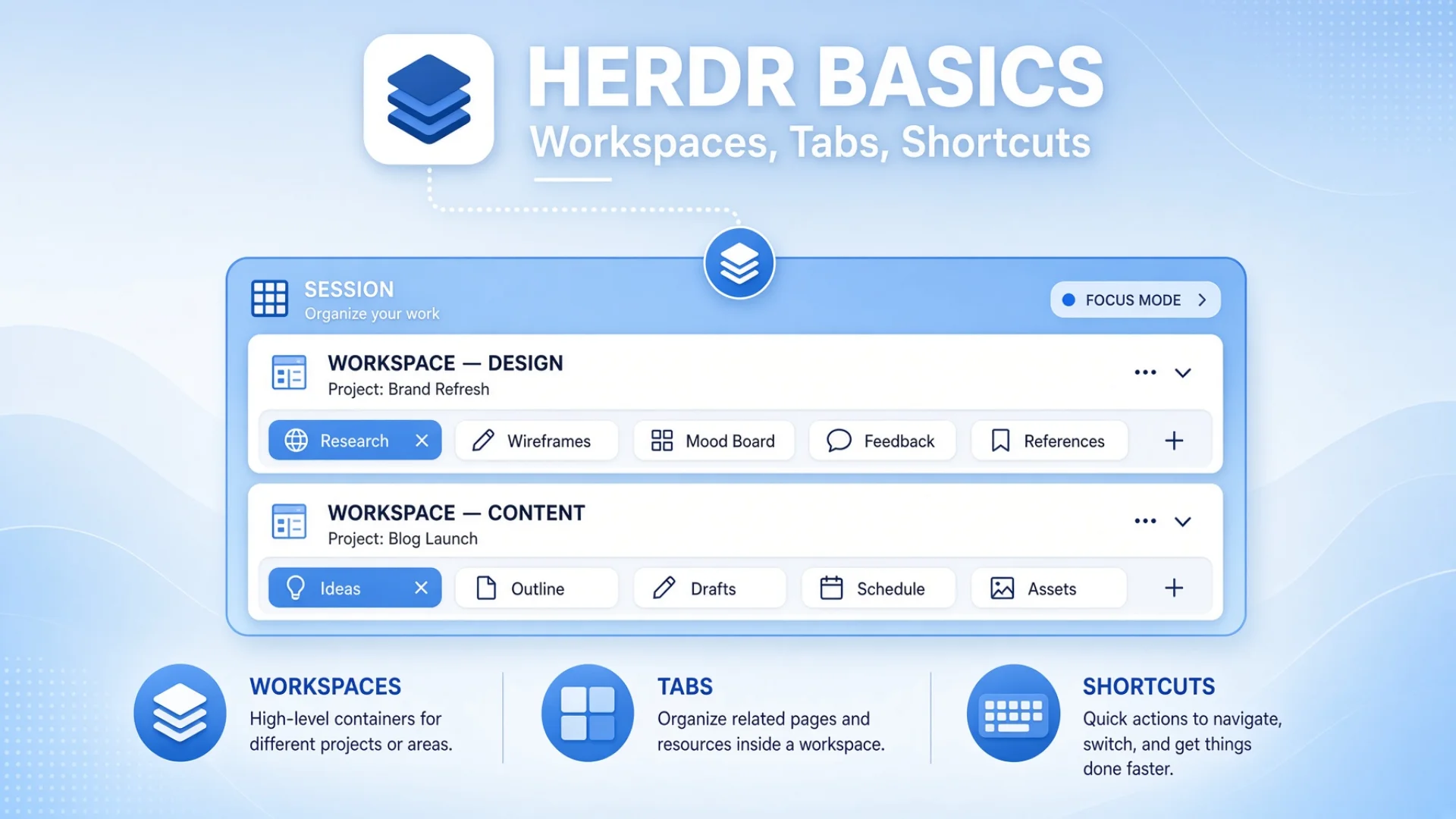
Most people organise AI agents with one flat list of windows. That works until about eight. An AI automation platform needs three nested layers — session, workspace, tab — and exactly one prefix key. Here is how I use them, plus the naming mistake that made my entire fleet look broken from a phone.
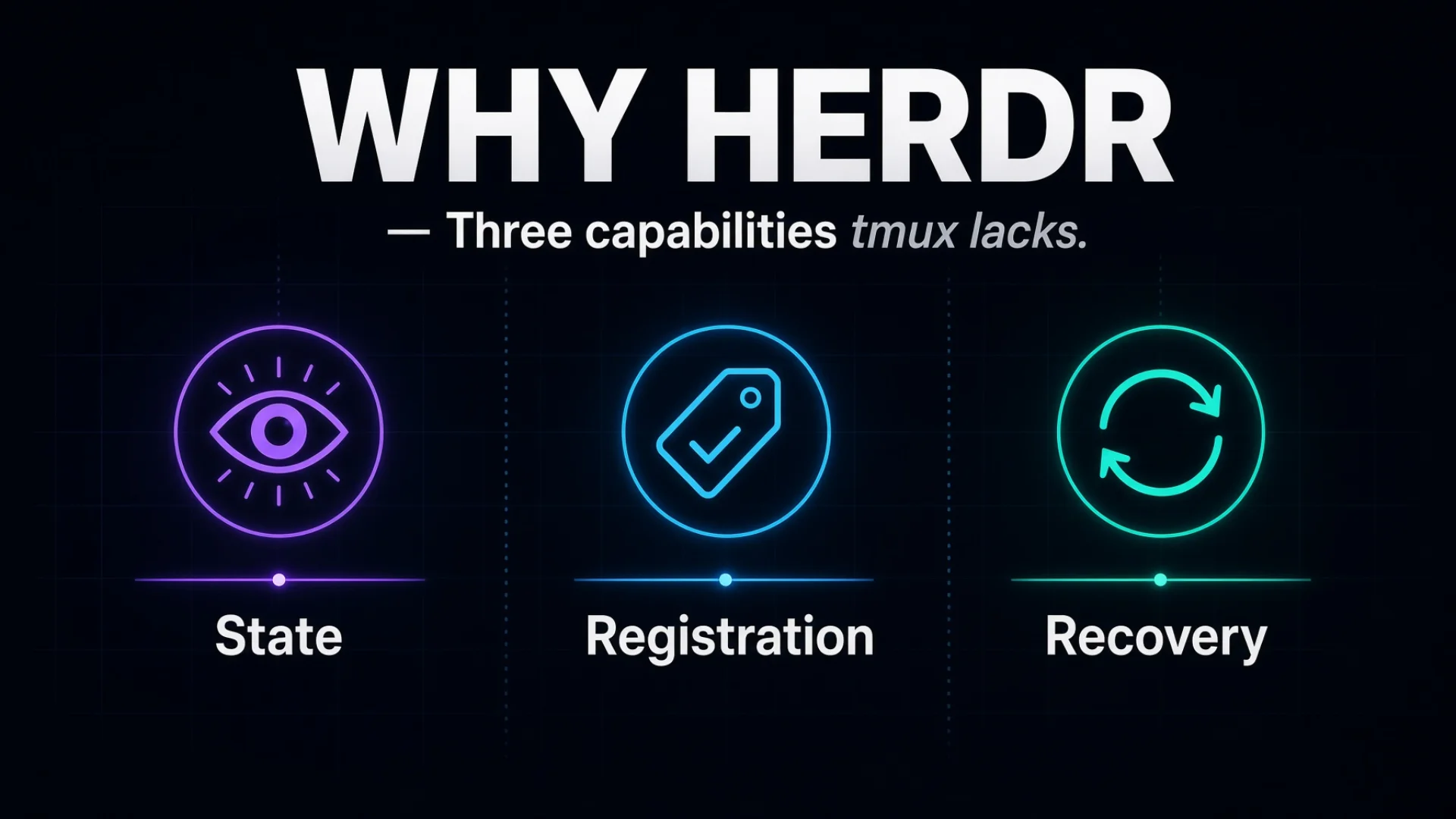
tmux keeps your terminals alive. It has no idea what is inside them. For open source AI agents that run for hours unattended, that gap is the whole problem. Three capabilities close it — state, registration, recovery. I have broken all three, and the breakages are the useful part.
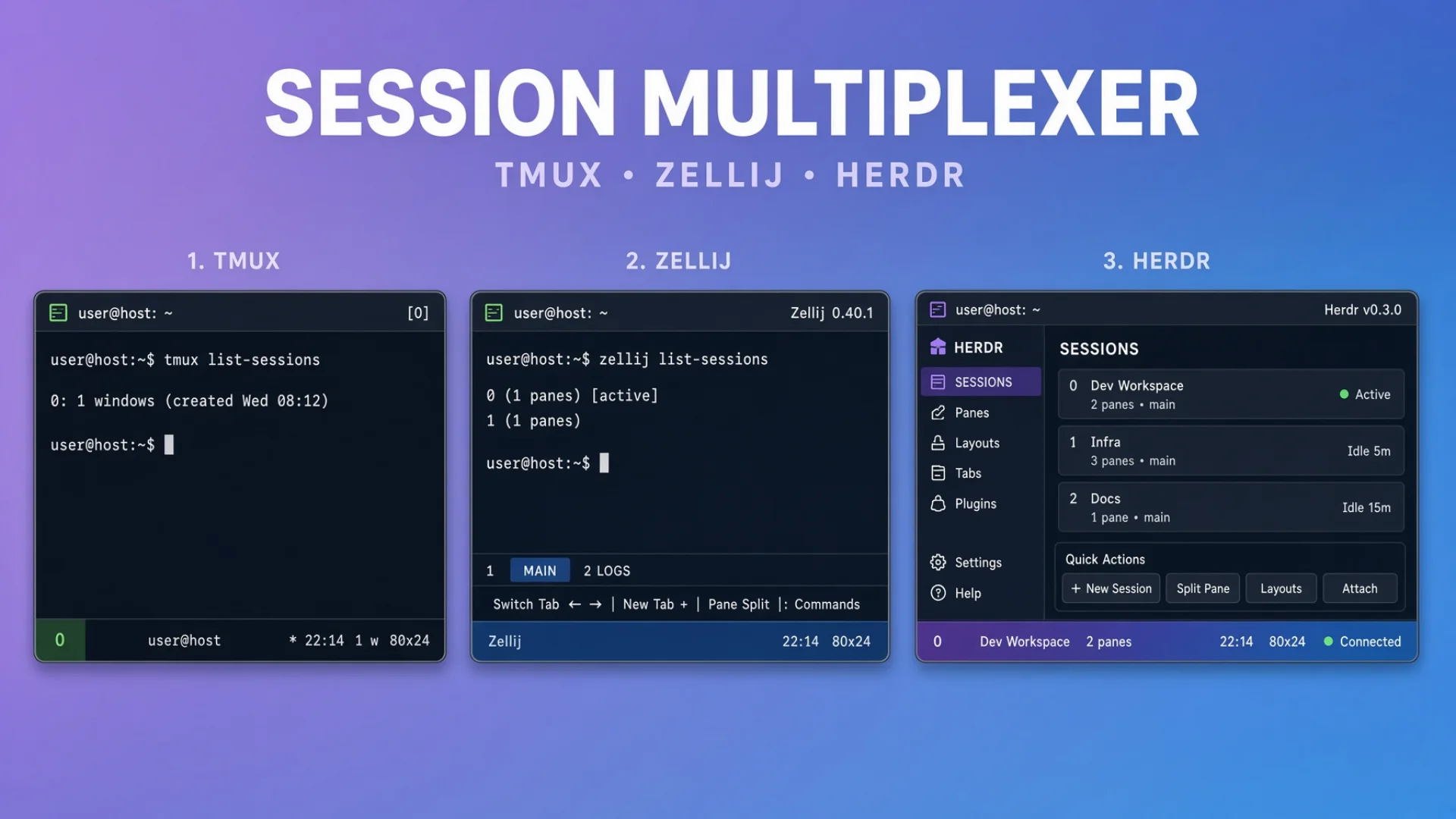
Close the terminal window and every AI conversation inside it dies. A session multiplexer is the layer that stops that from happening — and once your agents run for hours instead of seconds, no AI agent platform works without one. What it is, what switching cost me, and how to start tonight.
When I figure out how to get something real done with AI, you get the write-up — every step, including the parts that didn't work.