I Let Claude Code Control My Logged-In Chrome (Setup Guide)
A beginner's guide to letting your AI agent work in your own logged-in Chrome with free Chrome Use: four setup steps, all 8 prompts, and the honest account risks.
A beginner's guide to letting your AI agent work in your own logged-in Chrome with free Chrome Use: four setup steps, all 8 prompts, and the honest account risks.

A 30-minute video is too long for one conversation. This guide walks the 8-step Skill that locks the narration and one look, then gives each 3-minute segment to a fresh sub-agent, five at a time, and polishes the cut in an empty-context session.
The folder structure behind my AI agent team, the Herdr setup where Grok Build, Claude Code and Kimi Code work side by side, and the two live tasks from the video: an article published by voice and a three-model front-end test.
Generating images and visuals with AI


Sameness is not a design problem, it is a memory problem: nothing carries a decision from one article to the next. One style drawn per article, held across every image inside it.

You need one good image, not a pipeline. Pick a tool, drop one reference, paste one prompt — done in 60 seconds. Five copy-ready templates, plus a checklist for telling when a job is genuinely big enough to deserve real workflow automation instead.
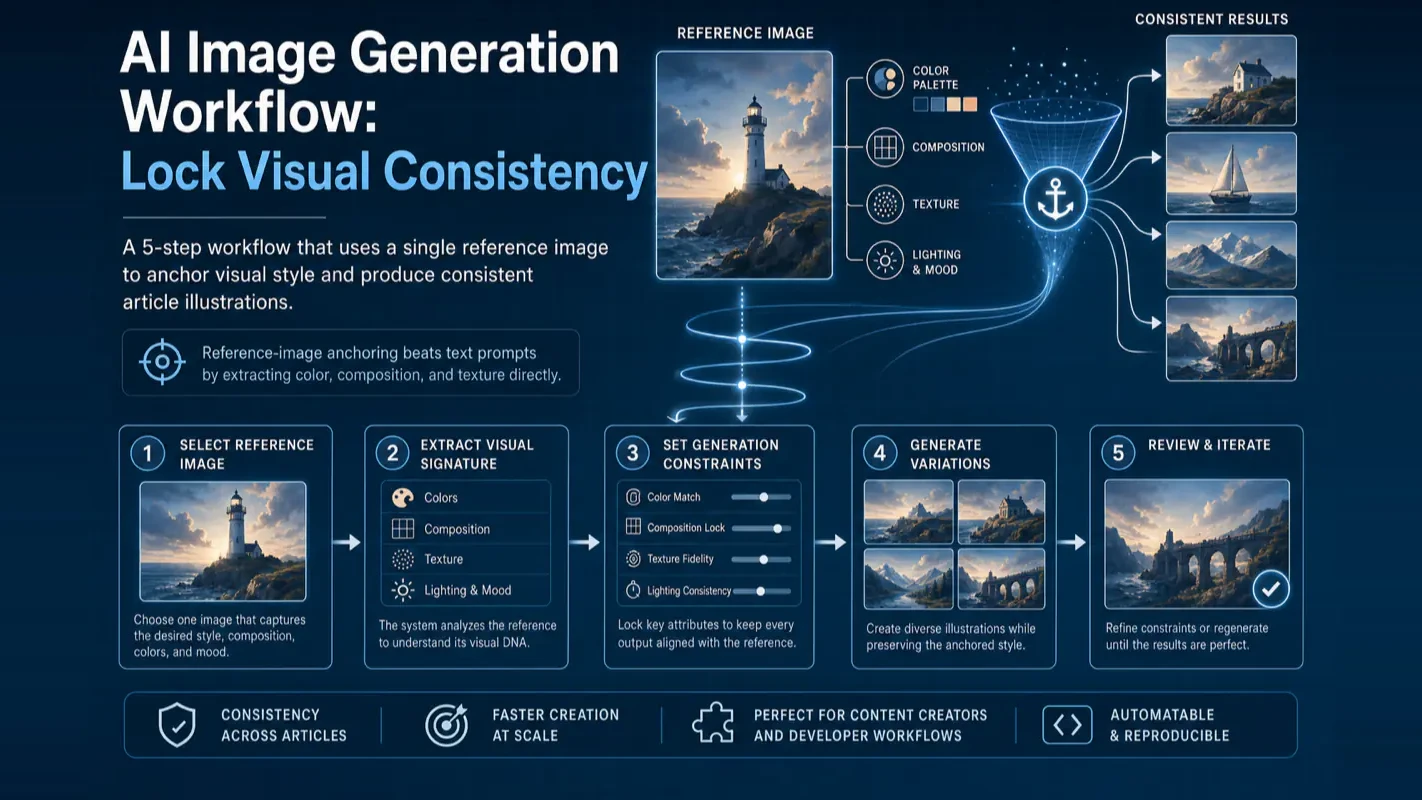
Prompts drift; reference images do not. A 5-step workflow automation setup that locks palette, composition, and texture across every illustration by anchoring to a single reference image — plus custom styles, platform aspect ratios, and storage backends.

Seasonal demand makes owned hardware the expensive option and the slow one at the same time. Seventeen ComfyUI platforms across four tiers, where choosing among ai automation tools comes down to billing shape rather than the spec sheet.

Visuals lose the deadline fight because they have no fixed cost. Give them one — five minutes, three minutes — and they stop being the thing that gets dropped.
When I figure out how to get something real done with AI, you get the write-up — every step, including the parts that didn't work.