Monitoring a competitor who publishes no feed is the case every RSS guide skips. Twenty-one platforms sorted by which of three jobs they do, and the finished setup is business process automation you own outright, with no seat licence to renew.
Blaming the content is the reflex when a post underperforms, and it is usually the wrong diagnosis. A second reader decides distribution before any human sees the post, and most of what it checks is mechanical enough to automate business processes around, on five platforms at once.
Gloves on, tape measure in hand — nobody types a query. Three voice surfaces for ai automation tools (terminal, Telegram, Discord), 10 TTS and 6 STT providers compared on cost and latency, plus a setup that costs nothing.
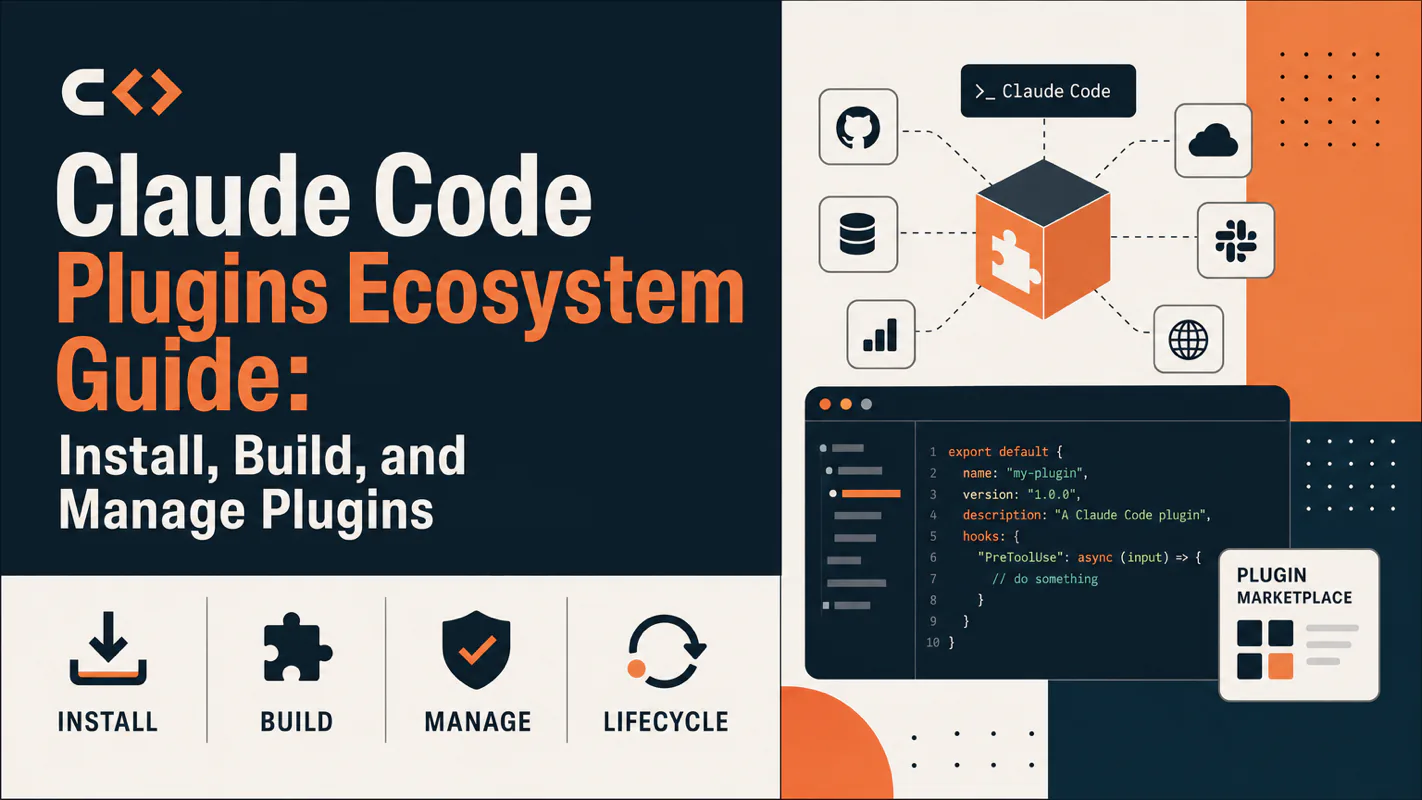
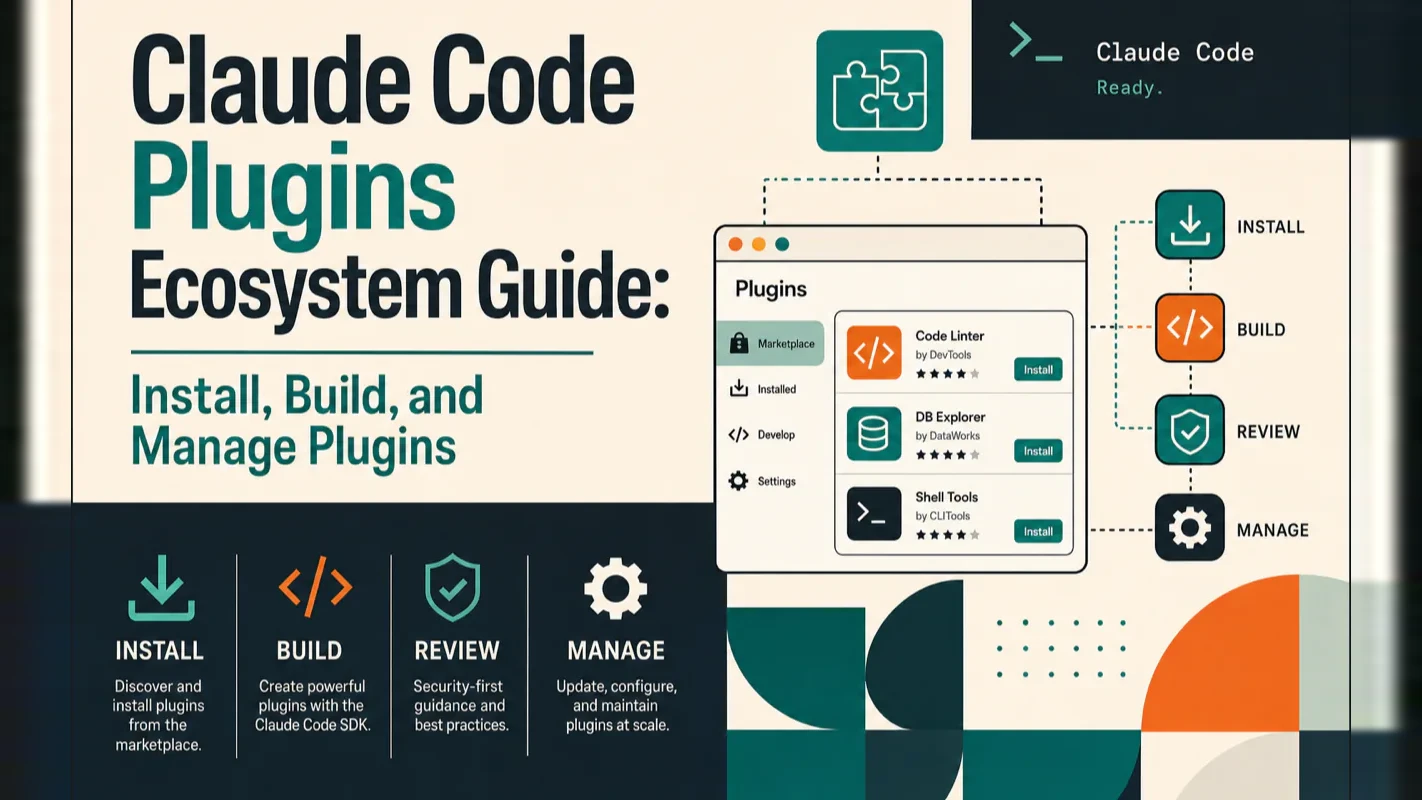
Claude Code Plugins Ecosystem Guide: Install, Build, and Manage Plugins
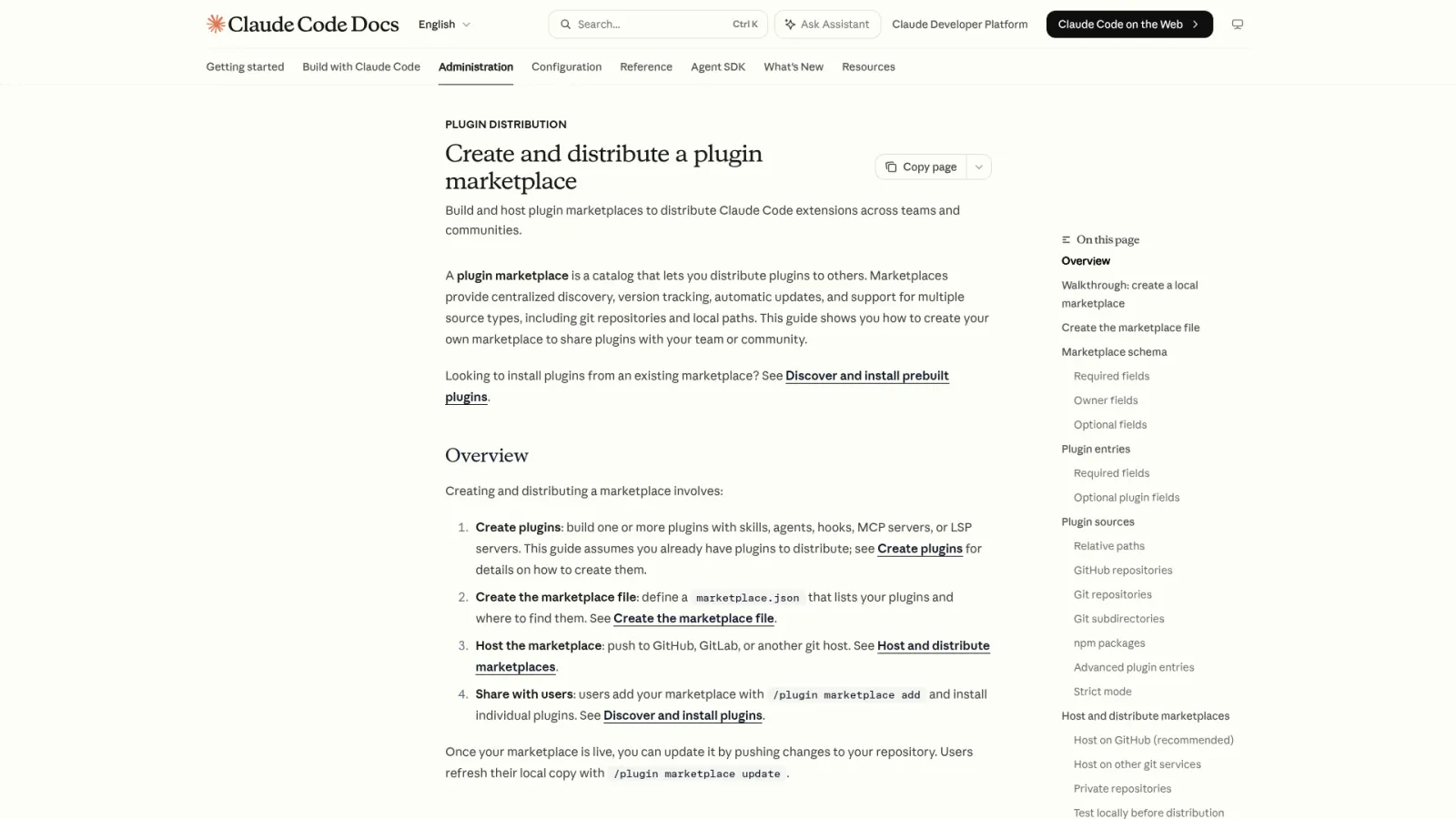
Plugins bundle skills, commands, subagents, hooks and outside connections into one installable unit - 30 seconds to install, which is exactly why the security check matters. Browse the official directory, verify a plugin loaded, judge its reach, and package your own workflow automation software.
Installing takes under thirty seconds, which is exactly the problem. A clinic adds a scheduling extension because somebody in a forum recommended it, and nobody asks who maintains it, what it can reach, or what happens when it stops being updated - the same diligence anyone would insist on for a vendor holding keys to the building. Packaged extensions for workflow automation software bundle procedures, commands, helpers and outside connections into a single unit, which is genuinely useful and genuinely worth checking first. This article covers installing, verifying, judging reach, and packaging your own proven workflow the same way.
What Are Claude Code Plugins and Why Should You Care?
Claude Code plugins package reusable capabilities — skills, slash commands, subagents, hooks, MCP servers, and LSP services — into a single installable unit. Instead of configuring each piece by hand, you install one plugin and get a pre-wired toolkit.
Bottom line: plugins turn proven workflows into portable, shareable assets. They save setup time for teams and solo developers alike — but only when the workflow behind them is already battle-tested.
Installing Your First Claude Code Plugin
Open Claude Code and run one command:
/plugin install github@claude-plugins-official
Then activate without restarting:
/reload-plugins
You just installed the official github plugin — a pre-configured MCP server that gives Claude direct access to issues and pull requests. The entire process takes under 30 seconds.
This works without adding a marketplace first because @claude-plugins-official is Anthropic's curated directory, loaded automatically on every Claude Code launch. That makes it the shortest path from zero to a working plugin.
If /plugin doesn't exist as a command, your Claude Code version is outdated. Upgrade with brew upgrade claude-code (Homebrew) or npm install -g @anthropic-ai/claude-code@latest (npm), then restart your terminal.
Think of a plugin as a pre-assembled toolbox. Someone already organized the wrenches, screwdrivers, and measuring tape. You carry the whole box into your workshop and start working. A marketplace is the store shelf where these toolboxes sit. The official store comes pre-loaded.
What Does a Plugin Actually Contain?
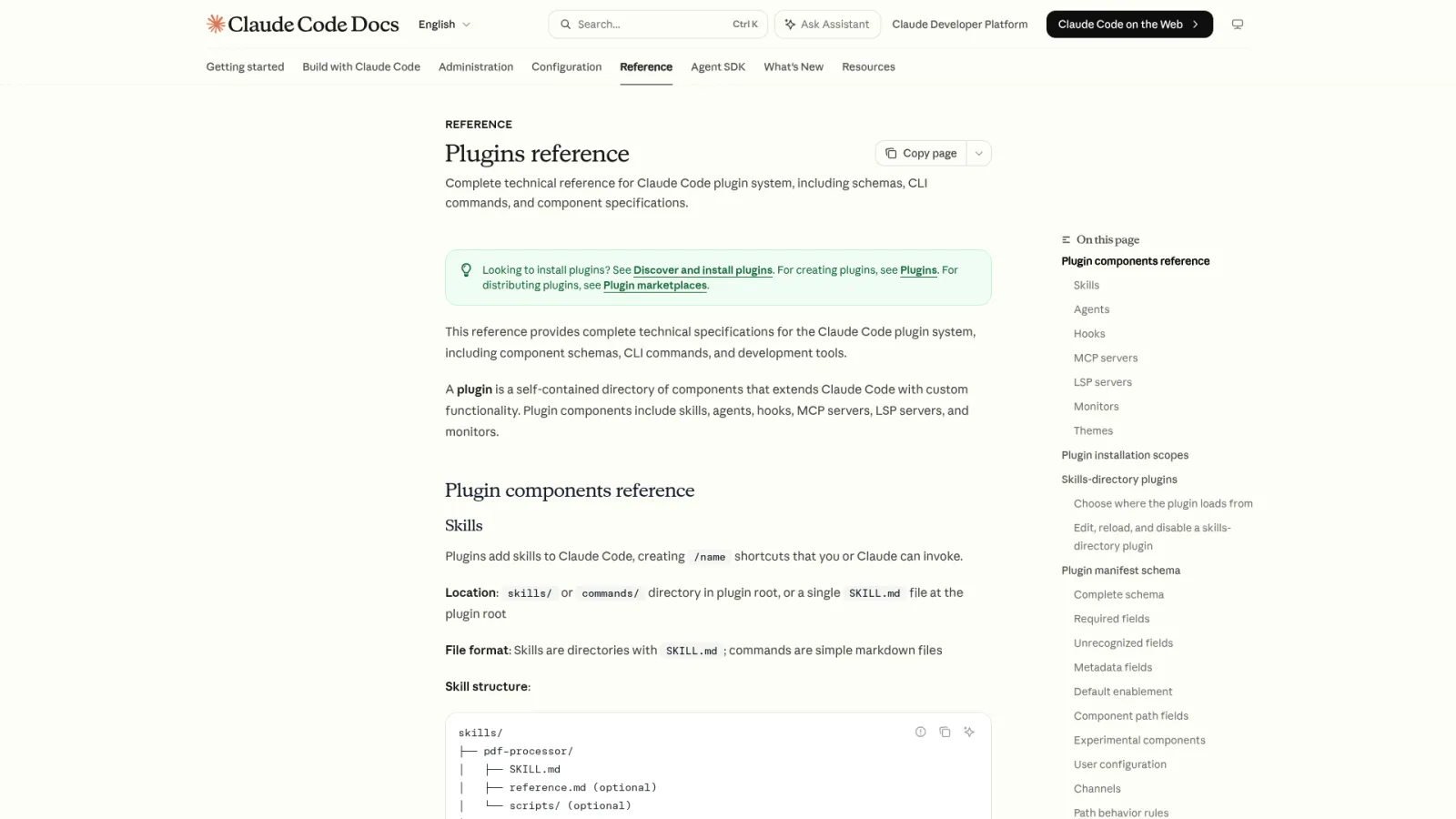
A single plugin can bundle multiple capability types:
Component
What It Does
Location in Plugin
Skill
Capability the model invokes automatically per task
skills/<name>/SKILL.md
Slash Command
User-triggered command entry point
commands/ directory
Subagent
Independent sub-agent with its own context
agents/ directory
Hook
Script that runs automatically on specific events
hooks/hooks.json
MCP Server
Bridge to external tools or services
.mcp.json at root
LSP Service
Language server for type checking and diagnostics
.lsp.json at root
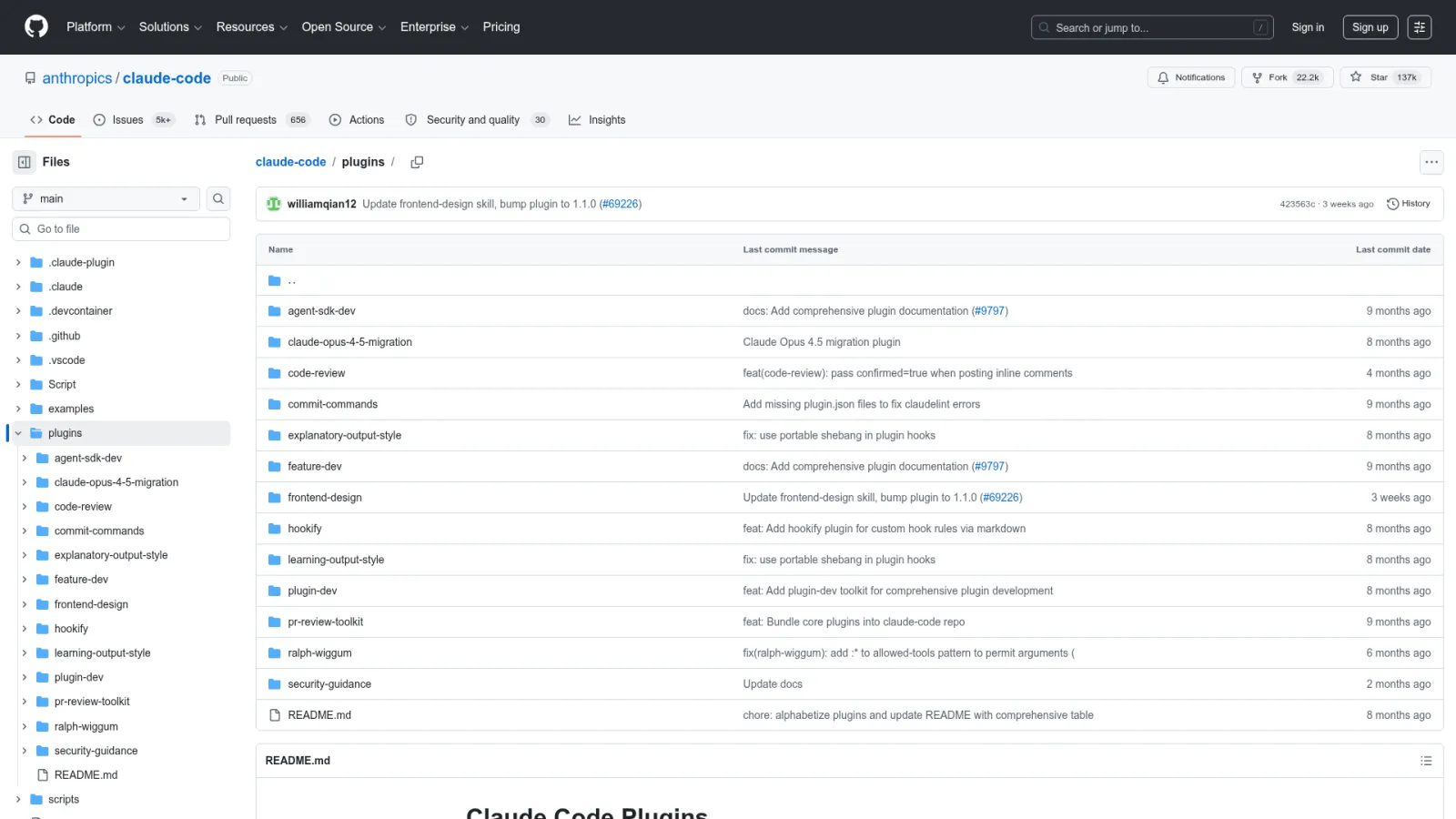
The github plugin provides an MCP server. The commit-commands plugin provides Git workflow slash commands. The pr-review-toolkit bundles specialized PR review subagents. Each plugin delivers a coordinated set of capabilities that work together out of the box.
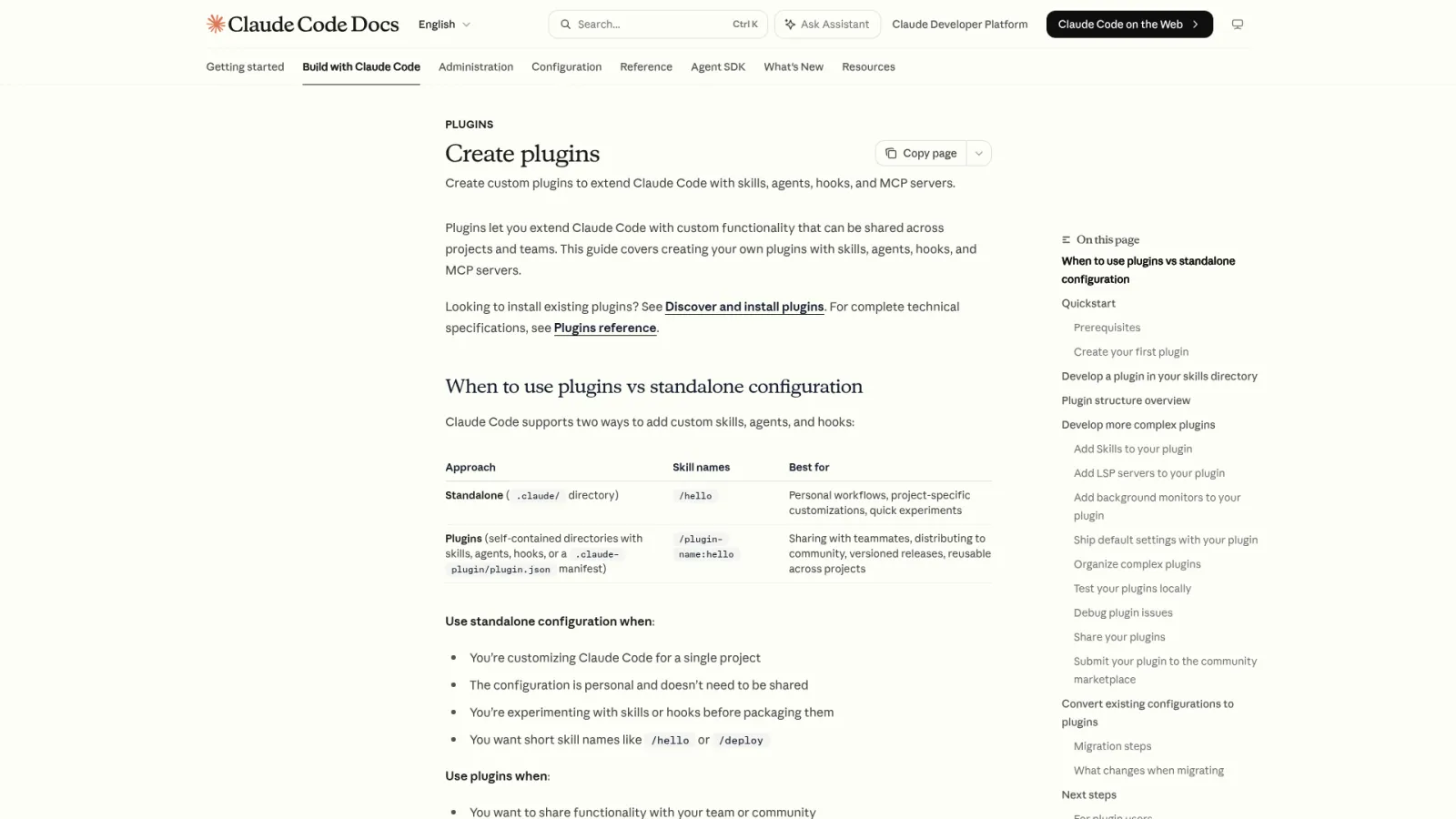
Plugins vs. standard .claude/ config: standard config works for personal, single-project experiments with short names like /hello. Plugins add a manifest, namespace prefixes (/plugin-name:hello), version tracking, and cross-project portability. Use standard config for quick tests; switch to plugins when you need to distribute or share.
From my experience running a multi-project setup, the real value isn't "more features." Plugins let you turn a workflow you've validated over weeks into something a teammate installs in seconds. But package too early — before the workflow stabilizes — and you lock in immature patterns that cost more to change later.
The @ suffix must match the registered name of the marketplace on your machine, not the repository name. These frequently differ, and guessing wrong produces a "plugin not found" error every time.
Here are the three public marketplaces and their actual names:
Notice the pattern: you add the community directory with anthropics/claude-plugins-community, but the install suffix is @claude-community. The demo directory is added with anthropics/claude-code, yet the suffix is @claude-code-plugins. Repository name does not equal registered name.
When in doubt, run /plugin marketplace list to see every registered directory's exact name. Copy-paste from that output into your @ suffix.
A full walkthrough installing commit-commands from the demo directory:
/plugin marketplace add anthropics/claude-code        # add: use repo name
/plugin install commit-commands@claude-code-plugins    # install: use registered name
/reload-plugins                                         # activate
/commit-commands:commit                                 # invoke: use namespace prefix
Type /plugin to open the graphical manager with four tabs:
Discover — browse all plugins from added marketplaces, select one and press Enter to install.
Installed — view, disable, or uninstall your current plugins.
Marketplaces — add, update, or remove marketplace directories.
Errors — view loading errors (common: missing language server executables).
Before installing, check three details in the plugin's detail page:
Will install checklist — every command, subagent, skill, hook, MCP, and LSP service the plugin brings. No surprises.
Context cost estimate — tokens consumed per conversation turn. More plugins means less room for your actual work.
Last updated date — a plugin last touched 18 months ago may not support current APIs.
You can also choose the installation scope:
Scope
Who Gets It
Stored In
User (default)
You, across all projects
Personal config
Project
All collaborators on this repo
Repo's .claude/settings.json
Local
You, only in this repo
Local, not shared
What Plugins Ship in the Official Directory?
The official curated directory (@claude-plugins-official) already covers the most common needs:
Code intelligence (LSP) — gives Claude immediate feedback on type errors, missing imports, and jump-to-definition. Eleven languages are supported, each as a separate plugin. Your machine must have the matching language server installed:
Language
Plugin Name
Required Language Server
TypeScript
typescript-lsp
typescript-language-server
Python
pyright-lsp
pyright-langserver
Rust
rust-analyzer-lsp
rust-analyzer
Go
gopls-lsp
gopls
Others
C/C++, C#, Java, Kotlin, Lua, PHP, Swift
Respective language servers
LSP plugins act like error-detecting glasses for Claude. After editing code, Claude spots type mismatches and missing imports without you running a compiler — and fixes them in the same turn. If the language server binary isn't in your $PATH, the Errors tab will show Executable not found.
External integrations — pre-configured MCP servers for github, gitlab, notion, figma, slack, linear, atlassian, asana, vercel, firebase, supabase, sentry, and more.
Security — security-guidance automatically scans changes for common vulnerabilities and instructs Claude to fix them immediately.
Namespace prefix is mandatory. Every plugin skill must be invoked as /plugin-name:skill-name. For example, the commit skill from commit-commands is /commit-commands:commit. This colon prefix prevents name collisions between plugins.
How Should You Evaluate Plugin Security Before Installing?
Anthropic states this plainly: plugins and marketplaces are highly trusted components that can execute arbitrary code with your user permissions. A plugin's hooks can run any shell command. Its MCP servers can reach external services. Its skills can be auto-invoked by the model.
Before installing any plugin, check three things:
Purpose alignment — does what it does (code review, deployment, integration) match a real need you have right now?
Component inventory — open the Will install checklist in /plugin and verify you recognize every command, hook, and MCP service.
Source trustworthiness — official curated is most reliable; community passes automated validation; third-party and unknown sources require the most scrutiny.
I run a rule in my own workflow: never test a new third-party plugin against a production repository first. Spin up a throwaway directory, install the plugin, watch what it does — does it modify files you didn't expect? Does it call external services? Does it change Claude Code's default behavior? Only after that observation period does it earn a spot in real projects.
Organizations can restrict which marketplaces members are allowed to add using managed settings.
Plugins cannot bypass your confirmation. Actions involving deletion, publishing, commits, authorization, or payments still require your explicit approval. A plugin adds capability, not a free pass.
How Do You Verify a Plugin Actually Loaded?
After running /reload-plugins, spend ten seconds confirming. Three checks:
Read the reload receipt — /reload-plugins outputs a count: plugins reloaded, skills, agents, hooks, MCP servers, and LSP services. If the numbers don't match your expectations, something failed to load.
Verify entry points — check /help for skills under the plugin's namespace; check /agents for subagents; try invoking /plugin-name:skill-name directly.
Check errors — open /plugin and switch to the Errors tab. The most frequent error is Executable not found in $PATH from LSP plugins.
The /reload-plugins command invalidates the conversation cache. The next request re-reads the entire conversation history. Plugins with MCP servers make this especially noticeable. Avoid reloading after every minor change — batch your changes and reload once.
Building Your Own Claude Code Plugin
Five steps from empty directory to working plugin:
Step 1 — Create the directory:
mkdir my-first-plugin
Step 2 — Add the manifest. Create .claude-plugin/plugin.json with your plugin's identity:
{
  "name": "my-first-plugin",
  "description": "A starter plugin for learning the ecosystem",
  "version": "0.1.0",
  "author": "your-name"
}
Step 3 — Add a skill. Create skills/hello/SKILL.md at the plugin root. The complete directory structure:
my-first-plugin/
├── .claude-plugin/
│   └── plugin.json        # only this file goes inside .claude-plugin/
├── skills/                 # everything else at root level
│   └── hello/SKILL.md
├── commands/               # slash commands
├── agents/                 # subagents
├── hooks/hooks.json        # hooks
├── .mcp.json               # MCP server config
└── .lsp.json               # LSP language service config
Critical structure rule: only plugin.json belongs inside .claude-plugin/. All other directories — skills/, commands/, agents/, hooks/ — live at the plugin root. Placing them inside .claude-plugin/ causes silent load failures. This is the most common structural mistake when authoring plugins.
Step 4 — Test locally without publishing:
claude --plugin-dir ./my-first-plugin
Invoke your skill with the namespace prefix (derived from the name field in plugin.json):
/my-first-plugin:hello
Edit any file, then run /reload-plugins to refresh. No restart needed.
Step 5 — Share. Push to GitHub, add a marketplace.json, and anyone can install with /plugin marketplace add <your-repo>.
Migrating from standard config: if you already have skills and hooks in a project's .claude/ directory, migration is a file copy. Move .claude/commands/, .claude/agents/, .claude/skills/ to the plugin root. Copy hooks from .claude/settings.json into hooks/hooks.json (same format). Verify with claude --plugin-dir ./my-first-plugin.
From building several internal plugins for my own workflow: resist the urge to package every new automation. Wait until a process has survived at least a few weeks of real use. Packaging immature workflows creates maintenance debt — you end up maintaining the plugin and the workflow simultaneously.
How Do You Manage Plugins When Your Stack Gets Too Large?
Plugins have diminishing returns at scale. Three costs accumulate:
Context pressure — every plugin's skill and command descriptions consume tokens.
Decision diffusion — too many entry points make the model less precise about which to choose.
Attack surface — more code running with your permissions means more potential exposure.
Core management commands:
/plugin marketplace list               # show all registered directories
/plugin disable plugin-name@dir-name   # disable without uninstalling
/plugin enable plugin-name@dir-name    # re-enable
/plugin uninstall plugin-name@dir-name # fully remove
/plugin marketplace remove dir-name    # remove entire directory + its plugins
Categorize plugins by risk to guide your installation pace:
Category
Behavior
Risk Level
Approach
Read-only
Linting, checklists, code style checks
Low
Safe to try first; errors cause no damage
Execution
Modifies files, runs commands, generates output
Medium
Start with small scope tasks; expand after stability
Integration
Connects external services, credentials, network
High
Verify credential requirements, data flow, and failure modes before use
A monthly review habit keeps the stack healthy: open the Installed tab in /plugin, keep what you actively use, disable anything you can't remember the purpose of, merge overlapping plugins, and remove unknown sources. A plugin earns its place by reducing repeated explanations, preventing recurring errors, or standardizing output. If it does none of those, disable it.
What Should You Learn Next?
Plugins package individual capabilities. To use them effectively, understand the components they contain:
Skills — model-invoked capabilities triggered by task context
Plugins exist to replicate mature workflows, not to replace foundational skills. Run the process manually first, validate it works, then package it. Review before you trust, and prune before you accumulate.
Ready-to-Use Prompt: Manage a Claude Code Plugin From Need to Installed
What this does: Decides whether to install or build a plugin for a capability need, runs a security gate before any install, gives the install-and-verify steps, and prunes an overlapping stack — so only battle-tested workflows become plugins. Based on: Claude Code Plugins Ecosystem Guide: Install, Build, and Manage Plugins — https://aiworkflowpro.com/claude-code-plugins-guide/ Time to run: ~4 minutes
Copy this prompt into Claude Code, ChatGPT, or any AI assistant:
ROLE: You are a Claude Code Plugin Lifecycle Architect. Your job: take a capability need through the install-vs-build decision, security gate, install-and-verify, and stack-prune — never packaging an unproven workflow.

CONTEXT — PLUGIN LIFECYCLE METHOD:
Claude Code plugins package reusable capabilities — skills, slash commands, subagents, hooks, MCP servers, and LSP services — into one installable unit, so you install a pre-wired toolkit instead of configuring each piece by hand. They turn proven workflows into portable assets, but only when the workflow behind them is already battle-tested — never package an unproven workflow. The lifecycle: decide install-vs-build (battle-tested check), pass a security gate before any install (source trust, what code it executes, permission scope, reputation), install then verify the plugin loaded (`/reload-plugins`), and prune the stack when overlapping plugins bloat it. Marketplace syntax is marketplace@plugin-name — the `@` trips most people up because the order feels reversed.

INPUTS (fill in before running):
- CAPABILITY_NEED: [The reusable capability you want — e.g. "SEO audit pipeline", "DB schema tools"]
- CURRENT_STACK: [Plugins already installed — or "none"]
- RISK_TOLERANCE: [strict / standard — do you allow community plugins that run hooks?]
- TEAM_SHARING: [solo / team — do you need to share the plugin?]

METHOD — 4 STEPS:

Step 1 — Install-vs-Build Decision
From CAPABILITY_NEED: if a battle-tested plugin exists in a marketplace, plan to install it (do not reinvent). If none exists AND your workflow is already battle-tested, plan to build. If the workflow is not yet battle-tested, stop — run it as loose skills/hooks first, do not package it.

Step 2 — Pass the Security (or Build-Quality) Gate
Before installing, evaluate source trust (official / known author / unknown), what code the plugin executes (hooks and scripts are highest risk), permission scope, and reputation. Score 0–2 each; do not install if any dimension is 0 against RISK_TOLERANCE. If building instead, define the capabilities to bundle and keep the surface minimal.

Step 3 — Install and Verify Loaded
Write the install command using marketplace@plugin-name syntax, then `/reload-plugins` to activate without restart. List the specific commands, agents, or hooks to check to confirm the plugin actually loaded.

Step 4 — Stack-Health Check
Against CURRENT_STACK, flag overlapping plugins (same capability from two plugins) and unused plugins to prune. Group remaining plugins by job class.

RULES:
- Never package an unproven workflow as a plugin — only battle-tested workflows become plugins.
- Never install a plugin that scored 0 on the security gate against RISK_TOLERANCE, however useful.
- Never assume a plugin is active after install — verify it loaded via `/reload-plugins` and a capability check.

OUTPUT FORMAT:
Output a markdown report with:
1. Install-vs-Build Verdict — which path + one-line why
2. Security / Build-Quality Gate — markdown table, columns: Dimension | Score (0–2) | Note
3. Install + Verify — the install command, reload command, and the capability checks
4. Stack-Health — markdown table, columns: Plugin | Status (keep/prune) | Reason
Save as @templates/claude-code-plugins-guide.md and run when adding a reusable capability to Claude Code, or when the plugin stack gets messy.
Gloves on, tape measure in hand — nobody types a query. Three voice surfaces for ai automation tools (terminal, Telegram, Discord), 10 TTS and 6 STT providers compared on cost and latency, plus a setup that costs nothing.
A Skill is an operating manual, not a plugin. The five-layer architecture behind workflow automation that survives context compression, session crashes, and handoffs: SKILL.md as the single entry point, deterministic scripts, run state for crash recovery, and a resource layer.
Two of the three fixes can be undone the same afternoon. The third cannot, and it is the one people reach for first. LoRA cut costs tenfold, which made the expensive option tempting rather than correct. In business process automation, the order you try things in is the whole decision.
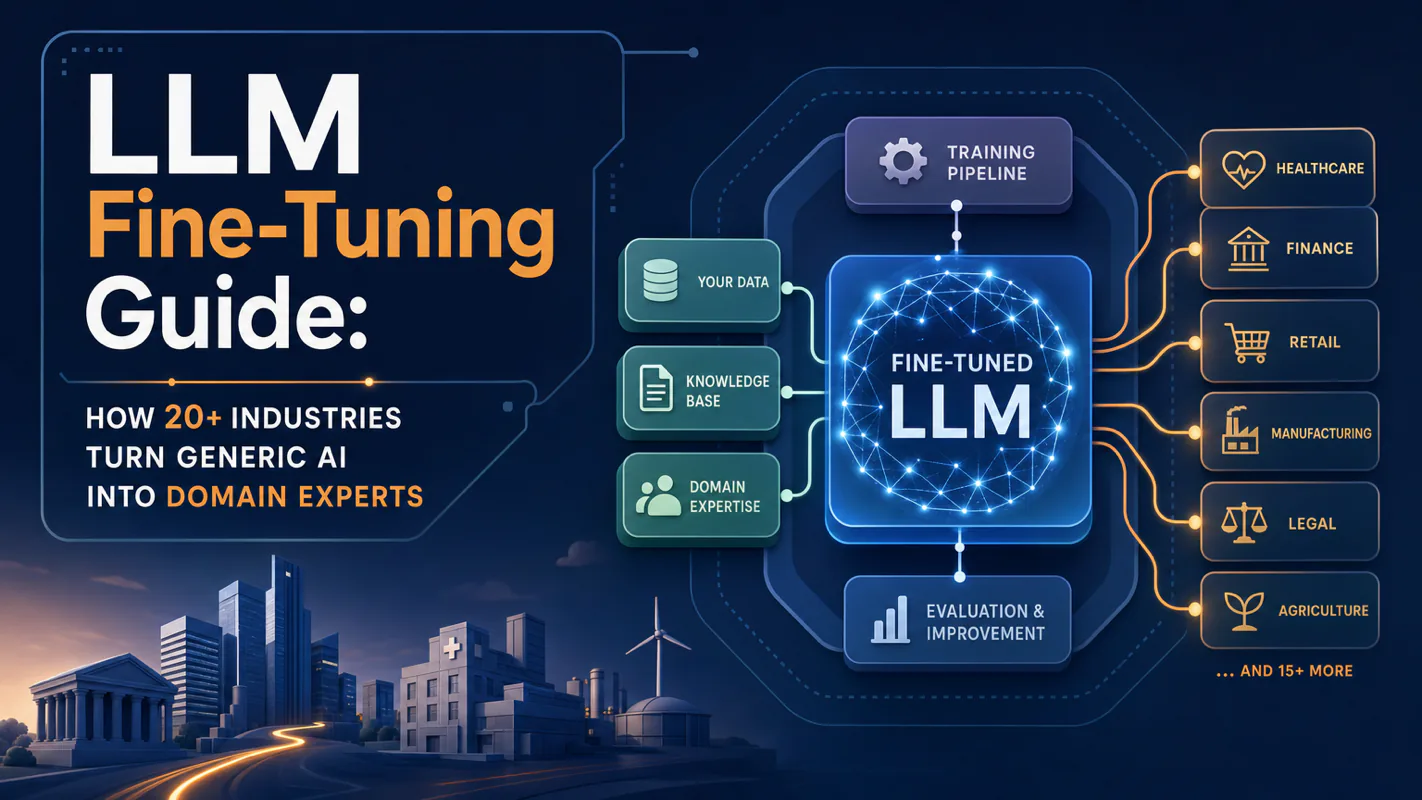
Fine tuning turns a generalist into a specialist - skip the baseline and you can never prove it worked. Five steps on Google Cloud: baseline, data prep, instruction design, hyperparameters, evaluation. Plus the finding that surprises business process automation buyers: 100 good samples beat 1,000.