I Let Claude Code Control My Logged-In Chrome (Setup Guide)
A beginner's guide to letting your AI agent work in your own logged-in Chrome with free Chrome Use: four setup steps, all 8 prompts, and the honest account risks.
A beginner's guide to letting your AI agent work in your own logged-in Chrome with free Chrome Use: four setup steps, all 8 prompts, and the honest account risks.

A 30-minute video is too long for one conversation. This guide walks the 8-step Skill that locks the narration and one look, then gives each 3-minute segment to a fresh sub-agent, five at a time, and polishes the cut in an empty-context session.
The folder structure behind my AI agent team, the Herdr setup where Grok Build, Claude Code and Kimi Code work side by side, and the two live tasks from the video: an article published by voice and a three-model front-end test.
Model Context Protocol servers and setups

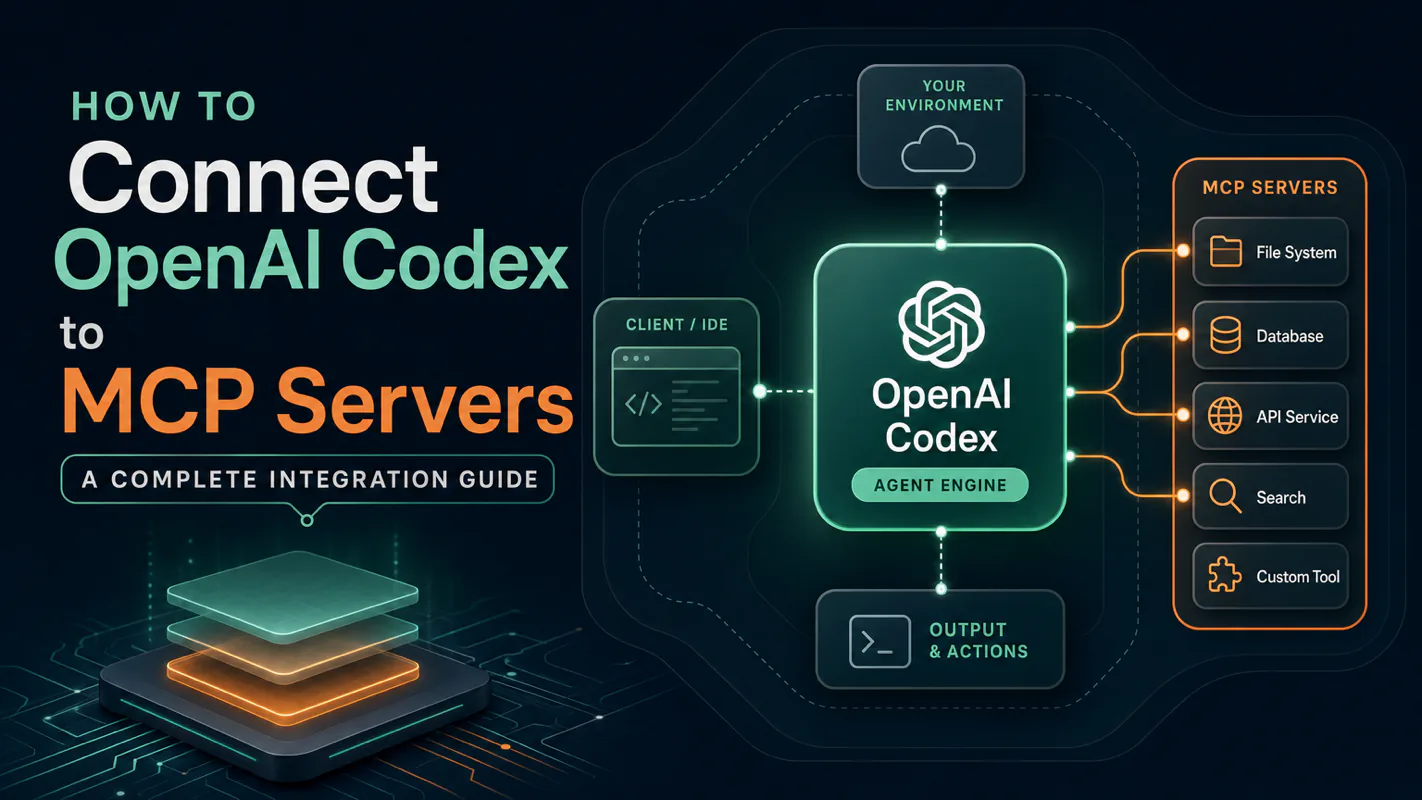
I cannot access that is a permissions statement, not a capability limit. This guide connects Codex to live tools: first server in under 10 minutes, which servers a beginner actually needs, config.toml field by field, and the security traps to avoid.
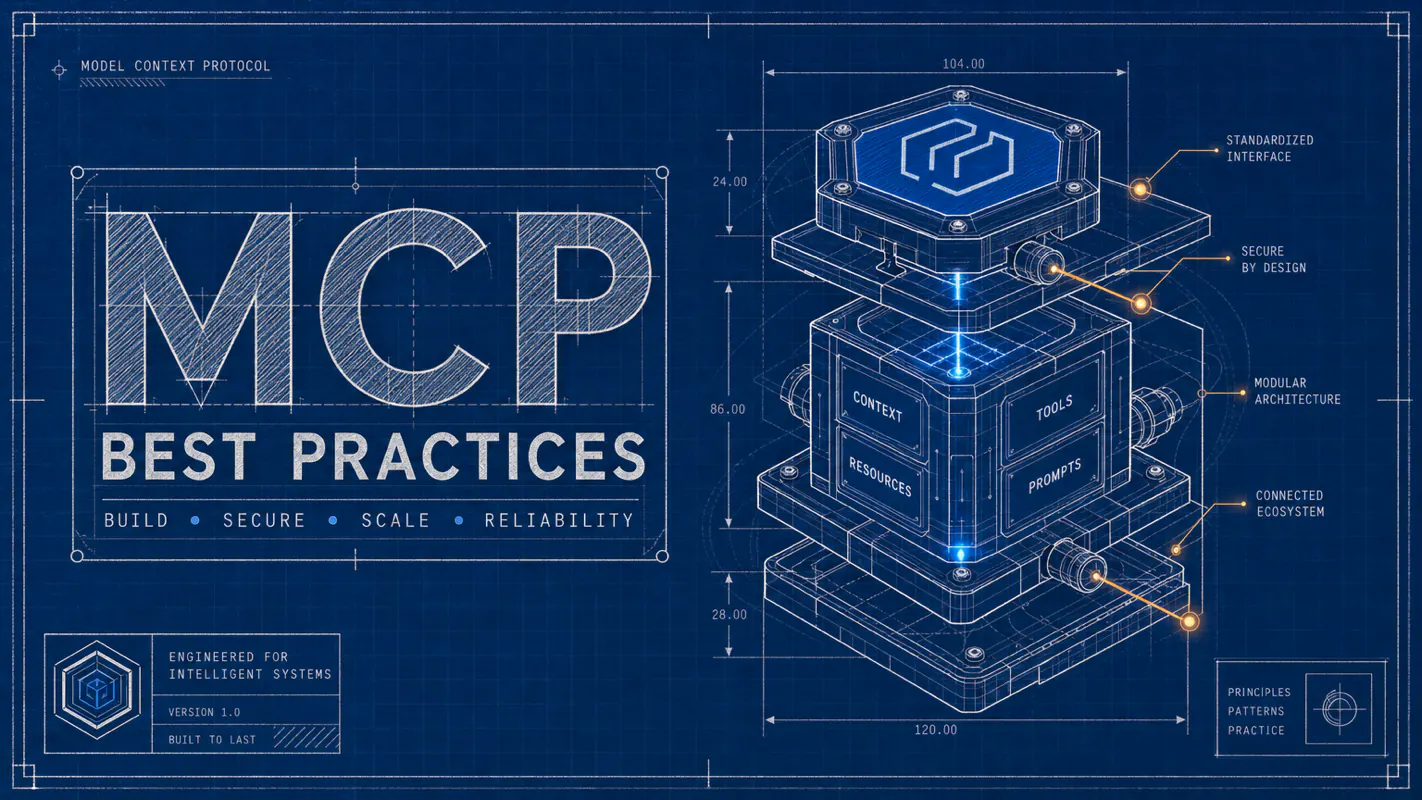
Already running MCP servers? This is the operator's manual: which server to reach for in each workflow, the pitfalls that bite in production, permissions, context bloat, leaked keys, surprise invoices, and the audit prompts that keep it lean and secure.
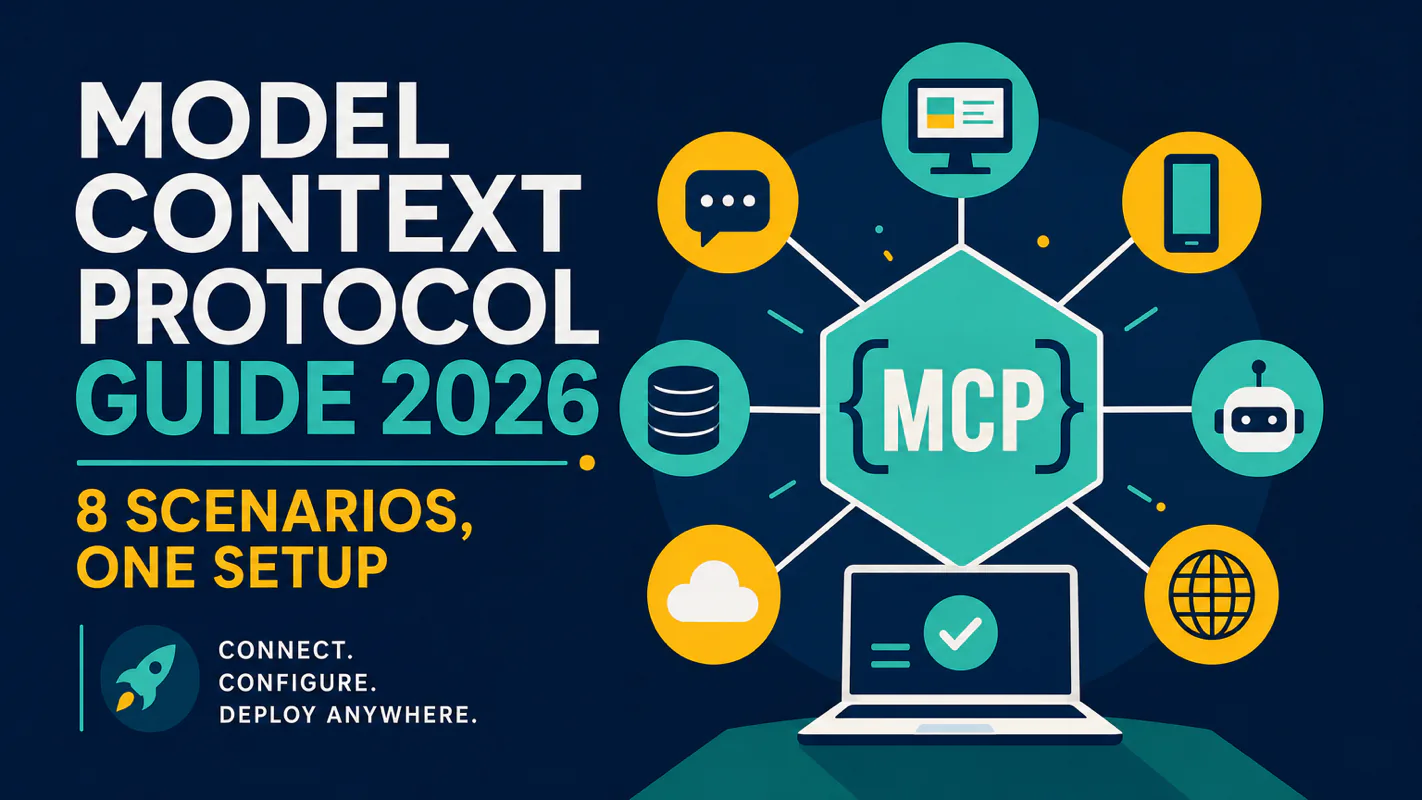
MCP is the wiring that lets an assistant read a live source instead of recalling what such a source usually contains. Eight practical scenarios, each with a copy-paste setup prompt and no coding required, from real-time search to multi-platform automation.
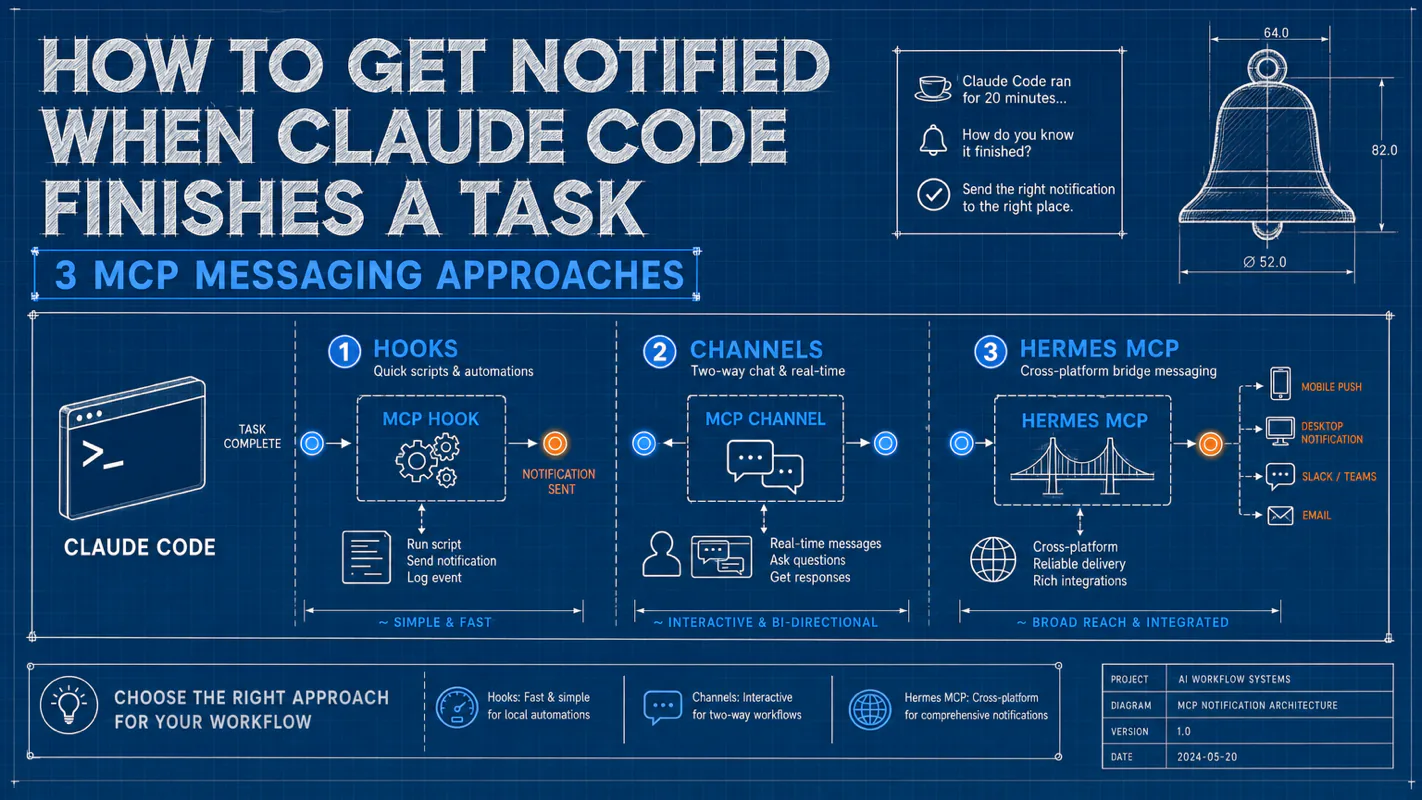
Delegated work without a receipt is not delegated, it is just moved somewhere you keep checking. Three ways to close the loop: Hooks for a quick script, Channels for two-way chat, and a Hermes MCP bridge for cross-device push, with config code for each.
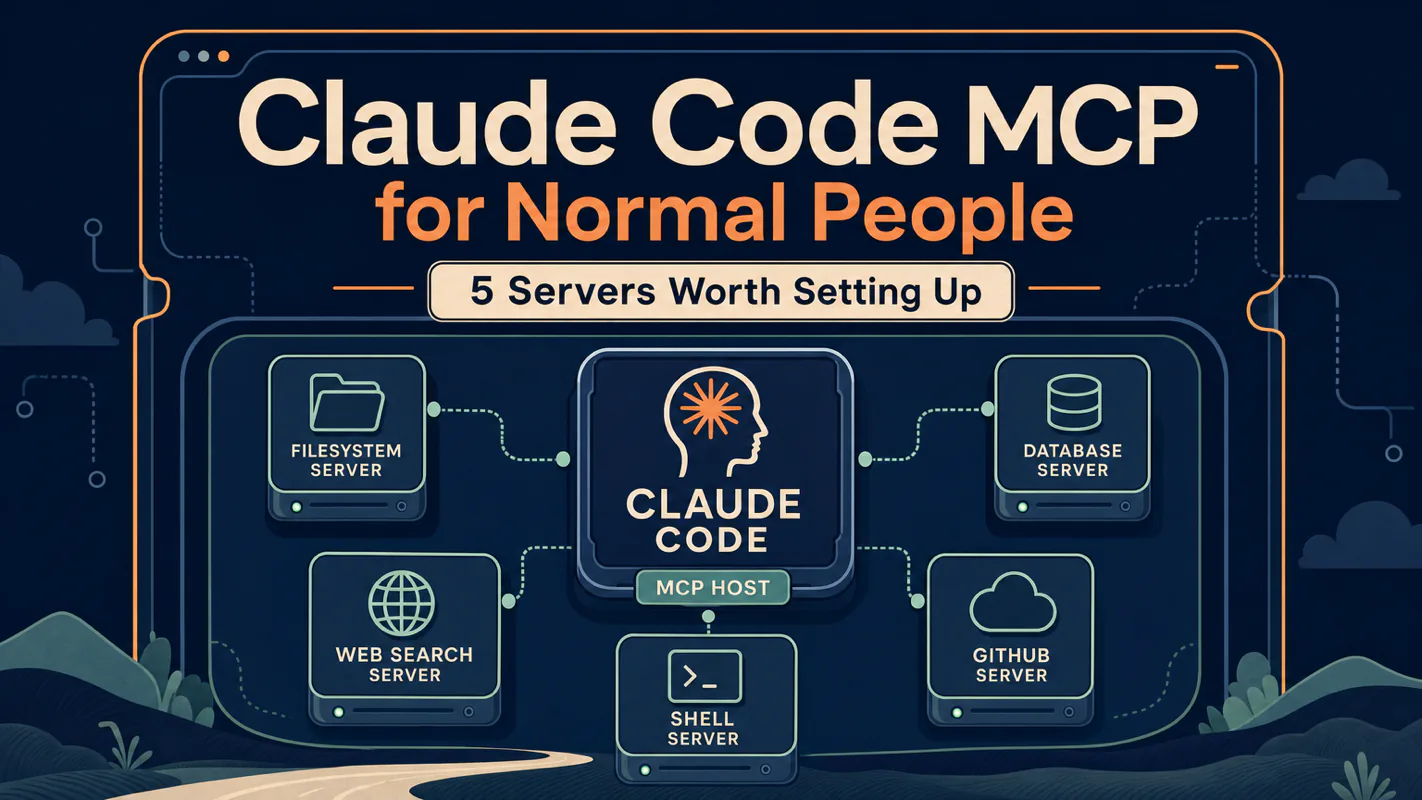
Twelve MCP servers tested over three months: five earned a permanent spot, seven got removed. The short list for non-programmers, with real usage frequency, an honest reason for each cut, and a copy-paste .mcp.json.
When I figure out how to get something real done with AI, you get the write-up — every step, including the parts that didn't work.